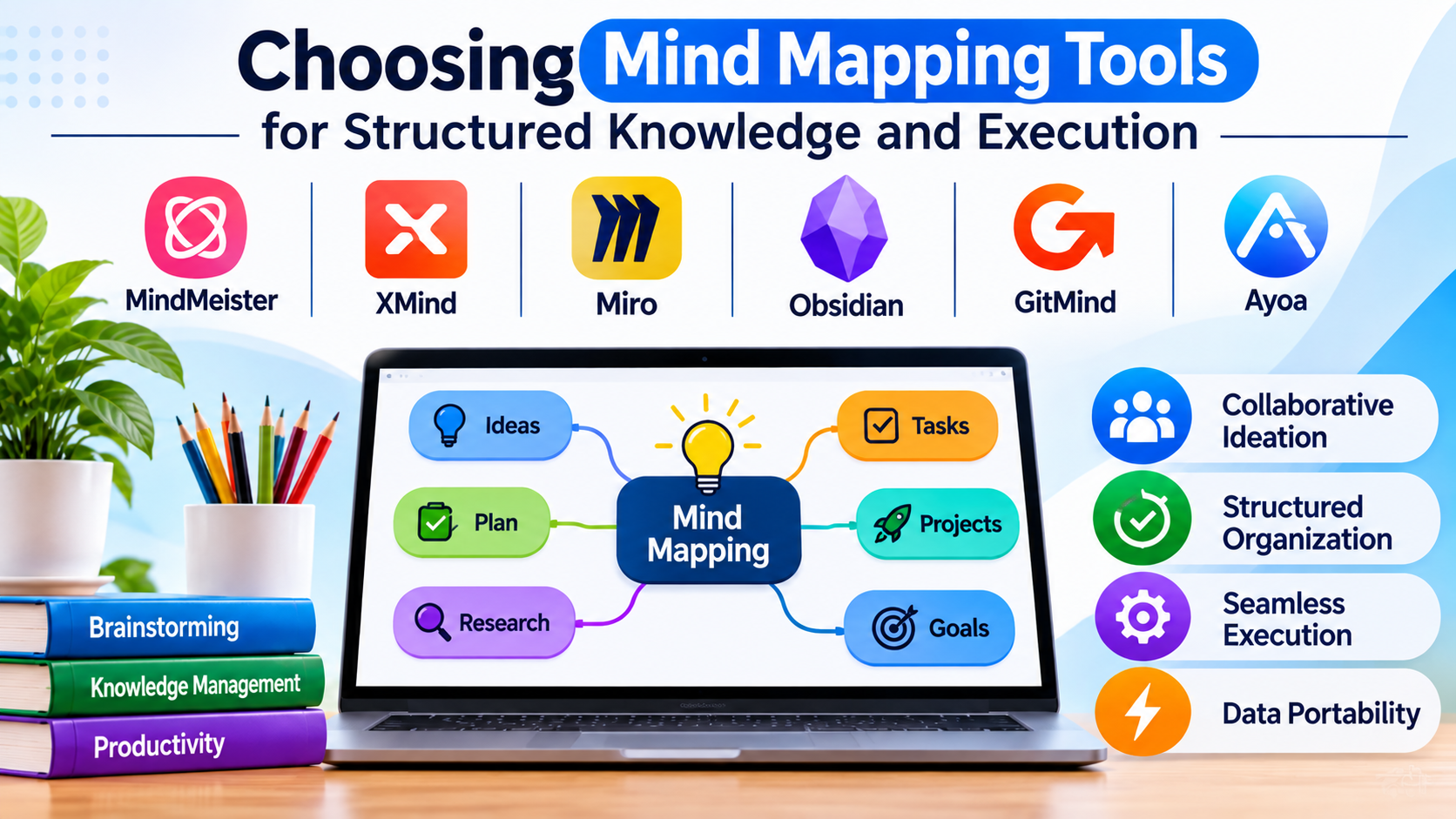
Translating unstructured brainstorms, complex research notes, and overlapping product requirements into coherent visual hierarchies requires more than a central node and branching lines. While basic visual sketching helps capture raw thoughts during early ideation, modern knowledge workers, researchers, and software architects face a different operational hurdle: converting exploratory mind maps into actionable task lists, structured documentation, and maintainable project plans.
Selecting the right mind mapping software requires examining how a tool bridges the gap between chaotic conceptual thinking and rigorous execution workflows.
The Evolution of Visual Knowledge Management
The mind mapping software market has evolved into distinct operational categories, each serving specialized cognitive styles and project requirements:
- Linear-to-Visual Outliners: Built for text-heavy researchers, writers, and technical documentarians who prefer organizing thoughts in collapsible hierarchical outlines that instantly render into visual diagrams.
- Infinite Spatial Canvases: Tailored for creative brainstorming, design thinkers, and agile teams who require freeform spatial arrangement, rich media embedding, and multi-user collaboration.
- Task-Integrated Management Suites: Designed for project managers and execution-focused teams who need to transform map nodes directly into subtasks, assignees, deadlines, and Gantt timelines.
Recognizing where your primary information processing style intersects with these paradigms prevents purchasing tools that feel too restrictive for brainstorming or too unstructured for project delivery.
Leading Mind Mapping Platforms and Technical Differentiators
1. MindMeister
MindMeister stands as a mature, web-native collaborative mind mapping platform optimized for real-time team brainstorming and presentation workflows.
- Primary Use Case: Remote team brainstorming, collaborative agenda planning, and converting maps directly into live slide presentations.
- Key Differentiators: Instantaneous multi-user co-authoring, direct integration with task management ecosystems (via MeisterTask), and seamless export of maps into presentation slides.
- Limitations: Advanced project management and task tracking require switching to or integrating with companion platforms; deeply nested hierarchies can become visually crowded on smaller screens.
- Best Suited For: Marketing teams, remote educators, and business strategists prioritizing collaborative planning and presentation generation.
2. XMind
XMind is a feature-rich, desktop-first mind mapping application known for its robust structural flexibility and advanced formatting capabilities.
- Primary Use Case: Complex research organization, structural outlining, and detailed technical concept mapping.
- Key Differentiators: Supports multiple structural frameworks within a single map (logic charts, matrix tables, timeline views, and fishbone diagrams), powerful Zen mode for distraction-free editing, and robust LaTeX equation support.
- Limitations: Real-time cloud collaboration features are less robust compared to browser-native SaaS competitors; advanced export options require paid tier licenses.
- Best Suited For: Technical researchers, academic writers, and enterprise analysts dealing with complex, multi-layered data sets.
3. Miro (Mind Mapping Workspace)
While operating primarily as an infinite visual collaboration whiteboard, Miro provides specialized mind mapping frameworks tailored for cross-functional product teams.
- Primary Use Case: Agile product discovery, user story mapping, and large-scale enterprise brainstorming workshops.
- Key Differentiators: Infinite canvas fluidity allowing mind maps to sit alongside sticky notes, user journey flows, and wireframes; robust third-party integrations with Jira, GitHub, and Slack.
- Limitations: Specialized mind mapping keyboard shortcuts and branch formatting are less automated compared to dedicated mind mapping tools.
- Best Suited For: Cross-functional product development teams and agile squads managing holistic project discovery phases.
4. Obsidian (with Canvas / Mind Map Plugins)
Obsidian approaches knowledge management through local-first Markdown vaults, allowing users to connect notes and visualize knowledge graphs organically.
- Primary Use Case: Personal knowledge management (PKM), long-term research archiving, and interconnected technical documentation.
- Key Differentiators: 100% local-first data ownership stored in plain-text Markdown files; powerful bi-directional linking; and extensible community plugins that render notes into dynamic mind maps.
- Limitations: Steeper learning curve for non-technical users; lacks native real-time collaborative editing out of the box without third-party sync solutions.
- Best Suited For: Software engineers, academic researchers, and privacy-conscious professionals managing extensive personal knowledge bases.
5. GitMind
GitMind offers an accessible, cloud-based mind mapping and flowcharting solution designed for quick concept visualization and barrier-free sharing.
- Primary Use Case: Rapid concept sketching, student study guides, and lightweight project outlining.
- Key Differentiators: Generous free tier, automated layout algorithms that clean up complex branch structures instantly, and straightforward link-based sharing.
- Limitations: Advanced enterprise security governance and deep project management tracking features are minimal compared to heavyweight suites.
- Best Suited For: Students, freelancers, and small teams needing quick, browser-based visual organization without steep subscription costs.
6. Ayoa
Ayoa combines organic mind mapping, task management, and whiteboarding into a single visual productivity environment designed for neurodiverse and creative workflows.
- Primary Use Case: Creative project management, visual task tracking, and flexible brainstorming.
- Key Differentiators: Organic branch drawing that mimics handwriting; integration of speed-mapping, radial maps, and whiteboard workflows; and built-in linear task boards.
- Limitations: Unique visual interface style requires an adjustment period for users accustomed to rigid corporate software.
- Best Suited For: Creative directors, educators, and individuals seeking fluid, organic visual thinking tools connected to task management.
Feature Comparison Matrix
| Product | Primary Focus | Deployment Model | Structural Flexibility | Significant Advantage | Important Limitation |
| MindMeister | Collaborative Brainstorming | Cloud (SaaS) | Standard Radial & Outlines | Seamless presentation mode and real-time co-authoring | Requires companion apps for deep task tracking |
| XMind | Complex Research & Outlining | Desktop & Cloud Hybrid | High (Matrix, Timeline, Fishbone, Logic) | Multi-structure support and LaTeX equation rendering | Real-time collaboration is less fluid than web-native tools |
| Miro | Agile Product Discovery | Cloud (SaaS) | Infinite Canvas Integration | Combines mind mapping with whiteboards and wireframes | Less automated structural formatting for pure maps |
| Obsidian | Personal Knowledge Management | Local-First (Markdown) | Graph-Based & Bi-directional | Absolute data ownership and plain-text portability | Steeper technical learning curve |
| GitMind | Rapid Concept Sketching | Cloud (SaaS) | Standard Radial & Tree | Highly accessible free tier and instant auto-layout | Minimal enterprise governance features |
| Ayoa | Creative Task & Mind Mapping | Cloud & Desktop | Organic & Visual Task Boards | Organic hand-drawn feel with integrated task execution | Unconventional interface requires adaptation time |
Evaluating Technical and Operational Trade-Offs
When establishing a visual knowledge workflow across an organization or personal practice, evaluate these core operational factors before committing to a platform:
- Data Sovereignty and Portability: Proprietary binary formats lock your research into a single vendor’s ecosystem. Prioritize tools that export cleanly to open formats like Markdown, OPML, PDF, or SVG to ensure your knowledge base remains accessible over decades.
- Cognitive Friction vs. Structural Rigor: Highly automated tools clean up layouts instantly but can stifle freeform exploration. Conversely, infinite canvases offer total creative freedom but risk turning into unstructured mazes if users lack discipline in organizing node hierarchies.
- The Transition from Ideation to Execution: A mind map loses value if it remains a static drawing. Evaluate whether your chosen tool can export nodes directly into active project management backlogs or if it requires manual re-entry into tools like Jira or Asana.
Making Your Decision
The optimal mind mapping tool depends directly on the lifecycle stage of your information. If your primary goal is real-time collaborative brainstorming and turning workshop outputs into slide presentations, a web-native collaborative suite is ideal. For researchers and technical analysts organizing complex, multi-source data across diverse structural frameworks, a robust desktop application with advanced export options delivers maximum value. Privacy-conscious individuals and developers building permanent knowledge repositories will find unmatched utility in local-first, plain-text vault systems. Match your tool selection to your data portability and execution requirements before standardizing your workflow.
