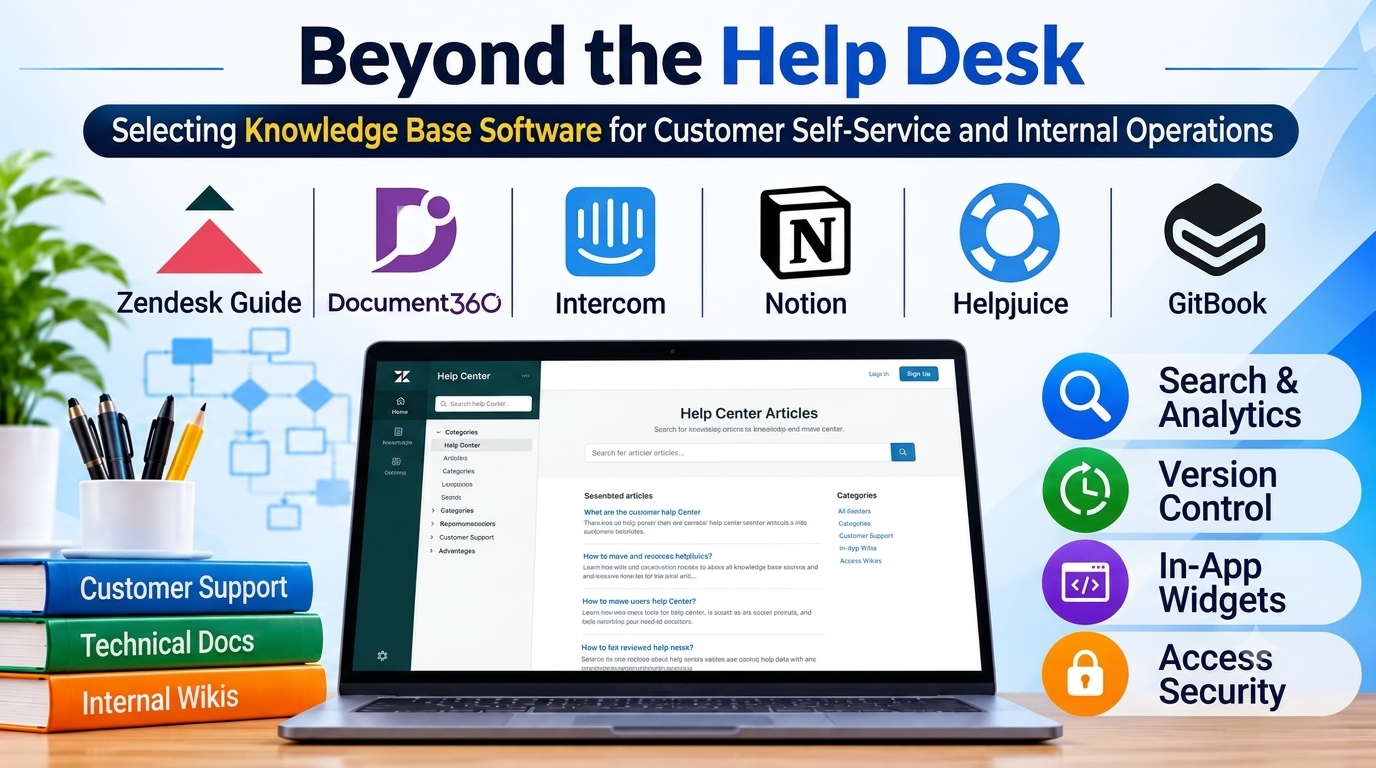
Organizations frequently reach an operational threshold where support teams become completely overwhelmed by repetitive customer inquiries and scattered internal documentation. When standard operating procedures, technical documentation, and product FAQs are buried across siloed email threads, shared drives, and unstructured chat channels, both customer satisfaction and employee productivity plummet. Support agents waste valuable hours answering identical questions, while customers struggle to find immediate answers on their own.
Implementing dedicated knowledge base software transforms this fragmented information into a structured, searchable, and authoritative repository. However, choosing the right platform requires evaluating whether your primary objective is public-facing customer self-service, internal engineering documentation, or a hybrid multi-brand knowledge hub.
The Divergence in Modern Knowledge Management Paradigms
The knowledge base software market spans distinct architectural approaches, each tailored to specific organizational workflows and audience types:
- Customer-Facing Self-Service Portals: Designed for external end-users, these platforms prioritize clean typography, public SEO optimization, intuitive navigation, and integration with customer support help desks.
- Internal Team Wikis and Intranets: Tailored for internal employees, these repositories emphasize secure role-based access control, rapid document authoring, private collaboration, and technical documentation versioning.
- Embedded Widget Knowledge Bases: Designed for software applications and SaaS platforms, these tools deliver contextual, in-app help articles directly to users without forcing them to leave the application interface.
Understanding where your primary audience intersects with these paradigms prevents adopting a public help center that lacks internal security controls or an internal wiki that fails to engage customers.
Leading Knowledge Base Platforms Compared
1. Zendesk Guide
Zendesk Guide serves as an enterprise-grade customer support knowledge base deeply integrated into the broader Zendesk customer service ticketing ecosystem.
- Primary Use Case: External customer self-service portals tied directly to multi-channel customer support ticket routing.
- Key Differentiators: Seamless ticket deflection (turning failed article searches into support tickets); robust multilingual publishing; and deep integration with Zendesk Support.
- Limitations: Pricing scales with agent seats and enterprise feature tiers; less suited as a standalone internal engineering wiki.
- Best Suited For: Customer support teams and enterprises already utilizing Zendesk for ticket management.
2. Document360
Document360 is a specialized knowledge base platform built specifically for creating structured, multi-version technical documentation and public user guides.
- Primary Use Case: Technical product documentation, software developer user guides, and structured internal knowledge hubs.
- Key Differentiators: Advanced category management with multiple versioning support; powerful Markdown and WYSIWYG editors; built-in analytics tracking article search failures.
- Limitations: Less focused on live-chat ticketing workflows compared to customer support suites.
- Best Suited For: Software companies, technical product teams, and engineering organizations requiring strict version-controlled documentation.
3. Intercom Help Center
Intercom integrates knowledge base articles directly into conversational support workflows, bridging the gap between proactive self-service and live chat.
- Primary Use Case: SaaS customer onboarding, in-app help centers, and conversational support deflection.
- Key Differentiators: Contextual article recommendations inside chat widgets; clean, modern reading interface; proactive messaging triggers based on user behavior.
- Limitations: Cost structure can become expensive as active user volume and support seat counts increase.
- Best Suited For: SaaS companies and digital products prioritizing conversational chat support paired with self-service help articles.
4. Notion (for Knowledge Management)
While operating primarily as a flexible workspace and note-taking application, Notion has become a wildly popular choice for internal team wikis and lightweight company knowledge bases.
- Primary Use Case: Internal team collaboration, company handbooks, and agile product requirements documentation.
- Key Differentiators: Infinite block-based flexibility; rich relational database linking; and highly collaborative multi-user editing.
- Limitations: Lacks built-in public SEO optimization, custom customer portal themes, and native ticket deflection analytics.
- Best Suited For: Startups, tech companies, and internal teams building dynamic, interconnected company wikis.
5. Helpjuice
Helpjuice focuses heavily on intuitive search functionality and analytics, designed to help organizations continuously improve their content based on what users are looking for.
- Primary Use Case: Enterprise customer support knowledge bases and internal employee reference hubs requiring powerful search engines.
- Key Differentiators: Lightning-fast Google-like search engine; robust content analytics tracking missing search terms; and intuitive authoring collaboration tools.
- Limitations: Premium pricing tiers reflect its enterprise-grade focus on search and analytics.
- Best Suited For: Organizations with high search volumes seeking deep insights into what information their audience is failing to find.
6. GitBook
GitBook is a modern, developer-centric documentation platform built for technical teams documenting APIs, product architectures, and software systems.
- Primary Use Case: Technical documentation-as-code, API reference guides, and collaborative engineering wikis.
- Key Differentiators: Native Git synchronization (GitHub and GitLab integration); elegant modern typography; collaborative editing with review workflows.
- Limitations: Tailored strictly for technical documentation; poorly suited for general consumer-facing customer service FAQs.
- Best Suited For: Software developers, technical writers, and engineering teams managing code-adjacent documentation.
Feature Comparison Matrix
| Product | Primary Focus | Deployment Model | Audience Target | Significant Advantage | Important Limitation |
| Zendesk Guide | Customer Support & Ticketing | Cloud (SaaS) | External Customers | Deep integration with Zendesk support ticketing | Expensive pricing scale and less ideal for internal wikis |
| Document360 | Technical & Versioned Guides | Cloud (SaaS) | Technical Users & Developers | Robust version control and multi-version publishing | Less optimized for live conversational chat support |
| Intercom Help Center | Conversational In-App Support | Cloud (SaaS) | SaaS End-Users | Seamless blending of chat widgets and help articles | Costs scale rapidly with active user volume |
| Notion | Internal Team Wikis & Workspaces | Cloud (SaaS) | Internal Employees | Unmatched workspace flexibility and database linking | Lacks public SEO help center features and ticketing |
| Helpjuice | Search Analytics & Knowledge Hubs | Cloud (SaaS) | External & Internal | Powerful search engine and detailed content analytics | Premium enterprise pricing model |
| GitBook | Developer Documentation-as-Code | Cloud (SaaS) | Technical Engineers | Native Git repo syncing and collaborative reviews | Narrowly focused on technical and software documentation |
Evaluating Technical and Operational Trade-Offs
When establishing a knowledge base, evaluate these critical operational factors before committing your content:
- Internal vs. External Access Security: Public help centers require robust SEO markup and clean navigation. Internal wikis require strict single sign-on (SSO) and role-based access control. Ensure your platform handles both security boundaries if you intend to maintain a hybrid knowledge environment.
- Content Maintenance and Decay: A knowledge base is only as good as its maintenance. Without clear content ownership, regular review cycles, and search analytics showing what users cannot find, articles quickly become outdated and unreliable.
- Search Performance vs. Structure: Users rarely browse deep folder hierarchies; they rely entirely on the search bar. Prioritize platforms with intelligent search engines capable of handling typos, synonyms, and natural language queries.
Making Your Decision
The optimal knowledge base software aligns directly with your primary audience and support strategy. If your main goal is deflecting support tickets and integrating help articles directly into customer service workflows, a support-suite knowledge base delivers maximum efficiency. Technical product teams and software companies documenting complex systems require version-controlled technical documentation platforms. Organizations building internal employee handbooks and collaborative engineering wikis will find immense value in flexible workspace applications. Evaluate your audience, search requirements, and integration landscape before standardizing your knowledge architecture.
