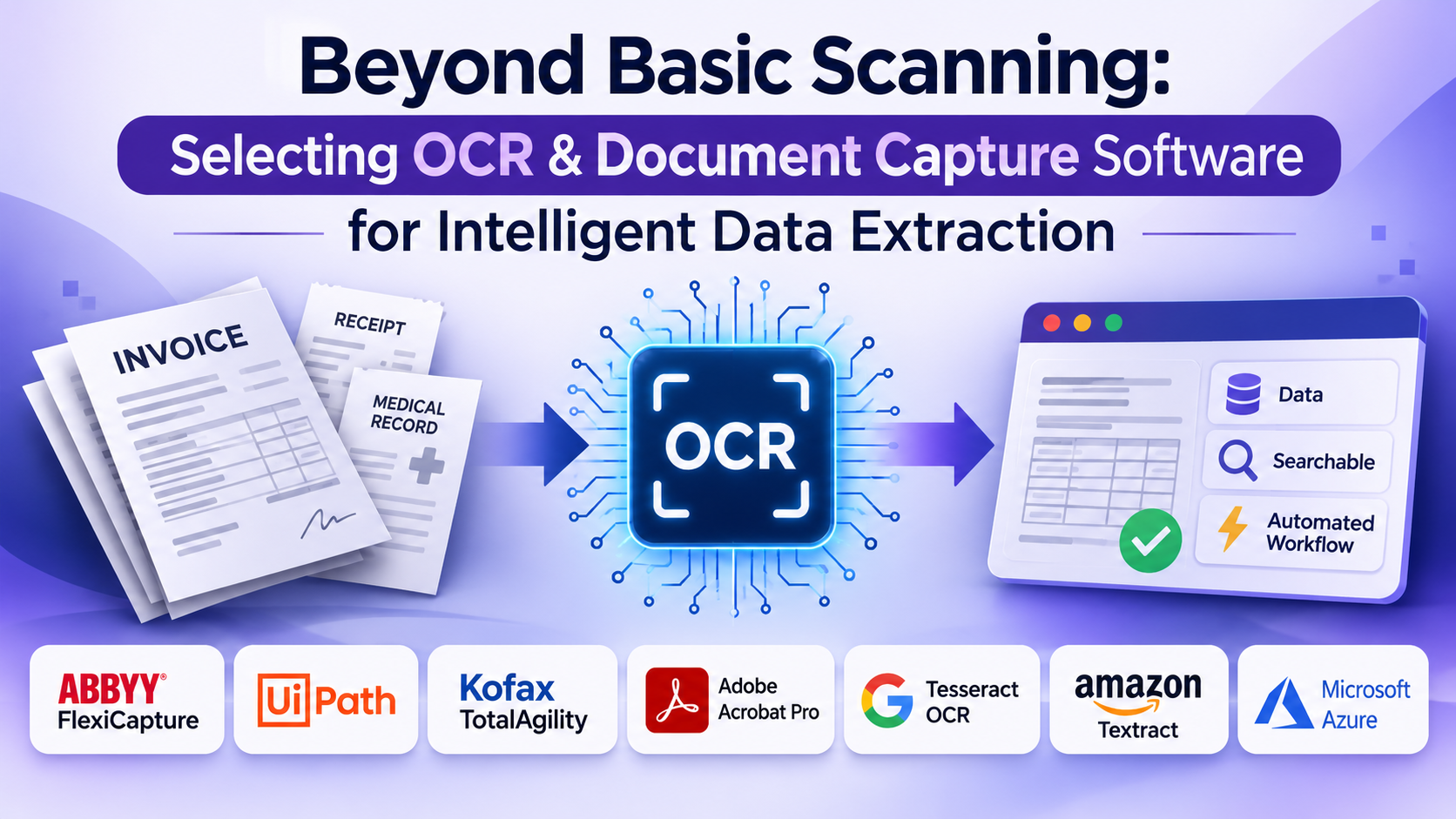
Organizations processing thousands of invoices, paper receipts, medical records, and legal forms frequently encounter a persistent operational bottleneck: unstructured data. Scanned PDFs and physical paper documents trap vital business information behind static images, forcing teams to manually retype text into enterprise resource planning (ERP) or customer relationship management (CRM) systems. This manual data entry introduces costly errors and consumes thousands of administrative hours.
Implementing optical character recognition (OCR) and intelligent document capture software transforms static paper and images into searchable, machine-readable data. However, modern capture software goes far beyond basic text recognition. Choosing the right platform requires evaluating neural network extraction accuracy, template-free parsing, batch processing throughput, and integration with downstream business workflows.
The Technical Evolution of Document Capture
The document capture software market spans distinct architectural approaches, each designed to handle specific data complexity levels and organizational scales:
- Basic Desktop OCR Utilities: Built for individual users and small offices, these tools convert single PDFs or scanned images into editable text or searchable PDFs using traditional pattern-matching engines.
- Intelligent Document Processing (IDP) Platforms: Tailored for enterprise operations, modern IDP suites leverage machine learning and computer vision to extract data from unstructured, highly variable document layouts without requiring rigid templates.
- Developer-Centric OCR Engines & SDKs: Designed for software engineers, these toolkits provide raw OCR libraries and APIs to embed high-performance text extraction directly into custom cloud applications.
Understanding where your data processing volume and document variability intersect with these architectures prevents investing in rigid tools that fail when handling irregular paperwork.
Leading OCR and Document Capture Platforms Compared
1. ABBYY FlexiCapture
ABBYY FlexiCapture stands as an enterprise-grade intelligent document processing platform capable of capturing and validating data from millions of structured, semi-structured, and unstructured documents.
- Primary Use Case: High-volume enterprise data extraction, automated accounts payable invoice processing, and large-scale mailroom automation.
- Key Differentiators: Advanced machine learning classification that automatically categorizes unknown document types; powerful linguistic and visual data extraction rules; enterprise scalability.
- Limitations: Complex deployment requiring dedicated administrative configuration; high total cost of ownership.
- Best Suited For: Large enterprises and shared service centers processing massive volumes of complex, variable documents.
2. UiPath Document Understanding
UiPath combines robotic process automation (RPA) with advanced machine learning OCR models to extract and validate data before automatically populating downstream business systems.
- Primary Use Case: Automated end-to-end business process workflows requiring unattended document ingestion and software entry.
- Key Differentiators: Seamless integration with RPA bots for automated data entry; pre-built machine learning models for invoices, receipts, and IDs; human-in-the-loop validation stations.
- Limitations: Heavily tied to the broader UiPath automation ecosystem for maximum utility.
- Best Suited For: Organizations implementing enterprise automation strategies that want document capture tightly integrated with software bots.
3. Kofax TotalAgility (Kofax / Tungsten Automation)
Tungsten TotalAgility provides an intelligent automation platform that unifies document capture, process orchestration, and customer communications management.
- Primary Use Case: Complex customer onboarding workflows, multi-channel document intake (email, paper, mobile), and enterprise process orchestration.
- Key Differentiators: Omnichannel capture capabilities; robust cognitive capture engine using AI and natural language processing; comprehensive workflow design tools.
- Limitations: Steep learning curve and resource-intensive implementation timeline.
- Best Suitor For: Financial institutions, insurance carriers, and healthcare organizations managing complex, multi-channel customer documentation.
4. Adobe Acrobat Pro
Adobe Acrobat serves as an accessible desktop and cloud utility providing reliable OCR conversion and document manipulation for smaller workloads.
- Primary Use Case: Converting scanned PDFs into searchable documents, editing text within scans, and standardizing everyday office paperwork.
- Key Differentiators: Familiar user interface; reliable text recognition across dozens of languages; seamless integration with desktop PDF workflows.
- Limitations: Lacks automated batch processing, machine learning data extraction, and ERP integration capabilities required by large enterprises.
- Best Suited For: Small businesses, legal professionals, and individual knowledge workers needing reliable everyday PDF text recognition.
5. Tesseract OCR
Tesseract is an open-source OCR engine maintained by Google, serving as the foundational text-recognition technology for numerous open-source and commercial document capture tools.
- Primary Use Case: Developer-driven custom applications, academic research projects, and budget-conscious self-hosted solutions.
- Key Differentiators: Completely free and open-source; supports over a hundred languages; highly extensible via custom training data.
- Limitations: Requires software development expertise to implement and tune; lacks out-of-the-box form layout parsing or human validation interfaces.
- Best Suited For: Software developers and technical teams building custom text-extraction pipelines.
6. Amazon Textract
Amazon Textract is a fully managed AWS cloud service that goes beyond simple OCR to automatically extract text, handwriting, tables, and structured data from scanned documents.
- Primary Use Case: Cloud-native applications, serverless document processing pipelines, and scalable data extraction without managing on-premises servers.
- Key Differentiators: Extracts data from tables and forms without requiring manual templates; native integration with AWS security and storage infrastructure; pay-as-you-go cloud pricing.
- Limitations: Requires cloud engineering resources to configure AWS architecture; cloud data uploading requires strict adherence to corporate security policies.
- Best Suited For: Cloud-focused development teams and enterprises building scalable serverless document processing applications.
Feature Comparison Matrix
| Product | Primary Focus | Deployment Model | Data Extraction Style | Significant Advantage | Important Limitation |
| ABBYY FlexiCapture | Enterprise Intelligent Capture | On-Premises / Hybrid / Cloud | AI & Template Hybrid | Unmatched accuracy across complex documents | High cost and administrative complexity |
| UiPath Document Understanding | RPA-Driven Data Ingestion | Cloud / Hybrid (RPA Ecosystem) | Machine Learning Models | Seamless robotic process automation handoff | Optimized primarily for UiPath environments |
| Tungsten TotalAgility | Omnichannel Process Automation | On-Premises / Cloud | Cognitive AI Capture | Comprehensive workflow orchestration | Steep implementation learning curve |
| Adobe Acrobat Pro | Desktop PDF OCR & Editing | Desktop & Cloud | Traditional Pattern Matching | User-friendly and reliable for everyday tasks | Lacks automated enterprise batch processing |
| Tesseract OCR | Open-Source Developer Engine | Self-Hosted Library | Open-Source Pattern Recognition | Free, highly customizable, and multilingual | Requires software engineering to implement |
| Amazon Textract | Cloud-Native Scalable API | Cloud API (AWS) | Deep Learning Table & Form Extraction | Serverless scaling with zero infrastructure management | Dependent on AWS cloud architecture |
Evaluating Technical and Operational Trade-Offs
When establishing a document capture workflow, evaluate these critical operational factors before committing your resources:
- Template-Based vs. AI-Driven Extraction: Fixed forms (like government tax forms) work well with rigid template-based OCR. However, variable documents (such as vendor invoices or freight bills) require AI-driven intelligent document processing that adapts to shifting layout structures without breaking.
- The Cost of Human Verification: No OCR engine achieves absolute accuracy. When extraction confidence scores drop, systems require human-in-the-loop verification stations. Evaluate how efficiently a platform presents low-confidence extractions for human review to avoid creating new administrative bottlenecks.
- Data Security and Privacy Compliance: Processing sensitive financial, medical, or legal documents through public cloud capture APIs requires strict adherence to privacy frameworks (such as HIPAA, GDPR, or SOC 2). Verify whether your chosen vendor processes data locally, on-premises, or within secure, compliant cloud perimeters.
Making Your Decision
The optimal OCR and document capture software aligns directly with your document variability and technical infrastructure. If your organization processes massive volumes of highly variable enterprise invoices and forms, an advanced intelligent document processing platform delivers maximum long-term efficiency. For teams automating workflows across software applications, an RPA-integrated capture tool is ideal. Development teams building custom cloud applications will find immense value in scalable developer APIs or open-source recognition engines, while small offices managing occasional scans require straightforward desktop utilities. Evaluate your document volume, layout complexity, and integration requirements before standardizing your data capture pipeline.
