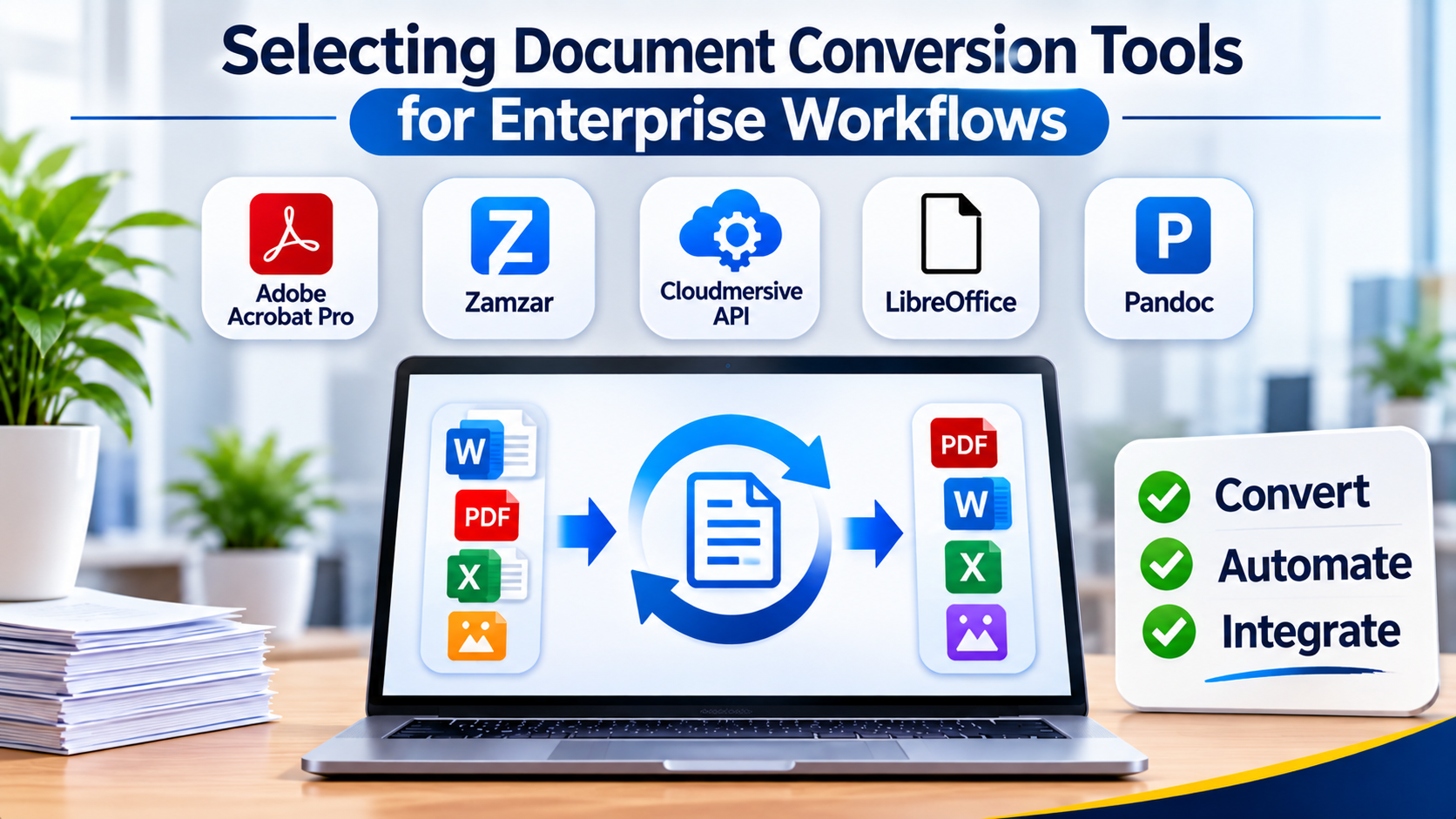
Converting files between formats—such as transforming legacy Word documents into structured PDFs, extracting tabular data from scanned TIFF images into CSVs, or compiling Markdown documentation into static HTML—is an ubiquitous operational requirement. Yet, what seems like a simple drag-and-drop file conversion task frequently breaks down when handled at scale. Mismatched typography, corrupted font embeddings, broken table structures, and failed optical character recognition (OCR) can quickly compromise automated data pipelines and professional publishing workflows.
Choosing the right document conversion tool requires looking past consumer-facing web converters to evaluate rendering fidelity, batch processing speed, programmatic API support, and security compliance.
The Divergence in Modern Document Conversion Paradigms
The document conversion software market encompasses distinct technical approaches tailored to different operational requirements:
- Desktop Utility Applications: Built for individual knowledge workers and administrative staff who need graphical interfaces to manually convert PDFs, office suites, and image formats locally.
- Enterprise Batch Processing Engines: Tailored for corporate IT and back-office operations, these platforms automate high-volume batch conversions across server environments, integrating with shared network drives and document repositories.
- Developer-Centric Conversion APIs & Libraries: Designed for software engineers who require robust programmatic control to embed document transformation pipelines directly into cloud microservices and web applications.
Understanding where your team’s technical workflow intersects with these paradigms prevents adopting tools that bottleneck automated systems or lack necessary batch capacity.
Leading Document Conversion Tools and Technical Differentiators
1. Adobe Acrobat Pro
Adobe Acrobat remains the industry standard desktop and cloud utility for creating, editing, and converting professional PDF documents.
- Primary Use Case: High-fidelity office document to PDF conversion, scanned document OCR, and manual form standardization.
- Key Differentiators: Industry-leading rendering engine preserving exact typography and vector graphics; robust OCR capabilities; and deep integration with the Adobe Creative Cloud and Document Cloud ecosystems.
- Limitations: Subscription-based licensing model can become expensive across large enterprise deployments; less suited for headless, automated programmatic microservice integration.
- Best Suited For: Graphic designers, legal professionals, and corporate office workers requiring precise manual PDF editing and conversion control.
2. Zamzar
Zamzar provides a popular, web-based file conversion service capable of handling hundreds of file format combinations without requiring local software installation.
- Primary Use Case: Ad-hoc, quick file format conversions for users without specialized desktop software.
- Key Differentiators: Massive format compatibility matrix spanning audio, video, images, and documents; zero installation required via web browser.
- Limitations: File size restrictions on free and lower-tier plans; cloud-based file uploading presents security and privacy risks when handling confidential enterprise data.
- Best Suited For: Individuals and light users needing fast, occasional conversions of non-sensitive documents.
3. Cloudmersive Document Conversion API
Cloudmersive delivers a robust, cloud-native developer API designed to programmatically convert documents, images, and spreadsheets at scale.
- Primary Use Case: Cloud microservices, automated web applications, and headless server-side document transformation pipelines.
- Key Differentiators: Comprehensive REST API endpoints supporting complex conversions (such as DOCX to PDF, HTML to PDF, and barcode processing); scalable cloud infrastructure.
- Limitations: Requires developer resources to implement API calls and handle error responses; recurring API consumption costs based on request volume.
- Best Suited For: Software engineering teams embedding automated document conversion into SaaS applications and cloud architectures.
4. LibreOffice (Headless Mode)
LibreOffice provides a powerful, open-source office suite that can be executed via command-line “headless” mode on servers to automate document conversions without licensing fees.
- Primary Use Case: Open-source server-side document conversion, budget-conscious enterprise automation, and batch file translation.
- Key Differentiators: Completely free and open-source; supports high-fidelity conversion between ODF, Microsoft Office, and PDF formats; runs natively on Linux servers.
- Limitations: Requires server administration expertise to configure and maintain in headless production environments; complex rendering layouts can occasionally shift between Microsoft and OpenOffice engines.
- Best Suited For: DevOps engineers and system administrators building cost-effective, self-hosted document processing pipelines.
5. Pandoc
Pandoc is the Swiss Army knife of markup conversion, serving as the premier command-line tool for translating plain text documents between hundreds of formats.
- Primary Use Case: Technical writing conversion, academic publishing, and Markdown-to-PDF/HTML/EPUB pipelines.
- Key Differentiators: Unmatched versatility in handling structured markup languages; lightning-fast execution; and seamless integration with LaTeX and PDF engines for professional typography.
- Limitations: Command-line interface requires familiarity with terminal environments and text syntax; lacks a graphical user interface for non-technical users.
- Best Suited For: Technical authors, researchers, and developers managing documentation-as-code and publishing workflows.
6. Aspose.Total
Aspose provides a comprehensive suite of proprietary developer class libraries designed for high-performance file manipulation and document conversion within .NET, Java, and cloud environments.
- Primary Use Case: Deep enterprise software integration requiring manipulation of Word, Excel, PowerPoint, and PDF files without external office software dependencies.
- Key Differentiators: Does not require Microsoft Office installed on the server; exceptional performance when handling massive batch document conversions; rich programmatic API.
- Limitations: Commercial developer licensing costs are substantial; requires dedicated software engineering effort to integrate and maintain codebases.
- Best Suited For: Enterprise software development teams building proprietary document processing and reporting solutions.
Feature Comparison Matrix
| Product | Primary Focus | Deployment Model | Integration Type | Significant Advantage | Important Limitation |
| Adobe Acrobat Pro | Professional PDF Editing & Conversion | Desktop & Cloud | Manual & Desktop App | Unsurpassed visual fidelity and OCR accuracy | Subscription cost and lack of headless automation |
| Zamzar | Ad-Hoc Web File Conversion | Cloud (SaaS) | Web Browser | Extensive format support with zero installation | Security risks when uploading sensitive corporate data |
| Cloudmersive | Scalable Developer APIs | Cloud API (SaaS) | REST API & SDKs | Seamless cloud microservice integration | Requires developer implementation effort |
| LibreOffice (Headless) | Open-Source Server Conversion | Self-Hosted / On-Prem | Command-Line / Scripting | Free, open-source, and highly capable on Linux | Requires Linux server administration expertise |
| Pandoc | Markup & Technical Publishing | Local Command-Line | Terminal / CI-CD Pipeline | Premier tool for Markdown, LaTeX, and EPUB conversion | Steep command-line learning curve for non-developers |
| Aspose.Total | Enterprise Developer SDKs | On-Premises Library | Code Libraries (.NET / Java) | Independent of Microsoft Office with high throughput | Expensive commercial developer licensing fees |
Evaluating Technical and Operational Trade-Offs
When selecting a document conversion solution, look beyond feature checklists to evaluate core operational realities:
- Security and Data Privacy: Uploading confidential financial records or legal contracts to third-party web converters violates corporate data governance policies. Ensure that sensitive documents are processed via local desktop software, secure self-hosted servers, or enterprise-grade APIs with verified data privacy guarantees.
- Layout Fidelity and Formatting Drift: Converting files between proprietary formats (such as complex Word layouts to PDFs) frequently causes font substitution, broken table margins, and misaligned images. Always test conversion tools against your organization’s most complex representative documents before deploying a solution.
- Throughput and Processing Scale: Manual desktop conversion is viable for a handful of files daily, but automated enterprise workflows require high-throughput batch engines or scalable APIs capable of processing thousands of files concurrently without timing out.
Making Your Decision
The optimal document conversion tool aligns directly with your technical capabilities and output volume. If your workflow requires precise, manual desktop editing and professional PDF creation, a robust desktop application is indispensable. For development teams building scalable cloud applications or automated data pipelines, a dedicated conversion API or developer library provides the necessary programmatic control. Organizations seeking cost-effective, self-hosted batch processing without recurring SaaS fees will find immense value in open-source command-line utilities. Evaluate your security requirements, volume expectations, and technical resources before standardizing your conversion infrastructure.
