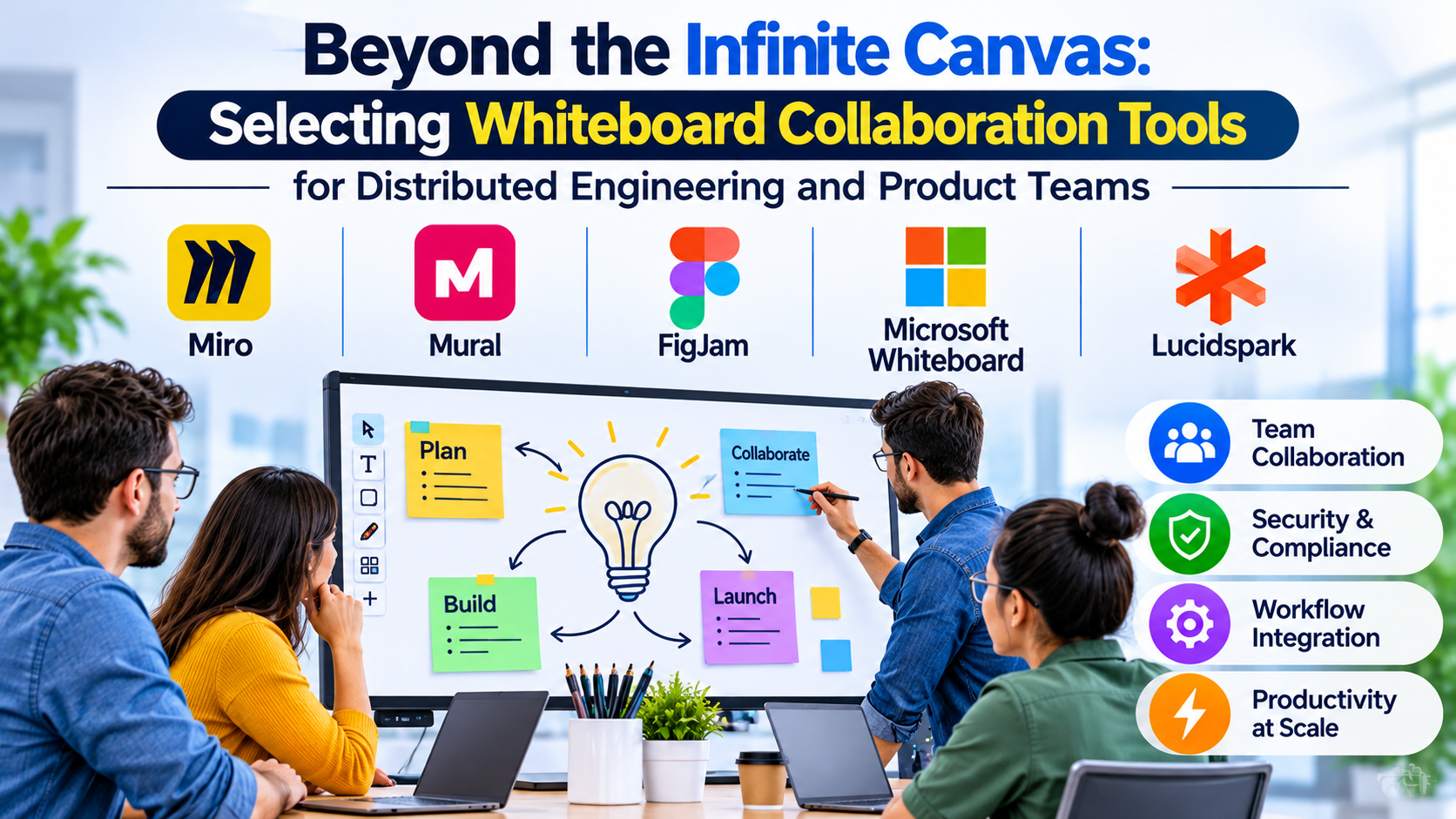
Digital brainstorming sessions frequently stall when an infinite canvas becomes an unorganized wasteland of digital sticky notes and orphaned connector lines. While early digital whiteboards successfully replicated physical conference room walls, modern distributed teams face a different challenge: connecting real-time ideation directly to structured project management, technical documentation, and code repositories.
Choosing the right whiteboard collaboration platform requires evaluating how a tool bridges the gap between chaotic early-stage creative workshops and rigorous execution workflows.
The Evolution of Collaborative Visual Workspaces
The digital whiteboarding market has split into distinct operational categories, each serving specialized team structures and project stages:
- Infinite-Canvas Ideation Hubs: Designed for rapid brainstorming, agile retrospectives, and cross-functional workshops. These environments prioritize frictionless drawing, expansive shape libraries, and real-time cursor tracking.
- Structured System Mapping Workspaces: Tailored for technical architects, product managers, and systems engineers who require precise grid alignment, data-linked shapes, and standardized notation layers.
- Embedded Ecosystem Suites: Native collaborative surfaces built directly into existing enterprise documentation or video-conferencing suites, prioritizing zero-installation convenience over deep standalone feature sets.
Understanding your organization’s primary collaboration friction point ensures you invest in a tool that drives execution rather than adding yet another siloed communication layer.
Leading Whiteboard Collaboration Platforms Compared
1. Miro
Miro stands as an industry-standard visual collaboration platform, widely adopted across enterprise product, engineering, and design organizations for complex project mapping.
- Primary Use Case: Cross-functional product discovery, large-scale agile planning, and enterprise-wide stakeholder workshops.
- Key Differentiators: Vast template ecosystem, robust facilitation features (built-in voting, timers, and private mode), advanced developer APIs, and deep integrations with Jira, GitHub, and Slack.
- Limitations: Licensing costs can scale rapidly across large enterprise deployments; very large boards with thousands of objects can occasionally experience performance latency.
- Best Suited For: Distributed product development teams and design agencies requiring robust third-party ecosystem integrations.
2. Mural
Mural focuses heavily on structured visual thinking, team alignment methodologies, and guided facilitation frameworks for enterprise innovation teams.
- Primary Use Case: Guided workshops, design thinking sessions, and structured team alignment exercises.
- Key Differentiators: “Supervoter” and facilitation superpowers that grant hosts granular control over participant focus; built-in framework guides for structured collaboration; and robust enterprise security controls.
- Limitations: Interface leans heavily toward structured facilitation, which can feel less fluid for freeform technical drawing compared to competing infinite-canvas tools.
- Best Suited For: Enterprise consultants, HR leaders, and product strategists running structured remote workshops.
3. FigJam
Developed by the creators of Figma, FigJam bridges the gap between early-stage product ideation and high-fidelity interface design.
- Primary Use Case: Design sprint kickoffs, UI/UX brainstorming, and rapid engineering-design alignment.
- Key Differentiators: Seamless file linking and component copying directly into Figma design files; built-in audio chat for quick alignment without launching external video calls; and playful, developer-friendly stamps and widgets.
- Limitations: Tightly bound to the broader Figma ecosystem; less oriented toward non-technical business process mapping.
- Best Suited For: Product design teams, software engineers, and organizations already standardized on Figma for interface work.
4. Microsoft Whiteboard
Integrated directly into the Microsoft 365 ecosystem, Microsoft Whiteboard offers a streamlined, secure canvas experience for Windows-centric corporate environments.
- Primary Use Case: Quick Microsoft Teams meeting collaboration and lightweight note-taking within secure enterprise perimeters.
- Key Differentiators: Native integration with Microsoft Teams meetings; zero additional licensing costs for existing M365 enterprise subscribers; and adherence to corporate compliance and data governance standards.
- Limitations: Lacks the advanced third-party integrations, expansive shape libraries, and complex facilitation tools found in dedicated SaaS platforms.
- Best Suited For: Corporate IT environments and enterprise teams heavily reliant on Microsoft Teams for daily operations.
5. Lucidspark
Lucidspark pairs fluid brainstorming capabilities with immediate transition pathways into structured diagramming via its companion platform, Lucidchart.
- Primary Use Case: Transforming chaotic brainstorming sessions into structured system architectures and flowcharts.
- Key Differentiators: Direct one-click conversion of whiteboard sticky notes into structured Lucidchart documents; breakout board management; and robust data-tagging features.
- Limitations: Interface requires managing dual-platform paradigms if users need advanced technical diagramming features outside the core whiteboard.
- Best Suited For: Engineering and business analysis teams that frequently need to bridge qualitative brainstorming with formal technical documentation.
Feature Comparison Matrix
| Product | Primary Focus | Deployment Model | Facilitation Strength | Key Ecosystem Integration | Significant Limitation |
| Miro | Enterprise Product Discovery | Cloud (SaaS) | Advanced (Timers, Voting, Private Mode) | Jira, GitHub, Confluence | Licensing costs scale with large user volumes |
| Mural | Structured Workshops & Design Thinking | Cloud (SaaS) | Exceptional (Guided Frameworks & Host Controls) | Microsoft Teams, Slack | Less optimized for freeform technical drawing |
| FigJam | Design & Engineering Alignment | Cloud (SaaS) | Moderate (Audio chat, stamps, widgets) | Figma | Tightly bound to the Figma design ecosystem |
| Microsoft Whiteboard | Secure M365 Team Collaboration | Cloud & Desktop | Basic (Inking and simple shapes) | Microsoft Teams, Office 365 | Lacks advanced third-party developer extensions |
| Lucidspark | Brainstorming to Diagram Transition | Cloud (SaaS) | Good (Breakout boards and sorting tools) | Lucidchart suite | Requires workflow transition to companion tools |
Evaluating Technical and Operational Trade-Offs
When standardizing a whiteboarding tool across an organization, look beyond surface-level interface aesthetics to evaluate core operational hurdles:
- Security, Compliance, and Data Residency: Enterprise organizations handling sensitive intellectual property must verify whether collaboration platforms meet internal compliance standards, support single sign-on (SSO), and offer clear data residency controls.
- Facilitation and Cognitive Load: Tools overloaded with gamified widgets and excessive visual elements can distract participants during high-stakes strategic reviews. Select a platform that matches your team’s operational maturity—simple teams need speed, while enterprise innovation groups require structured facilitation guards.
- Post-Workshop Artifact Management: The true value of a whiteboard is realized after the meeting ends. Evaluate how cleanly a platform exports data into task trackers, documentation repositories, or summary reports without requiring hours of manual clean-up.
Making Your Decision
The ideal whiteboard collaboration tool aligns directly with your team’s primary deliverables. If your organization requires deep ecosystem integration across diverse engineering and product toolsets, an expansive, enterprise-grade collaboration platform is usually justified. For teams deeply embedded in design-to-code workflows, a specialized design-adjacent whiteboard minimizes context switching. Organizations operating inside strict corporate compliance perimeters often find maximum value in native ecosystem tools that require no additional procurement overhead. Evaluate your facilitation requirements and post-workshop export workflows before standardizing your visual collaboration stack.
