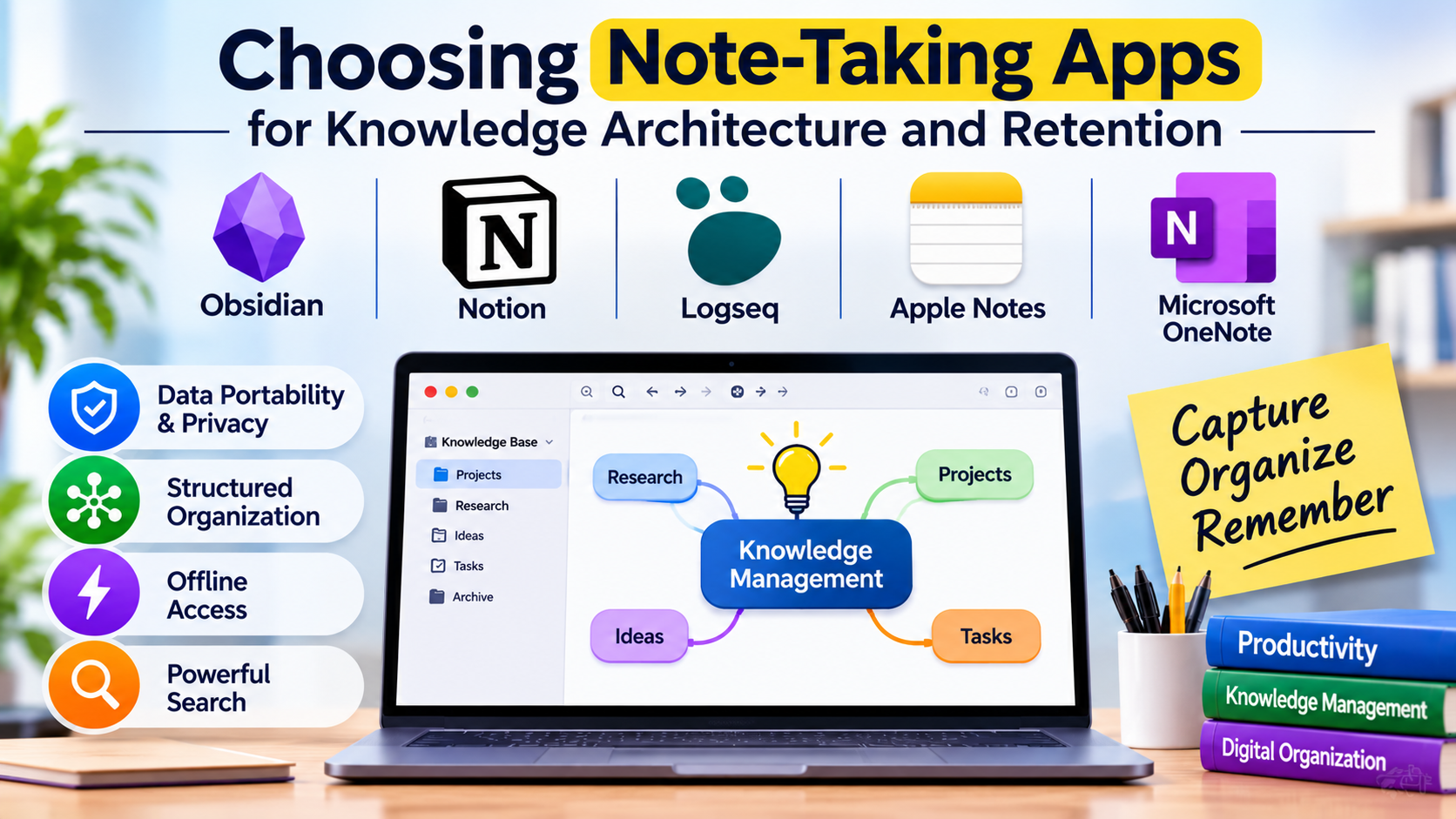
Digital note-taking has evolved far beyond the digital equivalent of a yellow legal pad. While casual users rely on basic scratchpads for grocery lists and fleeting thoughts, knowledge workers, researchers, software engineers, and students face a more complex challenge: building sustainable personal knowledge management (PKM) systems that prevent information fragmentation and ensure long-term retention.
Choosing the right note-taking application requires looking past cosmetic interfaces to evaluate how a tool handles data sovereignty, architectural linking, offline resilience, and search retrieval.
The Divergence in Modern Note-Taking Paradigms
The digital note-taking ecosystem has fractured into distinct architectural approaches, each optimized for fundamentally different cognitive workflows:
- Hierarchical Folder-Based Vaults: Traditional applications organize information in nested folder trees and notebook structures. They excel in linear document management and straightforward administrative organization.
- Bi-Directional Graph Databases: Modern PKM tools link notes through dynamic back-links and visual knowledge graphs, treating every note as an interconnected node rather than an isolated file.
- Canvas and Spatial Notepads: Designed for visual thinkers, these applications combine handwritten digital inking, freeform text boxes, and mixed-media clipping on infinite infinite canvases.
Understanding where your information processing style intersects with these paradigms prevents adopting a system that feels too rigid for research or too chaotic for task execution.
Leading Note-Taking Applications and Technical Differentiators
1. Obsidian
Obsidian has established itself as the leading local-first, bi-directional note-taking application built on plain-text Markdown files.
- Primary Use Case: Personal knowledge management, academic research, and long-term technical documentation.
- Key Differentiators: Absolute data ownership stored locally on your device in open Markdown formats; powerful bi-directional linking; and a vast ecosystem of community plugins that extend functionality into task management, kanban boards, and data visualization.
- Limitations: Syncing across multiple devices natively requires a paid subscription or third-party sync setup; lacks built-in real-time collaborative editing for shared team workspaces.
- Best Suited For: Developers, researchers, and privacy-conscious professionals who want absolute control over their notes without vendor lock-in.
2. Notion
Notion operates as an all-in-one workspace that blends traditional document authoring with relational databases, wikis, and task management.
- Primary Use Case: Team knowledge bases, structured project management, and collaborative company wikis.
- Key Differentiators: Fully customizable block-based editor; relational databases that allow notes to act as entries within filterable tables, calendars, and boards; and robust real-time team collaboration.
- Limitations: Requires an active internet connection for optimal performance; can suffer from interface bloat and slow load times when handling massive nested page structures.
- Best Suited For: Project teams, startup operations, and creators who need a centralized hub combining notes, wikis, and task tracking.
3. Logseq
Logseq is an open-source, privacy-first knowledge base focused on outline-based note-taking and daily journaling workflows.
- Primary Use Case: Daily rapid logging, academic research, and flashcard-based active recall.
- Key Differentiators: Outliner-first architecture centered around daily journals; built-in spaced repetition flashcard system for studying; and local-first Markdown and Org-mode storage.
- Limitations: Steeper learning curve for users accustomed to traditional paragraph-based word processors; mobile app performance can lag with extremely large vaults.
- Best Suited For: Students, researchers, and productivity enthusiasts who practice daily journaling and atomic note-taking methodologies.
4. Apple Notes
Long dismissed as a basic utility, Apple Notes has matured into a remarkably capable, lightning-fast note-taking application deeply embedded in the Apple ecosystem.
- Primary Use Case: Quick capture, handwritten Apple Pencil annotations, and lightweight personal note archiving.
- Key Differentiators: Instantaneous sync across Apple devices via iCloud; powerful inline document scanning; seamless iPadOS hand-writing and markup support; and zero-friction launching.
- Limitations: Strictly limited to the Apple hardware ecosystem for full feature parity; export options and folder management lack advanced automation.
- Best Suited For: Apple device users who prioritize speed, minimalist design, and reliable cross-device syncing without administrative setup.
5. Microsoft OneNote
OneNote provides a freeform digital binder experience that mimics physical notebooks with infinite scrolling pages and unrestricted multi-media placement.
- Primary Use Case: Classroom lecture notes, cross-platform enterprise meetings, and mixed-media research clipping.
- Key Differentiators: Infinite canvas freedom allowing users to click and type anywhere on a page; robust audio recording integration with synchronized note playback; and deep enterprise integration.
- Limitations: Proprietary syncing format stored on OneDrive can occasionally result in sync conflicts across multiple devices; lacks modern Markdown or bi-directional graph features.
- Best Suited For: Students, educators, and enterprise users invested in the Microsoft 365 ecosystem who prefer freeform page layouts.
Feature Comparison Matrix
| Product | Primary Focus | Deployment Model | Data Format | Significant Advantage | Important Limitation |
| Obsidian | Personal Knowledge Management | Local-First | Plain-Text Markdown | Absolute data ownership and extensible plugins | Native multi-device sync requires paid subscription |
| Notion | Team Wikis & Relational Databases | Cloud (SaaS) | Proprietary Block JSON | Powerful relational databases and real-time collaboration | Dependent on cloud connectivity and active internet |
| Logseq | Daily Journaling & Flashcard Study | Local-First | Markdown / Org-mode | Outliner-first daily logging and spaced repetition | Mobile performance can lag with massive vaults |
| Apple Notes | Ecosystem-Native Quick Capture | Cloud (Apple iCloud) | Proprietary Apple Format | Zero friction, instant sync, and Apple Pencil support | Restricted primarily to the Apple hardware ecosystem |
| Microsoft OneNote | Freeform Digital Binders | Cloud (OneDrive) | Proprietary OneNote Format | Infinite canvas flexibility and audio recording sync | Occasional cloud sync conflict management issues |
Evaluating Technical and Operational Trade-Offs
When selecting a note-taking application, evaluate these core architectural and operational factors before committing your data:
- Data Portability and Vendor Lock-In: Proprietary cloud formats make migrating your notes to another platform agonizing. Choosing local-first plain-text formats ensures your personal knowledge base remains readable and accessible for decades, independent of any software vendor’s business viability.
- Structure vs. Flexibility: Highly structured database tools require upfront configuration but reward you with automated sorting. Conversely, freeform and bi-directional tools offer immediate capture speed but demand disciplined tagging and linking habits to prevent information clutter.
- Offline Resilience: Cloud-dependent applications fail completely when internet access drops or servers experience outages. Professionals operating in low-connectivity environments must prioritize local-first architectures that guarantee uninterrupted offline editing.
Making Your Decision
The optimal note-taking application depends directly on your primary output and information architecture. If your priority is absolute control over your research vault with zero vendor lock-in, a local-first Markdown application is unmatched. For teams requiring collaborative wikis, task tracking, and relational data tables within a single browser-accessible workspace, a cloud-native block editor provides maximum utility. Individuals seeking effortless quick capture and reliable cross-device syncing within a polished ecosystem will find tremendous value in native operating system utilities. Evaluate your data sovereignty requirements and collaboration needs before building your long-term knowledge archive.
