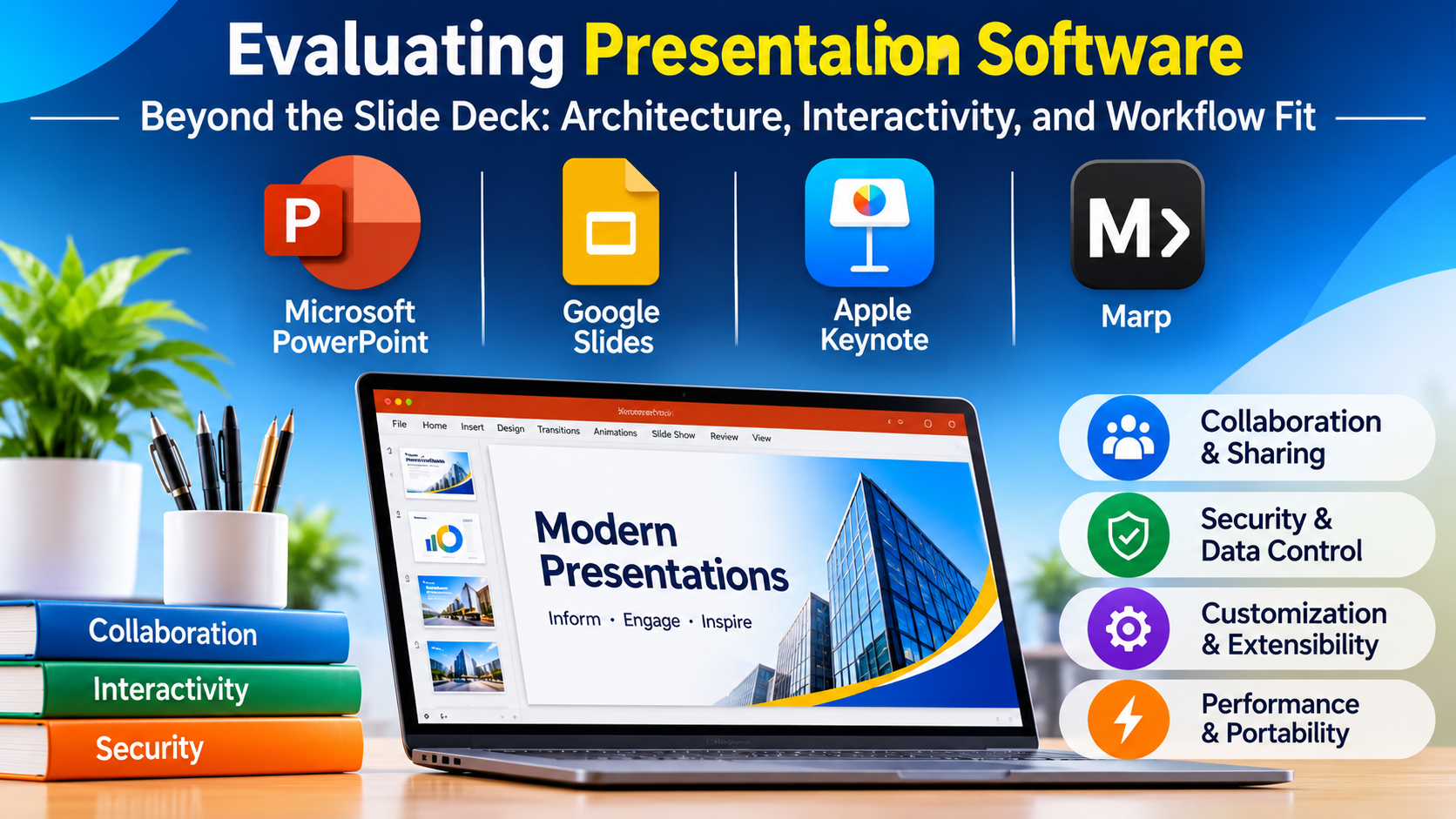
Corporate presentations frequently stall long before a slide is ever projected. The bottleneck rarely stems from a lack of content; rather, it lies in the structural friction between traditional slide authoring tools and the demands of modern technical, executive, and remote communication. When a deck requires live code embedding, interactive data exploration, or offline resilience on secure infrastructure, standard linear slide generators often fall short.
Choosing the right presentation platform requires looking beyond aesthetic templates to evaluate how a tool handles data integration, multi-user collaboration, platform dependencies, and output portability.
The Divergence in Modern Presentation Paradigms
Presentation software has fractured into three distinct operational methodologies, each serving fundamentally different professional workflows:
- Document-Centric & Linear Suites: Platforms built around traditional slide decks prioritize familiarity, rich formatting control, and offline stability. They excel in structured corporate environments where strict brand guidelines and local file storage are mandatory.
- Cloud-First & Collaborative Workspaces: Web-native platforms optimize for simultaneous multi-author editing, asynchronous feedback loops, and rapid browser-based sharing. These tools prioritize frictionless team contributions over deep local customization.
- Code-Driven & Document-As-Code Frameworks: Designed primarily for engineering teams, technical educators, and data scientists, these tools compile presentations from Markdown, HTML, or LaTeX. They enable seamless integration of live code blocks, version control via Git, and programmatic generation of diagrams.
Recognizing where your primary workflow intersects with these paradigms prevents costly tool mismatches during critical project phases.
Major Presentation Platforms and Architectural Differentiators
1. Microsoft PowerPoint
As the entrenched enterprise standard, PowerPoint anchors corporate infrastructure across major financial, industrial, and government sectors.
- Primary Use Case: Enterprise-wide standard reporting, secure offline board meetings, and highly customized corporate template management.
- Key Differentiators: Deep integration with the Windows environment and local file systems, robust VBA and Office Add-in extensibility, advanced animation timing controls, and complete offline capability without cloud tethering.
- Limitations: Collaborative multi-user editing can occasionally cause version conflicts when handled outside cloud-backed SharePoint environments; legacy file formats can bloat with heavy embedded media.
- Best Suited For: Large organizations requiring strict data governance, local offline file ownership, and advanced corporate branding control.
2. Google Slides
Google Slides prioritizes browser-based accessibility and real-time collaboration, serving as the default choice for distributed teams and fast-moving digital operations.
- Primary Use Case: Lightweight, collaborative team updates, remote brainstorming sessions, and cross-functional project tracking.
- Key Differentiators: Instantaneous multi-user co-authoring, granular link-sharing permissions, native integration with Google Drive storage, and zero-installation browser execution.
- Limitations: Advanced typographic and graphic design controls are more limited compared to dedicated desktop suites; complex animations and transitions lack deep customization.
- Best Suited For: Remote-first teams, educational institutions, and startups prioritizing frictionless collaboration over complex layout choreography.
3. Apple Keynote
Favored by design professionals and executive keynote speakers, Apple Keynote focuses on cinematic rendering performance and refined visual aesthetics.
- Primary Use Case: High-impact product launches, executive keynotes, and visually polished design presentations.
- Key Differentiators: Industry-leading typographic and object rendering, fluid “Magic Move” transitions driven by vector shape recognition, and exceptional hardware acceleration on macOS and iPadOS hardware.
- Limitations: Restricted primarily to the Apple ecosystem for native authoring; exporting complex decks to Microsoft PowerPoint can occasionally disrupt custom fonts and transition timings.
- Best Suited For: Creative directors, Apple-centric design studios, and presenters prioritizing visual elegance and performance smoothness.
4. Marp and Code-Driven Markdown Ecosystems
For technical authors and developers, Marp transforms Markdown files into slide decks, treating presentations with the same version control discipline as source code.
- Primary Use Case: Technical documentation, developer conference talks, and architecture review briefings.
- Key Differentiators: Native Git integration for tracking changes, plain-text portability, automated styling via CSS themes, and seamless embedding of syntax-highlighted code snippets.
- Limitations: Requires familiarity with Markdown syntax and command-line tooling; lacks the visual drag-and-drop flexibility demanded by non-technical marketing teams.
- Best Suited For: Software engineers, DevOps professionals, and technical educators who prefer writing content in plain text.
Feature Comparison Matrix
| Product | Primary Focus | Deployment Model | Collaboration Style | Key Architectural Advantage |
| Microsoft PowerPoint | Enterprise & Offline Reliability | Desktop & Cloud Hybrid | Synchronous / Asynchronous via SharePoint | Deep macro/VBA extensibility and offline security |
| Google Slides | Collaborative Cloud Work | Browser-Based (SaaS) | Real-time Co-authoring | Frictionless sharing and zero-install accessibility |
| Apple Keynote | Cinematic Design & Performance | Desktop (macOS / iOS) | Local with Cloud Backup | Advanced hardware-accelerated rendering and transitions |
| Marp | Developer & Technical Presenting | Open-Source CLI / Extension | Git-based Version Control | Plain-text Markdown workflow and code integration |
Evaluating Technical and Operational Trade-Offs
Selecting a presentation platform involves balancing convenience against operational constraints:
- Security and Data Sovereignty: Enterprise environments handling proprietary research or financial disclosures often restrict cloud-native tools due to compliance requirements, favoring locally stored desktop files that comply with internal perimeter security policies.
- Version Control and Portability: Presentations stored in proprietary binary formats can complicate audit trails. Teams managing rapidly evolving technical specifications often benefit from text-based formats that integrate cleanly with continuous integration (CI) pipelines and code repositories.
- Asset Management and File Bloat: High-resolution media embedded directly into slide files can create massive attachments that choke email gateways. Understanding whether a tool links assets externally or embeds them natively dictates your storage and sharing strategies.
Making Your Decision
The optimal presentation software depends directly on your delivery environment and authoring constraints. If your work requires strict offline security, macro automation, and advanced corporate branding, a robust desktop suite remains unmatched. For distributed teams requiring immediate feedback loops and transparent sharing, a collaborative browser platform is ideal. Technical presenters documenting codebases and system architectures will find immense value in text-driven compilation pipelines. Align your tool choice with your security mandates and collaboration requirements before standardizing your team workflow.
