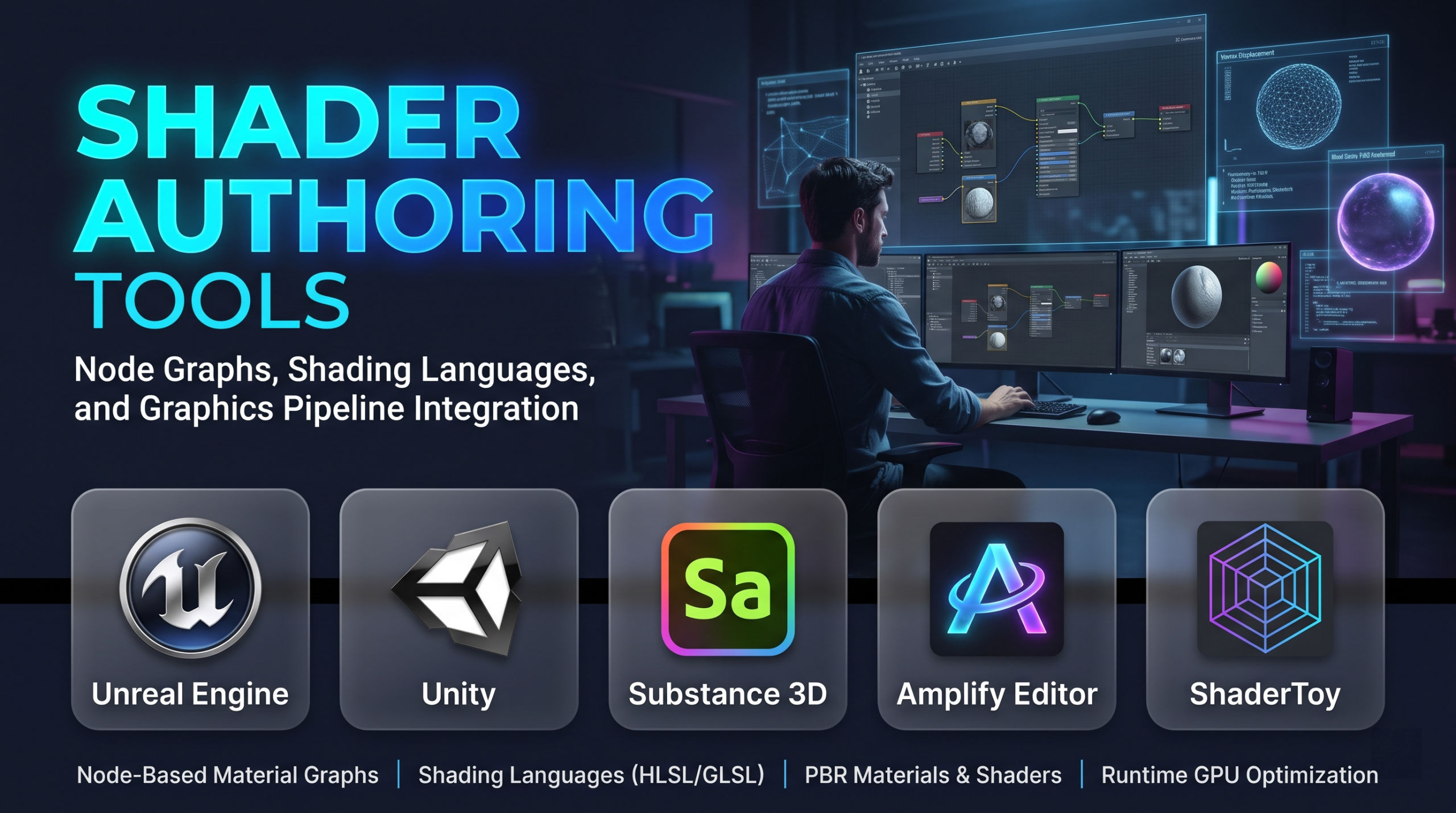
Graphics rendering pipelines ultimately converge on the execution of shaders: specialized programs dispatched across thousands of parallel GPU cores to transform geometric vertices, compute light transport, evaluate surface material properties, and synthesize rasterized pixels. Historically, shader development was an exclusive domain of low-level graphics programmers hand-authoring code in High-Level Shading Language (HLSL) or OpenGL Shading Language (GLSL).
Today, shader authoring is divided between programmatic textual coding and visual, node-based material graph systems. Modern production demands that technical artists and graphics engineers prototype complex procedural surface materials, screen-space visual effects, and volumetric atmospheres rapidly without writing boilerplate matrix transforms or platform-specific driver bindings.
However, visual node graphs do not eliminate graphics engineering fundamentals. Behind every connected node graph lies an automated intermediate code generator that emits native shader code. Choosing a shader authoring tool requires understanding the balance between creative iteration speed and runtime GPU instruction efficiency, register pressure, memory bandwidth limitations, and cross-platform shader transpilation.
The Dual Realities of Shader Authoring: Text vs. Node-Based Workflows
Modern production studios coordinate two primary authoring paradigms, each addressing distinct stages of the rendering pipeline.
1. Code-First Authoring (HLSL, GLSL, MSL, and Slang)
Writing shaders directly in textual shading languages provides absolute control over GPU execution.
- Mechanics: Programmers directly manage register allocation, thread group dimensionalities in compute passes, explicit instruction bundling, and customized early-out branches.
- Production Advantage: Maximum computational density and performance tuning. Custom post-processing passes, compute-based particle physics, and specialized lighting models require native code authoring to avoid unnecessary instruction overhead.
- Operational Bottlenecks: Low iteration speed for non-programmers. Building surface material iterations through continuous manual recompilation cycles disconnects the creative feedback loop.
2. Visual Node-Based Material Graphs
Visual node graphs abstract vector mathematics, texture sampling, and lighting equations into interconnected functional blocks.
- Mechanics: Artists connect nodes (e.g., UV coordinates, vector dot products, fresnel terms, texture samplers) to output pins representing physical surface attributes such as Base Color, Normal, Metallic, Roughness, and Ambient Occlusion.
- Production Advantage: Immediate real-time visual feedback within an engine or standalone viewport, enabling artists to create nuanced materials without syntax hurdles.
- Operational Bottlenecks: Suboptimal instruction scheduling and node bloat. Uncontrolled nesting of procedural math nodes can result in redundant calculations, excess register consumption, and memory latency spikes on mobile or handheld platforms.
Primary Shader Authoring Tools Compared
The software landscape encompasses engine-integrated visual graphs, standalone material design ecosystems, specialized procedural authoring suites, and browser-based shader sandboxes.
| Tool / Platform | Authoring Model | Primary Output & Target Ecosystems | Target Users | Critical Operational Advantage | Core Operational Trade-Off |
| Unreal Engine Material Editor | Node-based visual graph with custom HLSL blocks | Native Unreal rendering passes (Nanite, Lumen, Substrate) | Technical Artists, Environment Artists | Native deep integration with complex multi-layer shading models and dynamic runtime material instances | Generates engine-locked shaders that cannot be directly exported or reused in external platforms |
| Unity Shader Graph | Node-based visual graph with custom function nodes | Unity Universal Render Pipeline (URP) & HDRP | Indie Developers, Technical Artists | Clean cross-pipeline material authoring with instant visual feedback and sub-graph modularity | Code output can be bloated compared to hand-written HLSL; requires custom work for complex compute passes |
| Adobe Substance 3D Designer | Node-based procedural texture and material suite | Standard PBR texture maps, MDL, and Substance Engine materials | Texture Artists, Material Designers | Parametric, resolution-independent material generation applicable to any 3D rendering pipeline | Primarily generates baked texture data rather than live, runtime GPU pixel/vertex shader logic |
| Amplify Shader Editor | Node-based visual editor plugin for Unity | C# / HLSL source code natively compatible with Unity | Unity Developers, Technical Artists | Exposes deep custom lighting models, templates, and low-level pipeline control within a flexible UI | Requires a separate commercial license; dependent on continuous third-party plugin updates |
| ShaderToy | Text-based GLSL code environment | WebGL running inside standard web browsers | Graphics Engineers, Creative Coders, Researchers | Immediate, zero-setup platform for prototyping advanced ray-marching, procedural noise, and screen-space algorithms | Limited strictly to screen-space pixel shaders without native 3D mesh vertex stages or production export toolchains |
| Godot VisualShader | Node-based visual graph and text-based Godot Shading Language | Godot engine runtime (Vulkan, OpenGL) | Indie Developers, Open-Source Studios | Permissive MIT licensing, lightweight footprint, and seamless bidirectional conversion between nodes and code | Smaller community asset library; limited out-of-the-box advanced subsurface scattering and skin models |
In-Depth Tool Analysis
Unreal Engine Material Editor & Substrate: The Enterprise Standard
The Material Editor within Unreal Engine serves as the industry standard for high-fidelity interactive production. It allows artists to author complex Physically Based Rendering (PBR) materials, dynamic decal layers, and screen-space effects that evaluate directly within the engine’s deferred and forward shading pipelines.
Its primary architectural advantage is its integration with modern engine subsystems:
- Substrate Material Framework: Replaces traditional, rigid shading models (such as default lit, clear coat, subsurface) with a modular component system. Artists can blend, stack, and tint multiple discrete material layers—such as a carbon fiber weave coated in tinted resin and covered in surface dust—with physically accurate light absorption between layers.
- Material Instances and Parameter Collections: Enables studios to create master materials whose exposed variables (e.g., color variants, wear parameters, roughness offsets) can be dynamically altered at runtime with zero shader recompilation cost.
The primary limitation is engine isolation. Material networks built inside Unreal are tightly coupled to the engine’s internal shading architecture and cannot be directly translated into standalone HLSL or alternate engine formats without recreating the node logic.
Unity Shader Graph: Accessible Multi-Pipeline Authoring
Unity Shader Graph provides a visual authoring environment designed specifically to bridge artists and developers working across both the Universal Render Pipeline (URP) and the High Definition Render Pipeline (HDRP).
Key capabilities include:
- Custom Function Nodes: Developers can insert raw HLSL code blocks directly into the visual node graph, balancing visual node manipulation with low-level mathematical code execution.
- Sub-Graphs: Reusable modular nodes containing complete node networks (such as custom triplanar mapping or procedural wind sway) that can be shared across hundreds of unique material definitions.
- Hybrid Pass Generation: Supports both standard surface shading and specialized vertex displacement, decal projection, and full-screen post-processing effects.
The operational challenge with Unity Shader Graph is instruction overhead on mobile hardware. When non-technical artists combine multiple complex procedural math nodes, the underlying compiler can emit dozens of arithmetic instructions where a pre-baked lookup texture or a hand-tuned bitwise operation would run significantly faster on low-power mobile GPUs.
Adobe Substance 3D Designer: Parametric Material Standard
Substance 3D Designer operates on a different architectural layer than real-time engine shader graphs. Rather than compiling instruction routines executed per-vertex or per-pixel by a game engine every frame, Substance Designer is a parametric procedural authoring suite.
It uses mathematical nodes to blend procedural noises, geometric patterns, and normal-map filters to generate complete Physically Based Rendering texture sets:
- Procedural Versatility: An artist creates a procedural brick wall asset where mortar depth, brick weathering, moisture saturation, and edge chipping can be adjusted dynamically via numerical exposed variables.
- Pipeline Portability: The output from Substance Designer can either be baked into standard static 2D texture maps (Albedo, Normal, Roughness, Metallic) compatible with any 3D engine, or consumed dynamically via the native Substance Engine integration present in Unreal, Unity, and major DCC tools.
Its constraint is runtime utility: Substance Designer designs the material maps that feed into shaders; it is not a direct environment for authoring dynamic vertex skinning, custom volumetric lighting passes, or real-time vertex displacement shaders.
Amplify Shader Editor: Flexible Engine Customization
For engineering teams working in Unity that require deeper pipeline access than standard tools provide, Amplify Shader Editor is an established commercial alternative.
Its core differentiator is template-driven architecture:
- While default engine graphs enforce strict material pipelines, Amplify allows developers to define custom C# and HLSL shader templates. This enables the creation of custom post-processing pipelines, custom surface shaders, and non-standard lighting models that bypass standard forward or deferred render paths.
- It exposes granular compiler options, such as explicit stencil buffer operations, custom blend modes, hardware tessellation settings, and platform-specific compilation flags directly within the editor interface.
The primary operational consideration is reliance on third-party maintenance. As commercial game engines update their underlying scriptable render pipelines, third-party node-based tools must continuously release patches to preserve asset stability.
ShaderToy: The Rapid Prototyping Laboratory
ShaderToy is a web-based procedural computing platform built around WebGL and fragment shader authoring.
Its defining feature is absolute minimalism:
- Developers are presented with a simple text editor and an empty canvas driven entirely by a single pixel fragment shader. It provides automatic uniform inputs—such as system time, mouse coordinates, screen resolution, and audio inputs—allowing graphics programmers to prototype complex mathematical rendering techniques without configuring a window manager or setting up graphics API scaffolding.
- It is widely recognized as the premier educational repository for learning distance fields, ray-marching algorithms, procedural noise synthesis, and screen-space light transport.
However, ShaderToy is strictly an experimental and educational platform. It does not handle 3D polygonal geometry, mesh skinning, vertex shaders, or typical game engine asset dependencies, making manual translation mandatory when porting techniques to production environments.
Evaluating Shader Performance and Technical Debt
Software licensing costs for shader tools are generally minimal compared to the performance overhead of poorly optimized shaders at runtime. Technical teams must actively monitor specific graphics performance vectors:
1. Instruction Count and Register Pressure
Every node placed in a visual shader graph translates into GPU assembly instructions (such as multiply-add operations, reciprocal square roots, and trigonometric functions). If a shader uses too many vector registers, the GPU cannot launch as many parallel warps/wavefronts concurrently, reducing execution occupancy and causing frame drops.
2. Dependent Texture Reads and Memory Bandwidth
When a shader calculates a texture coordinate based on the result of another texture lookup (a dependent texture read), the GPU’s texture sampling unit cannot pre-fetch the data. This causes memory pipeline stalls. Profiling tools must ensure that node networks do not introduce deep chains of dependent texture lookups on resource-constrained platforms.
3. Shader Permutations and Build Times
Modern materials frequently rely on toggle switches (compiler keywords) to enable or disable features like detail normals, emission layers, or parallax mapping. Every enabled keyword doubles the number of compiled shader variants (permutations). In large production projects, unmanaged permutation expansion can result in tens of thousands of unique shader variants, causing multi-hour project build times and runtime hitching as shaders are compiled on demand.
Practical Selection Guidelines
Selecting the appropriate shader authoring workflow depends on team composition, target platforms, and production scale:
- For High-End Production in Unreal Engine: Standardize on the Unreal Engine Material Editor paired with the Substrate material framework. It provides an advanced, layered PBR shading model with deep integration into Nanite geometry and Lumen dynamic global illumination.
- For Cross-Platform Indie Development in Unity: Deploy Unity Shader Graph for standard surface materials, and use custom function nodes with native HLSL for specialized post-processing or performance-critical visual effects.
- For Studio-Wide Procedural Material Libraries: Build material systems in Adobe Substance 3D Designer. It provides parametric, resolution-independent material generation that can feed into any real-time engine or offline rendering suite without platform lock-in.
- For Advanced Graphics Math Prototyping and Learning: Utilize ShaderToy to test procedural algorithms, noise functions, and volumetric rendering equations in isolation before porting the logic to production code.
- For Open-Source Pipelines: Use Godot VisualShader alongside native Godot Shading Language code to maintain an engine pipeline free of proprietary runtime fees and license agreements.
Strategic Implementation Takeaway
Do not approve a production shader based solely on its appearance in an isolated editor viewport running on a high-end development workstation.
Prior to standardizing a master material across an art pipeline, execute an optimization spike:
- Deploy the compiled shader onto your lowest-specification target hardware (such as an entry-level smartphone or portable handheld gaming console).
- Measure GPU cycle time, instruction count, and texture cache miss rates under full-screen overdraw conditions using hardware profiling suites (such as RenderDoc, NVIDIA Nsight, or Snapdragon Profiler).
- Audit the number of compiled variants generated by the shader’s configuration switches to ensure it does not create excessive compilation overhead.
The authoring workflow that enables artists to realize creative visual direction while producing lean, bounded instruction sequences that respect GPU hardware memory limits is the platform that will maintain visual fidelity without sacrificing target frame rates.
