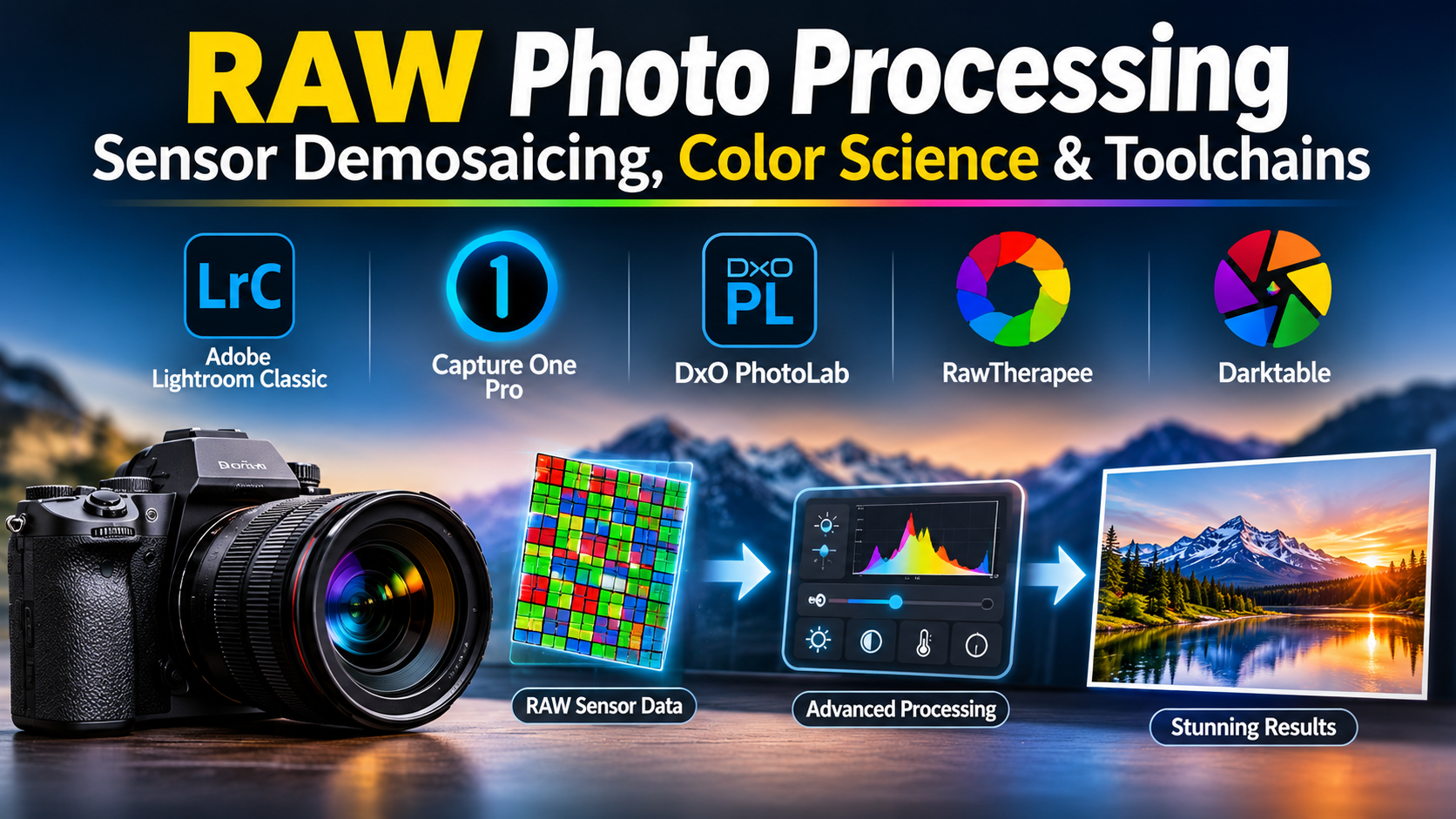
When a digital camera captures an image in a native RAW format, it does not record a finished picture. Instead, it records an uncompressed, unprocessed matrix of raw electrical sensor data straight from the camera’s photosites. To transform this raw telemetry into a viewable photograph, photographers rely on specialized RAW photo processing tools.
A common workflow error among photographers is treating RAW development as simple exposure slider adjustments. In reality, a RAW processor is a heavy-duty mathematical engine performing complex algorithms: demosaicing color filter arrays, correcting lens optical aberrations, reconstructing blown highlights, and translating unconstrained sensor color gamuts into standardized display profiles.
Selecting the right RAW photo processor requires evaluating its demosaicing accuracy, color science philosophy, asset cataloging architecture, and local adjustment capabilities.
Technical Foundations: Sensor Demosaicing, Profiles, and Parametric Sidecars
Before evaluating software packages, photographers must understand the underlying computational pipeline that converts raw sensor files into viewable imagery.
1. The Demosaicing Process
Most digital camera sensors utilize a Color Filter Array (CFA)—most notably the Bayer pattern—where individual pixels are covered by alternating red, green, and blue filters. Each photosite records only one primary color value.
- To produce a full-color RGB image, the RAW processor must execute demosaicing: an interpolation algorithm that estimates the missing color values for every single pixel based on the surrounding pixels.
- Advanced demosaicing engines prevent jagged edge artifacts (moiré), false coloration, and zipper patterns along high-contrast boundaries.
2. Camera Profiles and Color Science
Every camera sensor manufacturer (Sony, Canon, Nikon, Fujifilm) captures light differently based on its physical hardware filters.
- RAW processors apply custom Camera Profiles (or Input Profiles) that translate the sensor’s raw RGB values into a perceptual color space.
- Proprietary manufacturer software reads the camera’s embedded proprietary metadata to replicate exact in-camera color science (such as Fujifilm film simulations), whereas independent converters rely on custom-calibrated color matrices.
3. Non-Destructive Parametric Sidecars
Unlike raster editors that permanently alter pixel values, RAW processors operate entirely non-destructively.
- Every exposure tweak, contrast curve, and local brush stroke is saved as a set of mathematical parameters stored either in a centralized database catalog or inside a small companion sidecar file (such as an
.xmpfile). - The original RAW data remains permanently untouched on disk.
Primary RAW Photo Processing Tools Compared
The professional market includes all-in-one cataloging databases, specialist tethered studio developers, open-source processors, and modular filter suites.
| RAW Processing Tool | Primary Production Focus | Architecture & Workflow Model | Platform Support | Critical Operational Advantage | Core Operational Limitation |
| Adobe Lightroom Classic | High-volume cataloging, batch editing, and parametric RAW development | Centralized database catalog with sidecar metadata synchronization | Windows, macOS | Industry-standard asset management; powerful AI masking and generative removal tools | Subscription-only pricing model (Adobe Creative Cloud); catalog database corruption risks |
| Capture One Pro | Commercial studio tethering, precise color science, and skin-tone grading | Session or Catalog-based parametric RAW development | Windows, macOS | Unsurpassed tethered capture reliability; advanced color editor tool for precise skin-tone control | Expensive perpetual or subscription licensing; steeper learning curve for library management |
| DxO PhotoLab | Optical-correction-driven RAW development and noise reduction | Sidecar-based parametric editor with optics modules | Windows, macOS | Industry-leading DeepPRIME AI noise reduction; lab-tested custom lens profile corrections | Lacks advanced digital asset management (DAM) features compared to Lightroom |
| RawTherapee | Open-source advanced technical processing and control | Sidecar-based parametric editor | Windows, macOS, Linux | Completely free and open-source (FOSS); highly granular control over demosaicing algorithms and tone curves | Complex, dense user interface that can overwhelm novice users |
| Darktable | Open-source node-like modular editing workflow | Sidecar-based database catalog and parametric module stack | Windows, macOS, Linux | Highly flexible modular pipeline mimicking darkroom techniques; fully free and open-source | Steeper learning curve; performance can lag when processing massive image catalogs |
In-Depth Tool Analysis
Adobe Lightroom Classic: The Global Standard for Asset Management
Adobe Lightroom Classic is the foundational asset management and RAW processing environment used by millions of photographers globally.
Lightroom’s primary technical advantage lies in its centralized cataloging and AI-driven processing:
- Massive Catalog Organization: Manages hundreds of thousands of images across hierarchical keywords, smart collections, and facial recognition, allowing rapid sorting of event shoots.
- AI Masking and Neural Denoise: Automatically detects subjects, skies, hair, and clothing, while its AI Denoise engine removes high-ISO luminance and chroma noise while preserving fine edge detail.
- Cloud Ecosystem Synchronization: Integrates smart previews with mobile and web platforms for remote client proofing.
The operational consideration is its subscription model. Because Lightroom operates within the Adobe Creative Cloud ecosystem, users commit to a permanent recurring fee.
Capture One Pro: Elite Color Science and Tethered Shooting
Capture One Pro is engineered from the ground up for commercial fashion, product, and studio photographers who demand uncompromising color accuracy and immediate on-set tethering.
Its core competitive differentiators include:
- Unmatched Tethered Stability: The industry benchmark for connecting medium-format and DSLR cameras directly to computers, enabling instantaneous file transfer, on-set rating, and live client review.
- Advanced Color Editor: Provides ultra-precise adjustments for specific color hue ranges, allowing high-end portrait photographers to neutralize unwanted skin-tone casts without affecting surrounding elements.
- Customizable Workspaces: Allows studios to build tailored interface layouts restricted to specific assistants or retouchers.
Capture One’s barrier is cost. Its pricing tiers (both perpetual and subscription) are positioned at the premium end of the market.
DxO PhotoLab: Optical Correction and AI Denoising Mastery
DxO PhotoLab is a specialized RAW processor renowned for its scientific approach to lens sharpness, optical corrections, and noise reduction.
Key technical capabilities include:
- DxO Optics Modules: Every lens and camera body combination is tested rigorously in a physical laboratory to map out optical imperfections (distortion, chromatic aberration, vignetting, and soft corner sharpness), applying custom mathematical corrections tailored to the exact hardware used.
- DeepPRIME AI Denoising: A neural-network-based demosaicing and denoising engine that processes raw sensor data at the earliest stage of the pipeline, rescuing severe low-light images with remarkable clarity.
While PhotoLab provides robust local adjustment tools (Control Points), its digital asset management capabilities are less comprehensive than Lightroom’s centralized database catalogs.
Open-Source Alternatives: RawTherapee and Darktable
For independent photographers, students, and open-source advocates, RawTherapee and Darktable provide powerful, zero-cost alternatives to commercial software.
- RawTherapee: Focuses on pure image quality and technical control. It exposes advanced demosaicing algorithms (AHD, AMaZE), chromatic aberration correction tools, and complex tone curves, giving technical users absolute control over every stage of RAW conversion.
- Darktable: Mimics the modular workflow of a physical darkroom. Users stack processing modules in any order they choose, offering a flexible non-destructive pipeline for color grading and exposure manipulation.
While both open-source tools rival commercial software in raw output quality, their user interfaces require a dedicated learning curve.
Workflow Economics: Evaluating Storage Architecture and Catalog Performance
When deploying a RAW processing pipeline, software acquisition costs represent only a baseline investment. Studios must account for infrastructure expenses:
1. Catalog Database Integrity vs. Sidecar Files
- Centralized Catalogs (Lightroom): Store all metadata, edits, and previews in a single database file. If the database file corrupts, history can be lost unless rigorous cloud backups are maintained.
- Sidecar Files (.XMP): Store adjustments in individual text files alongside the RAW image. If a hard drive moves or a computer crashes, editing data travels securely with the image file.
2. Hardware Acceleration and GPU VRAM
Modern RAW processors rely heavily on GPU acceleration for AI masking, lens correction, and real-time preview rendering. Running intensive workflows requires workstations equipped with high-performance multi-core CPUs, fast NVMe scratch drives, and dedicated graphics cards with robust VRAM allocations.
Practical Selection Guidelines
Selecting the appropriate RAW photo processing tool requires matching your photography genre, library size, and budget constraints to platform capabilities:
- For High-Volume Event Photography and Complete Library Management: Standardize on Adobe Lightroom Classic. Its centralized cataloging, AI masking, and mobile sync provide an efficient environment for managing large image archives.
- For Commercial Studio Work, Tethered Shooting, and Precision Color Grading: Deploy Capture One Pro. Its color science and rock-solid tethering engine make it the premier choice for professional studios.
- For Landscape and Wildlife Photographers Demanding Maximum Optical Sharpness: Choose DxO PhotoLab. Its lab-tested optical modules and DeepPRIME AI denoising rescue high-ISO and imperfectly sharp captures effectively.
- For Open-Source Pipelines and Zero-Cost Technical Control: Deploy RawTherapee or Darktable for advanced, subscription-free RAW processing across cross-platform environments.
Strategic Implementation Takeaway
Do not evaluate a RAW photo processor by editing a well-exposed, low-ISO studio portrait.
Before standardizing a photography workflow around a processing suite, execute an adversarial stress test:
- Ingest an extremely challenging RAW file: an underexposed high-ISO night shot with severe shadow noise, or a high-contrast landscape with blown highlights and deep shadow clipping.
- Attempt to recover the shadow details without introducing chromatic noise, pull back the clipped highlights, and apply local adjustments using AI-based subject masks.
- Export the file to target color spaces (sRGB, Adobe RGB) and inspect fine edge transitions for demosaicing artifacts, color fringing, and banding.
The processor that recovers maximum sensor dynamic range, suppresses digital noise without smearing fine textures, and fits smoothly into your asset management workflow is the tool that will elevate your photographic output.
