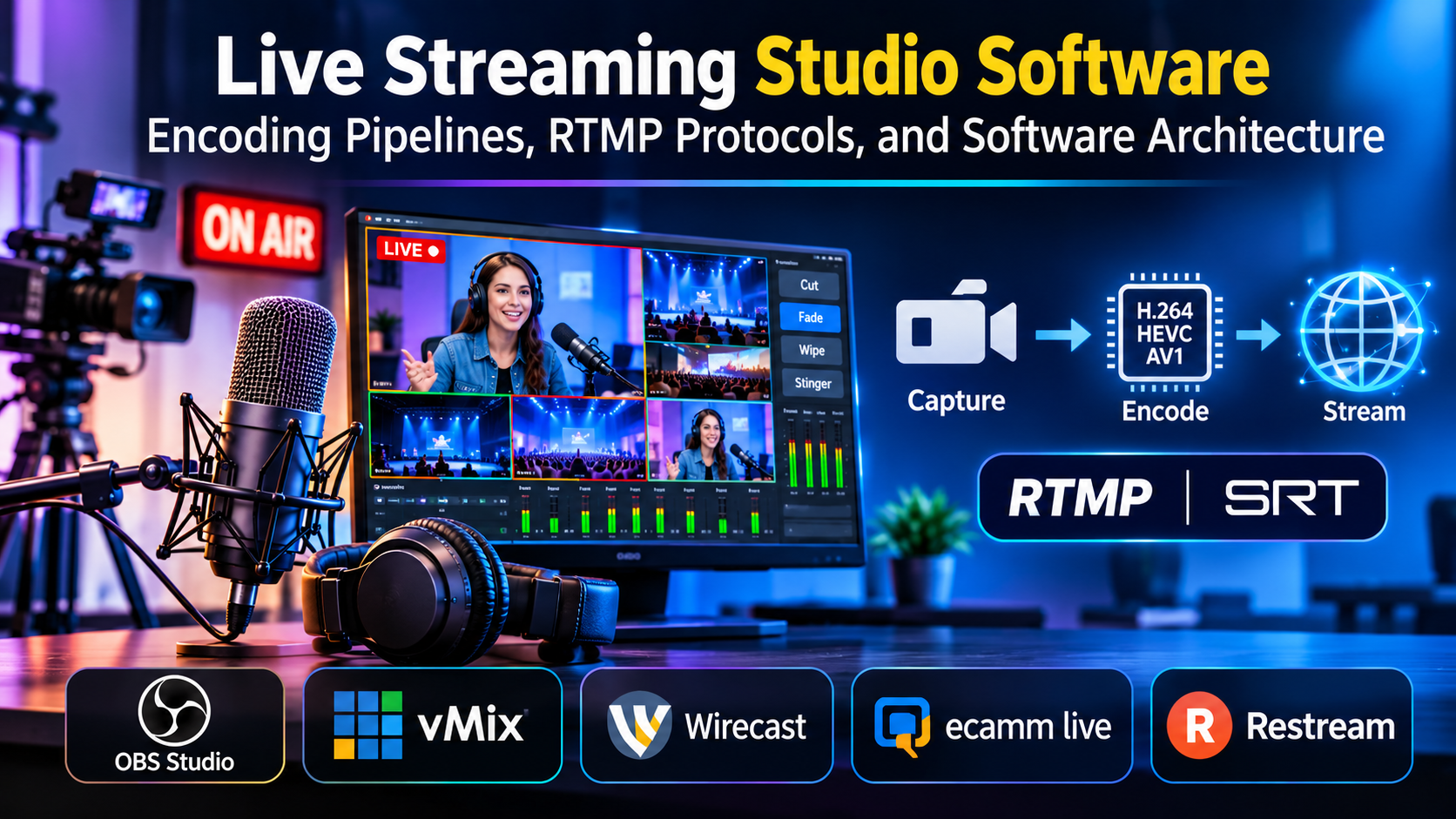
Live streaming has evolved from simple webcam broadcasting into a sophisticated, multi-camera broadcast engineering discipline. Whether producing high-end corporate town halls, competitive esports broadcasts, or interactive educational webinars, modern live streaming studio software serves as the virtual master control room, coordinating video switching, multi-channel audio mixing, real-time graphics injection, and adaptive bitrate encoding.
A critical operational vulnerability in broadcast planning is evaluating streaming software based strictly on interface simplicity or preset themes. Beneath the graphical control panel lies a demanding computational pipeline. Live encoding requires continuous, real-time hardware encoding, low-latency network packet transmission over Real-Time Messaging Protocol (RTMP) or Secure Reliable Transport (SRT), and multi-threaded CPU and GPU task management.
Selecting the right live streaming studio software requires analyzing how its encoding engine manages hardware acceleration, its protocol compatibility for reliable transmission over unstable networks, its multi-source scene transition mechanics, and its integration with external control surfaces and automation scripts.
Technical Foundations: Video Encoding, Bitrates, and Transmission Protocols
Maintaining stream stability and visual fidelity requires an understanding of the underlying network and compression mechanics that govern real-time broadcasting.
1. Hardware vs. Software Encoding (CPU vs. GPU Acceleration)
Converting raw uncompressed video frames into compressed digital packets (such as H.264, HEVC, or AV1) in real time demands significant processing power:
- Software Encoding (CPU-based, e.g., x264): Utilizes central processing unit cores to calculate compression algorithms. It can achieve higher visual quality at lower bitrates by optimizing motion estimation vectors, but it places a heavy burden on the CPU, potentially causing frame drops if the system handles heavy local capture or virtual instruments simultaneously.
- Hardware Encoding (GPU-based, e.g., NVIDIA NVENC, AMD AMF, Apple VT): Offloads encoding tasks to dedicated silicon blocks on the graphics card or system-on-chip. This preserves CPU headroom for game rendering or virtual production workflows, ensuring stable frame rates even during high-motion broadcast sequences.
2. Transport Protocols: RTMP vs. SRT
Getting the encoded stream from the studio software to the ingest server requires reliable network transport protocols:
- RTMP (Real-Time Messaging Protocol): The established industry standard for ingesting streams into platforms like YouTube, Twitch, and Meta. While reliable, traditional RTMP can suffer from packet loss and buffering on unstable Wi-Fi or congested cellular networks.
- SRT (Secure Reliable Transport): An open-source transport protocol designed for unpredictable networks. SRT introduces low-latency error correction, packet retransmission, and AES encryption, making it ideal for contributing remote camera feeds or broadcasting over bonded cellular connections.
Primary Live Streaming Studio Software Compared
The professional broadcasting landscape includes open-source mixing powerhouses, hardware-integrated studio apps, cloud-native collaborative switchers, and enterprise enterprise-grade streaming suites.
| Streaming Software | Primary Architecture | Core Encoding & Protocol Support | Platform Support | Critical Operational Advantage | Core Operational Limitation |
| OBS Studio (Open Broadcaster Software) | Open-source modular software engine | H.264, HEVC, AV1, NVENC, x264, RTMP, SRT | Windows, macOS, Linux | Completely free and open-source (FOSS); massive community plugin ecosystem; highly customizable scene graphs | Requires manual configuration and optimization; lacks built-in cloud collaboration features out of the box |
| vMix | Windows-native live production switcher | Full HD/4K/8K hardware acceleration, NDI, SRT, RTMP | Windows | Industry-standard software switcher; robust NDI network video routing; low-latency instant replay systems | Strictly Windows-only; high-tier editions require a substantial upfront perpetual license fee |
| Wirecast (Telestream) | Professional production and streaming suite | Multi-camera ISO recording, stock media integration, RTMP/SRT | Windows, macOS | Built-in stock media library, advanced audio mixing (PEAK/RMS metering), and reliable multi-destination streaming | Higher resource overhead; subscription and upgrade pricing models can become costly for independent creators |
| Ecamm Live | macOS-native broadcast studio | Deep macOS system integration, virtual camera, RTMP | macOS | Unmatched ease of use for Mac users; direct integration with Skype, Zoom, and presentation slides | Strictly limited to macOS; fewer advanced custom scripting hooks compared to OBS or vMix |
| Restream Studio | Cloud-native browser-based studio | Browser WebRTC, multi-destination RTMP restreaming | Cross-platform (Cloud web browser) | Zero local software installation required; remote guest onboarding via simple web links; native multi-channel restreaming | Dependent on internet stability; restricted advanced local hardware capture card routing |
In-Depth Platform Analysis
OBS Studio: The Open-Source Standard for Flexibility and Control
OBS Studio is the foundational software engine powering millions of live streams, recordings, and virtual productions globally. Distributed freely under the GNU General Public License, it serves as the backbone for independent creators, esports broadcasters, and corporate communication teams.
OBS Studio’s primary architectural strengths include:
- Modular Scene and Source Architecture: Creators can mix infinite layers of video capture cards, window captures, media files, browser sources, and audio inputs, organizing them into discrete scenes with custom transition effects (stinger wipes, fades, geometric cuts).
- Vast Community Plugin Ecosystem: Because the source code is open, developers have created thousands of specialized plugins—such as advanced multi-track audio routing, Stream Deck integrations, and automated scene switchers.
- Advanced Output Encoding Control: Exposes granular encoder settings, allowing engineers to fine-tune keyframe intervals, rate control buffers (CBR, VBR), and custom FFmpeg output arguments.
The operational trade-off is configuration complexity. OBS Studio provides raw power without hand-holding; setting up multi-channel audio mixing, virtual camera routing, and buffer monitoring requires technical knowledge.
vMix: The Professional Windows-Native Production Switcher
vMix is a high-performance software video switcher engineered specifically for the Windows operating system. It is widely utilized across professional sports broadcasting, live concert venues, and corporate television studios.
Key technical attributes include:
- Native NDI (Network Device Interface) Integration: vMix excels at routing low-latency, high-quality video and audio across local Ethernet networks, allowing multi-camera setups to communicate over IP cables without physical SDI/HDMI capture cards.
- Instant Replay and Video Delay: Features built-in multi-camera instant replay systems with variable speed control, making it essential for live sports production.
- Scripting and Automation: Supports VB.NET scripting and web API control, enabling complex broadcast automation triggers (such as automated scoreboards or timed lower-third graphics).
The limitation lies in platform and cost constraints. vMix is strictly Windows-based, and accessing its advanced 4K, 8K, and NDI-heavy tiers requires purchasing a high-tier perpetual software license.
Wirecast: Comprehensive Production and Enterprise Streaming
Wirecast, developed by Telestream, is a polished commercial production suite designed for professional live event broadcasting, house-of-worship services, and enterprise town halls.
Wirecast’s primary differentiators include:
- Integrated Stock Media Library: Provides direct access to thousands of royalty-free background videos, audio tracks, and graphic templates inside the software interface.
- Advanced Multi-Track Audio Mixing: Features professional audio monitoring with channel grouping, VST plugin support, and precise loudness metering.
- ISO Recording: Records isolated clean feeds of individual camera inputs simultaneously while streaming the master program output, simplifying post-production editing workflows.
The operational consideration is hardware resource overhead. Running Wirecast with multiple high-definition NDI sources, live remote guests, and local ISO recordings requires a powerful multi-core workstation.
Ecamm Live: Streamlined Production for macOS Creators
Ecamm Live is built from the ground up for macOS, leveraging Apple’s CoreVideo and Metal frameworks to deliver a live production studio tailored for Mac users.
Key strengths include:
- Frictionless Screen and App Sharing: Integrates deeply with macOS window management, allowing creators to pull up individual app windows, browser tabs, or iPhone screens as clean video sources with alpha transparency.
- Interview Guest Onboarding: Features built-in remote guest integration that allows interviewees to join via a simple web link without installing specialized client software.
- Automated Scene Transitions: Automatically zooms, pans, and transitions between camera angles and screen shares based on live presentation cues.
Ecamm Live’s limitation is ecosystem confinement: it is unavailable for Windows or Linux users, and its feature set focuses primarily on creator and corporate communication workflows rather than massive multi-camera stadium broadcasting.
Restream Studio: Cloud-Based Multi-Destination Broadcasting
Restream Studio takes a cloud-native approach by moving the entire production studio out of local hardware and into a web browser environment.
Its core operational advantages include:
- Cloud-Based Multi-Streaming: Broadcasts simultaneously to YouTube, Twitch, Facebook, LinkedIn, and custom RTMP destinations without multiplying local CPU encoding loads.
- Browser-Based Collaboration: Invites remote co-hosts and guests into the virtual studio via a secure web link, rendering video feeds directly in the cloud before pushing the unified stream to platforms.
- Unified Social Chat: Aggregates live chat comments from multiple streaming platforms into a single unified overlay that can be displayed directly on screen.
Because rendering occurs in the cloud, users are dependent on a stable local internet upload connection to transmit camera feeds, and the platform lacks the deep local capture card hardware routing found in desktop software like vMix or OBS.
Workflow Economics: Encoding Bandwidth and Hardware Infrastructure
When budgeting for a live streaming studio deployment, software licensing is only part of the capital expenditure. Production teams must account for critical infrastructure costs:
1. Hardware Encoding Bottlenecks and Capture Cards
Streaming uncompressed HDMI or SDI video feeds requires dedicated PCIe capture cards or USB capture devices (such as Elgato Cam Link or Blackmagic DeckLink). Ingesting multiple 1080p60 sources pushes motherboard PCIe lane bandwidth limits, making hardware architecture planning mandatory before launching multi-camera productions.
2. Network Upload Speeds and Bitrate Caps
Streaming high-definition video requires stable upstream bandwidth. A professional 1080p60 stream encoded at 6,000 kbps requires a sustained upload speed well above that threshold to prevent frame dropping. Enterprise setups frequently utilize network bonding hardware or SRT protocols to aggregate multiple internet connections and prevent mid-broadcast dropouts.
Practical Selection Guidelines
Selecting the appropriate live streaming studio software requires matching your technical environment, hardware setup, and production scale to platform capabilities:
- For Maximum Customization and Budget Freedom: Standardize on OBS Studio. Its open-source flexibility, plugin community, and robust encoding engine make it the premier choice for creators and technicians willing to configure their pipeline.
- For Professional Windows-Based Broadcasts and NDI Workflows: Deploy vMix. Its unmatched NDI network routing, instant replay tools, and hardware acceleration handle complex multi-camera events with reliability.
- For Enterprise Town Halls and Integrated Stock Media Production: Invest in Wirecast. Its built-in asset libraries and multi-track audio control simplify professional corporate streaming.
- For Mac-Centric Creators and Fast Interview Setups: Use Ecamm Live. Its native macOS architecture and clean screen-sharing tools provide a fast path to polished broadcasting on Apple hardware.
- For Zero-Setup Cloud Multi-Streaming and Remote Co-Hosting: Standardize on Restream Studio. Its browser-based execution eliminates local hardware rendering strain while broadcasting to multiple platforms simultaneously.
Strategic Implementation Takeaway
Do not evaluate live streaming studio software by running a brief, static test stream in an empty room.
Before committing your broadcast infrastructure to a software platform, execute an adversarial stress test:
- Configure your multi-camera inputs, graphic overlays, and audio sub-mixes.
- Simulate live production conditions: launch resource-intensive background applications, invite remote guests, trigger video playback clips, and simulate a sudden drop in network upload bandwidth.
- Monitor encoder CPU/GPU utilization, check for audio-video sync drift over a continuous two-hour recording session, and verify that recovery mechanisms handle network reconnection gracefully.
The studio software that maintains stable frame rates, crystal-clear audio synchronization, and resilient network transmission under real-world operational pressure is the platform that will protect your broadcast reliability when the live red light turns on.
