Database administrators (DBAs) and data engineers historically managed complex relational engines and distributed data clusters through native command-line interfaces, custom shell scripts, and basic native utilities. When applications relied on a single local database instance, manual text commands and raw SQL clients were sufficient for executing backups and running maintenance routines. Today, that manual approach creates severe operational risks. As enterprises scale across hybrid multi-cloud environments, manage containerized microservices, and handle massive volumes of high-velocity data, relying purely on raw command-line tools for database administration guarantees human error, prolonged downtime, and configuration drift.
Database Administration (DBA) tools provide centralized, graphical, and automated environments designed to streamline schema design, server provisioning, backup automation, user access management, and performance tuning. Navigating the modern database administration software market requires understanding how tools differentiate across cross-platform engine support, automation depth, and developer collaboration workflows.
Understanding the Core Scope of Database Administration
Database administration software encompasses applications and platforms built to manage the ongoing health, structure, security, and performance of relational and non-relational database management systems (DBMS).
Unlike database monitoring tools that focus primarily on passive performance telemetry or database security tools that prioritize auditing and threat detection, administration tools are active operational workbenches used to build, alter, and maintain databases.
A professional database administration workflow typically covers several core operational responsibilities:
- Schema Design and Visual Modeling: Designing tables, foreign key relationships, views, and stored procedures using visual Entity-Relationship (ER) diagrams and migration scripts.
- User Access and Privilege Management: Provisioning user accounts, assigning granular role-based permissions, and auditing security credentials across database servers.
- Backup and Disaster Recovery Orchestration: Automating scheduled backups, verifying snapshot integrity, and executing point-in-time recoveries to ensure business continuity.
- Query Optimization and Maintenance: Rebuilding fragmented indexes, updating statistics tables, and analyzing slow-running execution plans.
The primary objective is to replace repetitive, error-prone manual scripting with standardized, automated workflows that keep enterprise data stores stable and secure.
Key Evaluation Criteria for DBA Toolsets
Selecting an effective database administration platform requires examining multi-platform engine compatibility, script version control integration, and automation capabilities.
Cross-Platform and Multi-Engine Support
Modern enterprises rarely standardize on a single database vendor. An effective DBA tool must provide a unified management workspace across traditional relational engines (PostgreSQL, MySQL, Microsoft SQL Server, Oracle) as well as emerging cloud data platforms.
Schema Migration and Version Control Integration
Managing database schemas across development, staging, and production environments is notoriously difficult. Leading administration tools integrate natively with Git repositories and CI/CD pipelines, treating database schema changes as version-controlled code migrations (Database DevOps).
Visual Query Builders and Data Editors
While experienced DBAs rely heavily on raw SQL, visual query builders and intuitive data grid editors drastically accelerate day-to-day administrative tasks, making database exploration accessible to broader engineering teams.
Leading Database Administration Tools and Platforms
The database administration software market features robust universal IDEs alongside specialized native management suites.
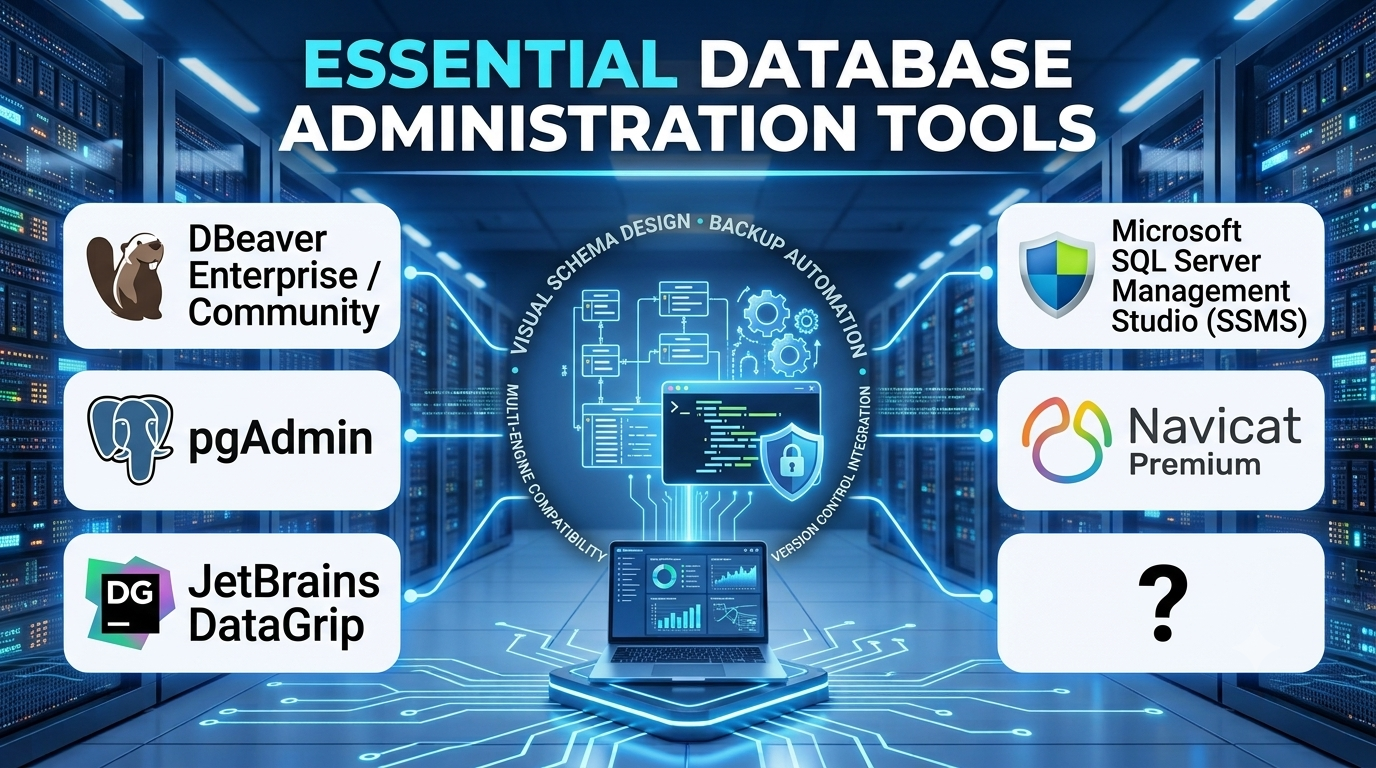
DBeaver Enterprise / Community
DBeaver is an open-source, universal database management tool and SQL client built on Java, supporting virtually any database with a JDBC driver.
- Primary Focus: Universal database administration, cross-platform SQL querying, and data management.
- Deployment Model: Desktop application (Windows, macOS, Linux).
- Significant Advantage: Unmatched database engine compatibility, supporting over eighty relational, NoSQL, and cloud data sources from a single interface.
- Important Limitation: Advanced enterprise security auditing and team-shared workspace features require upgrading to the paid Enterprise edition.
pgAdmin
pgAdmin is the leading open-source administration and development platform specifically for PostgreSQL, offering a comprehensive web-based and desktop interface.
- Primary Focus: Native PostgreSQL and EnterpriseDB administration, server management, and visual querying.
- Deployment Model: Desktop application or web server deployment.
- Significant Advantage: Deep, native support for PostgreSQL-specific features, extensions, and server configurations at zero software licensing cost.
- Important Limitation: Restricted strictly to the PostgreSQL ecosystem, offering no native management support for MySQL, Oracle, or SQL Server.
JetBrains DataGrip
DataGrip is a premier, polyglot IDE tailored specifically for professional database developers and administrators, offering intelligent code completion and refactoring.
- Primary Focus: Advanced SQL writing, database refactoring, and multi-engine administration.
- Deployment Model: Desktop application with subscription licensing.
- Significant Advantage: Exceptional code completion, intelligent refactoring tools, and deep integration with Git version control for schema migrations.
- Important Limitation: Commercial subscription model requires paid licensing per user, lacking a free community tier.
Microsoft SQL Server Management Studio (SSMS)
SSMS is the definitive, robust environment for managing any SQL Server infrastructure, from on-premises instances to Azure SQL databases.
- Primary Focus: Comprehensive Microsoft SQL Server administration, performance tuning, and T-SQL development.
- Deployment Model: Windows desktop application.
- Significant Advantage: Unmatched depth in managing SQL Server Agent jobs, Always On availability groups, and deep server diagnostic utilities.
- Important Limitation: Proprietary Microsoft ecosystem tool that is not natively designed for non-SQL Server engines like PostgreSQL or Oracle.
Navicat Premium
Navicat is a commercial, multi-connection database administration tool that allows users to connect simultaneously to MySQL, PostgreSQL, Oracle, SQLite, and SQL Server from a single application.
- Primary Focus: Multi-database administration, data migration, and visual synchronization.
- Deployment Model: Desktop application with tiered commercial licensing.
- Significant Advantage: Powerful visual data transfer, schema synchronization, and report-building tools that simplify multi-engine management.
- Important Limitation: High commercial licensing cost per database connection type compared to open-source alternatives.
Platform Comparison Overview
| Product | Primary Focus | Deployment Model | Significant Advantage | Important Limitation |
| DBeaver | Universal database administration across 80+ engines | Desktop App (OSS / Paid) | Unrivaled database compatibility from a single workspace | Advanced enterprise collaboration features require paid tier |
| pgAdmin | Native PostgreSQL and EnterpriseDB management | Desktop / Web Server | Deep native support for PostgreSQL features at zero cost | Restricted strictly to the PostgreSQL ecosystem |
| DataGrip | Professional polyglot SQL IDE and schema refactoring | Desktop App (Paid) | Exceptional code completion and Git version-control integration | Commercial subscription required with no free tier |
| SSMS | Comprehensive Microsoft SQL Server administration | Windows Desktop | Industry-standard tooling for T-SQL tuning and SQL Agent jobs | Proprietary tool restricted to the Microsoft SQL Server family |
| Navicat Premium | Multi-database administration and visual synchronization | Desktop App (Paid) | Robust visual data transfer and multi-engine connectivity | Commercial licensing costs can scale across large teams |
Operational Risks and Common Pitfalls
Executing administrative database tasks without structured automation introduces severe production risks.
Executing Unverified DDL Scripts in Production
Running schema alteration scripts directly against live production databases without testing them in a staging environment can corrupt data structures and cause prolonged outages.
Neglecting Role-Based Access Control (RBAC)
Granting developers broad administrative privileges (such as SUPERUSER or db_owner) across production databases increases the risk of accidental data deletion or insider exposure.
Failing to Version Control Database Migrations
Treating database schemas as ad-hoc changes rather than version-controlled code leads to configuration drift between environments, breaking application deployments.
Questions to Guide Vendor Selection
Before procuring database administration tools, engineering leads and database administrators should address several critical operational questions:
- Does the tool support our entire database engine inventory, or will administrators need separate tools for different platforms?
- How well does the platform integrate with Git version control and CI/CD pipelines for automated schema migrations?
- Does the tool offer collaborative team workspaces where connection profiles and query snippets can be shared securely?
- What is the total cost of ownership across open-source communities versus commercial enterprise user licenses?
Making the Final Decision
Choosing database administration tools depends heavily on an organization’s tech stack diversity, engineering workflows, and budget structure.
Organizations managing heterogeneous multi-engine environments frequently choose versatile tools like DBeaver or JetBrains DataGrip to streamline daily workflows. Teams standardized entirely on specific database ecosystems achieve maximum native efficiency using dedicated tools like pgAdmin for PostgreSQL or SSMS for SQL Server, while multi-engine enterprises requiring robust visual migration tools often invest in Navicat.
Ultimately, modern database administration tools transform fragile, manual command-line routines into structured, automated data operations that ensure system stability and developer productivity.
