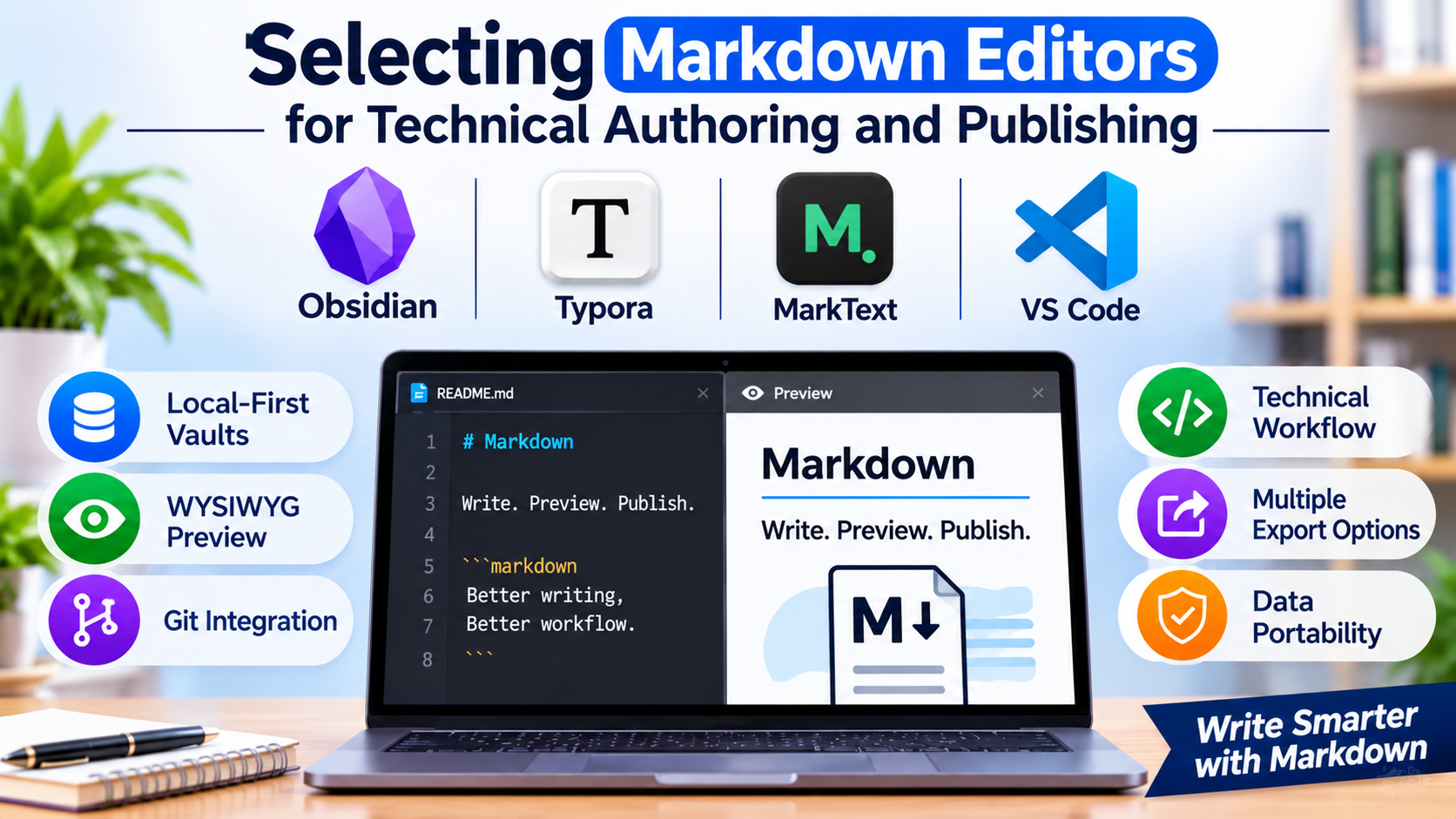
Writing in plain text has shifted from a niche practice for programmers into the default workflow for technical documentation, academic research, and long-form publishing. However, managing raw text files requires more than a basic code editor or a minimalist distraction-free window. Modern technical authors, documentation engineers, and content creators need precise control over syntax parsing, live multi-pane previews, version control integration, and export pipelines to formats like PDF and HTML.
Choosing the right Markdown editor depends heavily on whether your workflow prioritizes local-first vault management, distraction-free prose composition, or developer-centric code integration.
The Divergence in Modern Markdown Authoring Paradigms
The Markdown editing ecosystem has evolved into three distinct technical approaches, each optimized for specific writing workflows:
- Local-First Knowledge Vaults: Designed for personal knowledge management (PKM) and interconnected documentation, these applications treat folders of Markdown files as dynamic graphs with bi-directional linking.
- WYSIWYG and Dual-Pane Writing Environments: Tailored for authors and bloggers who appreciate the clean output of Markdown but prefer a seamless live-preview or rich-text rendering interface without viewing raw syntax tags.
- Developer-Centric Code Editors: Tailored for software engineers and technical writers who author documentation alongside source code within extensible IDE environments equipped with robust Git integration.
Recognizing where your primary writing habits intersect with these paradigms prevents adopting a tool that feels too lightweight for engineering documentation or too complex for creative prose.
Leading Markdown Editors and Technical Differentiators
1. Obsidian
Obsidian has established itself as the premier local-first Markdown application, built to manage interconnected personal knowledge bases and long-form documents.
- Primary Use Case: Personal knowledge management, academic research, and structured technical documentation vaults.
- Key Differentiators: Absolute data ownership stored locally on your device in open Markdown files; powerful bi-directional linking and visual knowledge graphing; and an extensive community plugin ecosystem.
- Limitations: Native multi-device syncing across proprietary cloud networks requires a paid subscription or third-party sync setup; lacks built-in real-time collaborative editing for shared team workspaces.
- Best Suited For: Researchers, developers, and writers who want absolute control over their plain-text files without vendor lock-in.
2. Typora
Typora offers a seamless, distraction-free writing experience by replacing traditional dual-pane split screens with a live, real-time preview rendering engine.
- Primary Use Case: Long-form prose composition, academic papers, and clean document authoring.
- Key Differentiators: True WYSIWYG Markdown editing where syntax elements render instantly as you type; clean minimalist interface; and robust export capabilities via Pandoc for PDF, Word, and HTML.
- Limitations: Commercial paid license model with no free tier; lacks the advanced bi-directional linking and vault management features found in dedicated PKM tools.
- Best Suited For: Authors, journalists, and students who want the structural benefits of Markdown without looking at raw syntax formatting tags.
3. MarkText
MarkText provides an open-source, real-time preview Markdown editor designed as a free, privacy-focused alternative to commercial writing applications.
- Primary Use Case: Open-source blogging, technical note-taking, and budget-conscious prose composition.
- Key Differentiators: Entirely free and open-source under the MIT license; real-time preview rendering; math formula support (KaTeX); and built-in emoji and code block autocompletion.
- Limitations: Development momentum can occasionally lag compared to venture-backed commercial alternatives; advanced plugin customization is more limited.
- Best Suited For: Open-source advocates, technical bloggers, and users seeking a polished WYSIWYG Markdown experience without licensing fees.
4. VS Code (with Markdown Extensions)
While fundamentally an extensible software development environment, Visual Studio Code serves as one of the most powerful Markdown editors available for technical authors.
- Primary Use Case: API documentation, software README maintenance, and code-adjacent technical writing.
- Key Differentiators: Unmatched extension ecosystem (Markdown All in One, Markdown Preview Enhanced); native Git version control integration; and seamless integration with terminal commands and CI/CD pipelines.
- Limitations: Interface is heavily tailored for software development, which can feel overwhelming or visually cluttered for pure prose writers.
- Best Suited For: Software engineers, DevOps professionals, and technical writers who author documentation directly inside code repositories.
Feature Comparison Matrix
| Product | Primary Focus | Deployment Model | Editing Interface Style | Significant Advantage | Important Limitation |
| Obsidian | Knowledge Management & Vaults | Local-First Desktop/Mobile | Pane-Based Markdown | Bi-directional linking and extensive plugins | Native multi-device sync requires paid plan |
| Typora | Distraction-Free Prose Writing | Desktop (Paid License) | Real-Time WYSIWYG Preview | Seamless inline rendering and Pandoc exports | Commercial license required for continued use |
| MarkText | Open-Source Writing | Open-Source Desktop | Real-Time WYSIWYG Preview | Free, open-source, and privacy-focused | Less frequent major feature releases |
| VS Code | Technical & Code Documentation | Extensible IDE | Split-Pane / Extension Render | Deep Git integration and developer ecosystem | Steep learning curve for non-technical writers |
Evaluating Technical and Operational Trade-Offs
When establishing a Markdown-based writing workflow, software features are only part of the equation. Consider these operational realities before committing to a platform:
- File Ownership and Portability: Proprietary note-taking apps lock data inside closed databases. True Markdown editors operate directly on local
.mdfiles, ensuring your writing remains fully accessible, readable, and future-proof across decades, independent of any single software vendor. - Preview Architecture: Distinguish between split-pane editors (where raw syntax sits beside a rendered preview pane) and real-time WYSIWYG editors (where syntax styles render invisibly as you type). Your choice depends entirely on whether you prefer inspecting underlying syntax tags or writing purely in polished preview text.
- Ecosystem and Export Dependencies: If your publishing pipeline requires complex document styling, verify whether your editor supports Pandoc integration or custom CSS themes to ensure your final PDFs or HTML outputs match professional publishing standards.
Making Your Decision
The optimal Markdown editor aligns directly with your core writing objectives. If your work involves building interconnected research vaults and long-term personal knowledge bases, a local-first vault manager is essential. For authors and bloggers seeking a clean, writing-focused environment without raw syntax clutter, a real-time WYSIWYG editor delivers maximum comfort. Technical writers documenting codebases and managing software repositories will find unmatched utility in an extensible code editor environment. Evaluate your collaboration needs, data sovereignty requirements, and export workflows before standardizing your text-authoring stack.
