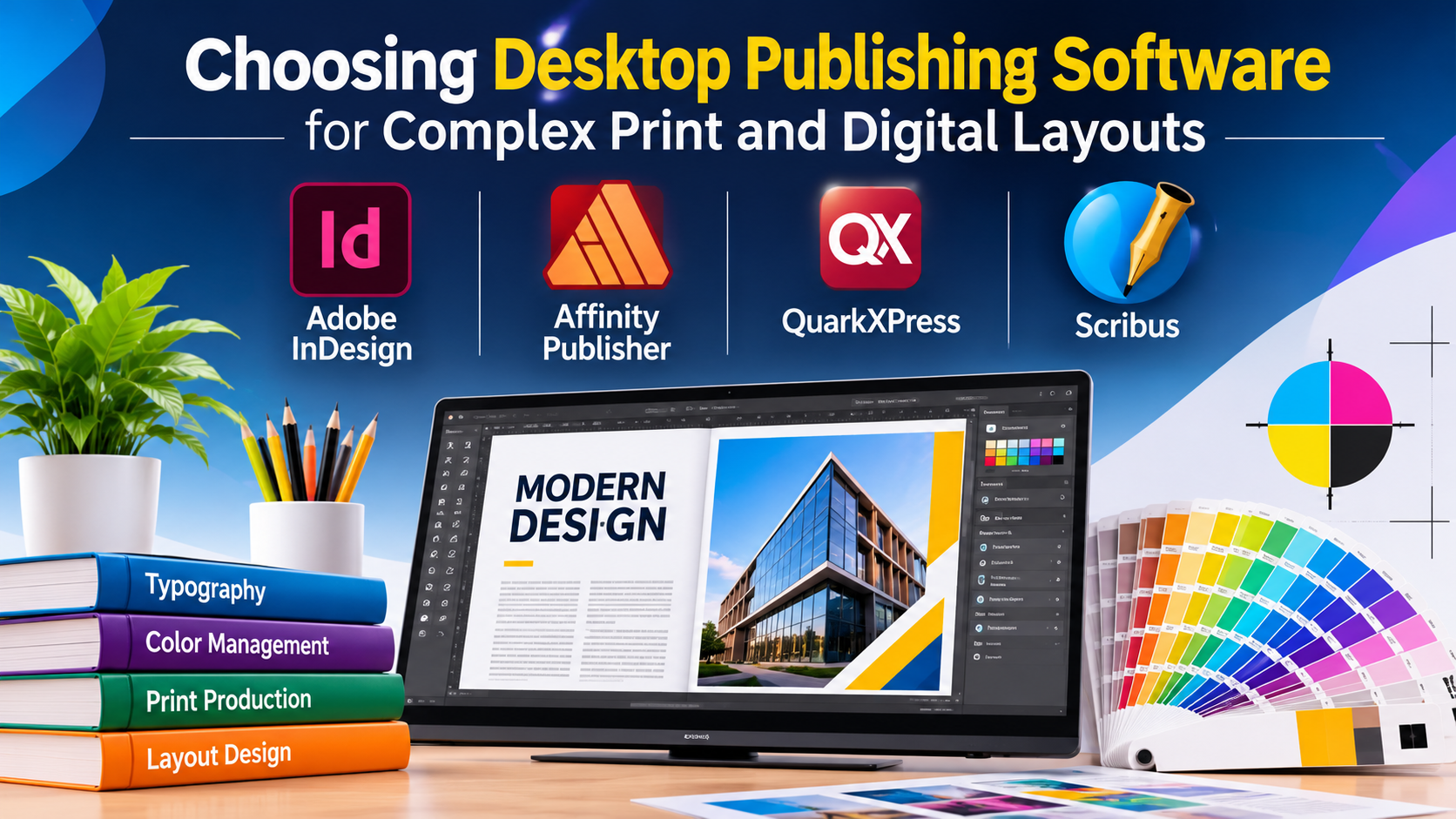
Professional layout design requires tools that bridge the gap between word processing and industrial printing. While general-purpose office suites handle basic documents, desktop publishing (DTP) software provides precise control over typography, color profiles, grid systems, and multi-page document architecture. Selecting the right DTP software depends on your output requirements—whether you are producing multi-chapter books, corporate brochures, interactive PDFs, or digital magazines.
Understanding Desktop Publishing Requirements
Modern desktop publishing encompasses two distinct software categories: page layout applications built for multi-page documents and fine-tuned typographic control, and vector/vector-illustrator hybrid tools used for single-page marketing collateral, posters, and scalable graphics.
Before investing time or budget into a publishing tool, examine your primary workflows:
- Editorial & Long-Form Publishing: If your work involves heavy text threading, automated page numbering, master pages, and index generation (such as books, academic journals, or magazines), you need dedicated pagination engines.
- Marketing & Collateral Design: If your focus is high-impact, single-page designs or short-run collateral (flyers, brochures, social assets), vector-centric layout tools or graphic suites offer faster turnaround times.
- Handoff & Prepress Specifications: Professional print production requires support for CMYK color spaces, spot colors, crop marks, bleed settings, and high-resolution PDF/X export standards.
Leading Desktop Publishing Platforms Compared
1. Adobe InDesign
Adobe InDesign is the industry standard for professional publishing, used extensively in book publishing, magazine houses, and corporate design agencies.
- Primary Use Case: Professional print and digital publishing, multi-page layout, and interactive PDFs.
- Key Differentiators: Advanced typographic controls (GREP styles, optical margin alignment), robust master page architecture, data merge capabilities for variable data publishing, and deep integration with the Adobe Creative Cloud ecosystem (Photoshop, Illustrator).
- Limitations: Subscription-only pricing model can be cost-prohibitive for occasional users; steep learning curve for beginners.
- Best Suited For: Professional graphic designers, publishing houses, and corporate marketing teams requiring strict prepress compliance.
2. Affinity Publisher
Developed by Serif, Affinity Publisher has emerged as a powerful, performance-focused alternative to subscription-based models, offering a perpetual license.
- Primary Use Case: Independent publishing, book design, and marketing collateral production.
- Key Differentiators: Persona switching technology (seamlessly integrating vector and photo-editing workflows within the app via Designer and Photo personas), robust handling of large documents, and support for open file formats without ongoing subscription fees.
- Limitations: Lacks some advanced automation and scripting features found in enterprise-grade alternatives.
- Best Suited For: Freelancers, independent book publishers, and small design agencies looking for professional features without recurring subscription costs.
3. QuarkXPress
Once the undisputed market leader, QuarkXPress remains a robust, highly capable tool favored by traditional publishing enterprises and newspaper workflows.
- Primary Use Case: High-volume newspaper, magazine, and enterprise-scale document publishing.
- Key Differentiators: Powerful digital publishing capabilities (converting print layouts to HTML5 digital editions without coding), conditional styles, and advanced non-destructive image editing within layouts.
- Limitations: Smaller user community compared to Adobe; legacy perception in some modern creative circles.
- Best Suited For: Enterprise publishing environments, newsrooms, and organizations with established Quark workflows.
4. Scribus
Scribus is the leading open-source desktop publishing application, built to bring professional layout capabilities to Linux, macOS, and Windows users without licensing fees.
- Primary Use Case: Open-source publishing, community newsletters, and budget-conscious design projects.
- Key Differentiators: Native support for professional color management (CMYK and ICC profiles), precise vector drawing tools, and entirely free, open-source availability.
- Limitations: Steeper learning curve; lacks some modern collaborative features and native compatibility with proprietary file formats like InDesign (.indd).
- Best Suited For: Open-source advocates, educational institutions, non-profits, and independent creators working within strict software budgets.
Feature Comparison Matrix
| Product | Primary Focus | Licensing Model | Prepress & Color Support | Best For |
| Adobe InDesign | Enterprise & Agency Publishing | Subscription (Cloud) | Comprehensive (CMYK, Spot, PDF/X) | Professional agencies, publishers, complex books |
| Affinity Publisher | General Professional Publishing | Perpetual License | Strong (CMYK, ICC Profiles) | Independent designers, small presses, budget-conscious pros |
| QuarkXPress | Enterprise Print & Digital | Perpetual / Subscription | Advanced (Preflight, Color Management) | Newsrooms, high-volume publishers, digital editions |
| Scribus | Open-Source Publishing | Free / Open Source (GPL) | Standard (CMYK, ICC profiles) | Non-profits, Linux users, educational use |
Evaluating Technical and Operational Trade-Offs
When establishing a publishing workflow, software cost is only one factor. Consider these operational realities before committing to a platform:
- File Interchange and Collaboration: If you collaborate with external agencies or freelance editors, file format compatibility is critical. InDesign remains the universal standard for agency handoffs, whereas open formats or PDF proofs are often required when working across different toolsets.
- Hardware and Resource Demands: Heavy multi-page documents with high-resolution image links require robust RAM and fast storage subsystems. Vector-heavy layouts and complex transparency effects can strain older hardware, particularly in non-optimized applications.
- Output Standards: Verify whether your printing partner requires specific PDF/X standards (such as PDF/X-1a or PDF/X-4) and ensure your chosen software exports those formats reliably without relying on third-party conversion workarounds.
Making Your Decision
The right desktop publishing software aligns directly with your project scale and budget structure. If your output demands strict industry-standard interoperability and advanced automation for extensive multi-page documents, an enterprise subscription model is typically justified. For independent publishers, design studios, and long-form creators seeking predictable software costs without recurring fees, a perpetual-license professional tool offers an exceptional balance of capability and value. Always run a pilot test with a representative multi-page document and your intended print provider before finalizing a production workflow.
