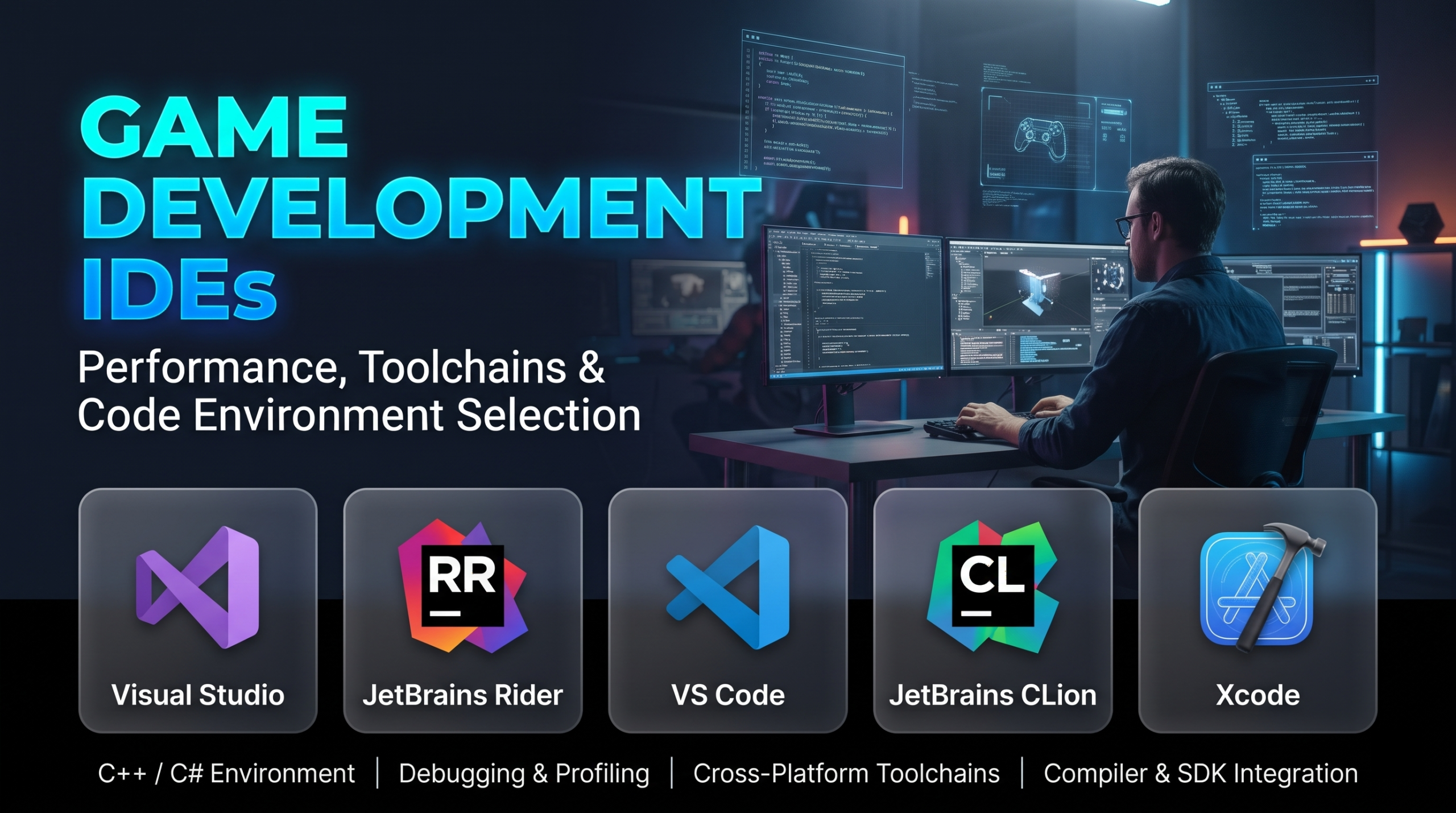
Software engineering in game development places demands on code editing environments that standard application development rarely encounters. While enterprise web development prioritizes rapid API routing and cloud deployment, game programmers manage multi-gigabyte codebases, complex native compilation targets, deterministic physics calculations, and volatile hot-reload loops. An Integrated Development Environment (IDE) in this domain cannot simply act as an intelligent text editor; it must reliably index millions of lines of heavily templated C++ or C#, interface with custom build automation tools, track assembly instructions during live frame-budget profiling, and attach non-intrusively to active game runtimes.
The primary operational dilemma for game engineers is the trade-off between semantic depth and development velocity. Deep code analysis, symbol indexing, and real-time static checking catch structural bugs before execution, but they can slow large solutions to a crawl. Conversely, lightweight editors offer near-instant startup times and minimal memory footprints, but shift the burden of compilation pipelines, memory inspection, and engine-specific macro parsing onto manual configuration.
Navigating this ecosystem requires looking past generic software editor reviews and evaluating how developer environments handle the languages, compilation architectures, and debugging realities of interactive 3D runtimes.
Architectural Challenges Unique to Game Development
Game programming codebases differ fundamentally from conventional business applications. These differences dictate what an IDE must achieve to remain viable during production.
1. The Scale of Codebases and Custom Build Pipelines
A production game project built on a major commercial or proprietary engine frequently encompasses tens of millions of lines of source code across engine sub-systems, third-party middleware, and gameplay modules.
Standard project models (such as conventional MSBuild or generic Makefiles) are rarely used directly. Game studios rely on proprietary or engine-specific build orchestrators like Unreal Engine’s UnrealBuildTool (UBT) or custom distributed compilation systems like Incredibuild. An IDE must parse compiler flags, include paths, and macro expansions generated dynamically by external tools without choking its internal language server.
2. High-Frequency Native Debugging and Memory Tracking
Game programmers spend substantial time investigating frame-rate drops, race conditions in multi-threaded job systems, and memory corruption.
- Pointer and Struct Visualization: Standard debuggers often fail to parse custom memory allocators or specialized engine containers (such as sparse sets or customized dynamic arrays). An effective game development IDE must support visual natvis (native visualization) scripts to render custom data structures intelligibly during breakpoints.
- Non-Intrusive Process Attaching: Halting an active game loop to inspect a crash must be instantaneous. If an IDE introduces seconds of latency when hitting a breakpoint or inspecting local variables, tracking down single-frame state anomalies becomes nearly impossible.
3. Engine-Specific Macro Reflection and Code Generation
Engines like Unreal Engine, Godot, and custom internal frameworks rely on extensive macro systems (e.g., UFUNCTION(), UPROPERTY()) to inject reflection, garbage collection, and visual scripting hooks into native languages. Generic language servers frequently flag these legal engine macros as syntax errors. A specialized IDE must parse these constructs accurately to provide context-aware autocompletion and refactoring.
Primary Game Development IDEs Compared
The current landscape spans dedicated enterprise C++ workstations, cross-platform productivity suites, lightweight extensible editors, and language-specific commercial environments.
| Environment | Primary Target Ecosystems | Supported Core Languages | Compilation & Build Integration | Critical Operational Advantage | Core Operational Trade-Off |
| Microsoft Visual Studio | Windows, Xbox, PlayStation, Unreal Engine | C++, C#, HLSL | Native MSVC toolset, Clang, direct integration with UnrealBuildTool | Undisputed industry standard for native Windows/console debugging and profiling | High system memory consumption; slow initial solution parsing on massive codebases |
| JetBrains Rider | Cross-platform, Unity, Unreal Engine, Godot | C#, C++, F#, ShaderLab | MSBuild, .NET CLI, integrated Clangd engine model | Exceptional semantic analysis; native parsing of Unreal macros and Unity assets | Commercial subscription cost per seat; high RAM footprint during background re-indexing |
| Visual Studio Code | Cross-platform, Indie engines, Web/Mobile, Defold, Godot | C++, C#, Lua, Python, GLSL | Decoupled; relies entirely on external tasks, CMake, or CLI runners | Fast startup; highly extensible; minimal baseline system footprint | High initial configuration friction; debugging complex multi-threaded native C++ is fragile |
| CLion | Linux-first, cross-platform C++ development, custom engines | C++, C, CMake, Python | Native CMake, Ninja, Clang, GCC toolchains | Deep static code analysis and memory safety inspections for custom C++ engines | Limited turnkey support for commercial console development kits (SDKs) |
| Visual Assist (Extension) | Visual Studio enhancement for AAA C++ studios | C++, C, C# | Operates inside Visual Studio’s build lifecycle | Accelerates code navigation, symbol search, and refactoring on giant C++ solutions | Requires perpetual licensing; depends entirely on Microsoft Visual Studio as a host application |
In-Depth Environment Analysis
Microsoft Visual Studio: The Console and AAA Industry Anchor
For decades, Microsoft Visual Studio has served as the baseline development environment for high-end game development, particularly for teams targeting Windows, Xbox, and Sony PlayStation platforms.
Its defining strength is its native debugging and profiling suite:
- Visual Studio’s native debugger reliably handles complex mixed-mode debugging (stepping seamlessly between managed C# and native C++).
- It provides robust support for Natvis files, allowing graphics programmers to inspect complex matrix transformations, SIMD vectors, and entity arrays directly inside watch windows.
- Integration with platform-specific console SDKs is mature; platform holders distribute their proprietary debugger extensions, target deployment tools, and crash-dump analyzers directly formatted for Visual Studio.
However, Visual Studio’s architectural heritage presents significant friction. The IDE is built on a heavy, monolithic framework that can struggle under the weight of massive solutions containing hundreds of projects. Initial solution indexing can take several minutes on cold cache runs, and its native IntelliSense engine can lag behind typing in files with deep template metaprogramming or complex macro hierarchies unless paired with supplemental acceleration plugins.
JetBrains Rider: The Modern Cross-Platform Productivity Leader
Originally developed as a premier .NET and C# IDE, JetBrains Rider has expanded into the primary alternative to Visual Studio, adding deep support for C++ and becoming a dominant tool for both Unity and Unreal Engine development.
Rider uses an out-of-process architecture: the frontend UI runs in a lightweight process, while the backend code analysis engine (powered by ReSharper technology) runs out-of-process. This ensures the text editor never stutters or drops frames while heavy background indexing occurs.
Key operational capabilities include:
- Deep Engine Reflection Awareness: Rider actively parses Unreal Engine’s reflection macros (
UPROPERTY,UFUNCTION,UCLASS). It recognizes Blueprints within the codebase, warning developers if a C++ method is referenced by an asset in the content browser before it is safely deleted or refactored. - Unity-Specific Optimizations: For Unity development, Rider continuously audits C# scripts for performance pitfalls, highlighting expensive operations called inside
Update()loops (such as string concatenations, boxing allocations, or redundantGetComponentcalls). - Cross-Platform Parity: Operates identically across Windows, macOS, and Linux, making it ideal for studios deploying across mixed operating systems.
The trade-off centers on commercial licensing and memory demands. Rider requires recurring per-seat subscription licenses, and its Java/Kotlin-backed indexing server can consume substantial system RAM on high-core workstations when parsing enterprise-scale solutions.
Visual Studio Code: The Modular Lightweight Alternative
Visual Studio Code is not a turnkey IDE out of the box; it is an extensible text editor that can be transformed into an IDE via an ecosystem of extensions (such as the Microsoft C/C++ extension pack, C# Dev Kit, and community language servers).
VS Code excels in environments where agility, minimal resource usage, and custom scripting dominate:
- Lightweight Indie and Custom Engines: Ideal for projects written in lightweight languages like Lua (Defold, Love2D) or GDScript (Godot), where heavy IDE infrastructure is unnecessary.
- Remote and Containerized Workflows: Through the Remote – SSH and Dev Containers extensions, engineers can edit code locally while compilation, execution, and debugging occur on high-performance remote build farms or cloud instances.
- Near-Instant Launch: Opens instantly and handles quick code reviews or script edits without triggering full-project dependency scans.
The critical limitation is configuration fragility. Setting up a complete native debugging pipeline—including launch configurations, task runners, compiler paths, and Natvis rendering—requires manual JSON editing. Furthermore, for deep, enterprise-scale C++ projects, language server extensions can struggle with multi-gigabyte memory caps, leading to intermittent IntelliSense crashes and unreliable symbol resolution.
CLion: The CMake and Systems Architecture Specialist
JetBrains CLion is an IDE built specifically around modern C and C++ workflows, utilizing CMake, compile_commands.json, or Ninja as its native project models.
It is particularly well-suited for studios building proprietary, custom game engines from scratch on modern compiler toolchains:
- Strict Modern C++ Adherence: CLion integrates Clang-Tidy and Clangd directly into its inspection loop, providing continuous code modernization suggestions, null-pointer dereference warnings, and memory leak analysis while typing.
- Embedded and Linux Targets: Excellent for teams developing for Linux-based distribution platforms, dedicated game servers, or embedded gaming hardware where MSBuild dependencies do not apply.
However, CLion is not architected for standard commercial engine workflows out of the box. While support for Unreal Engine has improved, its reliance on strict project models like CMake makes it difficult to drop into existing studios whose pipelines rely on Microsoft solution files (.sln) or proprietary console cross-compilers.
Visual Assist: The High-Speed C++ Navigation Benchmark
While technically an extension for Microsoft Visual Studio rather than an independent IDE, Whole Tomato’s Visual Assist is an essential tool in enterprise C++ game engineering.
Many AAA studios maintain Visual Studio solely as a host vehicle for Visual Assist. The tool replaces Microsoft’s native IntelliSense engine with an optimized C/C++ parser engineered specifically for massive legacy codebases:
- Instant Symbol Parsing: Allows developers to instantly search across millions of methods, symbols, and files without indexing latency.
- Smart Navigation: Features context-aware navigation (such as hopping instantly between header declarations and implementation files) that rarely breaks, even in codebases with obscure preprocessor definitions.
The primary operational drawback is that it anchors teams to Visual Studio on Windows, carries additional per-seat licensing fees, and does not alter the underlying debugging performance of the host environment.
Evaluating Total Cost of Ownership and Studio Integration
Selecting an IDE across an entire studio introduces operational costs that extend far beyond software purchase prices:
- Hardware Provisioning (35% of operational cost impact): Heavy IDEs parsing massive C++ solutions demand significant workstation hardware: 64GB+ of ECC RAM, high-clock single-core CPUs for compilation preprocessing, and ultra-fast NVMe storage to minimize project caching bottlenecks.
- Software Licensing and Subscription Management (25% of operational cost impact): While tools like VS Code and Community editions of Visual Studio carry no upfront costs, enterprise licensing terms (such as Microsoft’s revenue-based thresholds for Visual Studio Professional/Enterprise or JetBrains commercial packs) scale operational expenditures as studio headcount expands.
- Toolchain Synchronization and Onboarding (25% of operational cost impact): If different team members use different IDEs, maintaining consistent code formatting, build tasks, workspace configurations, and debugging setups across the studio requires continuous engineering overhead.
- CI/CD and Automation Parity (15% of operational cost impact): Ensuring that code compiled and analyzed inside an engineer’s local IDE behaves identically to the studio’s automated Continuous Integration servers requires aligning compiler toolsets, warning flags, and static analysis definitions.
Strategic Selection Criteria
Choosing the correct development environment requires matching your engine architecture, team size, and target platforms to the strengths of the platform:
- For AAA Console and PC Development Using Unreal Engine: Deploy Microsoft Visual Studio paired with Visual Assist, or evaluate JetBrains Rider. Visual Studio provides the necessary console platform debugging tools, while Rider or Visual Assist solves the symbol indexing and macro navigation challenges inherent to Unreal’s massive C++ codebase.
- For Professional Unity Game Development: Standardize on JetBrains Rider. Its real-time performance warnings, deep integration with Unity’s asset database, and seamless multi-platform debugging make it the most productive environment for C# game engineering.
- For Lightweight 2D Engines, Web Games, and Mobile Prototyping: Deploy Visual Studio Code. Paired with engine-specific community extensions for Godot, Defold, or Love2D, it delivers an agile, responsive environment without the overhead of enterprise compilation engines.
- For Custom Proprietary C++ Engines on Modern Toolchains: Select JetBrains CLion. Its native reliance on CMake and deep static analysis tooling provides a clean, standards-compliant foundation for engine programmers writing low-level systems code.
Practical Deployment Recommendations
To prevent costly toolchain migrations mid-production, engineering leadership should evaluate development environments using realistic project milestones:
- Benchmark Cold-Solution Indexing: Load your production project into the candidate IDE from a clean repository clone. Measure the time required for the editor to complete background indexing, resolve all external symbols, and provide responsive, error-free autocompletion.
- Execute Deep Breakpoint Stress Tests: Attach the candidate IDE’s debugger to an active, un-optimized build of your game running a high-load scene. Step through multi-threaded code, inspect nested custom data structures, and verify that the debugger halts and resumes without crashing the runtime.
- Audit Macro and Static Analysis Accuracy: Open your project’s most complex, macro-heavy native files. Ensure the IDE’s language engine identifies legitimate compilation errors without generating false-positive warnings on legal engine code.
The IDE that provides fast symbol resolution, rock-solid debugging stability, and transparent integration with your build automation is the development environment that will protect your engineering velocity and keep your release milestones on track.
