A software defect discovered in production is more than an inconvenience; it represents operational downtime, customer churn, and developer distraction. When bugs are reported across fragmented Slack messages, customer support emails, and uncurated spreadsheets, critical issues get lost, engineers waste hours attempting to reproduce defects from vague descriptions, and regression cycles slip past release deadlines.
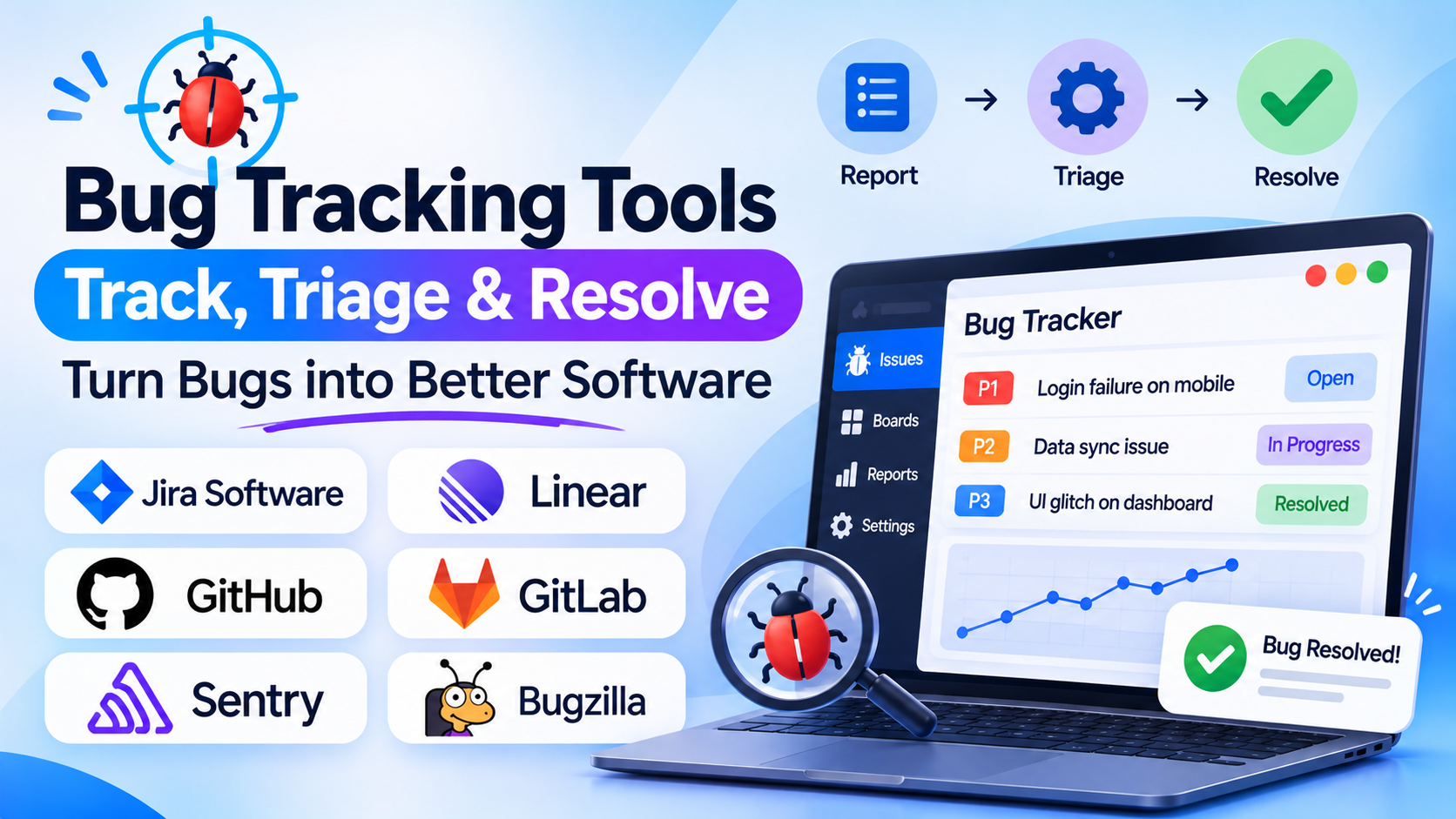
Bug tracking tools centralize the intake, prioritization, assignment, and resolution of software defects—providing structured reproduction steps, stack-trace attachments, automated triage workflows, and tight integration with source code repositories. Evaluating bug tracking software requires distinguishing between enterprise agile issue-tracking platforms, high-velocity developer-first task suites, automated exception and crash reporting engines, and lightweight visual feedback capture tools.
Five Core Capabilities of Modern Bug Tracking Systems
A generic to-do list cannot manage software quality; production bug tracking platforms deliver five technical capabilities:
- Structured Defect Intake and Reproduction Fields: Enforcing mandatory defect metadata—including software version/commit hash, environment (staging, production), device/browser OS, severity vs. priority matrices, expected vs. actual behavior, and reproduction steps.
- Crash Reporting and Automated Exception Ingestion: Ingesting runtime errors automatically from client and server-side monitoring tools (Sentry, Datadog)—capturing stack traces, network payloads, breadcrumbs, and user session context without requiring manual reporting.
- Bi-Directional Source Code and CI/CD Integration: Linking bugs directly to Git branches, pull requests, and commit hashes (GitHub, GitLab, Bitbucket)—automatically moving an issue to “In Review” when a PR opens, and closing it when the fix merges into the main branch.
- Custom Workflow State-Gates and SLA Escalation: Enforcing strict transitions (e.g., an issue cannot jump from “Open” to “Closed” without passing through “QA Verified”), accompanied by automated SLA timers that escalate P0/P1 blocker bugs to on-call engineering leads.
- Cross-Functional Support and Customer Triage Links: Connecting bug records directly to customer support desks (Zendesk, Intercom)—enabling support teams to track engineering progress without giving customer-facing staff direct access to production code backlogs.
Leading Bug Tracking Tools
Jira Software (by Atlassian)
Jira Software is the global enterprise standard for issue and bug tracking, widely deployed across millions of software developers and engineering organizations. Offering unmatched workflow customization, granular permission schemes, custom field architectures, and the vast Atlassian Marketplace, Jira excels at managing bugs within broader Scrum, Kanban, and hybrid Agile frameworks. It pairs natively with Bitbucket, GitHub, GitLab, Confluence, and Jira Service Management.
Large software engineering departments, enterprise IT organizations, and companies requiring complex, compliance-audited workflow transitions standardize on Jira. Its primary trade-offs include administrative overhead, configuration complexity, and an interface that can feel heavy for small, fast-moving teams.
Linear
Linear has established itself as the premier high-velocity, developer-first issue tracking platform for modern engineering and product teams. Built for speed, keyboard navigation, and streamlined workflows, Linear strips away administrative bloat in favor of sub-second load times, automated git workflows (auto-closing issues via PR keywords), structured cycles, and clean customer-support triage inboxes (Linear Asks).
Startups, scale-ups, and modern engineering squads who value speed, clean aesthetic design, and high developer satisfaction favor Linear over traditional enterprise issue trackers.
GitHub Issues and Projects
GitHub Issues provides the most frictionless bug tracking experience for teams whose source code already lives on GitHub. Embedded directly within the repository alongside pull requests, GitHub Actions CI/CD, and project boards, it allows developers to triage issues, cross-reference code snippets, mention team members, and automate issue states using simple markdown and automated GitHub Actions without managing a separate external tool.
Open-source projects, developer-centric startups, and engineering teams seeking zero context-switching between code reviews and bug tracking rely heavily on GitHub Issues.
GitLab Issue Tracking
For organizations operating on GitLab for their complete DevSecOps lifecycle, GitLab’s built-in issue tracking, issue boards, and incident management provide a unified environment connecting defect reporting directly to security scanning, container registries, and CI/CD deployment pipelines within a single application.
Sentry (Automated Application Performance & Error Tracking)
While platforms like Jira and Linear manage human-reported tasks, Sentry is the industry standard for automated, real-time application error and crash reporting. Deployed directly into application codebases across 30+ languages, Sentry catches uncaught exceptions, performance bottlenecks, and frontend crashes in real time—grouping duplicate stack traces, identifying the exact commit that introduced the bug, and syncing unresolved errors directly into Jira, Linear, or GitHub Issues.
Bugzilla and Redmine (Self-Hosted Open-Source Veterans)
For engineering organizations, defense contractors, or academic institutions requiring 100% on-premises data ownership and zero per-seat licensing costs:
- Bugzilla remains an established, battle-tested open-source defect tracking system known for granular search capabilities and strict state management.
- Redmine provides an open-source, flexible Ruby-on-Rails issue tracker that bundles bug tracking, project wikis, Gantt charts, and forum modules for self-hosted teams.
Bug Tracking Tools Comparison
| Platform | Architectural Role | Developer Ergonomics & Speed | Automation & Source Code Sync | Customization & Administration | Best Fit |
| Jira Software | Enterprise issue tracking & Agile backlog platform | Moderate (Feature-rich, but heavier interface) | Very High (Deep integration with all major Git providers & CI/CD) | Very High (Requires dedicated admin for complex instances) | Enterprise engineering teams, IT organizations & scaled Agile |
| Linear | High-velocity, developer-centric issue tracker | Exceptional (Keyboard-first, sub-second latency, modern UX) | High (Automated branch tracking, PR closing & Slack triage) | Moderate (Opinionated, clean workflows prevent configuration sprawl) | Startups, scale-ups & modern software engineering teams |
| GitHub Issues | Repo-native developer issue tracking | High (Native to where developers write & review code) | Very High (Native GitHub PRs, actions, commit links & branches) | Moderate (Configured via markdown templates & GitHub Actions) | Developer-led teams & open-source projects hosted on GitHub |
| GitLab Issues | DevSecOps unified issue & incident tracker | High (Embedded inside complete DevSecOps toolchain) | Very High (Native GitLab CI/CD, security scans & merge requests) | High (Extensive enterprise security & governance settings) | Teams running end-to-end development & DevOps on GitLab |
| Sentry | Automated real-time error & crash monitoring | High (Automated stack-trace capture & commit tracing) | Very High (Captures exceptions automatically; opens issue in Jira/Linear) | Moderate (SDK configuration & error-grouping rules) | Engineering teams automating production crash and exception capture |
| Bugzilla / Redmine | Self-hosted open-source issue tracking veterans | Moderate–Low (Traditional web interfaces, utilitarian) | Moderate (Git/SVN repository linking via hooks/plugins) | High (Self-hosted configuration, open-source customization) | Teams requiring complete on-premises data isolation with zero license cost |
Common Bug Tracking Pitfalls to Avoid
- Treating Feature Requests, User Feedback, and Systemic Bugs in the Same Backlog Without Categorization: Dumping raw customer suggestions into the same untagged queue as critical production crash exceptions leaves engineers overwhelmed and delays high-priority hotfixes. Maintain strict issue-type boundaries between Bugs, Tasks, and Feature Enhancements.
- Failing to Automate Issue Status Changes Through Git Pull Requests: Forcing developers to manually open their issue tracker, search for a ticket, and drag it to “In Review” or “Done” after they already merged the pull request leads to outdated boards. Enforce git-commit keyword automation (e.g.,
Fixes #1042) to update ticket states automatically. - Neglecting to Group Automated Exception Spikes: Ingesting automated error feeds without smart grouping rules will flood your issue tracker with 5,000 individual tickets the moment a downstream third-party API has a brief five-minute outage. Pair crash reporting tools like Sentry with intelligent exception grouping and threshold alerts.
Selecting the Right Bug Tracking Tool
Match your bug tracking system to your engineering workflow, team scale, and infrastructure environment:
- For Large Enterprises Requiring Comprehensive Agile Governance and Compliance: Standardize on Jira Software for deep workflow customization and enterprise ecosystem integrations.
- For High-Velocity Engineering Squads Prioritizing Speed and User Experience: Choose Linear for keyboard-driven workflows, clean design, and rapid sprint cycles.
- For Repository-Native Tracking Without External Tool Overhead: Deploy GitHub Issues or GitLab Issues directly where your engineers manage source code and pull requests.
- For Automating Production Crash and Exception Detection: Implement Sentry alongside your primary issue tracker to catch and diagnose code-level bugs automatically.
- For Complete On-Premises Data Residency on Open-Source Software: Utilize Bugzilla or Redmine.
