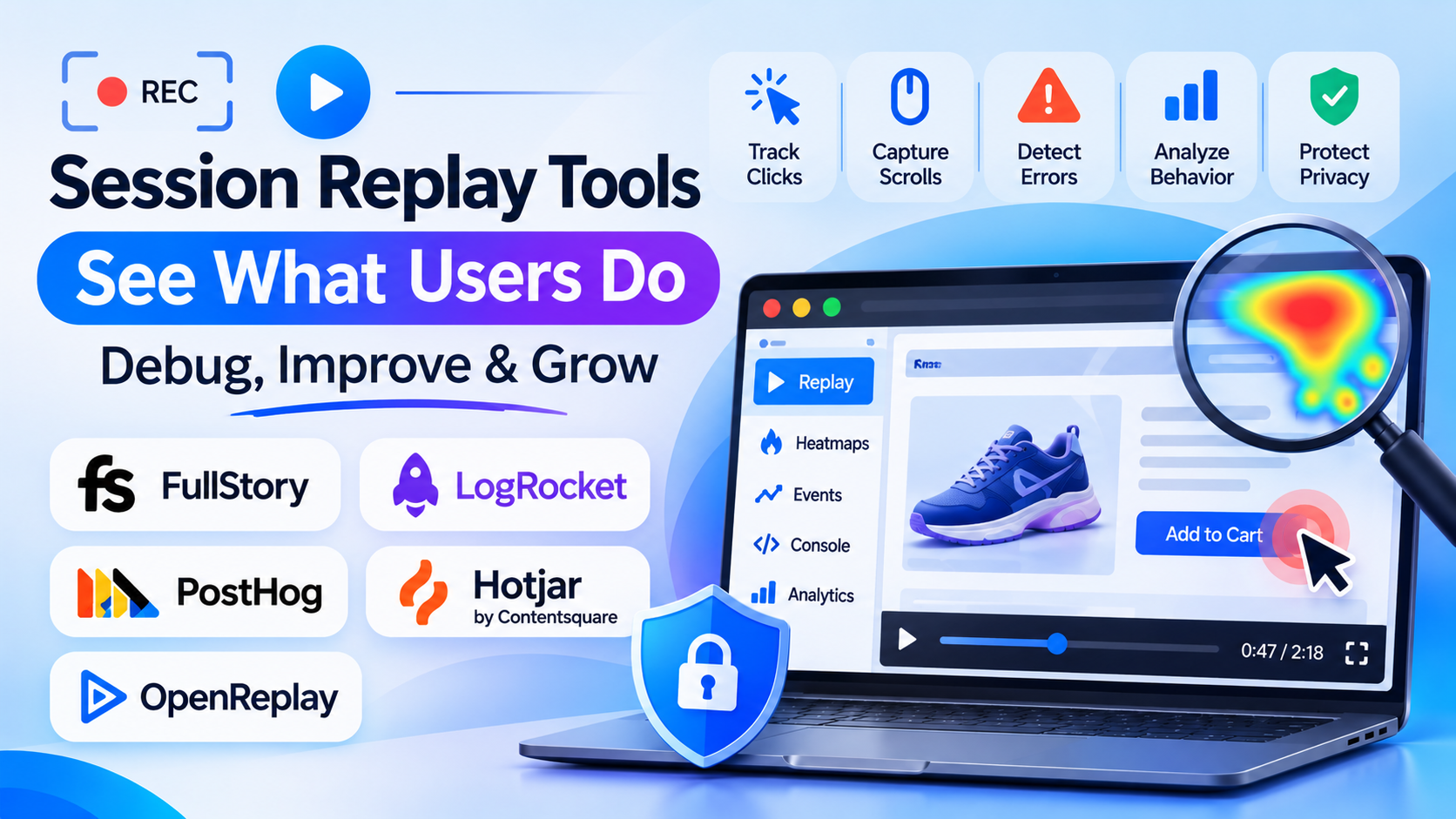
Quantitative product analytics can tell you that 14% of mobile users dropped off between the shipping address screen and the payment review step; they cannot tell you that a sticky promotional banner blocked the “Continue to Payment” button on iOS Safari, or that users clicked an un-clickable security badge three times before abandoning the checkout cart.
Session replay tools bridge the gap between abstract funnel metrics and technical reality by recording the Document Object Model (DOM) mutations, user clicks, scrolls, mouse movements, and network events of live user sessions—reconstructing pixel-perfect, interactive video reproductions of actual user experiences. Evaluating session replay tools requires distinguishing between digital experience intelligence platforms, developer-first debugging and observability suites, and privacy-first open-source replay engines.
Five Core Capabilities That Separate True Session Replay From Simple Screen Recorders
Modern session replay does not stream raw video files; it captures lightweight DOM mutation events and reconstructs them in sandboxed web players across five technical dimensions:
- DOM Mutation Architecture and Bandwidth Optimization: Capturing micro-mutations of the HTML Document Object Model and CSS changes rather than streaming heavy video frames—maintaining client-side network overhead under 15–30 KB/s so the host website’s Core Web Vitals and load performance remain unaffected.
- Deterministic Privacy and Zero-Trust Data Masking: Ensuring that personally identifiable information (PII), credit card numbers, passwords, and sensitive healthcare data never leave the user’s browser—combining client-side masking rules (
data-private, regex matching, input sanitization) before telemetry transmits to the server. - Frustration and Anomaly Signal Detection: Automatically indexing behavioral frustration indicators—such as rage clicks (rapidly clicking a broken button), dead clicks (clicking an un-interactive element), mouse thrashing (erratic cursor movement indicating confusion), and error clicks (clicks followed immediately by a JavaScript console exception).
- Developer-Grade Network and Console Diagnostics: Synchronizing the visual session replay timeline with synchronized browser DevTools data—including JavaScript console errors, uncaught promise rejections, network fetch/XHR request payloads, latency waterfalls, and HTTP status codes.
- Funnel Segmentation and Quantitative Analytics Linking: Filtering hundreds of thousands of sessions instantly by specific user behaviors (e.g., “show sessions where a user triggered a 500 API error in the UK on Chrome after visiting
/pricing“) rather than forcing teams to manually watch random recordings.
Leading Session Replay Tools
FullStory
FullStory is widely recognized as the enterprise benchmark in Digital Experience Intelligence (DXI). Powered by its patented autocapture engine, FullStory captures every DOM event, click, page navigation, and text change out of the box without requiring manual event tagging. It pairs pixel-accurate session playback with deep quantitative product analytics, conversion funnel diagnostics, Frustration Signals (rage clicks, dead clicks, error clicks), and robust enterprise-grade data privacy governance.
Enterprise e-commerce retailers, financial services platforms, and large SaaS applications requiring high playback fidelity, advanced segmentation, and enterprise security governance standardize on FullStory. Its primary considerations are premium enterprise pricing and the need to govern high-volume event data ingestion.
LogRocket
LogRocket is purpose-built as a developer-centric product observability and debugging suite—designed specifically for engineering, frontend development, and technical product teams. Alongside pixel-perfect session playback, LogRocket captures complete Redux/Vuex state logs, network request and response headers, console logs, CPU/memory performance profiles, and frontend crash reporting.
Software engineering teams and technical product managers who need to reproduce difficult-to-replicate client-side bugs, inspect failed network requests, and diagnose frontend application crashes favor LogRocket.
PostHog (Open-Source Full-Stack Platform)
PostHog approaches session replay as an integrated component of an all-in-one developer and product analytics platform. Uniting session replay with feature flags, A/B testing, user funnels, error tracking, and product analytics in a single open-source core (available as Cloud SaaS or self-hosted), PostHog allows teams to jump seamlessly from a converted A/B test variant directly into the session replays of users who experienced that variant.
Technical startups, software engineering squads, and privacy-conscious organizations seeking open-source transparency, self-hosting options, and consolidated tooling without multiple SDKs rely heavily on PostHog.
Hotjar (by Contentsquare)
Hotjar is the most widely adopted session replay and behavior analytics tool for small-to-mid-sized businesses, marketing teams, and growth practitioners. Combining straightforward session recording with visual heatmaps, on-site user feedback widgets, and user interview scheduling, Hotjar emphasizes ease of setup, approachable filtering, and rapid qualitative discovery.
Marketing agencies, SMB e-commerce storefronts, and conversion rate optimization (CRO) teams seeking fast setup and intuitive visual insights favor Hotjar. Organizations requiring deep technical network diagnostics or state-management debugging often look toward LogRocket or FullStory.
OpenReplay (Self-Hosted Open-Source Replay)
For organizations in banking, defense, healthcare, or government that cannot legally transmit user sessions to third-party cloud infrastructure, OpenReplay provides a 100% self-hostable, open-source session replay and developer monitoring suite that runs entirely inside your private VPC or on-premises Kubernetes cluster, keeping all customer telemetry within your sovereign network perimeter.
Session Replay Tools Comparison
| Platform | Architectural Role | Diagnostic & Developer Depth | Privacy & Data Masking Controls | Analytics & Funnel Depth | Best Fit |
| FullStory | Enterprise Digital Experience Intelligence | High (Console logs, network status, page performance) | Very High (Client-side Private by Default, field masking) | Very High (Full autocapture quantitative analytics & funnels) | Enterprise e-commerce, banking & large digital products |
| LogRocket | Developer-focused frontend observability | Very High (Full network payloads, Redux state, CPU/memory) | Very High (Client-side sanitization, strict PII redaction) | High (Conversion funnels, issue tracking & alert rules) | Software engineers, frontend developers & technical PMs |
| PostHog | Open-source all-in-one product suite | High (Console logs, network status, event timelines) | High (Client-side regex masking, self-hosted data isolation) | Very High (Native feature flags, A/B tests & product analytics) | Developers, tech scale-ups & teams wanting consolidated tools |
| Hotjar | Marketing, CRO & user feedback suite | Moderate (Basic console errors & page events) | High (Automatic input masking, compliant recording) | Moderate (Visual heatmaps, feedback surveys & basic funnels) | Marketing teams, CRO agencies & small-to-mid-market sites |
| OpenReplay | Self-hosted developer session replay (OSS) | Very High (Network tracker, state inspection & crash reports) | Complete Data Residency (Runs 100% inside your private VPC) | Moderate (Event search, performance monitoring & funnels) | Regulated industries, healthcare & privacy-sensitive engineering |
Common Session Replay Pitfalls to Avoid
- Deploying Session Replay Without Configuring Client-Side PII Masking: Relying on server-side filters to catch sensitive customer data means passwords, credit card numbers, or medical records still traverse public networks. Always enforce client-side masking (
data-privatetags, text masking) so sensitive inputs are obfuscated before leaving the browser. - Recording Everything Without Funnel-Based Sampling: On a site receiving ten million monthly visitors, recording 100% of sessions generates massive data storage costs and overwhelms product teams with unviewable footage. Implement conditional sampling—recording 100% of sessions that hit an error or drop out of checkout, but only 5% of routine homepage bounces.
- Watching Random Sessions Without Hypothesis-Driven Filtering: Spending hours watching random user recordings is an inefficient use of product time. Always filter sessions by verified business anomalies: rage clicks, failed checkout attempts, or specific conversion funnel drop-offs.
Selecting the Right Session Replay Tool
Match your session replay stack to your primary user persona and security architecture:
- For Large Enterprise Digital Products and High-Volume E-Commerce: Choose FullStory for deep quantitative analytics, reliable autocapture, and enterprise compliance.
- For Engineering and Frontend Teams Debugging Complex Web Applications: Standardize on LogRocket for network payload logging, Redux/state inspection, and frontend performance metrics.
- For Modern Product Teams Wanting All-in-One Analytics, Feature Flags, and Replay: Deploy PostHog.
- For Growth Marketers and Conversion Rate Optimization (CRO) Agencies: Utilize Hotjar for fast setup, visual heatmaps, and on-site user feedback widgets.
- For Regulated Environments Requiring 100% On-Premises or Private Cloud Hosting: Choose OpenReplay.
