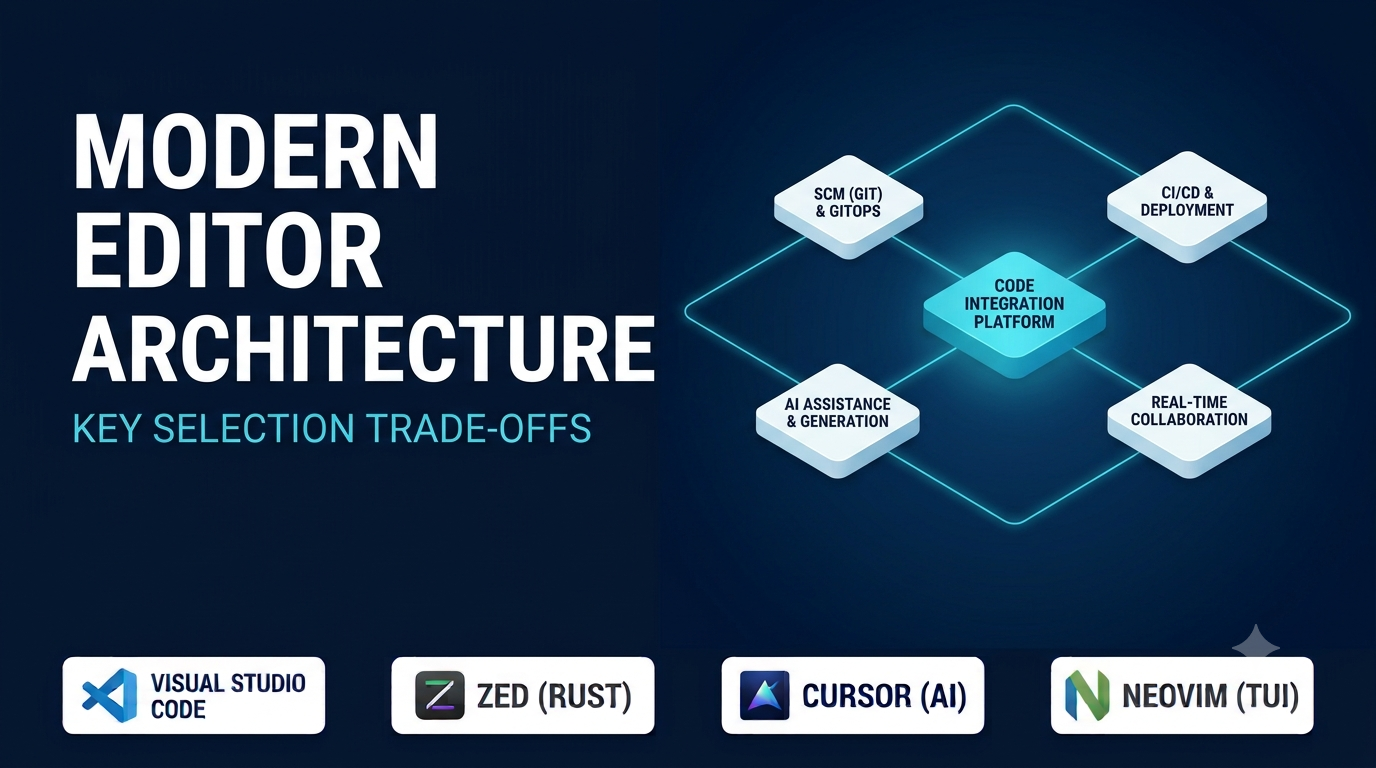
Choosing a code editor used to be a simple trade-off between lightweight text manipulation and heavyweight integrated development environments (IDEs). That boundary has largely dissolved. Standardized protocols—most notably the Language Server Protocol (LSP) for code intelligence and the Debug Adapter Protocol (DAP) for stepping through execution—now allow slim editors to deliver autocomplete, go-to-definition, and inline diagnostics that once required monolithic IDE suites.
At the same time, the editor landscape has fractured along new architectural fault lines. Developers now choose between Electron-based extensible platforms, GPU-accelerated native editors built in Rust or C++, terminal-resident modal environments, and AI-first forks that re-engineer the editor around multi-file code generation. Picking the wrong foundation leads to sluggish typing latency on large files, high memory pressure alongside local Docker containers, or extension ecosystems that break when upstream protocols shift.
What Distinguishes Modern Code Editors
Rather than comparing surface-level themes or font ligatures, evaluating code editors requires looking at four core architectural dimensions.
1. Rendering Architecture and Input Latency
How an editor draws glyphs to the screen directly affects responsiveness when scrolling through multi-thousand-line files or opening sprawling monorepos:
- Web-tech runtimes (Electron / Chromium) offer unmatched UI flexibility and rapid extension development using TypeScript and CSS, but carry higher baseline RAM consumption and occasional frame drops under heavy extension loads.
- Native GPU-accelerated engines (written in Rust, C, or C++) render text directly via Metal, DirectX, or Vulkan, delivering sub-millisecond input latency and minimal memory overhead—at the cost of smaller, younger plugin ecosystems.
- Terminal-based editors delegate rendering to your terminal emulator (such as Alacritty, Kitty, or Ghostty), achieving near-zero startup time and effortless execution over SSH sessions.
2. Language Intelligence via LSP and Tree-sitter
Modern editors decouple syntax highlighting and semantic analysis from the core application:
- Tree-sitter builds incremental concrete syntax trees in real time, enabling fast, accurate syntax highlighting, structural code folding, and syntax-aware selection without regex brittleness.
- Language Server Protocol (LSP) delegates type checking, refactoring, and symbol indexing to external language servers (
rust-analyzer,tsserver,pyright,gopls). Because multiple editors share the same language servers, code intelligence quality increasingly depends on your machine’s RAM and the underlying language server rather than the editor itself.
3. Extensibility Model and Sandboxing
An editor’s long-term utility hinges on how third-party plugins run. Out-of-process extension hosts prevent a misbehaving linter from freezing the UI thread, whereas in-process scripting languages (such as Lua in Neovim or Emacs Lisp in GNU Emacs) allow deep programmatic customization of every buffer, keybinding, and window behavior.
4. Remote Development and Container Workflows
For engineers developing inside WSL2, remote cloud VMs, or reproducible Dev Containers, an editor’s remote architecture matters as much as local speed. Editors that run a headless server component remotely while keeping UI rendering local feel dramatically faster over high-latency connections than mounting remote filesystems over SSHFS.
Leading Code Editors by Architectural Category
Visual Studio Code — The Extensible Ecosystem Standard
Built on Electron and TypeScript, Visual Studio Code has become the baseline reference point for modern code editors. Its strength lies in the breadth of its extension marketplace, mature Remote Development capabilities (SSH, Dev Containers, and WSL), built-in Git integration, and first-class DAP debugging.
For teams standardizing onboarding across polyglot stacks, VS Code provides predictable tooling with minimal configuration. Its primary trade-offs are resource consumption—especially when running multiple language servers and heavy extensions simultaneously—and licensing boundaries around Microsoft’s proprietary binary distribution versus the open-source Code - OSS core (or community builds like VSCodium, which omit Microsoft telemetry and proprietary marketplace access).
Zed — High-Performance Native Rust Editor with Collaborative Roots
Written from scratch in Rust with a custom GPU-accelerated UI framework (GPUI), Zed targets developers frustrated by Electron memory footprints and input lag. It pairs native multi-core responsiveness with built-in Tree-sitter parsing, LSP integration, Vim modal keybindings, integrated terminal panels, and native real-time multiplayer collaboration (screen sharing, shared buffers, and voice channels).
Zed also integrates multi-provider AI assistants directly into its native buffer workflow without sacrificing frame rates. Because its extension ecosystem is significantly younger than VS Code’s, developers relying on niche framework plugins, complex visual database explorers, or specialized proprietary extensions should verify availability before switching.
Cursor — AI-Native Fork Built on VS Code Compatibility
Cursor takes the open-source VS Code foundation and deeply embeds large language model workflows into the core editing loop rather than bolting them on as a sidebar chat widget. Its distinguishing features include multi-line predictive edits (Tab completion that anticipates cursor jumps across files), codebase-wide semantic indexing, and multi-file agentic refactoring workflows.
Because Cursor inherits VS Code’s extension architecture, developers can import existing keybindings, themes, and extensions immediately. The trade-offs are commercial subscription dependency for full AI usage, vendor lock-in around proprietary AI orchestration features, and occasional lag behind upstream VS Code releases.
Neovim — Programmable, Modal Terminal Efficiency
Neovim modernized classic Vim by introducing an asynchronous plugin architecture, embedded Lua scripting, built-in LSP client support, and native Tree-sitter integration. Running inside any terminal emulator across Linux, macOS, and Windows, Neovim rewards muscle-memory mastery with rapid, keyboard-only navigation and surgical text manipulation.
Developers can either assemble a minimal configuration from scratch or adopt curated distributions (such as LazyVim or Kickstart.nvim) that pre-configure fuzzy finders, Git signs, and LSP servers. Neovim’s steep initial learning curve and manual plugin maintenance make it less suited for developers who prefer mouse-driven discovery and turnkey visual settings panels.
Sublime Text — Lightweight Speed and Multi-Cursor Precision
Sublime Text remains a benchmark for raw file-opening speed and low memory usage. Built with a custom C++ core and Python plugin API, it opens multi-hundred-megabyte log files and massive directory trees instantaneously while consuming a fraction of the RAM required by browser-based editors.
Its multi-caret editing, Goto Anything fuzzy navigation, and distraction-free interface make it indispensable for rapid text transformations and quick edits alongside heavier IDEs. While LSP plugins extend Sublime Text with modern code intelligence, its closed-source commercial license and smaller community plugin velocity place it behind VS Code and Neovim for turnkey framework ecosystems.
Helix — Post-Modern Modal Editor with Batteries Included
Inspired by Kakoune and Neovim, Helix is a terminal-based modal editor written in Rust that reverses Vim’s verb-noun grammar into a selection-first (noun-verb) model—allowing you to visually inspect multi-cursor selections before applying transformations.
Unlike Neovim, which requires configuring external plugins for basic modern ergonomics, Helix ships out of the box with built-in Tree-sitter highlighting, native LSP support, fuzzy file pickers, and multiple cursors with zero plugin manager setup. Its intentional avoidance of a complex plugin runtime keeps configuration clean, though users who rely on bespoke scriptable workflows may miss Lua-style extensibility.
GNU Emacs — Malleable Lisp Environment Beyond Text Editing
GNU Emacs operates less like a conventional editor and more like a programmable Lisp interpreter specialized for text buffers. Through packages such as Magit (widely regarded as one of the most capable Git interfaces ever built), Org-mode for literate programming and documentation, and built-in eglot LSP support, Emacs enables workflows that unify coding, note-taking, terminal management, and email inside a single keyboard-driven environment.
Its unmatched malleability comes with significant upfront investment in learning Emacs Lisp conventions, key chords, and configuration management.
Architectural Comparison of Leading Code Editors
| Editor | Core Implementation | Interface Paradigm | Extension / Config Model | Standout Strength | Primary Trade-Off |
| Visual Studio Code | TypeScript / Electron | Desktop GUI & Web | Massive extension marketplace (JS/TS) | Broadest ecosystem, Dev Containers, and turnkey polyglot setup | Higher RAM usage and occasional UI lag under heavy extension loads |
| Zed | Rust (GPU-accelerated) | Native Desktop GUI | WebAssembly extensions & JSON settings | Sub-millisecond native speed, low memory footprint, and built-in collaboration | Smaller extension library compared to VS Code |
| Cursor | TypeScript / Electron (VS Code fork) | AI-Native Desktop GUI | VS Code extensions + AI rules | Deep multi-file AI editing and codebase-wide context awareness | Recurring AI subscription cost and proprietary fork dependency |
| Neovim | C & Lua | Terminal UI (TUI) | Lua scripting & rich plugin ecosystem | Instant startup, SSH-native speed, and programmable modal editing | Steep learning curve and ongoing plugin configuration maintenance |
| Sublime Text | C++ & Python | Native Desktop GUI | Python plugin API & JSON configs | Effortless handling of huge files and ultra-low baseline memory | Proprietary license; requires extra setup for full LSP parity |
| Helix | Rust | Terminal UI (TUI) | Built-in TOML configuration (no plugin runtime) | Zero-config Tree-sitter, LSP, and selection-first modal editing | Lacks an arbitrary plugin scripting ecosystem |
| GNU Emacs | C & Emacs Lisp | GUI or Terminal | Deeply programmable Emacs Lisp | Unrivaled workflow customization (Magit, Org-mode) | High initial configuration and keybinding learning curve |
Code Editors vs. Full-Featured IDEs: Knowing Where the Line Sits
Even with LSP and DAP extensions, lightweight code editors do not completely replace domain-specific IDEs such as JetBrains IntelliJ IDEA, PyCharm, Rider, or Xcode. Full IDEs build deep, cross-project abstract syntax tree (AST) indexes in memory, enabling complex structural refactorings (such as safely moving classes across packages while updating reflection references), visual database schema designers, memory profilers, and framework-specific build integrations out of the box.
Many experienced engineers adopt a hybrid setup: using a full IDE for deep architectural refactoring in large Java, C#, or C++ codebases, while keeping a fast native or terminal editor (such as Zed, Sublime Text, or Neovim) open for configuration files, scripts, Markdown documentation, and quick remote edits.
Four Practical Checks Before Switching Editors
1. Test Memory and CPU Under Real Language Server Load
An empty editor window tells you nothing about daily performance. Open your largest active repository, trigger a full TypeScript, Rust, or Python language server index, and monitor total memory across both the editor UI process and spawned language server subprocesses.
2. Verify Remote and Container Workflows
If your team develops inside Docker containers, WSL2, or remote cloud instances, verify whether your candidate editor supports seamless remote server execution rather than forcing you to mirror source trees manually.
3. Check Data Privacy and Telemetry Boundaries
For editors incorporating cloud-hosted AI completions or codebase indexing, review data retention policies, zero-data-retention guarantees, and support for local or self-hosted LLM endpoints (such as Ollama or enterprise API gateways) before opening proprietary repositories.
4. Audit Extension Maintenance Health
When evaluating an editor that relies on community plugins for core tasks (such as debugging, test runners, or Git blame), inspect repository commit activity on critical extensions to ensure they remain actively maintained alongside language runtime updates.
Choosing the Right Editor for Your Workflow
- Choose Visual Studio Code when cross-platform team consistency, Dev Container support, and access to virtually any language or cloud extension matter most.
- Choose Zed when you want native GPU-accelerated responsiveness, clean built-in Tree-sitter/LSP support, and real-time pair programming without Electron overhead.
- Choose Cursor if AI-assisted multi-file editing and predictive refactoring are central to your daily development speed and you already rely on VS Code extensions.
- Choose Neovim or Helix when you work heavily in the terminal, manage remote Linux servers over SSH, or want keyboard-driven modal efficiency—favoring Helix for zero-config defaults and Neovim for deep Lua customization.
- Choose Sublime Text as a primary or companion editor when instantaneous startup and opening massive text files without memory spikes are top priorities.
Before migrating your entire setup, spend one full sprint using a candidate editor on a real feature branch—including debugging a failing test, resolving a multi-file merge conflict, and navigating unfamiliar definitions—to verify whether its ergonomics genuinely accelerate your thinking rather than merely changing your interface.
