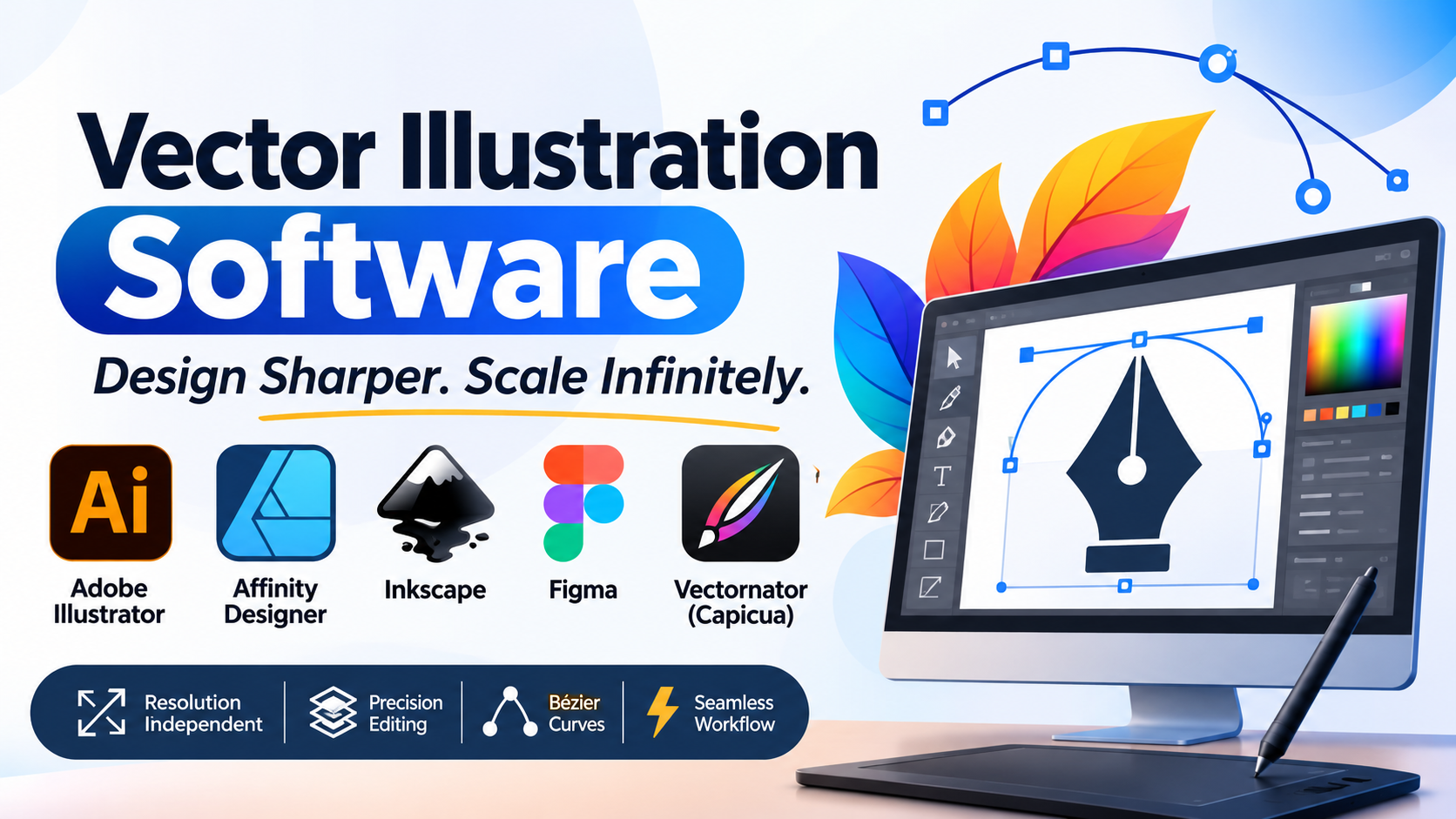
Vector illustration software serves as the structural foundation for brand identity design, technical typography, UI/UX icon systems, package engineering, and scalable graphic illustration. Unlike raster-based painting applications that store images as fixed grids of colored pixels, vector graphics rely on mathematical equations—utilizing anchor points, directional handles, and Bézier curves—to define shapes, strokes, and fills.
A persistent technical error in graphic design pipelines is attempting to handle infinitely scalable layout tasks or precise typographic branding inside raster compositing tools. Raster assets break down into pixelated artifacts when scaled beyond their native resolution. Vector graphics, by contrast, render sharply at any scale—from a postage stamp to a billboard—because the software recalculates the underlying geometric coordinates in real time.
Choosing the right vector illustration tool requires analyzing how its curve-manipulation engines operate, its precision alignment and grid architecture, its support for open-source interchange formats like SVG, and its integration across cross-platform team workflows.
Technical Foundations: Bézier Mathematics, Scalability, and Export Pipelines
Professional vector graphics are governed by precise mathematical rules that dictate how shapes are constructed, manipulated, and output for print or digital media.
1. Bézier Curves and Anchor Point Mechanics
The core of vector illustration is the management of Bézier curves, developed mathematically to model smooth, scalable curves using anchor points and tangent direction handles:
- Smooth vs. Corner Points: Smooth points link incoming and outgoing handles collinear to ensure seamless curve transitions, while corner points allow sharp, abrupt directional changes in paths.
- Pathfinders and Boolean Operations: Complex shapes are created by combining, subtracting, intersecting, or excluding overlapping simple geometric paths (compound paths). A high-performance vector engine executes these Boolean mathematical calculations instantly without introducing stray vector points or open sub-paths.
2. Resolution Independence and SVG Standards
Because vector files store coordinates rather than pixels, the resulting art assets are entirely resolution-independent.
- For web and UI design, vector art is universally exported as Scalable Vector Graphics (SVG), an XML-based text format that web browsers render natively.
- Clean vector software must generate optimized SVG code without redundant grouping tags, hidden clipping masks, or unnecessary metadata that bloat web page load times.
Primary Vector Illustration Tools Compared
The professional market features industry-standard subscription suites, high-performance perpetual-license design apps, specialized web-based vector tools, and open-source alternatives.
| Vector Illustration Tool | Primary Production Focus | Core Architecture & Technology | Platform Support | Critical Operational Advantage | Core Operational Limitation |
|---|---|---|---|---|---|
| Adobe Illustrator | Brand identity, print publishing, complex vector illustration | Vector graphic suite with integrated Adobe Sensei AI and cloud libraries | Windows, macOS | Undisputed industry standard; massive third-party plugin ecosystem; robust prepress and CMYK color management | Subscription-only pricing model (Adobe Creative Cloud); heavy system resource footprint |
| Affinity Designer | UI/UX design, icon creation, high-speed vector/raster hybrid workflows | Dual-persona engine (Vector Persona and Pixel Persona) | Windows, macOS, iPadOS | Blazing-fast GPU-accelerated canvas rendering; clean perpetual licensing model; handles complex artboards smoothly | Smaller third-party plugin ecosystem compared to Adobe; different symbol and asset management paradigm |
| Inkscape | Open-source vector design, SVG editing, technical illustration | Native SVG-based XML editor and path manipulation engine | Windows, macOS, Linux | Completely free and open-source (FOSS); direct access to underlying SVG code structure; robust node editing tools | Interface can feel less polished; performance can lag when rendering hundreds of thousands of complex vector nodes |
| Figma | Collaborative UI design, design systems, vector wireframing | Cloud-native vector canvas with real-time multiplayer editing | Cross-platform (Web browser, desktop app) | Unmatched real-time team collaboration; centralized design systems and component libraries; browser-accessible | Requires an active internet connection for full functionality; less optimized for complex offline print prepress |
| Vectornator (Capicua) | Mobile-first vector illustration, quick vector sketching | Touch-optimized vector path engine | macOS, iPadOS, iOS | Exceptional Apple Pencil integration; clean, gesture-driven vector path creation on mobile devices | Limited advanced prepress color separation controls compared to desktop enterprise suites |
In-Depth Platform Analysis
Adobe Illustrator: The Industry Standard for Brand Identity and Print
Adobe Illustrator remains the foundational application for professional graphic designers, typographers, and brand identity specialists worldwide.
Illustrator’s primary technical advantages include:
- Advanced Typography and Variable Fonts: Unrivaled typographic control, supporting OpenType features, variable font axis manipulation, paragraph/character styles, and text-on-path alignment.
- Global Colors and Swatch Libraries: Allows designers to establish global spot colors and CMYK process swatches that update instantly across an entire multi-artboard document when modified.
- Image Trace Engine: Converts complex raster bitmap photographs into editable vector paths with granular threshold and path-fitting controls.
The operational trade-off is its subscription pricing model (Adobe Creative Cloud), which imposes a permanent recurring software cost for independent creators and small design studios.
Affinity Designer: High-Performance Perpetual Vector Design
Affinity Designer, developed by Serif, provides a professional vector illustration environment designed around speed, stability, and a cost-effective perpetual license.
Key technical attributes include:
- Dual-Persona Architecture: Seamlessly switches between the Vector Persona (for precise pen-tool drawing and path manipulation) and the Pixel Persona (for raster-based brush texturing and shading) within the same document container.
- Real-Time Hardware Acceleration: Leverages multi-core processing and GPU acceleration to pan and zoom across massive vector documents containing millions of nodes at 60 frames per second without stuttering.
- Advanced Grid and Snapping: Offers customizable isometric, grid, and snapping options tailored for technical illustration, game assets, and UI layout design.
The primary limitation is integration with legacy print production pipelines that rely strictly on specific Adobe Illustrator proprietary script extensions.
Inkscape: Open-Source Vector Editing and Native SVG Architecture
Inkscape is a mature, free, and open-source vector graphics editor that serves as an accessible tool for technical illustrators, hobbyists, and open-source developers.
Its core strengths include:
- Native SVG Format Support: Directly edits the underlying XML source code of vector files, making it a powerful utility for web developers and engineers working directly with SVG markup.
- Powerful Path Operations: Features robust node editing, dynamic offsets, path simplification tools, and bitmap tracing via Potrace integration.
- Zero Licensing Overhead: Distributed freely under the GNU General Public License, providing advanced vector tools without financial barriers.
While Inkscape handles standard vector illustration effectively, its user interface can feel fragmented, and it lacks the refined CMYK pre-flight and color-separation tools required by high-volume commercial print shops.
Figma: Collaborative Cloud-Native Vector Design
Figma transformed the digital design landscape by moving vector design out of isolated desktop silos and into a cloud-native, collaborative web environment.
Key differentiators include:
- Real-Time Multiplayer Collaboration: Multiple designers, copywriters, and stakeholders can edit the same vector artboard simultaneously, observing cursor movements and leaving contextual comments in real time.
- Design Systems and Components: Enables teams to build centralized component libraries, auto-layout responsive frames, and scalable design tokens that propagate updates across massive digital product projects instantly.
Figma is optimized primarily for digital screens, UI/UX interfaces, and web assets. It is not designed for traditional multi-page print publications or complex offset prepress color workflows.
Workflow Economics: Evaluating Licensing and File Interchange
When standardizing a vector illustration workflow, software acquisition costs represent only a baseline investment. Studios must account for pipeline operational factors:
1. Subscription vs. Perpetual Licensing
- Subscription Models (Adobe Illustrator): Ensure continuous feature updates and cloud asset synchronization, but create a permanent recurring expense that scales across multi-seat enterprise teams.
- Perpetual Licenses (Affinity Designer): Eliminate recurring fees, lowering overhead for independent freelancers and small agencies, though major version upgrades may require occasional paid updates.
2. File Interchange and Proprietary Lock-In
Vector files frequently move between clients, printers, and external contractors. Saving files in proprietary formats (.ai) can create friction if collaborators use alternative software. Adopting open standards like SVG, PDF/X, and EPS ensures clean file interchange across diverse vector ecosystems.
Practical Selection Guidelines
Selecting the appropriate vector illustration tool requires matching your design discipline, collaboration requirements, and budget constraints to platform capabilities:
- For Brand Identity, Print Publishing, and Corporate Design Agencies: Standardize on Adobe Illustrator. Its unmatched typographic engine, global swatches, and prepress tools make it the universal standard for commercial print.
- For High-Performance Vector Illustration Without Recurring Fees: Deploy Affinity Designer. Its perpetual license, GPU-accelerated canvas, and dual vector/raster personas provide robust capability for budget-conscious professionals.
- For Collaborative UI/UX Design and Digital Product Design Systems: Choose Figma. Its real-time cloud collaboration and component architecture make it the premier tool for digital product teams.
- For Open-Source Pipelines and Direct SVG Code Manipulation: Deploy Inkscape for free, customizable vector editing across cross-platform environments.
Strategic Implementation Takeaway
Do not evaluate vector illustration software by drawing a simple geometric circle or star shape on a blank artboard.
Before committing a design pipeline to a vector suite, execute a rigorous stress test:
- Import a complex multi-layered vector file containing thousands of nodes, overlapping transparency blends, custom clipping masks, and gradient meshes.
- Execute heavy pathfinder operations, scale the document across multiple artboards, and test export routines to SVG, PDF, and EPS formats.
- Verify that path nodes remain clean without accidental sub-paths, that transparency blends render without rasterization artifacts, and that exported SVG markup remains lightweight.
The software that processes complex node networks without performance lag, maintains clean geometric precision, and integrates smoothly into your publishing or digital workflow is the tool that will support your creative output throughout your professional career.
