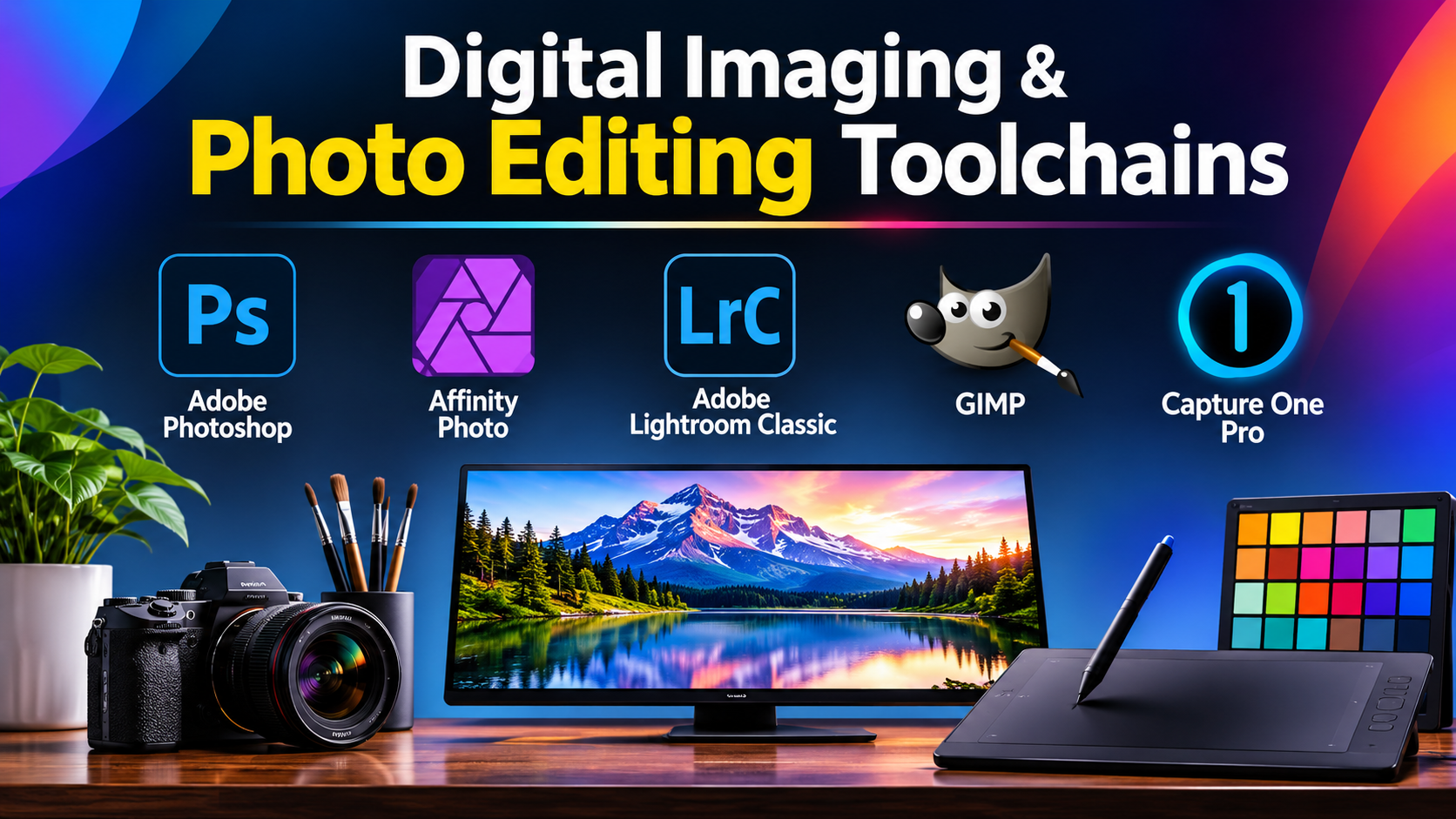
Digital image editing is foundational to visual communication, web design, fine art photography, and UI/UX prototyping. However, treating image editing software as a uniform category overlooks fundamental architectural differences. Raster painting applications, non-destructive RAW photo developers, vector layout tools, and multi-layer compositing suites solve distinct technical problems.
A common pitfall in production planning is choosing software based on surface-level feature lists rather than pipeline compatibility. Professional raster editing requires precise management of bit-depth precision (such as 16-bit and 32-bit floating point), accurate ICC color management profiles, non-destructive adjustment layers, and robust support for third-party plugins.
Selecting the right image editing environment requires understanding the trade-offs between destructive pixel manipulation and non-destructive parametric editing, evaluating GPU acceleration bottlenecks during heavy filter processing, and ensuring seamless file interchange across multi-app creative teams.
Technical Foundations: Raster Bit-Depth, Color Spaces, and Non-Destructive Layers
Professional image editing is governed by rigorous mathematical principles that determine how visual data is captured, manipulated, and exported.
1. Raster Bit-Depth: 8-Bit vs. 16-Bit and Floating Point
The bit-depth of an image file dictates the available tonal range and color precision:
- 8-Bit Integer Processing: Standard format for web graphics (JPEG, PNG). Each color channel (Red, Green, Blue) contains 256 discrete tonal levels, totaling 16.7 million colors. Heavy editing, such as pushing shadows or steep contrast curves, quickly exhausts this limited data range, causing visible color banding and posterization.
- 16-Bit and 32-Bit Floating-Point Processing: Essential for professional photography and high-end retouching. 16-bit processing expands tonal gradations to 65,536 levels per channel, providing massive mathematical headroom. Floating-point processing stores pixel values without clipping absolute black or peak white, allowing highlights and shadows to be recovered losslessly.
2. Color Management: sRGB, Adobe RGB, and CMYK
Color accuracy requires rigorous color profile management via International Color Consortium (ICC) profiles:
- sRGB: The universal standard color gamut for web browsers, mobile displays, and consumer viewing. It represents a narrower range of greens and cyans.
- Adobe RGB (1998): A wider color space designed for print production and high-end photography, encompassing richer cyan and green tones that sRGB cannot reproduce.
- CMYK Conversion: Subtractive color mixing model utilized for physical offset printing. Software must manage soft-proofing and dot-gain conversions accurately to prevent unexpected color shifts from digital monitor displays to physical ink output.
3. Destructive Editing vs. Non-Destructive Parametric Workflows
- Destructive Editing: Directly alters the underlying pixel data on a layer. Once saved and closed, operations like scaling, painting, or filtering cannot be undone independently.
- Non-Destructive Workflows: Utilizes adjustment layers, smart objects, and vector masks. Edits are stored as mathematical parameters applied on top of the source pixels, allowing artists to modify, re-order, or delete adjustments at any stage without degrading source fidelity.
Primary Image Editing Software Compared
The professional software landscape includes industry-standard multi-layer suites, non-destructive photo developers, open-source alternatives, and browser-based editors.
| Image Editing Software | Primary Production Focus | Core Architecture | Platform Support | Critical Operational Advantage | Core Operational Limitation |
|---|---|---|---|---|---|
| Adobe Photoshop | Professional compositing, retouching, raster illustration | Layer-based raster editor with smart objects and AI engines | Windows, macOS | Undisputed industry standard; massive third-party plugin ecosystem; advanced generative AI and masking tools | Subscription-only pricing model (Creative Cloud); heavy system resource footprint |
| Affinity Photo | High-performance photo editing and raster painting | Non-destructive multi-persona architecture (Photo, Liquify, Develop) | Windows, macOS, iPadOS | Perpetual licensing model; blazing-fast GPU rendering; robust handling of massive multi-gigabyte layered files | Smaller third-party plugin ecosystem compared to Adobe; different UI paradigm requiring transition time |
| Adobe Lightroom Classic | High-volume RAW photo management and batch grading | Parametric database engine with non-destructive cataloging | Windows, macOS | Unmatched batch-processing speed, tethered shooting, and AI-powered masking/denoise tools | Limited raster painting, pixel cloning, and advanced composite manipulation compared to Photoshop |
| GIMP (GNU Image Manipulation Program) | Open-source image retouching and custom script automation | Multi-window or single-window raster graph engine | Windows, macOS, Linux | Completely free and open-source (FOSS); highly extensible via Python and Script-Fu scripting | Less intuitive user interface; historical lack of native CMYK color proofing workflows in legacy versions |
| Capture One Pro | Tethered studio photography and advanced RAW color science | Parametric RAW developer and color grading suite | Windows, macOS | Industry-leading skin-tone color grading, tethered capture reliability, and customizable workspace layout | Focused strictly on photo development and color; lacks advanced graphic design and raster painting tools |
In-Depth Platform Analysis
Adobe Photoshop: The Industry Standard for Compositing and Retouching
Adobe Photoshop remains the foundational software for professional digital imaging, graphic design, matte painting, and advanced retouching.
Photoshop’s primary technical advantages include:
- Advanced Compositing Engine: Unrivaled selection and masking tools (such as Select Subject and Object Selection powered by Adobe Sensei AI) that isolate complex hair, fur, and semi-transparent elements instantly.
- Smart Objects and Smart Filters: Encapsulates raster layers into protected containers, allowing filters and geometric transformations to be applied non-destructively.
- Extensive Plugin Ecosystem: Supports thousands of third-party plugins, filter suites, and automated action panels that integrate specialized retouching or 3D mapping workflows.
The operational trade-off is its subscription-only pricing structure (Adobe Creative Cloud), which represents a permanent recurring overhead cost for independent creators and small studios.
Affinity Photo: High-Performance Perpetual-License Editing
Affinity Photo, developed by Serif, emerged as a professional alternative to subscription models, offering a comprehensive suite for photo editing, raster painting, and HDR merging under a single perpetual license.
Key technical attributes include:
- Persona-Based Architecture: Splits workflows into dedicated “Personas” (Develop Persona for RAW processing, Photo Persona for layer retouching, Liquify Persona for warping, and Tone Mapping Persona for HDR), optimizing the interface for specific task phases.
- Real-Time Performance: Engineered to leverage modern multi-core processors and GPU acceleration, allowing smooth panning, zooming, and brush strokes even across massive, multi-gigabyte documents containing hundreds of layers.
- Raw File Handling: Opens and edits RAW files directly within the non-destructive develop pipeline without forcing immediate file format conversion.
The primary limitation is third-party plugin compatibility. While Affinity supports many Photoshop-compatible plugins (8BF), complex proprietary plugins designed explicitly for Adobe APIs may fail to load.
Adobe Lightroom Classic: High-Volume Photography and RAW Processing
Adobe Lightroom Classic is built specifically for professional photographers managing large-scale image libraries, high-volume event shoots, and rapid RAW photo sorting.
Its core strengths include:
- Parametric Cataloging Database: Rather than modifying source files directly, Lightroom stores all editing decisions, exposure tweaks, and color grades as lightweight text metadata inside a catalog database.
- AI Masking and Denoise: Features advanced machine-learning tools that isolate skies, backgrounds, teeth, and skin automatically, alongside neural network AI Denoise that rescues high-ISO images cleanly.
- Tethered Shooting: Industry benchmark for studio photographers connecting digital cameras directly to computers for instant on-set client review and batch application of baseline look-up tables (LUTs).
Lightroom is not a pixel-level compositing tool. It lacks multi-layer pixel painting, advanced warping mesh tools, and precise graphic design layout capabilities.
GIMP: Open-Source Raster Retouching
GIMP (GNU Image Manipulation Program) is a mature, free, and open-source raster graphics editor available across Linux, Windows, and macOS.
Key characteristics include:
- Zero Licensing Costs: Distributed under the GNU General Public License, providing full access to advanced image editing tools without financial barriers.
- Extensibility: Highly customizable interface supporting advanced scripting languages (Python, Script-Fu) to automate batch processing tasks.
- Deep Format Support: Ingests and exports a vast array of file types, including native Photoshop (.psd) files.
While GIMP has evolved to include non-destructive masks and improved single-window layouts, its user interface and color management pipelines still present a steeper learning curve for professionals transitioning from commercial suites.
Capture One Pro: Elite Color Grading and Tethered Capture
Capture One Pro is a high-end RAW processing and color grading suite engineered primarily for commercial, fashion, and high-end studio photographers.
Its defining competitive advantage lies in its color science and tethering performance:
- Advanced Color Editor: Provides granular control over individual color hues, saturation, and lightness channels, allowing precise skin-tone matching across varying studio lighting setups.
- Rock-Solid Tethering: Renowned for stable, instantaneous camera-to-computer image transfer during high-speed commercial fashion shoots.
- Session and Catalog Flexibility: Supports both folder-based “Sessions” for fast, self-contained project archiving and centralized “Catalogs” for massive library management.
Capture One is a specialized photo development tool; it does not support multi-layer digital painting, vector graphic design, or advanced pixel-level compositing.
Workflow Economics: Evaluating Subscription vs. Perpetual Costs
Software acquisition costs represent only a baseline investment; long-term operational expenses in digital imaging depend on hardware infrastructure and file interchange efficiency:
1. The Subscription vs. Perpetual Economics
- Subscription Models (Adobe Creative Cloud): Provide continuous updates, cloud storage integration, and access to mobile companion apps, but impose a permanent recurring cost that scales across multi-seat studio deployments.
- Perpetual Licenses (Affinity Photo): Eliminate recurring fees, lowering overhead for independent artists and small businesses, though major version upgrades may require occasional paid updates.
2. Hardware Acceleration and VRAM Demands
High-resolution image editing (such as stitching multi-shot panoramas, focusing stacking, or applying AI neural filters) demands robust workstation specifications. Systems require multi-core processors, fast NVMe scratch disks, and dedicated graphics cards with high Video RAM (VRAM) allocations to prevent interface stuttering during heavy raster calculations.
Practical Selection Guidelines
Selecting the appropriate image editing software requires matching your primary discipline, budget constraints, and hardware environment to platform capabilities:
- For Advanced Graphic Design, Compositing, and Complex Retouching: Standardize on Adobe Photoshop. Its unmatched feature set, AI masking tools, and universal industry acceptance make it essential for professional visual artists.
- For High-Performance Photo Editing Without Recurring Fees: Deploy Affinity Photo. Its perpetual license, persona-based architecture, and exceptional processing speed offer robust capability for budget-conscious professionals.
- For High-Volume Event Photography and RAW Catalog Management: Choose Adobe Lightroom Classic. Its parametric database, AI masking, and batch-processing speed streamline large-scale photography workflows.
- For Studio Photographers Demanding Elite Color Science and Tethering: Standardize on Capture One Pro. Its color grading precision and reliable tethered capture engine make it the premier choice for commercial studios.
- For Open-Source Pipelines and Zero-Budget Retouching: Deploy GIMP for free, customizable raster editing across cross-platform environments.
Strategic Implementation Takeaway
Do not evaluate image editing software by testing a single, well-lit portrait file on an idle workstation.
Before standardizing an imaging pipeline around a software suite, execute a rigorous stress test:
- Ingest a multi-gigabyte, multi-layer 16-bit TIFF or RAW file containing complex lighting anomalies, chromatic aberration, and fine edge details (such as hair against a textured background).
- Execute a complex composite workflow: generate precise masks, apply non-destructive adjustment layers, run heavy geometric transformations, and save the working file.
- Export the file into multiple color spaces (sRGB, Adobe RGB, CMYK) and verify that color profiles maintain consistency and that edge artifacts or banding do not appear in gradient transitions.
The software that handles massive file loads without memory crashes, maintains color fidelity across color spaces, and fits naturally into your production workflow is the tool that will protect your visual standards throughout your professional career.
