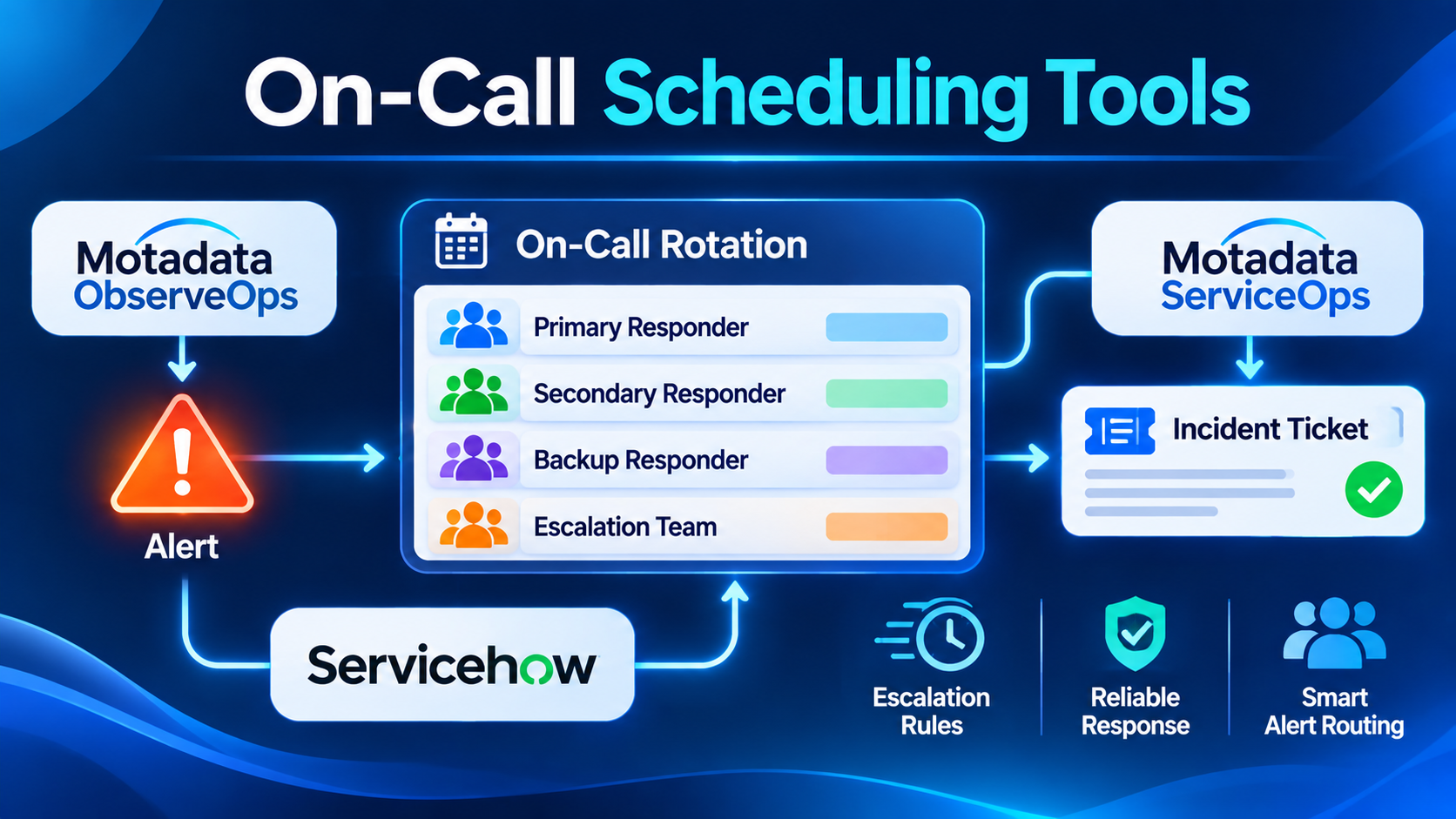
A shared spreadsheet for on-call shifts works fine when three engineers trade weekend coverage on a single service. The moment an organization expands across multiple time zones, adds secondary escalation tiers, and routes alerts from a dozen monitoring systems, manual calendars collapse—leading to unacknowledged pages at 2:00 AM, engineers paged during approved vacation, and uneven after-hours burden that drives burnout.
On-call scheduling tools solve this operational bottleneck by automating shift rotations, override swaps, multi-channel paging (mobile push, SMS, voice calls), and time-based escalation policies. Yet the market splits into distinct operational models: dedicated enterprise paging engines, ChatOps-integrated incident platforms that bundle rotations into Slack and Microsoft Teams, ITSM suites that tie schedules to service-desk queues, and open-source self-hosted schedulers. Choosing the right platform requires looking beyond basic calendar views to examine override ergonomics, mobile critical-alert delivery, Terraform/API automation, and on-call load analytics.
Core Mechanics That Separate On-Call Schedulers
While almost every tool displays a weekly rotation calendar, four technical and operational capabilities determine how reliably a scheduler performs during real production emergencies.
1. Multi-Layer Rotation and Follow-the-Sun Modeling
Distributed engineering teams rarely rely on simple seven-day round-robins. Look for platforms supporting layered schedules—where a base weekly rotation is overridden by daytime regional shifts (for example, handing off automatically between Bangalore, London, and San Francisco without waking engineers at night) and temporary holiday or PTO overrides without breaking the underlying rotation order.
2. High-Reliability Critical Alert Delivery
Standard Slack messages or email notifications fail when an engineer’s phone is on silent or Do Not Disturb. Dedicated on-call mobile apps leverage Apple Critical Alerts and Android priority notification channels to bypass device mute switches, backed by automated fallback chains (push notification -> SMS -> automated voice call -> secondary responder escalation) if an alert goes unacknowledged within a configured window.
3. Self-Service Shift Swaps and Calendar Sync
When engineers need to trade a Tuesday night shift due to a personal conflict, creating an administrative ticket slows everyone down. Modern schedulers let responders create one-click temporary overrides directly in Slack, Microsoft Teams, or mobile apps while synchronizing personal shift assignments automatically to Google Calendar, Outlook, or Apple Calendar via live iCal feeds.
4. Schedule-as-Code and On-Call Load Analytics
For platform engineering teams managing dozens of microservices, configuring schedules manually through a web UI creates configuration drift. Support for Terraform providers or declarative APIs allows teams to define rotations and escalation policies alongside service definitions, while built-in on-call health reports track total after-hours interruptions per engineer to prevent uneven burnout.
Notable On-call Scheduling Tools Across Ecosystems
PagerDuty — Enterprise Paging Reliability and Complex Escalation Policies
PagerDuty remains the benchmark for mission-critical on-call scheduling and alert delivery across large engineering and operations organizations. Its scheduling engine supports complex multi-layer rotations, restricted shift windows, automated gap detection (flagging when an override leaves a shift uncovered), and deep multi-step escalation rules.
PagerDuty’s mobile application is widely trusted for high-reliability push, SMS, and global voice call delivery, backed by extensive Terraform support and integrations with virtually every monitoring and ticketing system. Its primary trade-off is cost structure: per-user licensing scales quickly across large engineering headcounts, and advanced capabilities like automated event grouping or runbook actions require higher enterprise tiers.
incident.io On-Call — Slack- and Teams-Native Rotations and Overrides
Built directly into incident.io’s ChatOps incident platform, incident.io On-Call eliminates the friction of managing schedules in a separate web portal when teams already coordinate in Slack or Microsoft Teams. Engineers can check who is on call, request shift swaps, or trigger temporary coverage overrides directly from chat commands, with changes reflected immediately in escalation chains.
Because scheduling, alert routing, live incident channels, and postmortem timelines share a single data model, alerts automatically page the right service owner and spin up coordinated response workflows without glue integrations. Teams that do not organize daily engineering collaboration around Slack or Microsoft Teams will extract less value from its chat-first workflows.
Jira Service Management (Integrated Opsgenie Capabilities) — Atlassian Ecosystem Alignment
Atlassian integrated Opsgenie’s mature on-call scheduling and alert-routing engine directly into Jira Service Management, giving engineering and IT operations teams unified rotation calendars, multi-channel paging, routing rules, and heartbeat monitoring inside the Jira platform.
Teams can route alerts based on time of day, alert tags, or service ownership, and link escalated pages directly to Jira incidents and recent code deployments. For organizations already standardized on Jira Software and Confluence, consolidating on-call schedules inside Jira Service Management avoids separate vendor contracts, though teams seeking lightweight, standalone paging without broader ITSM workflows may find the Jira interface heavier than dedicated tools.
Splunk On-Call (formerly VictorOps) — Timeline-Driven Collaboration and Routing
Splunk On-Call combines flexible on-call rotations and multi-channel paging with a chronological incident timeline and a Rules Engine that transforms, enriches, and routes incoming monitoring payloads before paging responders. For instance, teams can attach runbook links or dashboard URLs dynamically to incoming Prometheus or CloudWatch webhooks based on alert severity or host tags.
It integrates tightly with Splunk Observability Cloud and Splunk Enterprise, making it a strong fit for organizations invested in the Splunk ecosystem, though standalone buyers outside Splunk often evaluate PagerDuty, incident.io, or Rootly first.
Rootly On-Call and FireHydrant Signals — Unified SRE Alerting and Workflows
Modern SRE platforms Rootly and FireHydrant both offer native on-call scheduling engines (Rootly On-Call and FireHydrant Signals) tightly coupled to their service catalogs and automated incident workflows:
- Rootly On-Call features visual multi-layer schedule builders, live calendar syncing, mobile critical alerts, and deep Terraform management—letting teams tie alert routing directly to service ownership metadata.
- FireHydrant Signals links on-call schedules directly to service-catalog components, enabling automated alert grouping and streamlined escalation across Slack, Teams, and mobile apps without separate alerting vendors.
Grafana OnCall — Open-Source and Cloud-Native Alert Routing
Maintained by Grafana Labs, Grafana OnCall is available both as a self-hosted open-source application and as a managed service within Grafana Cloud. It integrates natively with Prometheus Alertmanager, Grafana Alerting, and third-party webhook sources, offering visual escalation chains, web-based rotation schedules, Google Calendar/iCal schedule imports, and notifications across Slack, Telegram, email, SMS, and phone calls (via Twilio or Grafana Cloud).
For Kubernetes and open-source observability teams seeking zero per-seat licensing fees or tight alignment with Grafana dashboards, Grafana OnCall provides a capable, developer-friendly alternative to commercial paging suites.
GoAlert — Lightweight Self-Hosted Open-Source On-Call Engine
Originally built at Target and released as open source, GoAlert is a self-hosted Go application designed specifically for straightforward on-call scheduling, rotation management, and automated SMS/voice/Slack escalations (backed by PostgreSQL and Twilio). It avoids heavy enterprise bloat in favor of fast deployment, clean rotation overrides, and predictable self-managed operation.
Comparison of On-call Scheduling Tools
| Tool / Platform | Deployment & Licensing | Schedule & Rotation Depth | Mobile & Paging Channels | Standout Strength | Primary Trade-Off |
| PagerDuty | Commercial SaaS | Multi-layer, follow-the-sun, gap detection, Terraform | iOS/Android Critical Alerts, SMS, global voice | Industry-proven paging reliability and deep ecosystem integrations | High per-user enterprise pricing at scale |
| incident.io On-Call | Commercial SaaS | Layered rotations, chat-native swaps, live calendar sync | iOS/Android Critical Alerts, SMS, voice, Slack/Teams | Frictionless Slack/Teams override workflows unified with incident response | Strongest value requires Slack or Microsoft Teams adoption |
| Jira Service Management | Commercial SaaS / Data Center | Multi-team rotations, routing rules, holiday overrides | iOS/Android app, SMS, voice, email | Native integration with Jira tickets, deployments, and Opsgenie routing | Heavier ITSM UI if you only need simple developer paging |
| Grafana OnCall | Open-Source Self-Hosted or Grafana Cloud | Escalation chains, iCal/Google Calendar sync | Slack, Telegram, SMS, voice (via Twilio/Cloud) | Open-source self-hosting option tightly integrated with Prometheus/Grafana | Fewer enterprise ITIL governance features than commercial suites |
| Rootly On-Call / FireHydrant | Commercial SaaS | Multi-layer schedules, service-catalog routing, Terraform | iOS/Android Critical Alerts, SMS, voice | Direct coupling between service ownership, paging, and automated workflows | Commercial SaaS licensing geared toward established SRE teams |
| GoAlert | Open-Source Self-Hosted | Standard rotations, overrides, multi-step escalations | SMS, voice (Twilio), Slack, email | Lightweight, self-hosted Go binary with zero per-seat SaaS costs | Requires self-managing PostgreSQL, hosting, and Twilio gateway |
Four Implementation Practices That Prevent Paging Failures
1. Always Configure Multi-Step Fallback Escalations
An escalation policy that pages a primary responder and stops leaves production incidents unowned if a battery dies or a mobile carrier delays an SMS. Configure every production escalation chain to notify a secondary backup responder after 5–10 minutes and escalate to an engineering manager or team lead if still unacknowledged.
2. Separate Symptom-Based Pages from Informational Alerts
Not every monitoring threshold deserves to wake someone up at night. Route only immediate, user-impacting SLO violations (such as elevated checkout error rates or unreachable ingress endpoints) to synchronous phone/push escalation policies, while routing disk-usage warnings or non-urgent background job retries to asynchronous chat channels.
3. Manage Schedules via Terraform or Service Catalogs
When teams create new microservices without assigning an on-call schedule, critical alerts fall into unmonitored default queues. Define on-call schedules and escalation policies declaratively using Terraform (supported by PagerDuty, Rootly, and Grafana OnCall) so every newly provisioned service inherits a valid rotation automatically.
4. Audit Off-Hours Page Volume Monthly
Use your tool’s reporting analytics to track how many after-hours interruptions each rotation generates per week. If an engineer is paged more than two or three times during a single week-long shift, treat the alert noise itself as a high-priority engineering bug rather than accepting operational fatigue as normal.
Choosing the Right On-call Scheduling Tool
- For large enterprises requiring maximum global voice/SMS delivery reliability and broad legacy monitoring integrations: PagerDuty remains the safest, most battle-tested standard.
- For modern engineering teams coordinating incidents inside Slack or Microsoft Teams: incident.io On-Call, Rootly On-Call, or FireHydrant Signals unifies shift swaps, paging, and live war-room coordination in one workflow.
- For organizations standardized on Atlassian Jira and Confluence: Jira Service Management consolidates on-call rotations, alert routing, and post-incident backlog tracking without adding another vendor.
- For Kubernetes and open-source teams wanting self-hosted control without per-seat fees: Grafana OnCall (or GoAlert for a minimal Go/PostgreSQL footprint) provides dependable rotation and escalation management directly under your infrastructure control.
