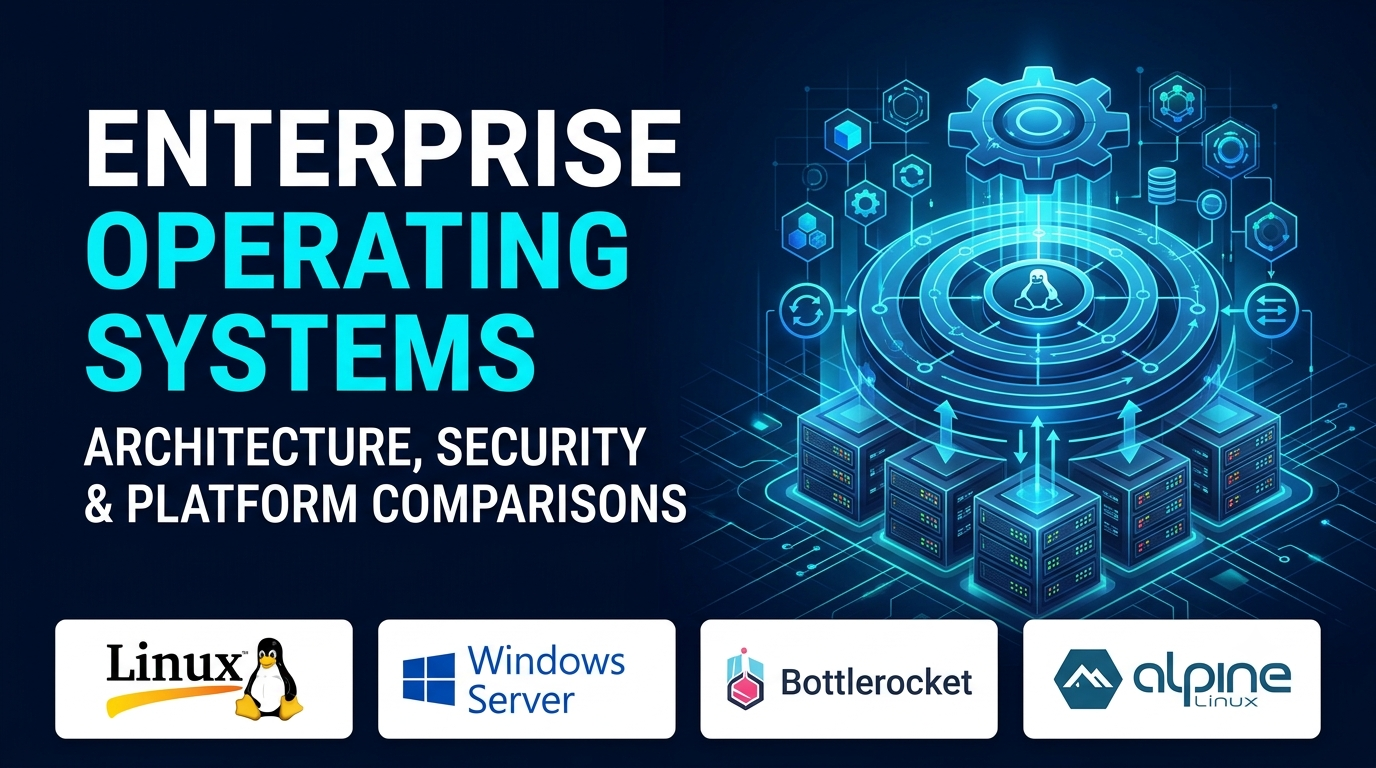
We often take the operating system for granted. It sits quietly beneath our favorite development environments, container runtimes, and desktop applications, acting as the ultimate intermediary between raw silicon and human intention. Yet, choosing or configuring the right operating system environment—whether you are deploying hardened Linux instances across a cloud fleet, spinning up specialized containers, or configuring a developer workstation—has profound implications for security, performance, and operational velocity.
The old division between consumer desktops and enterprise servers has blurred. Modern development teams routinely run Linux containers inside WSL on Windows, manage immutable container operating systems at the edge, and demand sub-millisecond I/O scheduling from bare-metal hypervisors.
Evaluating operating systems today requires looking past default desktop environments and examining kernel architectures, package management philosophies, security enforcement models, and hardware compatibility.
The Architectural Divide: Monolithic, Microkernel, and Hybrid Designs
At its core, an operating system’s kernel dictates how efficiently it manages hardware resources and isolates failures.
[User Space / Applications]
               │
               ▼
[System Call Interface]
               │
               ├──────────────────► Monolithic Kernel (Linux / Windows NT)
               │
               └──────────────────► Minimal / Immutable OS (Bottlerocket / Alpine)
Understanding these architectural choices helps explain why certain operating systems dominate specific workloads:
- Monolithic Kernels (Linux, Windows NT): Both the core OS services (file systems, networking stacks, device drivers) run in privileged kernel space. This design delivers exceptional raw performance because system calls execute without context-switching overhead, though a rogue device driver bug can panic the entire system.
- Minimal and Immutable Container OS: Modern cloud-native environments have popularized read-only, immutable operating systems (such as Bottlerocket or Alpine-based hosts) where the root file system is cryptographically signed and locked. Updates happen atomically as an entire image replacement rather than patching individual packages in place.
- Modular Package Management: Whether dealing with Debian’s robust
.debdependency trees, Red Hat’s RPM ecosystem, or containerized package layers, how an operating system handles software installation defines its long-term maintainability.
Evaluating Leading Operating System Categories
Different computing environments demand specialized operating system strategies. A developer workstation optimized for local compilation requires entirely different characteristics than a headless production database server or an edge IoT node.
1. Enterprise Linux Distributions (RHEL, Ubuntu Server, Debian)
Linux remains the undisputed backbone of global server infrastructure, cloud computing, and container hosts.
- Primary Purpose: Secure, highly stable, and high-performance server execution across bare metal, virtual machines, and cloud instances.
- Differentiating Strengths: Exceptional hardware driver support, mature package management, extensive security hardening profiles (such as SELinux and AppArmor), and long-term support (LTS) lifecycles that guarantee stability for years.
- Operational Trade-offs: Choosing between a rolling-release distribution (like Arch) and a conservative enterprise release (like RHEL) requires balancing access to the latest software packages against upgrade stability.
2. Microsoft Windows Server & Windows Subsystem for Linux (WSL)
For organizations embedded in Active Directory, proprietary .NET frameworks, and enterprise Windows applications, Windows Server remains mission-critical.
- Primary Purpose: Enterprise identity management, Active Directory domain services, and native Windows application hosting.
- Differentiating Strengths: Seamless integration with enterprise management tools (Group Policy, PowerShell, Windows Admin Center) and powerful developer workflows via WSL, which allows developers to run native Linux binaries directly inside a Windows environment.
- Operational Trade-offs: Higher resource overhead and licensing costs compared to open-source Linux alternatives.
3. Specialized Edge and Container Operating Systems
As containerization and Kubernetes took over data centers, specialized operating systems stripped away unnecessary graphical stacks and package managers entirely.
- Primary Purpose: Secure, lightweight, and automated host environments dedicated exclusively to running containerized workloads.
- Differentiating Strengths: Minimal attack surface. Because administrative shells and package managers are removed or locked down, unauthorized tampering is virtually impossible.
- Operational Trade-offs: Troubleshooting requires entirely different workflows, as you cannot simply SSH into a node and run
apt-get installto fix a broken dependency.
Comparison of Operating System Paradigms
| OS Paradigm | Primary Use Case | Security & Isolation Model | Management Approach | Notable Limitation |
| Enterprise Linux | Cloud servers, databases, backend microservices | SELinux / AppArmor, kernel namespaces, cgroups | Package managers (APT/DNF), Ansible, SSH | Requires strict patch management and kernel tuning |
| Windows Server | Active Directory, IIS, enterprise .NET apps | Windows Defender, RBAC, Group Policy | PowerShell, Windows Admin Center, RDP | Higher resource footprint and licensing overhead |
| Immutable Container OS | Kubernetes worker nodes, edge infrastructure | Read-only root file systems, cryptographically signed images | API-driven, atomic image updates | Inability to modify local file systems or install ad-hoc packages |
Common Implementation and Architectural Pitfalls
Deploying or configuring operating systems across an infrastructure fleet fails when teams ignore foundational security and maintenance realities.
- Neglecting Kernel Patching and Live Patching: Leaving servers unpatched against local privilege escalation vulnerabilities creates severe security exposure. Implement automated kernel patch management or live-patching tools to maintain compliance without forced reboots.
- Over-Provisioning Desktop OS for Server Tasks: Using desktop-oriented operating system configurations for production server workloads introduces unnecessary background services, graphical resource overhead, and expanded attack surfaces. Always deploy headless server variants for production compute.
- Ignoring Storage File System Optimization: Selecting the wrong file system (e.g., using ext4 where ZFS or XFS is better suited for high-transaction databases or massive file trees) can severely throttle I/O performance under heavy production load.
Conclusion
Choosing an operating system goes far beyond picking a familiar interface; it establishes the foundational security boundary, performance envelope, and maintenance burden for your entire technology stack. Whether you rely on hardened enterprise Linux distributions for cloud microservices, specialized immutable OS builds for edge containers, or Windows Server for enterprise directory management, matching the operating system architecture to your exact workload requirements is essential for long-term stability.
