Introduction
Business email contains contracts, approvals, customer communications, financial information, and other important organizational records.
As message volumes grow, preserving this information becomes increasingly difficult.
Deleting messages too early can create compliance and legal risks. Keeping everything indefinitely can increase storage costs, privacy exposure, and information governance challenges.
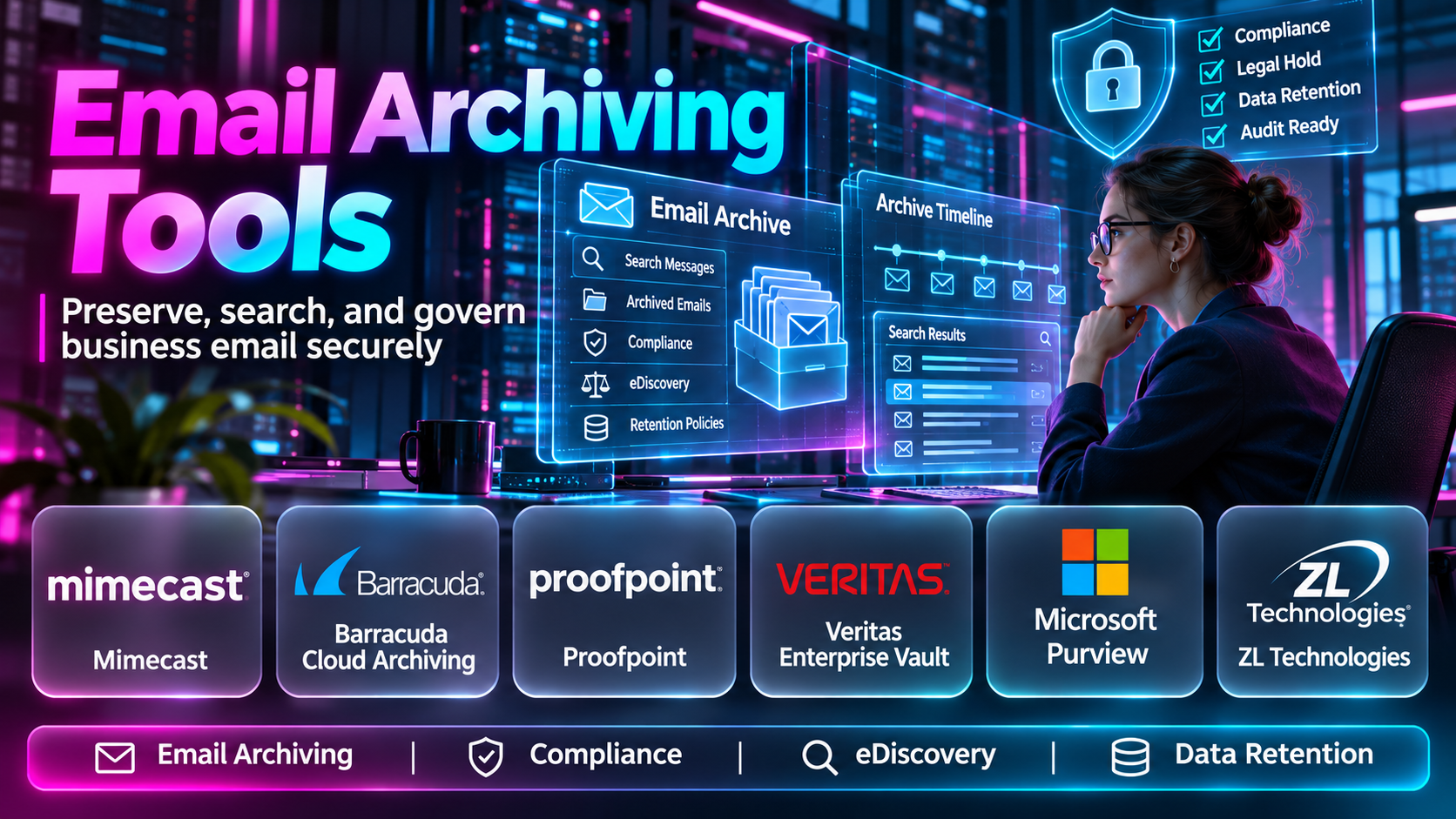
Email archiving tools help organizations preserve selected email records according to defined retention policies.
Modern platforms may also support searchable archives, legal holds, audit trails, and electronic discovery.
This guide compares ten email archiving tools, explains their capabilities and limitations, and helps organizations select an appropriate solution.
What Are Email Archiving Tools?
Email archiving tools capture, preserve, index, and retrieve email records.
They are designed to maintain access to important communication over time while supporting organizational retention and compliance requirements.
Depending on the platform, archiving may occur through journaling, mailbox synchronization, API-based collection, or other supported methods.
Common Email Archiving Features
- Message capture: Collects supported email communications.
- Retention policies: Determines how long records are preserved.
- Search and indexing: Helps authorized users locate archived messages.
- Legal holds: Preserves selected information when deletion must be suspended.
- eDiscovery: Supports searching and exporting information for investigations or legal processes.
- Audit trails: Records selected administrative and access activities.
- Access controls: Restricts archive access to authorized users.
- Tamper resistance: Helps protect records against unauthorized modification.
- Export capabilities: Supports retrieval in compatible formats.
- Storage management: Organizes retained email data.
Email archiving is not the same as backup. Backup primarily supports recovery, while archiving emphasizes long-term record preservation, retrieval, and governance.
Top 10 Email Archiving Tools
1. Mimecast Cloud Archive
Short Description
Mimecast Cloud Archive is an email archiving service associated with Mimecast’s broader email security and resilience portfolio.
It helps organizations preserve business email and provide authorized access to historical communications.
Mimecast’s cloud-oriented approach is relevant to companies that want to reduce dependence on traditional on-premises archive infrastructure.
The platform can support email retention, search, and compliance-related workflows, depending on the purchased capabilities.
For example, an organization may need to retrieve communications associated with a customer dispute or internal investigation. A searchable archive can reduce the time required to locate relevant records.
Organizations should review supported email environments, capture methods, retention controls, licensing, and export requirements before adoption.
Key Features
- Cloud email archiving: Preserves supported business communications.
- Searchable records: Helps authorized users locate archived messages.
- Retention management: Applies supported record preservation policies.
- Compliance workflows: Supports organizational governance requirements.
- Archive access controls: Restricts access to authorized users.
- Email platform integration: Connects with supported mail environments.
- Historical message retrieval: Supports access to retained communications.
- Administrative reporting: Provides visibility into selected archive activities.
Benefits
Mimecast Cloud Archive can improve long-term email accessibility and support consistent information retention.
Pros
- Cloud-delivered archive
- Enterprise email focus
- Search capabilities
- Compliance relevance
- Integration with broader Mimecast services
Cons
- Subscription costs
- Configuration requirements
- Capture coverage must be verified
- Retention policies need careful design
Use Cases
Regulated email retention, historical communication retrieval, compliance investigations, and enterprise archive modernization.
Best For: Organizations seeking cloud-based email archiving within an established email security ecosystem.
2. Barracuda Message Archiver
Short Description
Barracuda Message Archiver is an email archiving product designed to help organizations preserve and retrieve business communications.
Its capabilities are relevant to organizations requiring centralized retention and searchable historical email records.
Barracuda has offered multiple email archiving and cloud services, so buyers should verify the currently supported deployment and licensing options.
An archiving workflow may involve collecting messages from a supported email environment and indexing them for later retrieval.
The platform can help reduce reliance on individual mailboxes as the only source of historical communication.
However, organizations must carefully evaluate retention requirements, administrative permissions, and long-term product support.
Key Features
- Email message preservation
- Archive search
- Retention controls
- Administrative access
- Supported email integration
- Historical message retrieval
- Compliance-related functionality
- Archive management
Benefits
Barracuda Message Archiver can support centralized retention and simplify access to historical business email.
Pros
- Dedicated archiving focus
- Searchable records
- Business email relevance
- Centralized management
- Established vendor ecosystem
Cons
- Current deployment availability requires verification
- Product lifecycle considerations
- Integration requirements
- Administration overhead
Use Cases
Email retention, compliance recordkeeping, historical message search, and archive infrastructure management.
Best For: Organizations evaluating Barracuda-supported email archiving environments.
3. Proofpoint Archive
Short Description
Proofpoint Archive is an enterprise archiving solution associated with Proofpoint’s information protection and compliance portfolio.
It is relevant to organizations with complex retention requirements and significant volumes of business communication.
The platform can help preserve supported communications and make them searchable for authorized compliance and legal teams.
For example, a regulated financial services organization may need to retain employee email according to documented policies and retrieve relevant records during an investigation.
Proofpoint’s broader compliance ecosystem may also be useful where archiving must connect with supervision and information governance workflows.
However, organizations should verify the exact communication channels, retention controls, and eDiscovery functions included in their selected offering.
Key Features
- Enterprise communication archiving
- Email retention
- Search and retrieval
- Compliance workflows
- Access controls
- Investigation support
- Governance integration
- Administrative reporting
Benefits
Proofpoint Archive can support centralized communication governance and complex compliance requirements.
Pros
- Enterprise compliance orientation
- Search and retrieval capabilities
- Information governance relevance
- Suitable for regulated environments
- Broader compliance ecosystem
Cons
- Enterprise procurement complexity
- Licensing costs
- Implementation planning
- Requires careful policy administration
Use Cases
Regulatory recordkeeping, compliance investigations, legal discovery, and enterprise communication retention.
Best For: Regulated enterprises requiring comprehensive archiving and compliance workflows.
4. Microsoft Purview
Short Description
Microsoft Purview provides information governance, retention, and eDiscovery capabilities for supported Microsoft environments.
It is especially relevant to organizations using Exchange Online and Microsoft 365.
Rather than operating solely as a standalone email archive, Purview offers a broader compliance framework that includes retention and investigation capabilities.
Organizations can configure supported retention policies and use appropriate compliance tools to search and preserve information.
For example, a Microsoft 365 organization may establish retention requirements for employee email and apply legal holds when necessary.
However, available functionality depends on licensing, service configuration, and the specific Purview features in use.
Key Features
- Microsoft 365 retention policies
- Exchange Online integration
- eDiscovery capabilities
- Legal hold support
- Compliance administration
- Audit functionality
- Information governance
- Role-based access controls
Benefits
Microsoft Purview can simplify governance for organizations already using Microsoft 365.
Pros
- Native Microsoft integration
- Broad compliance capabilities
- Centralized administration
- Retention and eDiscovery
- Enterprise relevance
Cons
- Licensing complexity
- Requires compliance expertise
- Not a universal archive for all providers
- Configuration mistakes can affect retention
Use Cases
Microsoft 365 email retention, legal holds, compliance investigations, and information governance.
Best For: Organizations using Exchange Online and Microsoft 365.
5. Google Vault
Short Description
Google Vault is an information governance and eDiscovery service for supported Google Workspace data.
It helps organizations manage retention and search requirements for eligible communication and collaboration records.
Google Vault is particularly relevant to businesses and educational institutions using Gmail within Google Workspace.
Administrators can apply supported retention rules and use search and export capabilities for authorized investigations.
For example, a school or business may need to preserve selected communications for a documented legal or administrative purpose.
However, Google Vault is not a traditional backup product. It should not be treated as a complete recovery system for every deleted or corrupted account.
Key Features
- Gmail retention rules
- Google Workspace integration
- Search capabilities
- Legal holds
- Data export
- eDiscovery workflows
- Administrative controls
- Supported service retention
Benefits
Google Vault provides governance and discovery capabilities within the Google Workspace ecosystem.
Pros
- Native Google Workspace integration
- Retention controls
- Legal hold support
- Search and export
- Centralized administration
Cons
- Google Workspace focus
- Licensing requirements
- Not a complete backup solution
- Service coverage varies
Use Cases
Gmail retention, organizational investigations, legal holds, and Google Workspace compliance.
Best For: Organizations using Google Workspace.
6. MailStore Server
Short Description
MailStore Server is a dedicated email archiving solution designed for business environments.
It supports archiving from compatible email systems and provides centralized access to historical messages.
MailStore can be relevant to organizations that want control over their archive infrastructure and retention processes.
The platform supports workflows for capturing email, indexing messages, and allowing authorized retrieval.
For example, a small or medium-sized business may archive email from multiple mailboxes to preserve important correspondence independently of individual employees’ mailbox organization.
However, infrastructure administration, backups, access permissions, and maintenance remain important operational responsibilities.
Key Features
- Centralized email archiving
- Multiple email source support
- Full-text search
- Archive access controls
- Retention-related capabilities
- Message retrieval
- Administrative management
- Archive storage management
Benefits
MailStore Server helps businesses maintain searchable historical email records and reduce dependence on individual mailboxes.
Pros
- Dedicated archiving product
- Multiple email environment support
- Searchable archive
- Suitable for SMBs
- Infrastructure control
Cons
- Server administration requirements
- Backup planning necessary
- Licensing costs
- Deployment configuration required
Use Cases
SMB email retention, mailbox archiving, historical message search, and centralized business recordkeeping.
Best For: Small and medium-sized businesses seeking dedicated email archiving.
7. Jatheon
Short Description
Jatheon provides communication archiving solutions designed for organizations with retention, compliance, and eDiscovery requirements.
Its offerings are relevant to organizations that need centralized access to historical communications.
Jatheon supports archiving and search workflows across selected communication sources, depending on the product and configuration.
The platform may appeal to regulated businesses, educational organizations, and public-sector institutions.
For example, compliance personnel may need to search archived email associated with a particular employee or date range.
Organizations should verify supported data sources, retention controls, export capabilities, and deployment arrangements before purchasing.
Key Features
- Email archiving
- Communication retention
- Search and retrieval
- eDiscovery-related functionality
- Administrative controls
- Compliance workflows
- Archive management
- Reporting
Benefits
Jatheon can support centralized communication records and structured investigation workflows.
Pros
- Archiving specialization
- Compliance-oriented features
- Search capabilities
- Multiple deployment considerations
- Suitable for regulated organizations
Cons
- Product selection requires evaluation
- Integration scope varies
- Licensing costs
- Policy design remains necessary
Use Cases
Compliance retention, educational records, public-sector communication archives, and legal investigations.
Best For: Organizations requiring specialized communication archiving and discovery.
8. Smarsh
Short Description
Smarsh is a communications compliance and archiving platform serving organizations with significant regulatory obligations.
It is particularly relevant to financial services and other industries where business communications may require retention and supervision.
Smarsh’s capabilities extend beyond conventional email archiving to selected digital communication channels.
This broader approach can be valuable when employees communicate through email, messaging applications, and collaboration platforms.
A regulated organization may use the platform to preserve communications and support compliance review workflows.
However, supported channels, supervision features, and retention capabilities depend on the selected services.
Key Features
- Communication archiving
- Email retention
- Multi-channel capture options
- Compliance search
- Supervision workflows
- eDiscovery support
- Governance controls
- Reporting
Benefits
Smarsh can help regulated organizations manage communication records across supported channels.
Pros
- Regulated industry focus
- Multi-channel capabilities
- Compliance supervision relevance
- Search and discovery
- Enterprise scalability
Cons
- Enterprise pricing
- Complex implementation
- Channel support varies
- Governance expertise required
Use Cases
Financial services compliance, communication supervision, legal discovery, and regulated record retention.
Best For: Regulated enterprises needing communication archiving beyond email.
9. Global Relay Archive
Short Description
Global Relay Archive is a communications archiving and compliance platform designed for organizations requiring secure retention and retrieval of business records.
It is particularly relevant to regulated industries where communication preservation must be consistent and auditable.
The platform supports archiving and related governance workflows across supported communication sources.
Compliance teams may use search and review functions to investigate historical communications or respond to authorized information requests.
Global Relay’s broader compliance orientation can help organizations coordinate retention with supervision and discovery requirements.
However, implementation requires careful consideration of communication capture, retention policies, user access, and regulatory obligations.
Key Features
- Communication archiving
- Email retention
- Search and retrieval
- Compliance workflows
- Audit-related controls
- Multi-channel support options
- Governance administration
- Discovery capabilities
Benefits
Global Relay Archive supports structured communication preservation and compliance operations.
Pros
- Strong compliance orientation
- Enterprise archiving
- Searchable records
- Regulated industry relevance
- Multi-channel capabilities
Cons
- Enterprise implementation complexity
- Service costs
- Requires governance planning
- Supported sources vary
Use Cases
Regulated email archiving, legal investigations, financial services recordkeeping, and communication governance.
Best For: Enterprises with demanding regulatory communication retention requirements.
10. ArcTitan
Short Description
ArcTitan is a cloud email archiving service associated with TitanHQ.
It is designed to help organizations preserve business email and provide searchable access to historical messages.
The platform is relevant to businesses and managed service providers seeking cloud-based email retention.
ArcTitan can reduce dependence on individual mailboxes for preserving important communication records.
A typical deployment involves connecting supported email systems, configuring capture methods, and establishing appropriate archive access policies.
Organizations should verify the service’s current integrations, retention controls, administrative capabilities, and pricing before adoption.
Key Features
- Cloud email archiving
- Searchable message storage
- Email capture
- Retention-related controls
- Administrative access
- Historical message retrieval
- Supported mail system integrations
- Service-provider management options
Benefits
ArcTitan helps organizations maintain searchable email records through a cloud-delivered archiving service.
Pros
- Cloud architecture
- Email-specific focus
- Search capabilities
- MSP relevance
- Centralized management
Cons
- Subscription costs
- Integration requirements
- Compliance configuration needed
- Feature coverage varies
Use Cases
SMB email retention, managed email archiving, historical message retrieval, and business compliance support.
Best For: Small and medium-sized businesses and service providers seeking cloud email archiving.
Email Archiving Tools Comparison Table
| Tool | Primary Focus | Best For | Main Limitation |
|---|---|---|---|
| Mimecast Cloud Archive | Cloud email archiving | Enterprises | Licensing |
| Barracuda Message Archiver | Dedicated email archiving | Existing Barracuda environments | Product lifecycle verification |
| Proofpoint Archive | Enterprise compliance | Regulated businesses | Complexity |
| Microsoft Purview | Microsoft 365 governance | Exchange Online users | Licensing complexity |
| Google Vault | Workspace retention | Google Workspace users | Ecosystem limitations |
| MailStore Server | Dedicated archiving | SMBs | Server management |
| Jatheon | Communication compliance | Regulated organizations | Integration planning |
| Smarsh | Multi-channel compliance | Financial services | Enterprise cost |
| Global Relay Archive | Regulated communication retention | Large enterprises | Implementation complexity |
| ArcTitan | Cloud email archiving | SMBs and MSPs | Subscription |
How to Choose the Right Email Archiving Tool
Identify Regulatory Requirements
Organizations should document which records must be preserved and for how long.
Evaluate Email Platform Compatibility
Microsoft 365, Google Workspace, and other mail environments have different integration options.
Understand Capture Methods
Journaling, API-based collection, and mailbox synchronization can provide different levels of coverage.
Review Retention Policies
The solution should support the organization’s documented retention schedule and applicable legal requirements.
Evaluate Search and eDiscovery
Legal and compliance teams may require advanced search, export, and preservation workflows.
Consider Security
Archive access should be restricted and audited, especially when records contain sensitive information.
Review Long-Term Costs
Storage volume, retention duration, licensing, and administrative effort can affect total ownership costs.
Best Email Archiving Tools by User Type
| User Type | Recommended Options | Reason |
|---|---|---|
| Microsoft 365 organization | Microsoft Purview | Native governance |
| Google Workspace organization | Google Vault | Workspace integration |
| Small business | MailStore Server, ArcTitan | Dedicated archiving |
| Regulated financial firm | Smarsh, Global Relay | Communication compliance |
| Large enterprise | Proofpoint, Mimecast | Enterprise capabilities |
| Specialized compliance team | Jatheon | Archiving and discovery |
| Managed service provider | ArcTitan | Managed cloud archiving |
Practical Example: Implementing Email Archiving for a Financial Services Company
Consider a financial services organization with 250 employees.
The company must preserve selected business communications and respond to authorized compliance investigations.
Step 1: Define Retention Requirements
The compliance team identifies applicable rules and required retention periods.
Step 2: Inventory Communication Systems
The organization lists email platforms, shared mailboxes, and other communication channels.
Step 3: Evaluate Archiving Platforms
The team compares supported capture methods, retention controls, search features, and export options.
Step 4: Design Access Controls
Only authorized compliance, legal, and administrative personnel receive archive permissions.
Step 5: Configure Capture
The selected platform is connected to supported communication systems.
Step 6: Validate Preservation
The team tests message capture, attachments, timestamps, search results, and export accuracy.
Step 7: Establish Ongoing Governance
Regular reviews verify retention policies, access logs, capture completeness, and operational health.
Common Email Archiving Challenges
Incomplete Capture
Incorrect integrations can leave gaps in archived records.
Retention Conflicts
Different legal and business requirements may create overlapping preservation obligations.
Privacy and Access
Archived messages can contain sensitive personal and commercial information.
Search Performance
Large archives require effective indexing and retrieval capabilities.
Migration Complexity
Moving historical archives between vendors can require extensive planning and validation.
Confusing Archiving With Backup
An archive may preserve records without providing all the recovery capabilities of a dedicated backup service.
Frequently Asked Questions
1. What is email archiving software?
It preserves and organizes email records for long-term access and governance.
2. Why do businesses archive email?
To support recordkeeping, compliance, investigations, and historical retrieval.
3. Is email archiving the same as backup?
No. Archiving focuses on retention and retrieval, while backup focuses on recovery.
4. What is email retention?
It is the preservation of email for a defined period.
5. What is eDiscovery?
It is the process of identifying, searching, preserving, and producing electronic information for authorized legal matters.
6. What is a legal hold?
It is a preservation requirement that suspends ordinary deletion for relevant information.
7. Can email archives be searched?
Most business archiving platforms provide search capabilities.
8. Can archived emails be deleted?
Deletion depends on retention rules, legal holds, and administrative permissions.
9. Does Microsoft 365 include archiving?
Supported Microsoft 365 services provide retention and archiving-related capabilities, depending on licensing and configuration.
10. Does Google Workspace support email retention?
Google Vault provides retention and discovery features for eligible Workspace environments.
11. Can archives preserve attachments?
Many preserve supported email attachments.
12. Are cloud archives secure?
Security depends on provider controls, configuration, encryption, and access management.
13. Can businesses archive messages from multiple platforms?
Some enterprise platforms support multiple communication sources.
14. How long should emails be retained?
Retention periods depend on legal obligations, business requirements, and documented policies.
15. Can email archiving reduce mailbox storage?
Some archiving approaches can support storage management, but results depend on architecture.
16. Which email archiving tool is best?
The best solution depends on email systems, retention obligations, search requirements, and budget.
Final Thoughts
Email archiving tools help organizations preserve important communications while supporting compliance and information governance.
Microsoft Purview and Google Vault are relevant to organizations using their respective productivity ecosystems.
Mimecast, Proofpoint, Smarsh, and Global Relay provide enterprise-oriented archiving and compliance capabilities.
MailStore Server and ArcTitan offer dedicated email archiving approaches for businesses with different infrastructure requirements.
Jatheon and Barracuda provide additional options for organizations evaluating specialized archive solutions.
The right platform should capture records reliably, enforce appropriate retention rules, protect sensitive information, and support efficient retrieval when authorized users need historical communications.
