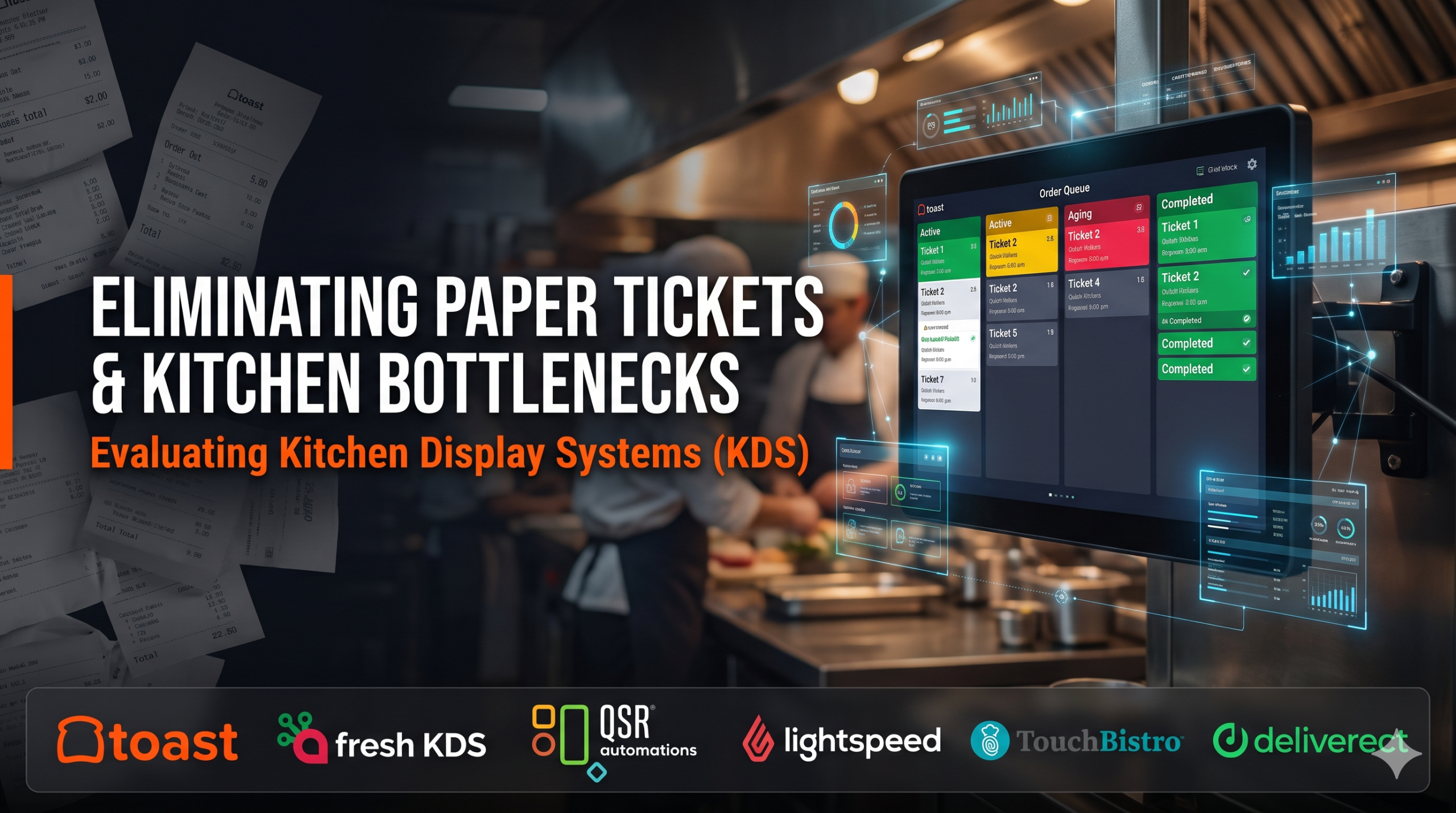
The roar of a commercial kitchen during peak rush should not be accompanied by the continuous buzzing of paper printers jamming with grease, lost tickets falling behind line grills, or misread server handwriting resulting in re-cooked steaks. When high-volume kitchens rely on paper kitchen chits, expeditor stations lose visibility into actual line preparation times, takeout orders print to the wrong prep station, and customer delivery orders sit cold under heat lamps because line cooks had no insight into driver arrival times.
A Kitchen Display System (KDS) digitizes back-of-house culinary operations—replacing physical paper printers with ruggedized, interactive digital displays. They sequence orders dynamically by cook time, route items to specialized kitchen stations, synchronize multi-course meal preparation, and provide real-time operational data on kitchen throughput. Evaluating a KDS requires distinguishing between POS-native integrated kitchen screens, hardware-agnostic multi-channel aggregation KDS platforms, and fast-casual QSR production-line routing engines.
Five Core Capabilities That Separate Modern KDS From Simple Ticket Printers
A digital monitor that simply mimics a paper ticket offers little advantage; production KDS platforms transform kitchen execution across five operational vectors:
- Station Routing and Smart Item Splitting: Parsing incoming orders automatically—sending appetizers to the pantry station, steaks to the grill station, sides to the saute station, and drinks to the service bar—while displaying a unified consolidated ticket at the master Expeditor (Expo) station.
- Item Cook-Time Pacing and Synchronization: Pacing item preparation automatically so all components of an order finish simultaneously (e.g., holding a 5-minute fried calamari order until an 18-minute medium-well ribeye has cooked for 13 minutes) rather than letting hot food sit under heat lamps.
- Color-Coded Aging Alerts and Ticket Thresholds: Visualizing ticket urgency dynamically—transitioning orders from Green to Yellow to Flashing Red as ticket times approach or exceed target kitchen SLAs (e.g., 12-minute target ticket times).
- Off-Premise Delivery Driver Pacing: Integrating directly with third-party delivery services (DoorDash, Uber Eats) to coordinate kitchen preparation with live courier GPS—firing delivery orders to line screens only when the driver is within an optimal travel radius.
- Kitchen Throughput Telemetry and Cook-Time Analytics: Tracking granular preparation performance by station, item, shift, and cook—identifying kitchen bottlenecks, slow-prep menu items, and station capacity limits to optimize kitchen staffing.
Leading Kitchen Display Systems (KDS)
Toast KDS
Toast KDS is widely considered the gold standard in cloud-integrated kitchen management for full-service, fast-casual, and enterprise multi-unit operations running on the Toast platform. Powered by commercial-grade, fanless, heat-and-grease-resistant Android hardware, Toast KDS provides customizable station routing, kitchen ticket recall, two-way server messaging (alerting a server’s handheld terminal the instant an order is bumped), and synchronized off-premise delivery pacing.
Restaurants, bars, and multi-concept food halls already operating within the Toast ecosystem standardize heavily on Toast KDS. Its primary constraint is that it operates exclusively within the Toast platform.
Fresh KDS
Fresh KDS is an agile, tablet-based kitchen display platform engineered to work seamlessly with Square, Stripe, and modern online ordering APIs. Designed to run on standard off-the-shelf iPads or Android tablets with minimal setup friction, Fresh KDS provides color-coded ticket aging, multi-station order splitting, order-ready SMS texting to customers, and multi-channel order aggregation at an accessible, transparent monthly software subscription.
Cafes, food trucks, quick-service concepts, and independent operators running Square who want to eliminate paper kitchen printers without enterprise deployment costs favor FreshKDS.
QSR Automations (ConnectSmart Kitchen / CSK)
QSR Automations ConnectSmart Kitchen (CSK) is the long-standing enterprise heavyweight in kitchen display and kitchen capacity management, powering the high-volume back-of-house operations of the world’s largest casual-dining chains, fast-food franchises, and high-throughput hospitality venues. CSK is renowned for its proprietary cooking-algorithm engine: it calculates dynamic cooking times based on current kitchen load, controls multi-station recipe timing, and integrates with virtually any major enterprise POS system (Oracle MICROS, NCR Aloha, Brink).
Enterprise multi-unit restaurant brands, national franchises, and high-volume kitchens requiring industrial-strength reliability, complex cook-time synchronization, and POS-agnostic integration rely on QSR Automations.
Lightspeed KDS and TouchBistro KDS (Full-Service iOS Kitchen Displays)
For operators standardized on iOS-centric restaurant management systems:
- Lightspeed KDS provides a responsive digital display system optimized for high-end dining, coursing pacing, and fast kitchen bump workflows on Apple iPad screens.
- TouchBistro KDS delivers a local-network-resilient kitchen display designed to pair with TouchBistro’s iPad POS—ensuring that orders route instantly between servers, expo stations, and line cooks even if external internet connectivity drops.
Deliverect Kitchen and Deliverect KDS
Deliverect approaches the kitchen screen from the perspective of off-premise, virtual brand, and third-party delivery aggregation. Deliverect KDS consolidates orders coming from DoorDash, Uber Eats, Grubhub, direct online storefronts, and in-house POS systems onto a single consolidated screen—eliminating the “tablet farm” of six different vendor tablets cluttering the kitchen counter.
Ghost kitchens, virtual restaurant networks, and delivery-heavy concepts managing high off-premise volume choose Deliverect KDS.
Kitchen Display Systems Comparison
| Platform | Architectural Model | Station Routing & Multi-Item Splitting | Cook-Time Pacing & Sync | POS Ecosystem Fit | Best Fit |
| Toast KDS | Native Android restaurant KDS suite | Very High (Pantry, grill, expo, server bump alerts) | High (Cook pacing, delivery driver distance synchronization) | Native to Toast Ecosystem only | Full-service & fast-casual restaurants running on Toast |
| Fresh KDS | Tablet-first cloud KDS app (iOS/Android) | High (Multi-screen routing, clear item lists, bump bars) | Moderate (Standard color-coded ticket aging timers) | Deepest integration with Square & open cloud APIs | Quick-service, cafes, food trucks & concepts on Square |
| QSR Automations (CSK) | Enterprise POS-agnostic kitchen intelligence | Exceptional (Advanced multi-pan, multi-line routing & expo) | Exceptional (Dynamic algorithmic cook-time pacing & load balancing) | Universal (Integrates with MICROS, Aloha, Brink, Toast, etc.) | Enterprise multi-unit restaurant chains, franchises & stadiums |
| Lightspeed / TouchBistro KDS | iPad-native POS-integrated kitchen screens | High (Full coursing, station splits & table assignments) | High (Course pacing, synchronized firing for full-service) | Native to Lightspeed or TouchBistro respective systems | Full-service restaurants & bars running Lightspeed or TouchBistro |
| Deliverect KDS | Delivery-first multi-channel aggregation KDS | High (Consolidates delivery channels with in-house orders) | Moderate–High (Focuses on off-premise dispatch & driver sync) | Universal (Aggregates delivery apps + connects to major POS) | Delivery-focused kitchens, ghost kitchens & virtual brands |
Common KDS Implementation Pitfalls to Avoid
- Mounting Consumer Tablets Without Commercial Heat Protection: Placing a standard consumer iPad directly above a 500-degree commercial charbroiler or deep-fryer station will cause thermal battery shutdowns and screen failure within weeks. Deploy commercial-grade, fanless KDS hardware or use protective heat-shield enclosures with physical bump bars.
- Neglecting to Install a Physical Bump Bar for Wet or Greasy Stations: Requiring a line cook with wet, gloved, or greasy hands to repeatedly tap a capacitive touch screen slows down plating and degrades touch sensitivity. Install physical, tactile bump bars at high-volume grill and fry stations.
- Failing to Deploy a Master Expeditor (Expo) Screen: Routing orders only to individual preparation line screens without an overarching Expo station leaves servers and food runners with no visibility into complete order assembly. Always position an Expo KDS at the final plating pass to verify ticket completion.
Selecting the Right Kitchen Display System
Match your KDS deployment to your service model, hardware environment, and primary ordering channels:
- For Restaurants Already Running the Toast Platform: Standardize on Toast KDS for seamless hardware durability and server handheld notifications.
- For High-Volume Enterprise Chains With Complex Kitchen Pacing: Deploy QSR Automations ConnectSmart Kitchen for deep algorithmic cook-time balancing across legacy or enterprise POS systems.
- For Quick-Service Concepts, Cafes, and Food Trucks Running Square: Choose Fresh KDS for rapid setup on standard tablets.
- For Full-Service Fine Dining Prioritizing Course Synchronization: Standardize on Lightspeed KDS or TouchBistro KDS.
- For Ghost Kitchens and Delivery-Heavy Virtual Concepts: Standardize on Deliverect KDS to aggregate third-party delivery apps onto a single screen.
