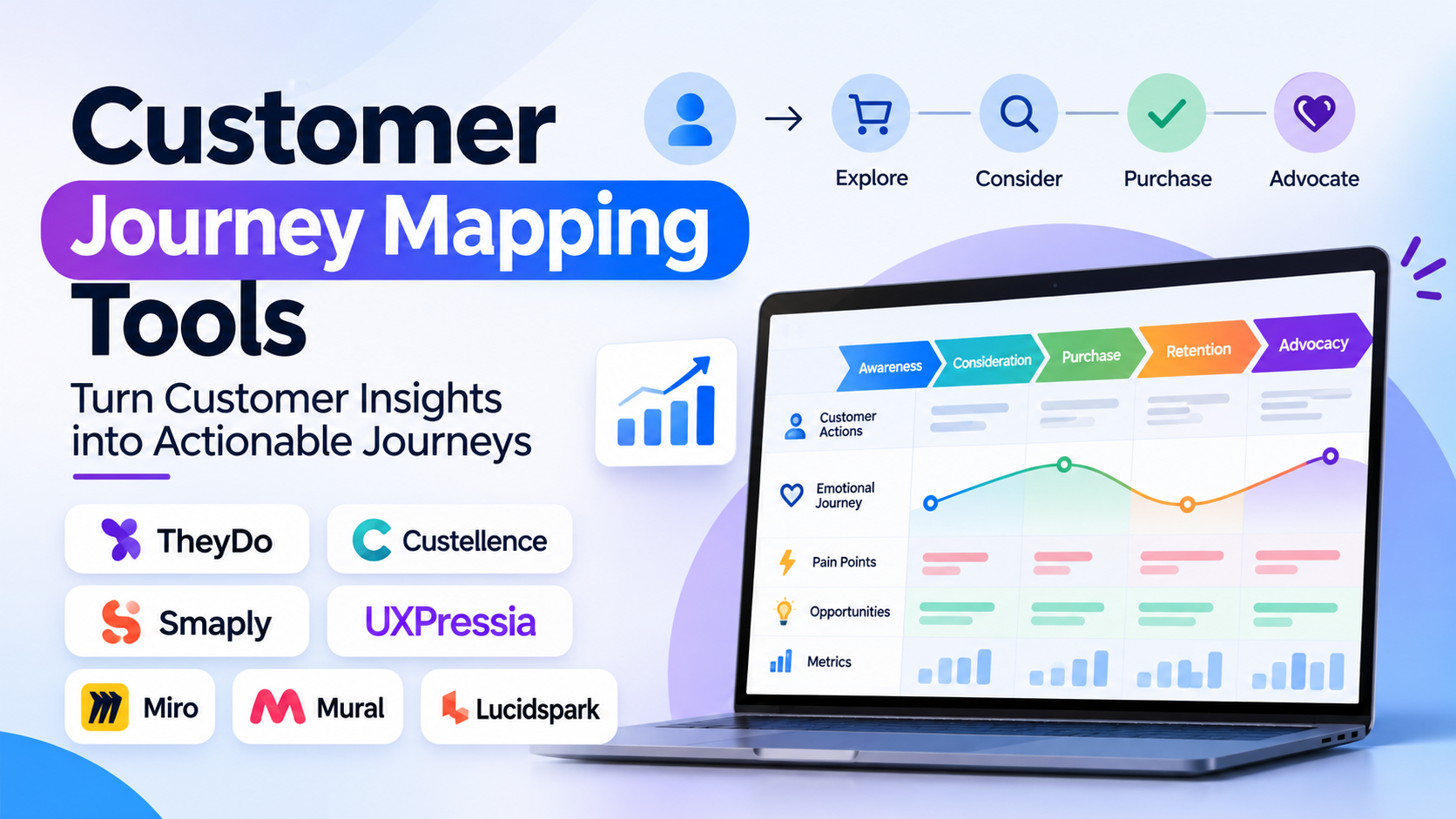
Most customer journey maps begin with good intentions and end as static artifacts: cross-functional teams spend three days in a workshop plastering virtual sticky notes across a digital whiteboard, export a massive PNG, and file it away in a company wiki where it quietly becomes obsolete within six months. When product, marketing, and support teams make daily trade-offs, they revert to siloed metrics—conversion rates, ticket volume, or churn numbers—without understanding the end-to-end human narrative connecting those touchpoints.
Customer journey mapping tools transform abstract user flows into actionable, collaborative blueprints—aligning customer stages, emotional curves, frontstage interactions, backstage operational processes, pain points, and live quantitative metrics. Evaluating journey mapping software requires distinguishing between dynamic journey management platforms (connecting maps directly to live customer data and continuous discovery), service design and journey canvas suites, and flexible visual whiteboarding canvases.
Five Core Capabilities That Separate True Journey Mapping From Diagramming
Drawing boxes and arrows in a generic diagram tool is entry-level; dedicated customer journey mapping tools deliver five structural capabilities:
- Structured Multi-Lane Frameworks: Enforcing standardized architectural lanes across every journey stage—including customer personas, goals, touchpoints, emotional sentiment curves, customer thoughts/quotes, backstage systems, operational dependencies, and ownership teams.
- Dynamic Live Data Ingestion and Metric Linking: Moving beyond static qualitative estimates by linking specific journey steps directly to live product analytics (Mixpanel, Amplitude), survey feedback (Qualtrics, Medallia), and CSAT/NPS scores—turning the map into a live operational dashboard.
- Hierarchy and Journey-to-Sub-Journey Nesting: Structuring an end-to-end lifecycle map (e.g., Onboarding → Adoption → Expansion → Renewal) while allowing teams to click into granular, nested sub-journeys (e.g., Completing Identity Verification) without cluttering high-level executive views.
- Service Blueprinting and Backstage Process Mapping: Bridging customer-facing actions with internal backstage business processes, employee actions, third-party software dependencies, and underlying APIs—revealing the exact operational bottlenecks that cause frontstage customer friction.
- Opportunity Prioritization and Roadmap Integration: Converting identified customer pain points directly into scored opportunities (using frameworks like ICE or RICE) and syncing verified solutions into delivery tools like Jira, Azure DevOps, or Linear.
Leading Customer Journey Mapping Tools
TheyDo
TheyDo is the pioneer and market leader in Journey Management—treating customer journeys as dynamic, scalable business architecture rather than one-off static drawings. Built on an interconnected graph data model, TheyDo allows organizations to link high-level customer lifecycle stages to hundreds of micro-journeys, connect live quantitative metrics (from product analytics and CX tools), prioritize customer pain points across product squads, and map opportunities directly into delivery systems like Jira.
Product-led enterprises, customer experience (CX) teams, and design organizations seeking to eradicate duplicate feature development across siloed squads standardize on TheyDo. Its primary trade-off is that it requires an organizational commitment to journey-centric operations, making it heavier than necessary for teams seeking a fast, one-time visual diagram.
Custellence
Custellence is an established European journey mapping platform built specifically around service design, empathy mapping, and cross-functional empathy building. Renowned for an exceptionally clean, responsive horizontal canvas with flexible multi-lane structures, Custellence allows service designers, UX researchers, and healthcare/public-sector teams to map complex multi-actor service interactions (customers, staff, regulators) with rich media cards and clear visual hierarchy.
Organizations in regulated industries, government agencies, healthcare, and enterprise service design teams prioritizing clear visual storytelling and structured lane customization favor Custellence.
Smaply
Smaply has long served as a classic benchmark in service design and customer experience management. Offering dedicated modules for journey mapping, persona development, and stakeholder mapping, Smaply allows teams to visualize customer emotional arcs, multichannel touchpoints, and backstage organizational connections, while supporting journey portfolios that organize regional and product variants cleanly.
Design consultancies, academic institutions, and corporate innovation labs seeking proven service design fundamentals across personas and journey blueprints rely heavily on Smaply.
UXPressia
UXPressia provides an accessible, rapid-deployment customer experience platform covering customer journey maps, persona generation, and impact maps. Offering extensive out-of-the-box industry templates (banking, retail, healthcare, telecom), clean PDF/presentation exports, and a real-time collaborative workspace, UXPressia lowers the barrier to entry for marketing and product teams creating professional journey documentation.
Mid-market organizations, agencies, and CX professionals seeking fast time-to-value, strong template libraries, and easy stakeholder presentation modes gravitate toward UXPressia.
Visual Whiteboard Giants (Miro, Mural, Lucidspark)
When cross-functional teams need to run an initial brainstorming workshop or map an ad-hoc customer flow with maximum creative freedom, general-purpose collaborative whiteboards like Miro, Mural, and Lucidspark remain widely popular:
- Miro and Mural offer extensive community-driven journey mapping templates, sticky-note brainstorming, voting sessions, and broad app integrations.
- While whiteboards are unmatched for ideation and creative flexibility, they remain static diagrams—lacking underlying relational data models, automated metric links, and the structural governance needed to manage hundreds of evolving journeys across an enterprise without visual degradation.
Customer Journey Mapping Tools Comparison
| Platform | Architectural Role | Dynamic Data & Analytics Linking | Hierarchy & Sub-Journey Nesting | Service Blueprinting Depth | Best Fit |
| TheyDo | Enterprise Journey Management Platform | High (Connects live metrics, CX data & Jira delivery) | Very High (Relational graph linking micro to macro journeys) | Very High (Full frontstage/backstage operational integration) | Scale-ups & enterprises adopting continuous journey operations |
| Custellence | Structured Service Design & Journey Canvas | Moderate (Focuses on structured qualitative & media linking) | High (Multi-level nesting and sub-lane collapsing) | Very High (Built for multi-actor service ecosystems) | Service designers, healthcare, public sector & enterprise UX |
| Smaply | Service design suite (Journeys, Personas, Stakeholders) | Moderate (Integrates qualitative data & live embed links) | High (Journey portfolios & variant structures) | High (Dedicated backstage lane architectures) | Design consultancies, innovation labs & corporate CX teams |
| UXPressia | Template-driven journey & persona platform | Moderate (Embeds live web widgets & custom metrics) | Moderate–High (Sub-journey links & multi-step stages) | High (Standardized service blueprint templates) | Mid-market CX teams, agencies & fast professional reporting |
| Miro / Mural | Flexible visual collaboration whiteboards | Static / Manual (Unless built through custom API widgets) | Low (Infinite flat canvas requires manual grouping) | Moderate (Freeform visual drawing; no relational model) | Initial discovery workshops, team brainstorming & ad-hoc sketches |
Common Customer Journey Mapping Pitfalls to Avoid
- Creating “Outside-In” Maps That Reflect Internal Departmental Silos: Many journey maps fail because they organize stages around internal company operations (“Billing Cycle Ran,” “Warehouse Picked Order”) rather than the customer’s actual goals (“Evaluating Options,” “Attempting to Resolve an Overcharge”). Anchor every stage in customer psychology.
- Treating the Map as a Finished Project Instead of an Operational Operating System: Completing a journey map and declaring “we mapped the customer journey” guarantees that the artifact will become obsolete within months. Assign clear product squad owners to specific journey stages and review maps alongside sprint planning.
- Ignoring Backstage Technical and Operational Realities: A journey map showing an unhappy customer emotion score at “Payment Step” is useless unless it maps directly to backstage realities: slow legacy payment gateway response times, confusing bank error codes, or missing multi-factor authentication instructions.
Selecting the Right Customer Journey Mapping Tool
Align your tooling with your team’s operational maturity, design methodology, and data architecture:
- For Enterprise Product Organizations Adopting Continuous Journey Management: Standardize on TheyDo to link journey maps to live product metrics, pain-point prioritization, and Jira backlogs.
- For Service Designers and Complex Multi-Actor Public/Healthcare Systems: Choose Custellence or Smaply for structured lane governance, multi-persona mapping, and deep service blueprinting.
- For Mid-Market Teams and Agencies Needing Professional Templates Fast: Deploy UXPressia for structured templates, persona generation, and rapid presentation exports.
- For Early-Stage Brainstorming and Initial Collaborative Discovery: Start with Miro or Mural to run exploratory workshops before migrating mature journeys into a structured management tool.
