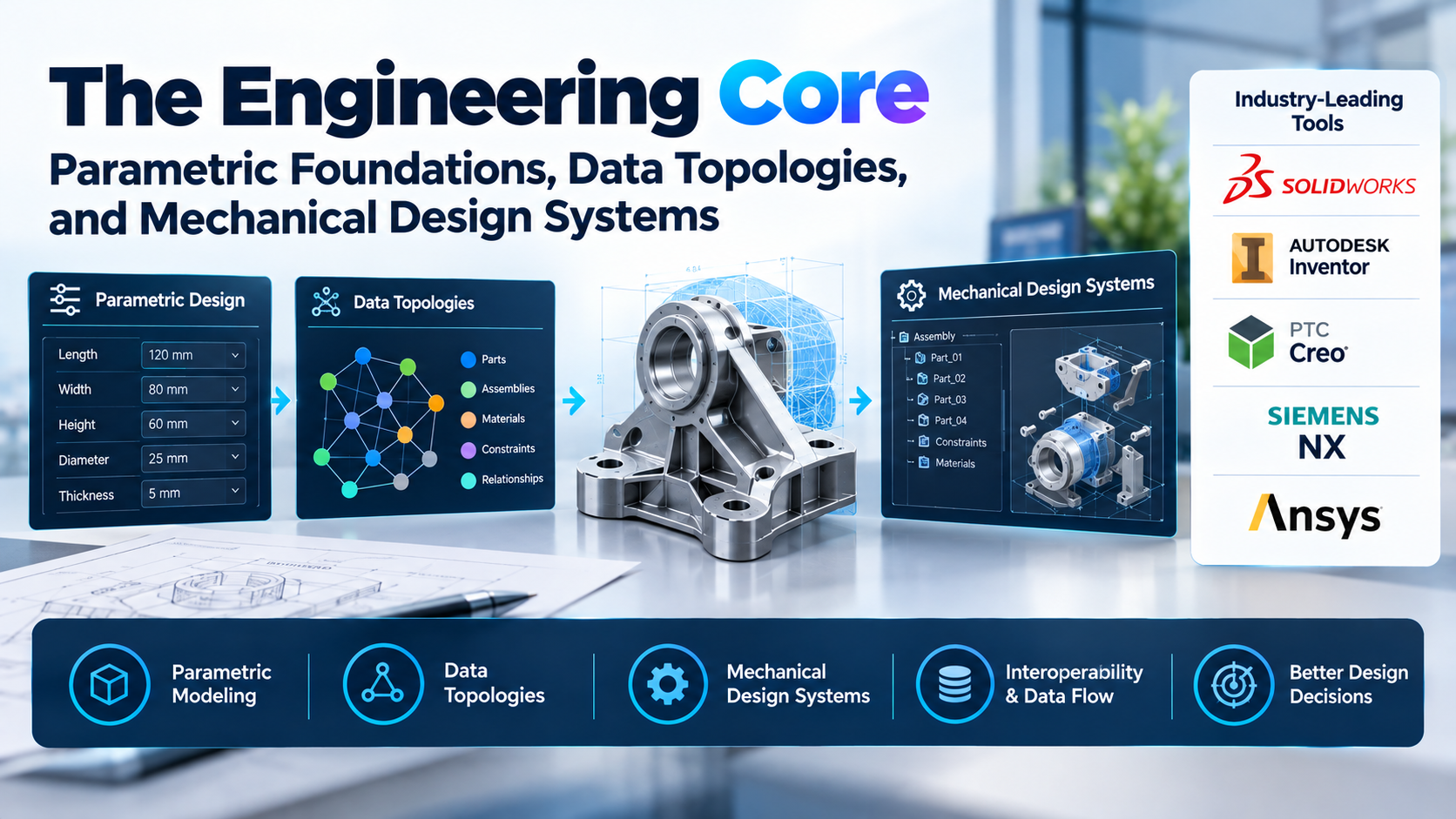
Behind every physical mechanism—from an aerospace planetary gear assembly to a stamped sheet-metal bracket—lies a digital architecture that dictates how geometry flexes, regenerates, and translates to the shop floor. For hardware engineering teams, mechanical design software is not merely a drafting application; it is the central operational system that governs dimensional tolerances, intellectual property retention, bill of materials (BOM) lineage, and supply-chain interoperability.
Yet, selecting an engineering environment is fraught with long-term operational risk. The transition from perpetual desktop software to multi-tiered cloud subscriptions has dismantled the historic assumption that CAD tools are permanent corporate assets. A design history tree authored within a specific vendor ecosystem remains functionally non-transferable; exporting it to neutral intermediate formats (such as STEP or Parasolid) strips away the parametric intelligence, sketch relations, and equation-driven features that make the model maintainable.
Choosing a platform requires cutting through marketing convergence claims. Engineering leaders must evaluate tools on their mechanical fundamentals: geometric kernel performance, large-assembly constraint resolution, model-based definition (MBD), data management topologies, and long-term ownership costs.
Architectural Realities: How Mechanical Design Engines Differ
While modern interfaces often share common elements like feature ribbons, design trees, and graphics viewports, their underlying technical architectures determine how they perform under heavy mechanical workloads.
1. Geometric Modeling Kernels and Rebuild Topologies
At the heart of every mechanical design suite sits a mathematical kernel responsible for boundary representation (B-rep) solid modeling. The two dominant engines in commercial engineering are Siemens Parasolid and Dassault Systèmes Convergence Geometric Modeler (CGM), alongside open-source engines like Open CASCADE.
How a software application layers its parametric feature tree over this kernel dictates regeneration stability. History-based parametric modeling computes geometry chronologically:
- A base sketch is established on a coordinate plane.
- Geometric relations (perpendicularity, tangency, concentricity) are constrained.
- Feature operations (extrusions, sweeps, lofts, fillets) are evaluated sequentially.
When an engineer modifies a foundational sketch parameter early in the design tree, the solver must recalculate every downstream feature sequentially. In single-core CPU architectures, complex parent-child dependencies can lead to timeline failures, where inverted topological IDs break downstream fillets and sketch attachments.
Direct and synchronous modeling engines mitigate this fragility by decoupling geometry from historic dependencies, allowing direct manipulation of explicit faces. However, direct modeling lacks the programmatic, equation-driven depth required to manage complex, configured product families with rule-based design logic.
2. Large-Assembly Mating Systems and In-Memory Regeneration
Small mechanical sub-assemblies (fewer than 500 components) perform reliably in virtually any modern package. The software architecture faces severe stress when scaling to complex multi-discipline systems containing 5,000 to 50,000+ individual parts.
Traditional desktop architectures load entire mechanical datasets into local system memory (RAM). Managing large assemblies without severe graphical latency requires:
- Lightweight Representations: The system loads only graphic facets (triangulated mesh proxies) rather than full B-rep mathematics until a specific part is activated for editing.
- Top-Down Skeletal Modeling: Motion parameters and master interfaces are governed by high-level control sketches (“skeletons”), passing driving dimensions downward to child parts without cyclic references.
- Simultaneous Constraint Solving: Evaluating complex mate networks across multi-tier sub-assemblies requires linear matrix solvers that can calculate interference, degrees of freedom, and dynamic kinematics without circular calculation loops.
3. Dimensional Metrology: 2D Drafting vs. Model-Based Definition (MBD)
Traditional mechanical manufacturing relies on 2D technical prints detailed with orthographic projections, title blocks, and manual geometric dimensioning and tolerancing (GD&T) callouts according to ASME Y14.5 or ISO 1101 standards.
Modern production environments increasingly transition to Model-Based Definition (MBD), embedding 3D annotations, datum reference frames, material notes, and tolerance zones directly into the native 3D solid model:
- Semantic GD&T: Dimensional tolerances are machine-readable, allowing automated Coordinate Measuring Machines (CMM) to inspect finished components without manual print programming.
- Downstream Toolpath Generation: Computer-Aided Manufacturing (CAM) engines interrogate embedded surface finishes and tolerance profiles directly to determine optimal toolpaths and feeds.
- Single Source of Truth: Changes made to a 3D component update the semantic annotations directly, eliminating mismatches between superseded 2D drawing revisions and active 3D models.
Evaluating the Leading Mechanical Design Platforms
Mechanical engineering applications serve distinct production scales, deployment requirements, and industry-specific workflows.
SolidWorks (Dassault Systèmes): The Global Manufacturing Baseline
SolidWorks remains the global baseline for general mechanical machinery, tooling design, consumer hardware, and industrial equipment.
- Primary Capabilities: SolidWorks features exceptionally mature, production-proven modules for sheet-metal design, weldment frameworks, surfacing, and plastic injection mold tooling. Its sheet-metal engine automatically calculates k-factors, bend allowances, and generates accurate DXF flat patterns for CNC press brakes.
- Ecosystem Strengths: Unmatched vendor familiarity. Virtually every contract manufacturer, CNC machine shop, and rapid prototyping facility can natively open and process SolidWorks files (
.sldprt,.sldasm). Its ubiquitous presence simplifies recruiting, and it benefits from extensive third-party integration across CAM, FEA, and component catalogs. - Operational Considerations: The platform relies heavily on single-threaded CPU clock performance for sketch regeneration and feature rebuilding. Complex history trees in large assemblies can cause noticeable performance lag. Standard on-premise deployments rely on traditional file structures, requiring dedicated Product Data Management (PDM) software to prevent file corruption and broken assembly links across distributed teams.
PTC Creo: Complex Surfacing and High-Rigidity Production
Originally known as Pro/ENGINEER, PTC Creo is an enterprise-tier mechanical platform engineered for complex assemblies, advanced parametric control, and extreme functional rigidity.
- Primary Capabilities: Creo is renowned for handling massive, highly constrained assemblies without geometric drift. Its surfacing tools (such as the Interactive Surface Design Extension) permit direct control over curvature continuous boundaries, making it a staple in automotive interior components, complex powertrain machinery, and heavy industrial equipment.
- Ecosystem Strengths: Advanced top-down assembly management and native Model-Based Definition (MBD). Creo excels at managing intricate skeletal frameworks, enabling large cross-functional teams to design distinct sub-assemblies against a single master interface simultaneously. Its multi-body modeling capabilities and integrated tolerance analysis tools streamline high-precision mass production.
- Operational Considerations: Creo enforces strict parametric discipline. It has a steeper learning curve than mid-market competitors; sloppy sketch constraints or poorly managed parent-child relations will cause regeneration halts rather than resolving flexibly. It is built for rigorous mechanical engineering rather than rapid, loose concept sketching.
Autodesk Inventor: Mechanically Integrated Automation
Part of the Autodesk Product Design & Manufacturing Collection, Inventor is an industrial mechanical design engine tightly integrated with digital factory simulation, electrical schematics, and manufacturing workflows.
- Primary Capabilities: Inventor features powerful rule-based design automation through iLogic. Using standard logical statements, non-programming engineers can build dynamic, parametric configurators that automatically generate complete custom mechanical models, drawing sheets, and customer quotes based on input parameters.
- Ecosystem Strengths: Deep parametric sheet metal, dynamic frame generators, and native piping/tubing routing suites. It connects seamlessly with Autodesk Vault for on-premise data governance, and passes geometric revisions associatively into integrated CAM workspaces without intermediate file translations.
- Operational Considerations: While iLogic delivers outstanding configurator automation, managing sprawling assembly structures with tens of thousands of parts requires careful hardware selection and strict assembly structuring to prevent memory exhaustion. It remains strictly bound to the Windows operating system.
PTC Onshape: Cloud-Native Database Architecture
Founded by the original architects of modern desktop CAD, Onshape replaces traditional file-based CAD with an entirely cloud-native, browser-streamed database architecture.
- Primary Capabilities: Onshape operates within WebGL-compatible browsers, offloading all parametric geometry calculations to cloud compute clusters. It introduces multi-part modeling inside unified “Part Studios,” allowing engineers to design mating components relative to one another in shared geometric space without cyclic assembly errors.
- Ecosystem Strengths: Built-in data governance without PDM overhead. Because Onshape functions as a transactional relational database, files do not exist on a local drive. This completely eliminates broken file links, accidental file overwrites, and check-in/check-out lockouts. Engineering teams can branch a mechanical design to explore alternative concepts, compare variations visually, and merge modifications cleanly back into the master production branch.
- Operational Considerations: High-performance operation requires persistent, high-speed internet connectivity; working in zero-bandwidth environments or secure off-grid defense cleanrooms is architecturally impossible. Organizations handling sensitive defense data must verify data-residency compliance before migrating proprietary CAD geometry to multi-tenant cloud storage.
Siemens NX: The Enterprise Heavy Industrial Standard
Siemens NX operates at the absolute pinnacle of mechanical complexity, dominating global aerospace airframes, automotive platforms, defense systems, and complex turbomachinery.
- Primary Capabilities: Running on Siemens’ proprietary Parasolid modeling kernel, NX provides virtually unlimited computational depth. It manages assemblies exceeding 100,000 components with ease, using lightweight faceted models and advanced reference sets. Through Synchronous Technology, it unifies parametric feature history with real-time direct modeling, allowing engineers to modify non-native geometry with dynamic ease.
- Ecosystem Strengths: Unmatched Class-A aesthetic surfacing, advanced generative structural design, and deep integration with Siemens Teamcenter PLM. NX serves as the design node within a complete digital enterprise, linking mechanical geometry to thermal simulations, multi-axis manufacturing toolpaths, and factory floor automation.
- Operational Considerations: NX carries significant operational, administrative, and licensing overhead. Implementing and maintaining NX requires dedicated systems administrators, specialized training, and high capital investment. For small machine shops or consumer product startups, its depth and complexity introduce substantial unnecessary friction.
FreeCAD: Open-Source Data Sovereignty
FreeCAD is a free, modular, open-source parametric modeler built on the Open CASCADE geometric kernel, supported by an active global community of developers and researchers.
- Primary Capabilities: FreeCAD provides a fully functional, history-based parametric modeling platform with zero software licensing costs. It features distinct “workbenches” tailored for part design, structural frames, sheet metal, and basic technical drawing generation.
- Ecosystem Strengths: Complete code accessibility and platform independence. FreeCAD runs natively on Linux, macOS, and Windows. Its entire architecture is exposed via an embedded Python API, making it an exceptional engine for automated batch model generation, parametric scripting, custom testing rigs, and academic research where commercial proprietary licenses are prohibitive.
- Operational Considerations: Historically, FreeCAD struggled with the topological naming problem (TNP)—an architectural challenge where altering an early sketch feature caused downstream geometry to alter internal face/edge IDs, breaking subsequent features. While modern architectural overhauls have stabilized topological naming, the interface remains less polished than commercial alternatives, and managing complex multi-part mechanical assemblies requires careful manual user discipline.
Architectural Comparison Matrix
| Platform | Modeling Paradigm | Underlying Data Architecture | Target Assembly Scale | Strongest Mechanical Application | Primary Operational Friction |
| SolidWorks | History-based Parametric | Local File-System (.sldprt / .sldasm) + PDM Vault | Medium to Large (1,000–10,000 components) | General machinery, tooling, sheet metal, consumer goods | Single-threaded rebuild bottlenecks; rigid external file links |
| PTC Creo | High-Rigidity Parametric | Local File-System + Enterprise Windchill PLM | Large to Massive (5,000–50,000+ components) | Heavy machinery, automotive powertrains, high-rigidity assemblies | Steep learning curve; strict, unforgiving parametric rules |
| Autodesk Inventor | Parametric + Rule-Based (iLogic) | Local File-System + Autodesk Vault PDM | Medium to Large (1,000–10,000 components) | Industrial automation, equipment configurators, sheet metal | High hardware memory demands on complex assemblies; Windows-only |
| PTC Onshape | Multi-Part Parametric + Direct | Cloud Relational Database (Zero local files) | Medium to Large (Concurrent Cloud Scale) | Distributed design teams, agile hardware development, startups | Persistent internet required; corporate cloud-governance audits |
| Siemens NX | Synchronous + Advanced Parametric | File-System + Siemens Teamcenter Enterprise PLM | Massive (> 100,000 components) | Aerospace, defense, automotive OEMs, complex surfacing | Immense software, training, and administration investments |
| FreeCAD | Modular Open-Source Workbenches | Local Open Format (.fcstd), Open CASCADE kernel | Small to Medium (< 1,000 components) | Scripted automation, Linux engineering, open data pipelines | Less unified interface; requires patience with manual assembly workbenches |
The Hidden Total Cost of Mechanical CAD Ownership
Procuring mechanical design software involves capital commitments that extend far past the initial software subscription. Engineering organizations routinely encounter three structural cost drivers:
1. Data Management and PDM Administration
Desktop parametric CAD files do not function as self-contained assets. A complex assembly is a network of file pointers referencing external part files, sub-assemblies, and standard hardware libraries. Renaming a component or moving a directory on a standard corporate server instantly breaks the parent assembly.
Preventing data corruption requires a dedicated Product Data Management (PDM) system (such as SolidWorks PDM Professional, Autodesk Vault, or PTC Windchill). Implementing PDM introduces its own overhead:
- Dedicated server infrastructure and relational database licenses.
- Routine database backup regimes, schema migrations, and archive maintenance.
- Ongoing administrative labor to manage user permissions, lifecycle release states, and broken reference recovery.
Cloud-native platforms absorb this database administration into their operating model, while desktop platforms require dedicated operational budgeting for PDM support.
2. Workstation Hardware Demands
Because parametric feature evaluation is inherently sequential, the geometric rebuild process remains largely single-threaded. Maximizing engineering performance requires workstation hardware optimized for high single-core processor clock speeds (GHz) rather than massive multi-core server processors.
Furthermore, professional CAD viewports rely on specialized OpenGL routines that require enterprise workstation graphics cards (such as NVIDIA RTX professional GPUs) with certified drivers. Running consumer gaming hardware often leads to graphical display glitches, viewport stuttering, and uncertified driver crashes that reduce engineering productivity.
3. Supply-Chain Interoperability and Translation Penalties
Unless an entire supply chain deploys the exact same release version of a CAD tool, organizations must exchange 3D models via neutral intermediate formats:
- STEP (ISO 10303): STEP AP214 and AP242 preserve surface colors, layers, and basic semantic GD&T, but they completely strip away parametric design history. The receiving supplier receives a static “dumb” solid.
- Parasolid (
.x_t): Provides translation fidelity between systems running the Parasolid kernel, eliminating geometric tearing, but drops feature-tree editing capabilities.
When an external mold-maker or stamping supplier needs to add a draft angle or modify a wall thickness on an imported STEP model, they must either apply direct-modeling push-pull tools or reconstruct the model from scratch. Adopting an outlier software package that is absent from your primary supplier network introduces recurring translation friction and verification delays across every tooling revision.
Strategic Selection Framework
To select a mechanical design platform that aligns with your operational realities, evaluate your development workflow against these practical engineering paths:
Path A: The Agile Hardware Startup or Distributed Engineering Team
- Operating Profile: Remote engineering staff, rapid prototype iteration, minimal internal IT support.
- Recommended Platform: PTC Onshape.
- Deciding Factor: Concurrent collaboration and zero PDM overhead. If multiple mechanical engineers need to work on the same sub-assembly simultaneously without version collisions, and management wants to eliminate local vault servers, Onshape’s cloud database architecture provides an efficient operational path.
Path B: The Mainstream Production Machinery and Tooling Firm
- Operating Profile: High-mix industrial equipment, standard sheet-metal fabrication, reliance on regional contract machine shops.
- Recommended Platform: SolidWorks or Autodesk Inventor.
- Deciding Factor: Supply chain ubiquity and automation. SolidWorks provides immediate file compatibility across domestic machine shops and fabricators. If operations require automated product configurators where sales teams generate custom parametric machines via rule-based logic, Inventor’s native iLogic engine delivers immediate ROI.
Path C: The High-Rigidity Enterprise or Heavy Equipment OEM
- Operating Profile: Sprawling multi-thousand-part assemblies, complex surface continuity, rigorous top-down design methodology.
- Recommended Platform: PTC Creo.
- Deciding Factor: Parametric discipline and large-scale assembly stability. When an organization designs complex powertrains, off-highway machinery, or consumer products with tight curvature tolerances, Creo’s skeletal framework management and robust MBD toolsets prevent geometry corruption across multi-year development cycles.
Path D: The High-Volume Aerospace, Defense, or Automotive OEM
- Operating Profile: Massive scale, complex Class-A styling, unified design-to-manufacturing pipelines, enterprise PLM dependencies.
- Recommended Platform: Siemens NX.
- Deciding Factor: Computational depth and digital thread continuity. NX handles massive aerospace assemblies without geometric degradation, provides advanced freeform surfacing, and integrates directly with Teamcenter to track millions of lifecycle requirements from initial concept to physical flight certification.
Validating Mechanical Design Software Before Implementation
Before signing a multi-seat enterprise software contract or committing engineering libraries to a proprietary format, execute a structured pilot project designed to test software capabilities under production stress:
- The Parametric Rollback and Edit Test: Model a core mechanical component containing multiple complex features: thin-walled shells, variable-radius fillets, draft angles, and patterned hole arrays. Advance the design by 40 features, then return to an early sketch and adjust a foundational driving dimension. Observe how reliably the model rebuilds: does the software adapt smoothly, or does it trigger cascading parent-child relationship errors that require manual repair?
- The Non-Native Direct Editing Challenge: Import a complex, non-native STEP file supplied by an external vendor. Use the platform’s direct or synchronous modeling tools to relocate a mounting hole pattern, add two degrees of draft to a vertical face, and offset an internal clearance pocket. If the tool forces you to remodel the component to make simple geometric changes, it will slow down supplier revisions.
- The Multi-Part Assembly Interference Stress Test: Assemble at least 2,500 components—including dynamic joints, fasteners, and sub-assemblies. Run an automated clearance and interference check across the entire assembly. Pan, rotate, and section the model to confirm that your target hardware maintains interactive viewport frame rates without aggressive geometric simplification.
- The Model-Based Definition and Drawing Extraction Audit: Generate a complete technical drawing and an MBD 3D annotation set for a precision machined part. Apply geometric dimensioning and tolerancing (datum reference frames, position tolerances, and profile controls). Confirm that the software enforces semantic GD&T syntax standards, and verify whether manufacturing updates to the solid model propagate associatively to the production documentation.
