Introduction
Enterprise mobile applications often serve a different purpose from public consumer apps. Employees may need secure access to internal tools, field technicians may use specialized applications, and organizations may need to distribute test builds to controlled groups.
Publishing every application through a public app marketplace is not always appropriate. Enterprise app distribution platforms help organizations deliver, update, manage, and sometimes revoke access to applications across managed devices.
However, distribution is only one part of the process. Security policies, device enrollment, identity management, signing certificates, operating system requirements, and application lifecycle management also influence success.
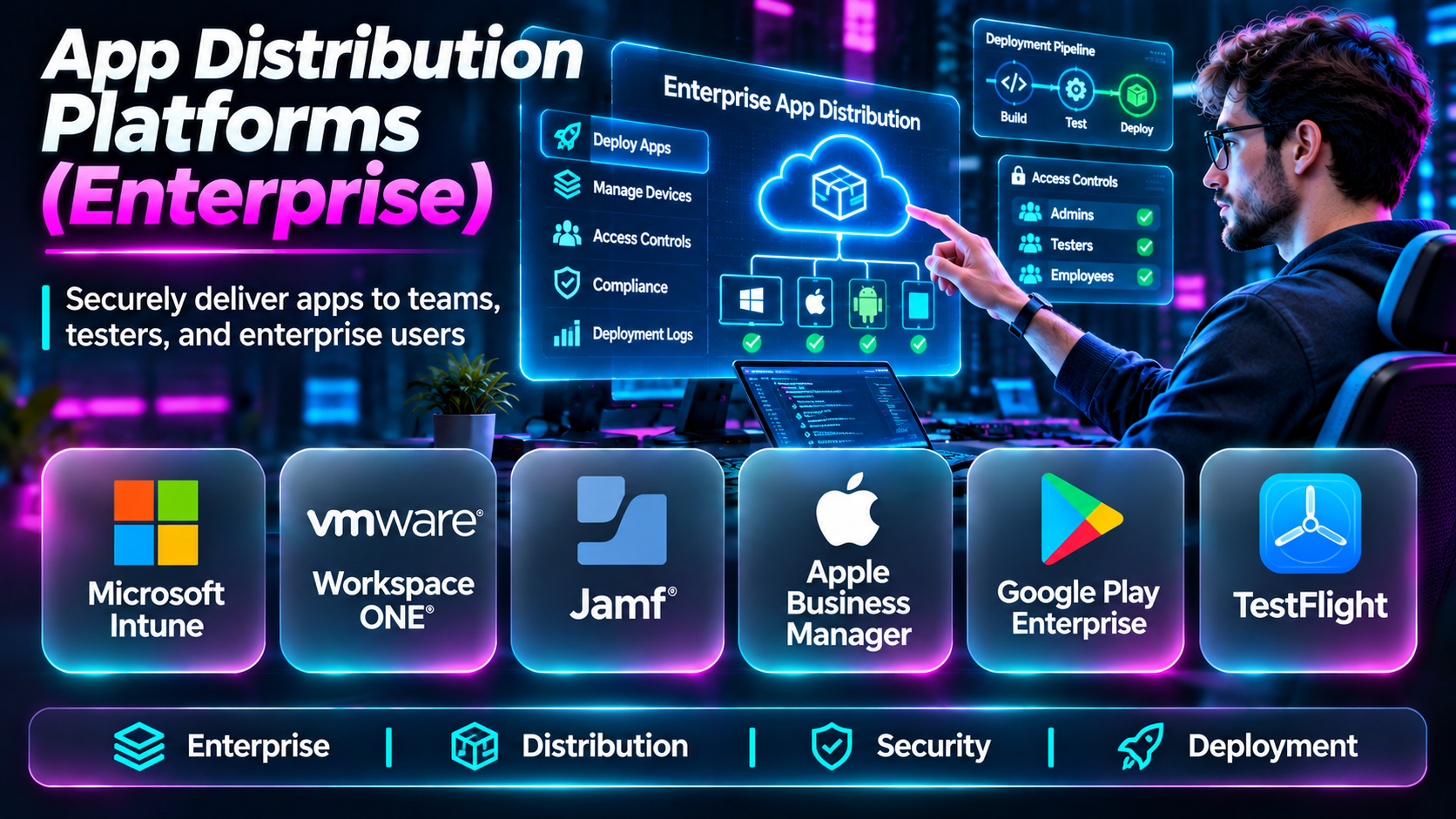
This guide compares ten platforms and services relevant to enterprise application distribution, including unified endpoint management systems, private application stores, and controlled testing services.
What Are Enterprise App Distribution Platforms?
Enterprise app distribution platforms provide mechanisms for delivering applications to authorized users or devices without relying exclusively on ordinary public app discovery.
Common approaches include:
- Managed application catalogs.
- Private organizational app stores.
- Mobile device management and enterprise mobility management.
- Internal application testing and beta distribution.
- Managed Google Play applications.
- Apple Business Manager custom applications.
- Organization-controlled installation and update workflows.
Not every platform offers the same capabilities. Some manage the complete application lifecycle, while others primarily distribute prerelease builds.
Top 10 Enterprise App Distribution Platforms
1. Microsoft Intune
Short Description
Microsoft Intune is a cloud-based endpoint management service that supports application deployment and management across supported devices and operating systems.
Organizations can use Intune to assign applications to users or device groups, enforce relevant policies, and manage access to corporate resources.
Its greatest advantage is integration with Microsoft identity, security, and endpoint management environments. For businesses already using Microsoft 365 and Entra ID, Intune can become a central component of enterprise application delivery.
Key Features
- Managed application deployment: Assigns supported applications to users and devices.
- Application protection policies: Helps protect corporate information in supported apps.
- Device compliance: Evaluates managed devices against organizational rules.
- Microsoft Entra integration: Supports identity-based access management.
- Application configuration: Delivers supported configuration settings.
- Remote application management: Supports removal and lifecycle actions.
- Platform support: Covers multiple major enterprise device environments.
- Reporting: Provides application deployment and management visibility.
Benefits
Intune connects application delivery with identity, device compliance, and information protection.
Pros
- Strong Microsoft ecosystem integration.
- Centralized application and device management.
- Useful security and compliance controls.
- Suitable for large organizations.
Cons
- Policy configuration can be complex.
- Licensing requires careful review.
- Some capabilities depend on device ownership and enrollment methods.
Use Cases
Deploying internal business apps, managing Microsoft 365 applications, and enforcing corporate mobile security policies.
Best For: Microsoft-centered enterprises.
2. Jamf Pro
Short Description
Jamf Pro is an Apple device management platform used to manage Macs, iPhones, iPads, and other supported Apple devices.
It provides application deployment and lifecycle management capabilities that help organizations deliver software to employees while maintaining device configuration standards.
Jamf Pro is particularly relevant to businesses and educational institutions with substantial Apple device fleets.
Key Features
- Apple application deployment.
- Managed device enrollment.
- Application installation policies.
- Device inventory.
- Configuration profiles.
- Application update workflows.
- Compliance-related management.
- Apple ecosystem integrations.
Benefits
Jamf Pro offers specialized Apple administration capabilities and supports standardized application delivery.
Pros
- Strong Apple specialization.
- Detailed device management.
- Suitable for large Apple fleets.
- Mature administrative workflows.
Cons
- Not designed as a universal cross-platform solution.
- Requires Apple management expertise.
- Licensing and infrastructure choices need evaluation.
Use Cases
Deploying internal iPad apps, managing corporate Macs, and maintaining Apple application inventories.
Best For: Apple-focused enterprises.
3. VMware Workspace ONE UEM
Short Description
Workspace ONE UEM is an enterprise endpoint management platform associated with Omnissa. It supports management of applications and devices across multiple environments.
Organizations can use it to distribute managed applications, configure devices, and enforce enterprise policies.
Its primary strength is combining application delivery with endpoint governance and user access workflows.
Key Features
- Enterprise application catalog.
- Managed application deployment.
- Device enrollment.
- Application configuration.
- Endpoint compliance.
- Application lifecycle management.
- Cross-platform device support.
- Administrative reporting.
Benefits
Workspace ONE UEM helps organizations standardize application deployment across diverse device fleets.
Pros
- Broad endpoint management capabilities.
- Enterprise application catalog.
- Cross-platform administration.
- Security policy integration.
Cons
- Requires substantial configuration.
- Commercial packaging can be complex.
- Smaller organizations may find it excessive.
Use Cases
Managing corporate application catalogs, distributing internal tools, and enforcing device compliance.
Best For: Large cross-platform enterprises.
4. ManageEngine Mobile Device Manager Plus
Short Description
ManageEngine Mobile Device Manager Plus provides mobile device management and application distribution capabilities for business environments.
It supports deployment and management of applications across supported mobile platforms, helping administrators control which software is available to corporate devices.
The platform is useful for organizations that want centralized mobile administration without adopting an entire digital workspace suite.
Key Features
- Enterprise application management.
- Application deployment.
- Managed device enrollment.
- Application inventory.
- Device configuration.
- Kiosk management.
- Application restrictions.
- Administrative reporting.
Benefits
ManageEngine offers a practical combination of mobile application deployment and device control.
Pros
- Broad mobile management features.
- Suitable for dedicated business devices.
- Supports centralized administration.
- Useful for kiosk deployments.
Cons
- Feature availability depends on platform and edition.
- Policy management requires planning.
- Integration requirements should be verified.
Use Cases
Retail tablets, logistics devices, and internal mobile application deployment.
Best For: Mid-sized businesses and dedicated-device environments.
5. Hexnode UEM
Short Description
Hexnode UEM is a unified endpoint management platform that supports application management and device administration across supported operating systems.
It is particularly useful for organizations managing mobile devices in field operations, retail, education, and distributed workplaces.
Hexnode combines application distribution with kiosk configurations, security policies, and endpoint management workflows.
Key Features
- Application deployment.
- Enterprise application catalogs.
- Device enrollment.
- Kiosk mode.
- Application restrictions.
- Device policy management.
- Remote administrative actions.
- Endpoint inventory.
Benefits
Hexnode helps organizations manage application access and device behavior from a centralized platform.
Pros
- Strong dedicated-device use cases.
- Useful kiosk controls.
- Cross-platform capabilities.
- Centralized application management.
Cons
- Some capabilities are platform-specific.
- Enterprise integration should be tested.
- Advanced configurations may require training.
Use Cases
Deploying point-of-sale apps, managing field-service devices, and configuring business tablets.
Best For: Distributed device fleets.
6. Scalefusion
Short Description
Scalefusion is an endpoint management platform supporting enterprise application deployment, device policies, and kiosk-oriented workflows.
Organizations use it to control applications on devices that serve a defined business purpose, such as delivery operations, retail systems, and frontline work.
Its application management features fit particularly well into environments where devices need standardized software and limited user configuration.
Key Features
- Managed application deployment.
- Enterprise app catalogs.
- Device enrollment.
- Kiosk management.
- Application update workflows.
- Device restrictions.
- Remote device actions.
- Fleet reporting.
Benefits
Scalefusion supports standardized application delivery for operational device fleets.
Pros
- Strong frontline device orientation.
- Useful kiosk capabilities.
- Centralized fleet management.
- Relevant to distributed operations.
Cons
- Capabilities differ by operating system.
- Requires device management planning.
- Advanced enterprise requirements should be validated.
Use Cases
Delivery devices, retail kiosks, and managed tablets.
Best For: Frontline and operational mobility teams.
7. Google Play Custom Apps
Short Description
Google Play Custom Apps allows eligible organizations to distribute private Android applications through managed Google Play.
Rather than exposing an internal application to the general public, an organization can make it available to authorized enterprise environments.
This approach is especially useful when businesses already manage Android devices through a compatible enterprise mobility management solution.
Key Features
- Private Android application distribution.
- Managed Google Play integration.
- Organization-restricted visibility.
- Application update delivery.
- Enterprise device compatibility.
- Managed application assignment.
- Google Play distribution infrastructure.
- Integration with supported EMM systems.
Benefits
Private application delivery can use familiar Android distribution mechanisms while restricting access to authorized organizations.
Pros
- Native Android ecosystem integration.
- Private organizational distribution.
- Supports managed device workflows.
- Simplifies some update processes.
Cons
- Android-specific.
- Requires appropriate enterprise configuration.
- Device policy control typically depends on an EMM platform.
Use Cases
Distributing internal Android applications to employees and managed enterprise devices.
Best For: Organizations with managed Android fleets.
8. Apple Business Manager Custom Apps
Short Description
Apple Business Manager supports organizational application acquisition and distribution workflows, including custom applications distributed through Apple’s supported business channels.
Custom apps can be made available to specific organizations rather than listed for general public discovery.
This model is useful for businesses delivering proprietary software to employees, clients, or partner organizations.
Key Features
- Organization-specific app availability.
- Custom app distribution.
- Managed application assignment.
- Integration with supported MDM solutions.
- Apple ecosystem compatibility.
- Organizational purchasing workflows.
- Application lifecycle support.
- Controlled business distribution.
Benefits
Apple Business Manager provides an official route for distributing eligible organization-specific Apple applications.
Pros
- Official Apple distribution mechanism.
- Appropriate for custom business applications.
- Works with managed device environments.
- Supports organizational controls.
Cons
- Apple platform-specific.
- Subject to Apple’s applicable review and distribution requirements.
- Full device management generally requires an MDM solution.
Use Cases
Delivering internal iOS applications and distributing custom applications to business customers.
Best For: Organizations deploying private Apple applications.
9. Firebase App Distribution
Short Description
Firebase App Distribution is a prerelease application distribution service for Android and iOS testing workflows.
It allows development teams to distribute builds to selected testers, collect feedback, and organize testing before public or enterprise deployment.
Unlike enterprise UEM platforms, Firebase App Distribution primarily addresses testing and release validation rather than ongoing management of employee devices.
Key Features
- Prerelease build distribution.
- Tester group management.
- Android and iOS support.
- Build upload workflows.
- Tester invitations.
- Release notes.
- CI/CD integration options.
- Firebase development integration.
Benefits
Firebase App Distribution makes it easier to deliver test builds to controlled audiences.
Pros
- Useful development workflow.
- Supports mobile testers.
- Integrates with Firebase.
- Suitable for frequent prerelease builds.
Cons
- Not a replacement for enterprise device management.
- Intended for testing distribution.
- Production governance requires other services.
Use Cases
Internal QA, stakeholder testing, and mobile release validation.
Best For: Mobile development and QA teams.
10. Appcircle
Short Description
Appcircle is a mobile DevOps platform that provides build, signing, testing integration, and application distribution workflows.
It is designed to help teams automate the movement of mobile applications through development and release stages.
Its distribution capabilities are particularly useful for organizations that want to connect internal testing, release approvals, and deployment processes.
Key Features
- Mobile CI/CD pipelines.
- Application build automation.
- Code signing workflows.
- Internal app distribution.
- Tester management.
- Release management.
- Store submission automation.
- Team collaboration.
Benefits
Appcircle connects mobile application distribution with the broader software delivery lifecycle.
Pros
- Mobile DevOps specialization.
- Automated release workflows.
- Useful internal distribution.
- Build and signing integration.
Cons
- Not a complete UEM replacement.
- Requires pipeline configuration.
- Teams should evaluate deployment and hosting options.
Use Cases
Distributing enterprise test builds, automating mobile releases, and coordinating internal application approvals.
Best For: Mobile DevOps teams.
Enterprise App Distribution Platforms Comparison
| Platform | Category | Best For | Key Limitation |
|---|---|---|---|
| Microsoft Intune | Endpoint management | Microsoft enterprises | Policy complexity |
| Jamf Pro | Apple device management | Apple fleets | Apple specialization |
| Workspace ONE UEM | Unified endpoint management | Large enterprises | Administrative complexity |
| ManageEngine MDM Plus | Mobile device management | Mid-sized businesses | Edition differences |
| Hexnode UEM | Endpoint and kiosk management | Distributed fleets | Platform-dependent features |
| Scalefusion | Endpoint management | Frontline devices | Requires fleet planning |
| Google Play Custom Apps | Private Android distribution | Managed Android | Android only |
| Apple Business Manager | Custom Apple app distribution | Apple organizations | Apple-specific requirements |
| Firebase App Distribution | Prerelease distribution | Mobile QA | Not production UEM |
| Appcircle | Mobile DevOps distribution | Release teams | Not device management |
How to Choose an Enterprise App Distribution Platform
1. Distinguish Testing from Production Distribution
A platform for distributing prerelease builds is not necessarily suitable for managing applications on thousands of employee devices.
2. Review Operating System Requirements
Apple and Android use different application signing, enrollment, and distribution mechanisms. Confirm that the proposed solution supports your device ownership model.
3. Evaluate Identity and Access Controls
Internal applications should reach only authorized users and devices. Look for integration with organizational identity systems.
4. Assess Application Lifecycle Management
The platform should support installation, updates, version control, and appropriate removal or revocation workflows.
5. Consider Security and Compliance
Evaluate application signing, certificate management, device compliance, audit logs, and protection of corporate data.
6. Test Deployment at Scale
Pilot deployment with real devices, different operating system versions, and realistic network conditions.
Best Enterprise App Distribution Software by User Type
| User Type | Recommended Starting Point |
|---|---|
| Microsoft 365 enterprise | Microsoft Intune |
| Apple-focused organization | Jamf Pro |
| Large mixed-device enterprise | Workspace ONE UEM |
| Retail or logistics company | Hexnode or Scalefusion |
| Android enterprise developer | Google Play Custom Apps |
| Apple custom-app publisher | Apple Business Manager |
| Mobile QA team | Firebase App Distribution |
| Mobile DevOps team | Appcircle |
Practical Example: Deploying an Internal Field-Service App
A logistics company needs to distribute an Android application to 2,000 company-owned devices.
Step 1: Define supported Android versions and device ownership requirements.
Step 2: Select an EMM or UEM platform.
Step 3: Configure managed device enrollment.
Step 4: Publish the application through an approved private distribution mechanism.
Step 5: Assign the application to a pilot device group.
Step 6: Validate installation, updates, authentication, and offline behavior.
Step 7: Roll out to additional device groups in stages.
Step 8: Monitor deployment failures and application stability.
Step 9: Establish procedures for emergency updates, device replacement, and access revocation.
Frequently Asked Questions
1. What is enterprise app distribution?
It is the controlled delivery of applications to authorized business users or devices.
2. Is enterprise distribution the same as MDM?
No. Mobile device management covers broader device administration.
3. Can enterprises distribute private Android apps?
Yes, through supported enterprise distribution mechanisms such as managed Google Play.
4. Can companies distribute private iOS apps?
Yes, using eligible Apple business and custom app distribution mechanisms.
5. Is Firebase App Distribution a production app store?
No. It is primarily intended for prerelease testing.
6. What is UEM?
Unified endpoint management is centralized administration of supported devices and applications.
7. Why is application signing important?
It helps establish application integrity and publisher identity.
8. Can an administrator remove a corporate app?
Supported managed environments may allow application removal under applicable policies.
9. Do employees need managed devices?
Not always. Supported management models vary by platform and policy.
10. Can enterprise apps update automatically?
Many managed distribution workflows support controlled updates.
11. What is a private app catalog?
An application collection accessible to authorized organizational users.
12. How should companies manage application access?
Use identity controls, device policies, and least-privilege assignments.
13. Can enterprise distribution support kiosks?
Yes, many endpoint management platforms support kiosk workflows.
14. What is the main security concern?
Unauthorized application access, insecure distribution, and unmanaged corporate data.
15. What should organizations test before rollout?
Enrollment, installation, authentication, updates, compatibility, and recovery.
Final Thoughts
Enterprise application distribution should be selected according to the organization’s device environment and release workflow. Microsoft Intune, Jamf Pro, and Workspace ONE UEM support broad enterprise management needs, while Google Play Custom Apps and Apple Business Manager provide platform-specific private distribution routes.
Firebase App Distribution and Appcircle are valuable for development and release workflows, but they serve different purposes from full endpoint management systems.
A successful deployment strategy combines controlled distribution, security, lifecycle management, and reliable updates.
