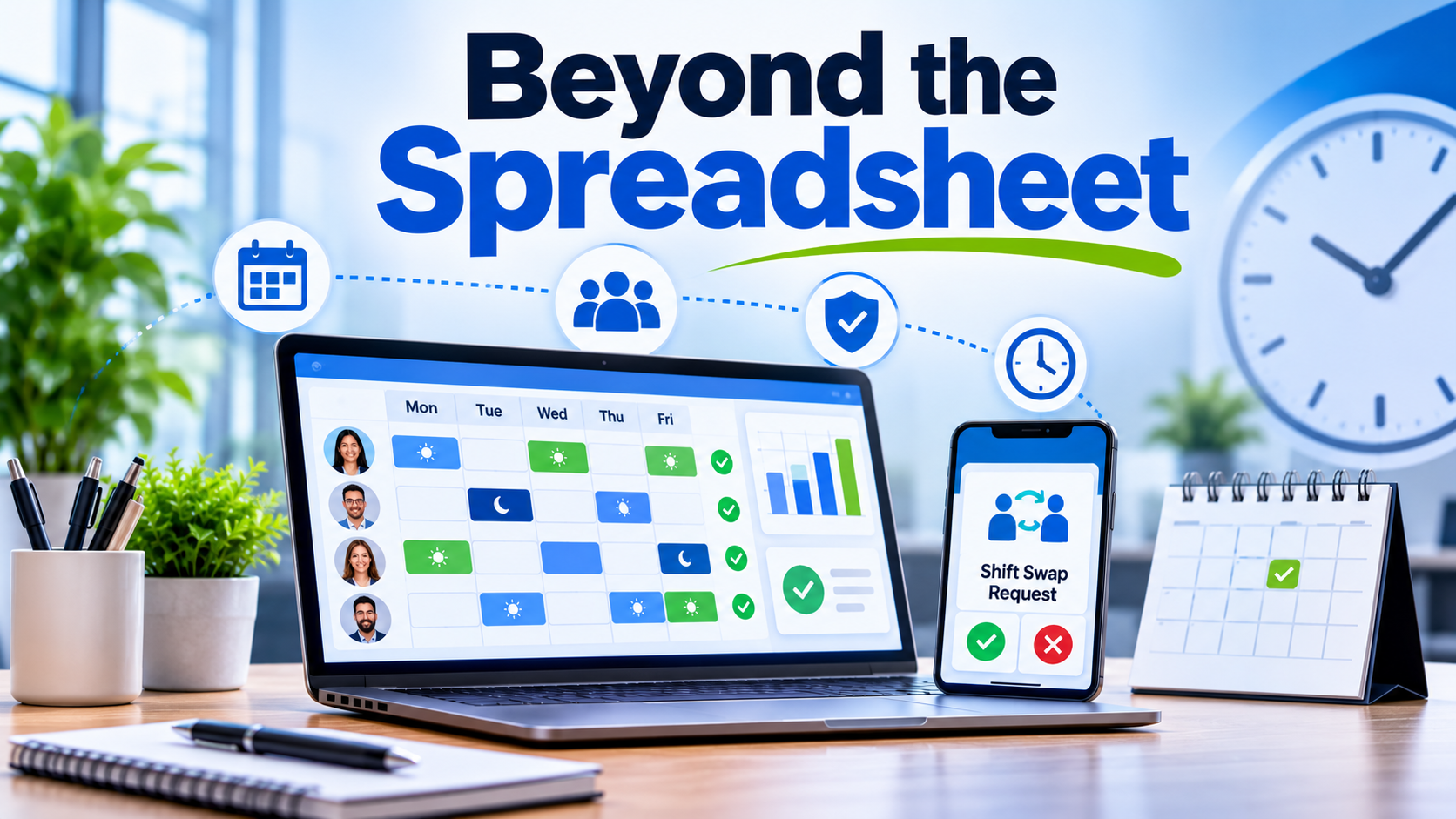
Building a weekly staff schedule is one of the most deceptively complex administrative tasks in business operations. When managing hourly, shift-based, or multi-location teams, a manager is not simply dropping names into time slots; they are balancing labor budgets, anticipating customer foot traffic or project demands, honoring employee availability, and complying with complex local labor laws and overtime rules.
When this process relies on manual spreadsheets, group chat messages, and paper sign-up sheets, it invariably results in scheduling conflicts, costly unauthorized overtime, last-minute shift gaps, and high employee turnover due to unpredictable hours.
Modern employee scheduling software replaces these fragile workflows with automated rule engines, mobile-first shift swapping, and predictive demand forecasting. However, choosing the right platform requires looking past generic feature lists and examining how different tools handle operational scale, frontline usability, and compliance governance.
1. 7shifts
Specialized Optimization for Restaurants, Hospitality, and Food Service
7shifts is built from the ground up for the unique demands of the restaurant and hospitality industries. It recognizes that labor management in food service revolves around fluctuating daily covers, tips, split shifts, and strict labor percentage targets.
- Primary Strength: Deep integration with point-of-sale (POS) systems to forecast labor needs based on real-time sales data, combined with robust mobile shift-swapping and tip-pooling management.
- Operational Trade-Off: Highly specialized for food service and hospitality; organizations in corporate office settings, healthcare, or heavy manufacturing will find its feature set misaligned with their workflows.
- Best Suited For: Independent restaurants, hospitality groups, bars, cafes, and multi-unit food service franchises.
2. Deputy
Fast, Mobile-First Shift Management for Hourly Workforces
Deputy focuses on eliminating administrative friction for dynamic, shift-based teams across retail, healthcare, and logistics. Its core architecture prioritizes rapid roster creation and frictionless communication between managers and mobile-first employees.
- Primary Strength: Exceptional mobile application user experience that allows managers to build optimized schedules in minutes and enables employees to swap shifts, request time off, and accept open shifts instantly.
- Operational Trade-Off: While it handles operational scheduling and time tracking smoothly, it lacks the deep global payroll engine or advanced enterprise HCM capabilities found in massive corporate suites.
- Best Suited For: Retail chains, field service agencies, healthcare clinics, and scaling businesses with mobile or deskless hourly workers.
3. When I Work
Intuitive Team Scheduling and Integrated Employee Messaging
When I Work strikes a balance between ease of use and essential workforce control, combining straightforward drag-and-drop shift scheduling with built-in team messaging and attendance tracking.
- Primary Strength: Extremely low learning curve for both managers and staff, ensuring high adoption rates without requiring extensive training sessions.
- Operational Trade-Off: Limited advanced predictive labor forecasting and complex multi-tier union rule engines, making it less suitable for massive industrial or heavily unionized environments.
- Best Suited For: Small-to-midsize businesses, retail shops, non-profits, and service teams seeking a clean, dependable scheduler without enterprise complexity.
4. Connecteam
All-In-One Operations Hub for Deskless and Mobile Teams
Connecteam approaches employee scheduling as part of a broader operational ecosystem. Alongside robust shift planning, it bundles digital checklists, internal communication channels, task management, and safety compliance forms into a single mobile interface.
- Primary Strength: Combines scheduling and time tracking with everyday operational tools like task checklists and direct company-wide messaging, reducing the need for multiple disparate apps.
- Operational Trade-Off: Not designed for complex corporate office structures or heavy manufacturing facilities requiring biometric hardware integration and multi-state tax accounting.
- Best Suited For: Construction crews, cleaning services, logistics fleets, and multi-site operations where deskless staff need a unified mobile portal.
5. UKG Pro Workforce Management (Formerly Kronos)
Enterprise-Grade Scheduling, Compliance, and Labor Governance
UKG Pro WFM is built for large, complex enterprise environments where labor laws, multi-tier union contracts, and strict operational constraints dictate every shift. It uses advanced algorithms to build rosters that automatically respect complex work rules and labor laws.
- Primary Strength: Unmatched capacity for handling intricate union rules, rolling workweeks, predictive scheduling legislation, and automated compliance enforcement across thousands of workers.
- Operational Trade-Off: High cost, significant configuration overhead, and a lengthy implementation timeline that make it impractical for smaller organizations.
- Best Suited For: Enterprise corporations, manufacturing plants, healthcare networks, and large retail chains with complex labor compliance requirements.
6. Homebase
Comprehensive Scheduling and Payroll for Small Businesses
Homebase is designed to simplify the administrative burden for independent local business owners by combining employee scheduling, time clocks, team communication, and basic payroll processing into a single platform.
- Primary Strength: Free or low-cost entry tiers with native payroll integration, allowing very small businesses to manage schedules and paychecks without juggling multiple vendors.
- Operational Trade-Off: Lacks the multi-location enterprise scalability, advanced permissions hierarchies, and deep custom API integrations required by larger mid-market companies.
- Best Suited For: Local retail stores, salons, independent contractors, local eateries, and boutique service providers.
Focused Comparison Framework
| Platform | Primary Focus | Best Suited For | Key Operational Trade-Off |
| 7shifts | POS-integrated labor % forecasting | Restaurants, hospitality, food service | Too niche-specific for non-food industries |
| Deputy | Mobile-first shift swapping & communication | Retail, healthcare, field service teams | Lacks native global payroll and deep enterprise HCM |
| When I Work | Drag-and-drop scheduling & team chat | SMBs, retail, service teams | Lacks complex multi-tier union rule engines |
| Connecteam | Unified operations & deskless workforce hub | Construction, cleaning, logistics fleets | Not built for complex enterprise manufacturing |
| UKG Pro WFM | Enterprise compliance & advanced algorithms | Large enterprises, healthcare, unionized plants | High configuration overhead and enterprise pricing |
| Homebase | All-in-one scheduling & payroll for local shops | Independent local businesses, salons, cafes | Limited scalability for multi-region enterprises |
Common Implementation Pitfalls to Avoid
Even the most advanced scheduling software will fail if deployment is mishandled. Organizations frequently encounter predictable stumbling blocks:
- Neglecting Mobile Usability: If your frontline workers find the mobile app sluggish or confusing, they will ignore shift notifications and rely on informal group chats, neutralizing the software’s benefits. Always test the mobile experience with actual staff before rollout.
- Over-Automating Without Guardrails: Relying entirely on automated schedule generators without factoring in employee preferences, transit realities, or localized skill certifications leads to high absenteeism and employee frustration.
- Ignoring Compliance Realities: Assuming an out-of-the-box template covers local predictive scheduling laws or mandatory rest periods can lead to costly labor audits. Verify that your platform’s rule engine matches your exact regional requirements.
Making the Final Decision
Selecting employee scheduling software is an exercise in operational alignment. If your business operates in food service, a specialized tool like 7shifts will protect your labor margins against sales fluctuations. If you manage a mobile, deskless workforce, Deputy or Connecteam will drive high frontline adoption. For massive enterprises bound by strict union and legal mandates, an enterprise suite like UKG Pro WFM is essential.
Begin by auditing your current scheduling bottlenecks—whether that is excessive administrative hours, unauthorized overtime, or frequent shift gaps—and select the platform built to eliminate that specific friction point.
