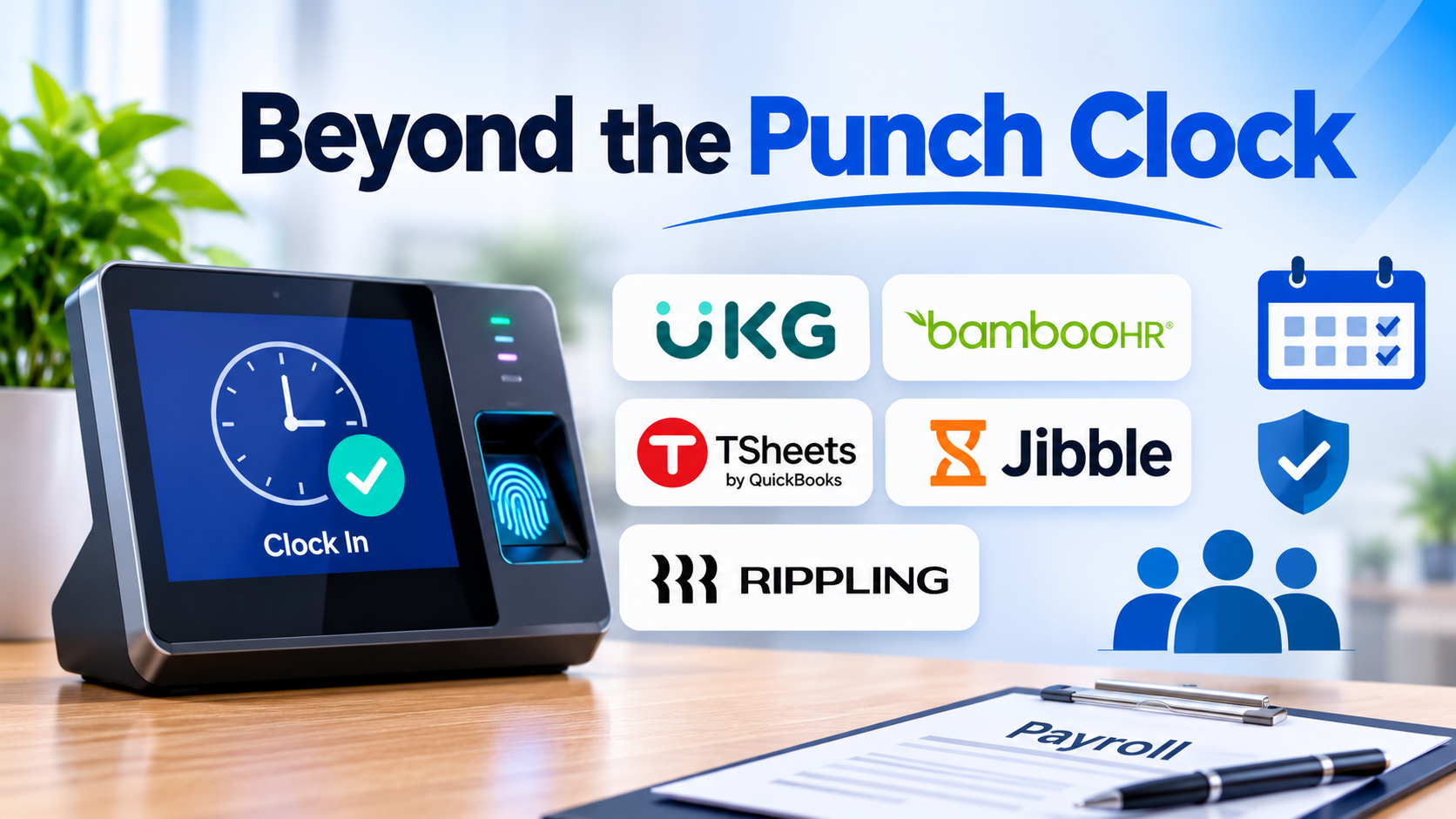
Tracking employee work hours has long been one of the most mechanically tedious yet legally critical operations in business management. A minor miscalculation in overtime thresholds, an unrecorded meal break, or a buddy-punching incident at a physical terminal can quickly spiral into wage-and-hour compliance audits, employee dissatisfaction, and bloated payroll overhead.
In modern operational environments—ranging from multi-site retail chains and manufacturing plants to hybrid corporate offices and remote service teams—basic manual time cards no longer suffice. Today’s Time and Attendance (T&A) software goes far beyond simple clock-in and clock-out mechanisms. These platforms act as automated governance engines, enforcing complex labor laws, synchronizing biometric data, detecting attendance anomalies in real time, and feeding clean data directly into payroll processing pipelines.
Evaluating the software landscape requires looking beyond surface-level feature lists and understanding how different technical architectures handle data collection, compliance rules, and workforce scale.
1. UKG Ready (Kronos / Ultimate Software Integration)
Enterprise-Grade Attendance Governance and Complex Compliance
UKG Ready is engineered for organizations operating under complex regulatory burdens, multi-tier union contracts, and strict state-specific labor laws. It unifies time, attendance, HR, and payroll into a cohesive architecture designed to eliminate compliance blind spots before payroll execution.
- Primary Strength: Unmatched capability in configuring complex, automated rule engines for overtime calculation, shift differentials, rolling workweeks, and localized labor law compliance.
- Operational Trade-Off: The platform demands rigorous initial scoping and configuration overhead. It is heavily over-engineered for small businesses or straightforward office environments.
- Best Suited For: Mid-market to enterprise-scale organizations, manufacturing facilities, healthcare networks, and unionized workforces where non-compliance carries severe legal risk.
2. BambooHR Time Tracking
Streamlined HR Integration for Growing Office Teams
BambooHR builds its time-tracking module directly into its core HR information system (HRIS), eliminating the friction of syncing employee records across disparate databases. Employees can clock in and out via web browser or mobile app, while managers review hours alongside time-off requests in a unified dashboard.
- Primary Strength: Seamless data flow between time tracking, paid time off (PTO) accruals, and employee records, drastically reducing administrative duplication during payroll preparation.
- Operational Trade-Off: Lacks advanced hardware biometric integrations and complex scheduling optimization engines needed for shift-heavy, deskless industries.
- Best Suited For: Growing small-to-midsize businesses (SMBs) and professional services companies already utilizing BambooHR for core HR management.
3. TSheets (QuickBooks Time)
Direct Financial Synchronization for Job Costing and Invoicing
Acquired and integrated deeply into the Intuit ecosystem, QuickBooks Time specializes in tracking hours against specific clients, projects, or job codes. Its GPS-enabled mobile application allows field workers and mobile technicians to record exact locations upon clocking in.
- Primary Strength: Exceptional integration with accounting and invoicing workflows, allowing organizations to convert tracked billable hours directly into customer invoices and accurate job-costing reports.
- Operational Trade-Off: While it excels at project tracking and basic attendance, it lacks the deep enterprise-level absence management and multi-tier approval workflows required by large corporations.
- Best Suited For: Construction crews, field service technicians, contractors, and small agencies that rely heavily on QuickBooks for accounting.
4. Jibble
Frictionless Mobile and Biometric Attendance Tracking
Jibble focuses on eliminating administrative drag through rapid onboarding, facial recognition attendance kiosks, and geofenced mobile tracking. It strips away bulky enterprise bloat to deliver precise time tracking with minimal learning curve.
- Primary Strength: Fast, reliable deployment with flexible clock-in methods—including kiosk mode with facial recognition, GPS tracking, and offline caching for areas with intermittent connectivity.
- Operational Trade-Off: Advanced payroll processing and complex multi-tier approval hierarchies require third-party integrations rather than native enterprise suites.
- Best Suited For: Remote teams, field service providers, educational institutions, and hospitality businesses looking for a lightweight, cost-effective tracking solution.
5. Rippling Time and Attendance
Programmatic Automation Across HR, IT, and Global Payroll
Rippling approaches time and attendance through an automated, graph-based architecture. When an employee’s role, department, or geographic location changes, Rippling automatically updates their time-tracking permissions, pay rates, and compliance requirements across the entire technology stack.
- Primary Strength: Powerful cross-departmental automation. Changes made in HR or payroll instantly propagate to time-tracking policies without manual intervention.
- Operational Trade-Off: Requires disciplined management of automated triggers and data structures; misconfigured workflows can lead to unintended policy application.
- Best Suited For: Tech-forward companies, remote-first organizations, and fast-scaling enterprises managing distributed or international teams.
6. Time Clock Wizard
Accessible and Straightforward Attendance Management for SMBs
Time Clock Wizard delivers essential timecard management, photo capture upon clock-in, shift scheduling, and payroll export capabilities without overwhelming administrative teams with complex enterprise configurations.
- Primary Strength: Intuitive user interface, straightforward setup, and affordable pricing tiers that make digital time tracking accessible to budget-conscious operators.
- Operational Trade-Off: Limited scalability for complex global operations, advanced custom reporting, or intricate multi-state tax and labor compliance rules.
- Best Suited For: Local retail stores, restaurants, small warehouses, and independent service providers replacing paper timesheets.
Focused Comparison Framework
| Platform | Primary Architecture | Standout Operational Advantage | Core Limitation |
| UKG Ready | Enterprise-grade attendance & compliance engine | Handles complex union rules and multi-state legislation | High configuration overhead and enterprise pricing |
| BambooHR Time Tracking | Unified core HRIS integration | Seamless connection between time-tracking, PTO, and HR files | Lacks advanced hardware biometrics and complex scheduling |
| QuickBooks Time | Accounting-first job costing & GPS tracking | Direct conversion of billable hours into client invoices | Basic absence management compared to full enterprise suites |
| Jibble | Lightweight mobile & biometric kiosks | Fast onboarding, facial recognition, and offline GPS caching | Requires third-party tools for advanced payroll processing |
| Rippling Time & Attendance | Programmatic cross-departmental graph engine | Instantaneous automated sync across HR, IT, and payroll | Requires precise initial setup of automated triggers |
| Time Clock Wizard | Straightforward SMB timecard management | Simple interface and rapid deployment for smaller teams | Lacks enterprise-grade global scalability and advanced analytics |
Common Implementation Pitfalls to Avoid
Deploying a time and attendance system frequently encounters friction not from software bugs, but from organizational resistance and technical misalignments. Avoid these common mistakes:
- Ignoring Hardware and Network Reliability: If you deploy biometric terminals or app-based tracking in areas with poor cellular coverage or unstable Wi-Fi, offline caching failures will cause data loss and employee frustration. Always verify offline sync capabilities.
- Over-Complicating Pay Rules: Trying to program every historical anomaly and exception rule into your automated T&A engine often creates a maintenance nightmare. Simplify and standardize pay policies where operational rules permit.
- Failing to Audit Timecard Approvals: Automation reduces manual data entry, but it does not eliminate managerial accountability. Establish clear weekly audit workflows to review unapproved hours and flagged anomalies before payroll closes.
Making the Final Decision
Selecting the right time and attendance software requires matching system capabilities to your organization’s primary operational bottleneck. If your biggest risk is labor compliance and complex union agreements, an enterprise powerhouse like UKG Ready is essential. If your goal is seamless accounting sync for field teams, QuickBooks Time provides the right fit. For growing office teams, a unified HRIS approach like BambooHR minimizes administrative silos.
Begin by auditing how your team currently logs hours, identifying where errors and delays occur, and choosing the platform designed to eliminate that specific friction point.
