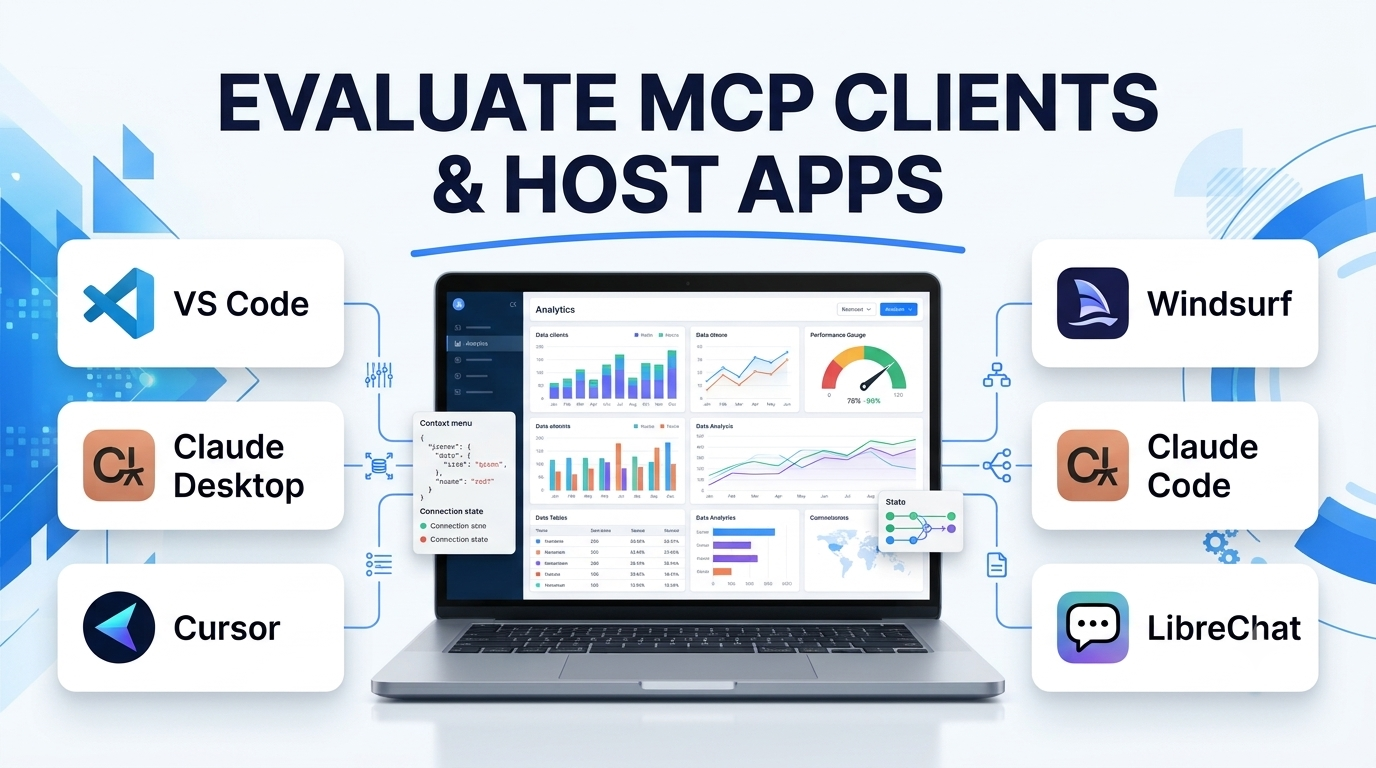
An MCP server is useless without a capable MCP host and MCP client to orchestrate it. In Model Context Protocol architecture, the Host is the user-facing AI application—such as an IDE, desktop assistant, terminal agent, or enterprise chat interface—while the Client is the protocol engine inside that host responsible for maintaining 1:1 stateful sessions with each connected MCP server, negotiating capabilities, injecting tool schemas into the LLM prompt, and enforcing user approval prompts.
While dozens of applications advertise “MCP support,” their implementations vary dramatically. Some support only basic Tools over local stdio, ignoring Resources, Prompts, OAuth 2.1 remote servers, and interactive UI rendering. Evaluating MCP host applications requires examining how deeply they surface protocol primitives to the human operator and how cleanly they balance autonomy with permission control.
Six Protocol Capabilities That Separate Mature MCP Hosts From Basic Wrappers
When evaluating an MCP client or host application for daily engineering or enterprise knowledge work, inspect six concrete technical dimensions:
- Full Protocol Primitive Coverage (
Tools,Resources,Prompts,Sampling): Basic clients only let the LLM callTools. Full-featured hosts let users manually attach MCPResources(database schemas, live logs, design docs) directly into chat via@mentions, trigger server-definedPromptsas slash commands, and supportSampling(allowing an MCP server to request an LLM completion back through the host without embedding its own API keys). - Transport & Remote Authentication Support: Supporting both local
stdiosubprocesses and remote Streamable HTTP endpoints with full OAuth 2.1 browser login flows and Enterprise-Managed Authorization (SSO/IdP token exchange) is essential for connecting cloud SaaS servers without pasting static API keys into plaintext JSON files. - Granular Approval UX and Trust Policies: A good host distinguishes between safe read-only tool calls and destructive write operations—allowing users to approve a tool once, allow it for the current session, or enforce mandatory human confirmation before any external mutation occurs.
- Interactive UI Rendering (MCP Apps): Modern MCP specifications allow servers to return sandboxed HTML/iframe UI components alongside tool results—enabling hosts like VS Code and Claude Desktop to render interactive charts, approval forms, or live previews directly inside the conversation stream.
- Context Budget and Tool-Toggling Controls: Because every enabled MCP server consumes system-prompt tokens with its tool definitions, strong hosts let users toggle individual servers or specific tools on and off per workspace without editing global configuration files.
- Configuration Portability and Autodiscovery: Support for project-scoped config files (
.mcp.jsonor.vscode/mcp.json) checked into Git—alongside autodiscovery of existing server configurations across tools—prevents teams from manually duplicating JSON blocks across five different apps.
Leading MCP Clients and Host Applications by Workflow Category
Desktop AI Assistants: Claude Desktop and ChatGPT Desktop
- Claude Desktop (by Anthropic) serves as the reference desktop host for MCP, supporting local
stdioservers, remote OAuth-authenticated connectors, user-selectableResourcesandPrompts, and interactive artifact/UI rendering. It excels for cross-functional knowledge workers, analysts, and researchers who combine local filesystem access with Slack, Notion, Google Drive, and database queries outside an IDE. - ChatGPT Desktop (and ChatGPT web connectors) integrates MCP tool connectivity into OpenAI’s assistant and Deep Research workflows, enabling users to query connected workspace apps and custom remote MCP endpoints under centralized workspace permissions.
AI-Native IDEs and Code Editors: VS Code, Cursor, and Windsurf
Developer editors represent the most mature MCP host environment because coding agents naturally combine file editing, terminal execution, and external MCP tools:
- Visual Studio Code (GitHub Copilot Agent Mode): VS Code offers one of the most complete MCP host implementations available—supporting
Tools,Resources,Prompts,Sampling,Elicitation(servers asking users structured follow-up questions mid-execution), interactive sandboxed MCP Apps UIs, workspace.vscode/mcp.jsonsharing, and one-clickvscode:mcp/installlinks. - Cursor: Integrates MCP servers directly into its Composer/Agent loop, supporting both global and project-level
.cursor/mcp.jsonconfigurations, Streamable HTTP remote servers, and per-tool toggle controls so developers can keep context windows lean during heavy refactoring. - Windsurf: Embeds MCP server discovery and tool execution inside its Cascade agent flow, providing one-click plugin directory installation for popular developer servers alongside custom JSON configuration.
Terminal-Native CLI Hosts: Claude Code, OpenAI Codex CLI, and Goose
For engineers who live in the terminal or run headless automation scripts, CLI MCP hosts strip away GUI overhead:
- Claude Code acts as both an MCP client (consuming external MCP servers configured via
claude mcp addor project.mcp.jsonfiles) and an MCP server itself—allowing other orchestrators to invoke Claude Code programmatically. - Goose (by Block, donated to the Linux Foundation) is an open-source, extensible local AI agent built natively around MCP—supporting multiple LLM providers, recipe sharing, and headless CI/CD execution.
- OpenAI Codex CLI and Cline / Roo Code (open-source VS Code agent extensions) provide transparent token-cost tracking, granular auto-approve rules per MCP tool, and bring-your-own-model flexibility.
Enterprise Workflow & Agent Builders: n8n, LibreChat, and TypingMind
Organizations deploying internal self-hosted chat portals or automated background pipelines rely on multi-user MCP host platforms:
- LibreChat is a popular open-source, multi-model web chat host that supports centralized MCP server configuration, per-user OAuth credentials, and role-based access—allowing enterprises to give non-technical employees a single web interface connected to internal MCP tools.
- n8n functions as an automated, headless MCP client via its MCP Client Tool node—enabling background event-driven workflows (triggered by webhooks, cron schedules, or Slack messages) to dynamically invoke MCP servers without a human sitting at a desktop.
MCP Clients & Host Apps Comparison
| Host Application | Primary Interface | Protocol Primitive Support | Transport & Auth Support | Configuration Scope | Best Fit |
| VS Code (Copilot Agent) | Code editor / IDE | Full (Tools, Resources, Prompts, Sampling, MCP Apps) | stdio + Streamable HTTP + OAuth 2.1 | Workspace (.vscode/mcp.json), User global, Extension API | Developers wanting the deepest standards-compliant IDE host |
| Claude Desktop | Native macOS/Windows desktop app | High (Tools, Resources, Prompts, interactive UI) | stdio + Remote OAuth connectors | Local JSON config + GUI connector directory | Knowledge workers, analysts & general desktop workflows |
| Cursor / Windsurf | AI-native code editors | High (Tools, Resources, Prompts in Agent mode) | stdio + Streamable HTTP + OAuth | Project-level (.cursor/mcp.json) & global settings | Engineers prioritizing fast agentic coding workflows |
| Claude Code / Goose | Terminal CLI | High (Tools, Resources, Prompts + headless CLI) | stdio + Streamable HTTP | Project .mcp.json + CLI flags | Terminal-first engineers & automated developer pipelines |
| LibreChat | Self-hosted multi-user web app | High (Tools, Resources across multiple LLM backends) | stdio + Streamable HTTP + per-user auth | Admin YAML config + user credential prompts | Enterprises wanting a self-hosted internal ChatGPT + MCP portal |
| n8n | Visual workflow & automation engine | Tools (headless automated agent execution) | Streamable HTTP / SSE + credential vault | Workflow node configuration | Automated background workflows triggered without human chat |
Practical Friction Points When Managing MCP Clients
Even with standardized protocol specs, teams hit three recurring usability hurdles at the client layer:
- Configuration Fragmentation Across Apps: A developer using Claude Desktop, Cursor, and Claude Code often ends up maintaining three separate JSON files with duplicated API keys. Standardize on project-committed
.mcp.jsonfiles for repository tools and look for hosts that support cross-client autodiscovery. - Opaque Error Handling on Subprocess Crashes: When a local
stdioPython or Node server fails due to a missing dependency or expired token, basic hosts silently drop the server or surface crypticConnection closederrors. Favor hosts that expose dedicated MCP output logs and one-click server restart controls. - Approval Fatigue: Prompting a user to click “Allow” on every single read-only
get_fileorsearch_docscall trains users to blindly click “Always Allow”—nullifying security guardrails. Configure granular auto-approval strictly for read-only tools while keeping mandatory confirmation active on write, delete, or external send actions.
Selecting the Right MCP Host Application
Choose your MCP host based on where the user already works:
- For Software Engineering Teams: Standardize on VS Code or Cursor with project-checked
.mcp.jsonfiles so every developer shares identical repository tooling, paired with Claude Code or Goose for terminal and CI workflows. - For Analysts, Product Managers, and Cross-Functional Staff: Deploy Claude Desktop for individual workstation productivity, or LibreChat if IT requires a centrally hosted browser interface with multi-model routing.
- For Unattended Event-Driven Automation: Use n8n as your headless MCP client so background triggers can execute MCP tool chains without human intervention.
