Manual software testing does not scale. When a development team pushes code changes multiple times a day across complex web, mobile, and microservice architectures, relying on human QA testers to click through regression suites manually creates an immediate bottleneck. Automated testing tools eliminate this friction, executing thousands of assertions in minutes, catching regressions before code reaches staging, and providing the safety net required for true continuous delivery.
Yet, adopting test automation is rarely straightforward. Engineering teams frequently fall into the trap of writing brittle, UI-heavy test suites that break every time a developer changes a CSS class name or updates a button ID. Maintaining “flaky” tests—tests that fail intermittently for no apparent reason—destroys developer trust and turns the automated test suite into a ritualistic annoyance rather than a reliable quality gate.
Choosing the right automated testing tools requires looking past feature checklists and examining execution speed, selector resilience, CI/CD integration depth, and architectural support for unit, integration, and end-to-end (E2E) testing.
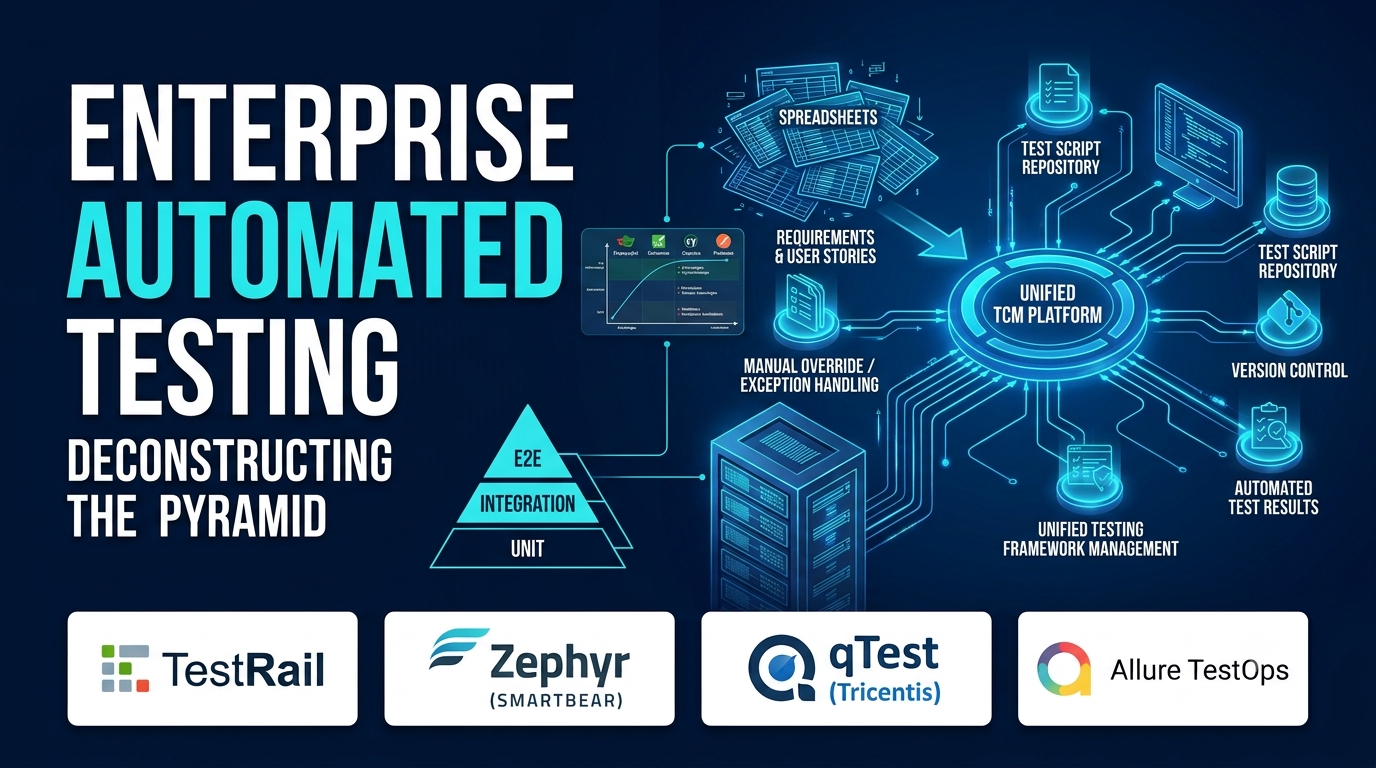
Deconstructing the Test Automation Pyramid
An effective testing strategy relies on a balanced distribution of tests across different layers of the application architecture.
[End-to-End (E2E) UI Tests (Slow, High Maintenance)]
                     │
                     ▼
[Integration & API Tests (Moderate Speed, Reliable)]
                     │
                     ▼
[Unit Tests (Fast, Isolated, Code-Level Coverage)]
When evaluating testing frameworks, understanding where a tool fits in the testing pyramid dictates its long-term maintenance burden:
- Unit and Component Testing: Executed in complete isolation against individual functions or UI components. These tests run in milliseconds and provide rapid feedback to developers during local coding.
- API and Integration Testing: Verifying that backend microservices, databases, and third-party APIs communicate correctly without spinning up heavy browser instances. These tests offer high reliability and fast execution.
- End-to-End (E2E) Browser Testing: Simulating real user journeys inside actual web browsers. While critical for catching visual and cross-browser integration bugs, E2E tests are notoriously slow and expensive to maintain if not implemented with resilient locators.
Evaluating Leading Automated Testing Frameworks
Different testing tools cater to distinct engineering workflows, ranging from developer-first code libraries to codeless testing platforms designed for cross-functional teams.
1. Playwright (Microsoft)
Playwright has rapidly emerged as the modern gold standard for end-to-end web testing, overtaking older tools through speed, reliability, and powerful developer tooling.
- Primary Purpose: Fast, reliable, and multi-browser end-to-end testing for modern web applications.
- Architectural Strengths: Communicates directly with browser debugging protocols (Chrome DevTools, Firefox, WebKit) out-of-process. It features automatic waiting mechanisms that eliminate flaky timeouts, built-in network interception, multi-tab and multi-context support, and a phenomenal test generator (Codegen).
- Operational Trade-offs: Requires programming knowledge (JavaScript, TypeScript, Python, C#, or Java), making it less accessible for non-technical manual QA personnel without engineering support.
2. Selenium WebDriver
As the veteran foundation of browser automation, Selenium remains deeply entrenched in enterprise environments with legacy test suites.
- Primary Purpose: Browser automation and cross-browser regression testing across virtually any browser and operating system combination.
- Architectural Strengths: Massive community ecosystem, decades of stability, and support for an enormous range of programming languages and legacy browsers. It remains a reliable choice for long-standing enterprise QA teams.
- Operational Trade-offs: Selenium tests are notoriously prone to flakiness due to asynchronous DOM loading, requiring extensive manual implementation of explicit waits and robust locator strategies.
3. Cypress
Cypress revolutionized frontend testing by running directly inside the browser alongside the application under test, offering real-time reloading and time-travel debugging.
- Primary Purpose: Fast, developer-friendly E2E and component testing for single-page web applications.
- Architectural Strengths: Exceptional developer experience. Its time-travel debugging lets developers inspect exact application states at every command step. Stubs, spies, and network mocking are built directly into the core API.
- Operational Trade-offs: Historically constrained by a single-tab architecture and architectural limitations when testing cross-domain workflows or multiple browser instances simultaneously.
4. Postman / Newman (API Automation)
While often thought of purely as an API development client, Postman paired with its CLI runner Newman is a powerhouse for automated API integration testing.
- Primary Purpose: Automated API testing, schema validation, and contract verification within CI/CD pipelines.
- Architectural Strengths: Intuitive graphical interface for building API requests, writing test scripts in JavaScript, and managing environment variables. Newman allows those exact collections to run headlessly inside continuous integration servers.
- Operational Trade-offs: Focused strictly on API and backend communication; it provides no native capability for browser-based user interface testing.
Comparison of Automated Testing Tools
| Tool | Primary Use Case | Supported Languages | Key Advantage | Notable Limitation |
| Playwright | Modern E2E Browser Testing | TypeScript, JS, Python, C#, Java | Lightning-fast execution, auto-waiting, multi-context browser isolation | Requires programming expertise to author and maintain tests |
| Selenium | Enterprise Cross-Browser Testing | Java, Python, C#, JS, Ruby | Massive ecosystem and universal legacy browser compatibility | Prone to test flakiness without careful explicit wait configuration |
| Cypress | Frontend E2E & Component Testing | JavaScript, TypeScript | Unmatched developer experience with time-travel debugging and fast reloads | Historical limitations with multi-tab and cross-domain testing |
| Postman / Newman | API & Integration Testing | JavaScript (Test scripts) | Easy collection building with robust CLI automation via Newman | Lacks graphical user interface testing capabilities |
Implementation Considerations and Common Pitfalls
Adopting automated testing fails when organizations treat test suites as static documentation rather than evolving codebases.
- Writing Brittle Locators: Relying on auto-generated XPath or deeply nested CSS selectors (e.g.,
div > div:nth-child(2) > button) guarantees that minor UI refactors will break your test suite. Always enforce semantic testing attributes (such asdata-testid). - Neglecting Test Environment Stability: Running automated tests against an unstable staging environment littered with fluctuating mock data or intermittent database drops leads to false-positive failures. Ensure your test data is isolated and ephemeral.
- Ignoring Test Execution Speed: If a full regression suite takes two hours to run, developers will bypass local pre-commit checks and merge code blindly. Optimize test parallelism and prioritize fast API/unit tests over heavy E2E browser checks.
Choosing the right automated testing tool depends on your application architecture, team skill set, and release velocity requirements. Organizations building modern web applications find immense power and reliability in Playwright. Teams needing mature, cross-language enterprise support rely on Selenium, while frontend developers prioritize Cypress for its rapid feedback loops. Invest in clean locators, prioritize fast integration tests, and build an automated quality gate that accelerates your delivery pipeline rather than slowing it down.
