Every growing organization eventually hits a breaking point where the shared email inbox—support@company.com—stops working.
By Tuesday afternoon, customer inquiries are colliding with internal IT requests. A critical server outage notification gets buried beneath a dozen password-reset tickets. Two different team members reply to the same customer with contradictory answers, and nobody knows whether an urgent bug report has been assigned, investigated, or forgotten entirely.
When teams realize that informal email threads have become a liability, leadership sets out to buy support software. That is usually where the confusion begins.
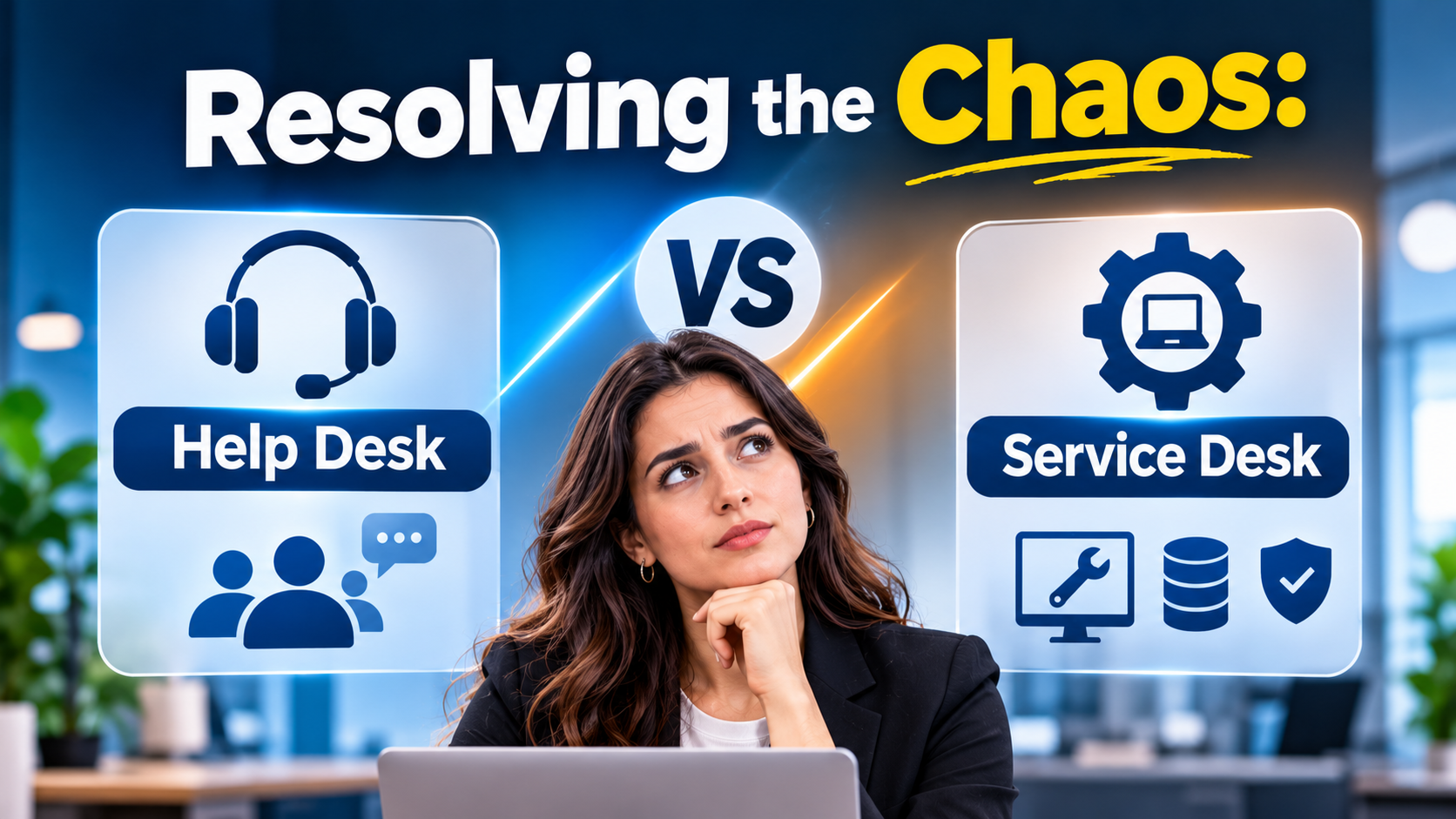
Software vendors routinely use the terms “help desk” and “service desk” interchangeably, packaging them as universal solutions. In reality, these two acronyms represent fundamentally different operating models, workflow architectures, and internal philosophies.
Choosing the wrong platform means either burdening external customers with overly bureaucratic ITIL processes or leaving internal IT teams stranded without the asset tracking and incident management tools they need.
The Core Distinction: Customer Support Versus Internal IT Operations
Before comparing software vendors, it is essential to untangle the terminology. While both systems manage incoming issues via ticket queues, their primary audiences and objectives diverge sharply:
1. Help Desk Software (External-Facing)
A help desk is designed primarily for external customer support. Its core mission is customer satisfaction, fast resolution times, and multi-channel communication (email, live chat, social media, and phone).
- Primary Focus: Managing customer inquiries, tracking satisfaction scores (CSAT), deflecting routine questions via public knowledge bases, and maintaining customer relationship continuity.
- Typical Users: Customer support agents, client success managers, and external end-users.
2. Service Desk Software (Internal & Operational)
A service desk is broader, often grounded in ITIL (Information Technology Infrastructure Library) best practices. While it handles internal IT support (like fixing a broken laptop or provisioning a new software license), a modern enterprise service desk also manages internal service requests across HR, facilities, legal, and finance.
- Primary Focus: Incident management, problem root-cause analysis, change management, asset tracking, and internal service-level agreements (SLAs).
- Typical Users: Internal IT professionals, HR administrators, facilities staff, and employees requesting internal support.
Confusing these two models leads to severe operational friction. If you deploy a lightweight customer help desk as your internal IT service desk, you will quickly find yourself lacking essential asset management and change approval workflows.
The Architectural Divide: Simplicity Versus Enterprise ITIL Governance
When evaluating support platforms, organizations generally choose between three distinct architectural approaches:
1. Customer-Centric Omnichannel Help Desks
These platforms prioritize ease of use, fast deployment, and clean multi-channel communication. They integrate seamlessly with CRM platforms and live chat widgets to deliver an effortless support experience for external clients.
- The Trade-Off: Exceptional for customer support, but lightweight when it comes to managing complex internal IT assets, change control boards, or multi-tiered ITIL incident categorization.
- Representative Examples: Zendesk, Freshdesk, Help Scout.
2. ITIL-Compliant Enterprise Service Desks
Built specifically for internal IT and enterprise service management (ESM). These platforms track hardware and software assets, manage software change approvals, and enforce rigid IT compliance frameworks.
- The Trade-Off: Highly structured and robust for IT operations, but can feel heavy, formal, and overly complex for external customer support teams.
- Representative Examples: Jira Service Management, ServiceNow, Ivanti.
3. All-in-One Unified Support Suites
Platforms that attempt to bridge the gap by offering modular architecture—providing intuitive customer help desk ticketing alongside robust internal IT service management features within a single ecosystem.
- The Trade-Off: Versatile and consolidates vendor stacks, but can require significant configuration effort to balance external and internal workflows effectively.
- Representative Examples: HubSpot Service Hub, Salesforce Service Cloud.
5 Leading Help Desk and Service Desk Platforms Compared
| Platform | Primary Specialization | Standout Operational Advantage | Core Limitation |
| Zendesk | Omnichannel external customer support | Massive integration marketplace, robust automation rules, and industry-standard multi-channel ticketing | Can become expensive as teams scale and add advanced reporting or AI add-ons |
| Jira Service Management | Technical IT service desk & developer workflows | Deep native integration with Jira and Confluence, excellent incident management, and agile ITIL workflows | Less optimized for traditional non-technical customer support teams or retail help desks |
| Freshdesk | Agile, cost-effective customer support | Clean user interface, rapid setup, and intuitive ticketing automation for growing businesses | Advanced reporting and custom workflow automation require higher-tier subscription plans |
| ServiceNow | Massive enterprise service management (ESM) | Unmatched enterprise scale, advanced workflow automation, and comprehensive IT asset governance | Extreme implementation complexity, lengthy deployment timelines, and high enterprise cost |
| Help Scout | Lightweight, email-based customer communication | Shared inbox philosophy that feels natural, collaborative, and personal for small-to-midsize teams | Lacks heavy enterprise telephony, advanced ITIL asset management, and complex routing queues |
Critical Evaluation Factors Beyond the Ticketing Inbox
When sitting through vendor demonstrations, buyers are often charmed by AI-generated response suggestions and colorful analytics dashboards. Experienced IT and customer support directors look deeper into structural mechanics:
- SLA Management and Escalation Rules: Can the platform automatically escalate tickets, reassign priorities, or alert supervisors when a high-priority ticket approaches its breach time?
- Knowledge Base and Self-Service Deflection: Does the platform make it easy for users to find answers themselves before submitting a ticket? Look for tools that suggest relevant knowledge base articles automatically as a user types their inquiry.
- Asset and Configuration Management (CMDB): If you are evaluating a service desk for internal IT, verify whether it includes robust asset tracking to monitor hardware inventory, software licenses, and device lifecycles.
- API Extensibility and Webhooks: Ensure the platform integrates cleanly with your internal developer tools, chat applications (like Slack or Microsoft Teams), and CRM databases without requiring custom middleware.
Common Implementation Mistakes to Avoid
Rolling out support software without an operational strategy leads to agent burnout and disorganized ticket queues. Watch out for these common missteps:
- Over-Automating With Rigid Macros: Creating endless automated email triggers and rigid ticket statuses that force agents to click through excessive administrative fields slows down resolution times and frustrates support staff.
- Neglecting Internal Knowledge Base Maintenance: Building a self-service knowledge base once and never updating it ensures that customers and employees will continue submitting repetitive tickets instead of using self-service.
- Failing to Define Clear Ownership: If tickets are routed to broad, unassigned team queues rather than specific individuals or secondary tiers, issues will inevitably fall through the cracks.
Making the Final Decision
Choosing between a help desk and a service desk requires an honest assessment of your primary audience.
If your organization’s primary objective is delivering exceptional external customer support across email, chat, and social channels, a customer-centric help desk like Zendesk, Freshdesk, or Help Scout provides the ideal workflow. If your core challenge is managing internal IT requests, developer incident escalations, and ITIL-compliant asset tracking, an operational service desk like Jira Service Management or ServiceNow delivers the necessary structural rigor.
Begin by auditing your current support volume: determine whether your incoming tickets originate from external paying clients or internal staff needing technical assistance, and select the platform architected to solve that specific operational challenge.
