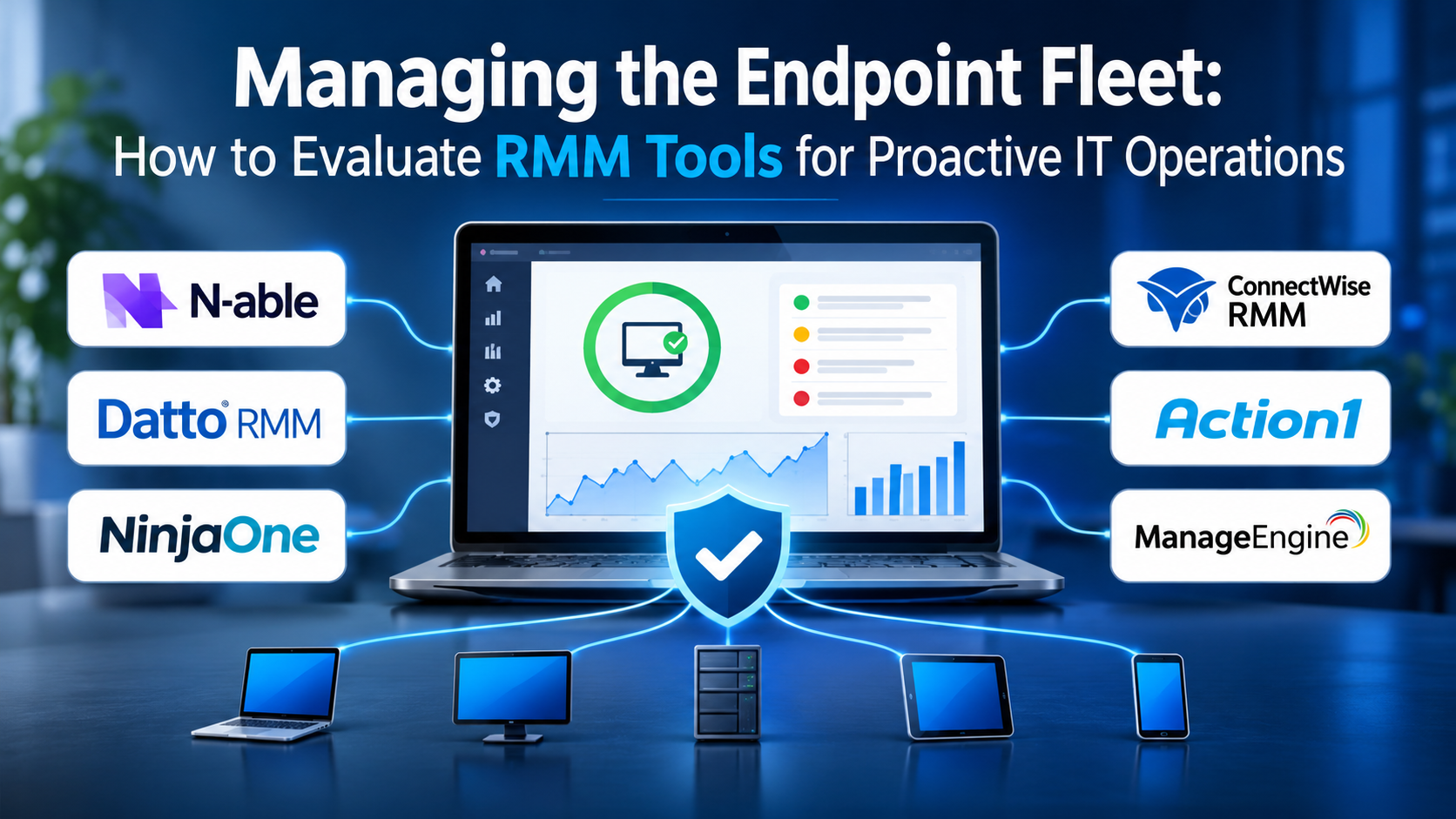
For any Managed Service Provider (MSP) or internal IT director, the nightmare scenario is discovering a major server outage or a ransomware infection not from an automated monitoring alert, but from an angry phone call from the chief executive officer.
When an organization manages a handful of office computers, manual troubleshooting is manageable. You walk over to the machine, run an update, or reinstall a driver. But when your infrastructure scales to hundreds or thousands of endpoints scattered across remote homes, branch offices, and cloud instances, manual oversight becomes entirely impossible.
That is why Remote Monitoring and Management (RMM) software is the absolute operational anchor of modern IT service delivery. An RMM platform acts as an invisible nervous system for your device fleet, running silent background checks, deploying automated software patches, flagging failing hard drives before they crash, and allowing technicians to tunnel into machines remotely without disrupting the user.
Yet, choosing the right RMM platform requires looking past vendor feature lists and examining how agent architecture, automation scripting power, and supply-chain security impact daily operations.
The Architectural Foundation: Agents, Relays, and Polling
To understand what makes an RMM tool effective, you have to look beneath the user interface at how the software communicates with managed endpoints.
RMM platforms operate on a client-server architecture built around three core components:
- The RMM Agent: A lightweight executable installed on every managed endpoint (workstation, server, mobile device, or network switch). The agent runs with elevated system privileges, constantly polling local health metrics—such as CPU spikes, disk SMART errors, service failures, and security log anomalies—and reporting back to the central server.
- The Management Server (Cloud or On-Premise): The central dashboard where systems administrators configure alert thresholds, review fleet-wide health reports, and execute remote commands.
- The Relay or Gateway: In larger or segmented networks, local relay nodes help aggregate traffic, manage local software caching, and proxy communication for machines behind strict firewalls.
When evaluating RMM platforms, the most critical architectural choice is deployment model. While cloud-hosted (SaaS) RMMs have become the industry standard for agility and remote management, some security-conscious enterprises still require self-hosted or hybrid deployments to maintain absolute data sovereignty.
Proactive Automation Versus Reactive Firefighting
The true measure of an RMM tool is not how quickly a technician can remote into a broken computer; it is how many computers the platform keeps from breaking in the first place.
Reactive IT management relies on alerts: a disk fills up, an alert fires, and an engineer fixes it. Proactive RMM management relies on automation policies and scripts.
A mature RMM platform should allow administrators to write or deploy automated remediation scripts (using PowerShell, Bash, or Python) that trigger automatically when specific conditions are met. For example, if a background service crashes, the RMM agent should not just send an email warning—it should instantly execute a script to restart the service, log the event, and resolve the issue before any user even notices.
5 Leading Remote Monitoring and Management Platforms Compared
| Platform | Primary Specialization | Standout Operational Advantage | Core Limitation |
| N-able N-central | Complex enterprise MSPs & deep network management | Exceptional scalability, robust automation policy engines, and advanced patch management controls | Complex configuration architecture requires experienced systems administrators to configure properly |
| Datto RMM | Cloud-native multi-tenant MSP operations | Lightning-fast web-based interface, excellent remote desktop responsiveness, and strong security posture | Custom reporting and advanced scripting libraries require careful initial tuning |
| NinjaOne (formerly NinjaRMM) | Modern, intuitive endpoint management & IT automation | Clean, exceptionally fast user interface with straightforward patch management and high user satisfaction | Less suited for deeply customized, sprawling legacy enterprise network infrastructures |
| ConnectWise RMM | Integrated MSP ecosystem & PSA alignment | Powerful automation framework designed to integrate tightly with ConnectWise ticketing and billing systems | Sprawling ecosystem can feel overwhelming and expensive for smaller IT teams |
| Action1 | Vulnerability management & rapid patch automation | Exceptional focus on third-party software patching, vulnerability scanning, and cloud-native simplicity | Primarily focused on patching and endpoint management rather than full-scale network monitoring |
Critical Evaluation Factors Beyond the Device Dashboard
When sitting through vendor demonstrations, buyers are often captivated by real-time device health maps and slick mobile monitoring apps. Experienced systems engineers look deeper into structural mechanics:
- Patch Management Reliability: Patching Windows, macOS, and third-party applications (like browsers, PDF readers, and office suites) is your primary defense against cyber threats. Verify how reliably the RMM tests patches, handles failed installations, and allows granular approval workflows before deployment.
- Remote Access Speed and Tooling: When a user calls for help, every second counts. Test the platform’s remote desktop connection speed, multi-monitor support, file transfer capabilities, and whether it includes a lightweight background terminal (CLI) for silent troubleshooting.
- Supply-Chain Security and Access Controls: Because an RMM agent holds administrative privileges over every machine in your fleet, it is a prime target for cyber attackers. Ensure the platform enforces mandatory Multi-Factor Authentication (MFA), role-based access control (RBAC), and zero-trust security architectures.
- Third-Party Integrations: Your RMM must communicate cleanly with your professional services automation (PSA) ticketing system, documentation platforms (like IT Glue), and cybersecurity tools (like Endpoint Detection and Response).
Common Implementation Mistakes to Avoid
Rolling out an RMM platform across an enterprise or MSP client base without a structured deployment strategy leads to alert fatigue and administrative chaos. Watch out for these common missteps:
- Enabling Every Default Alert on Day One: Turning on every pre-configured alert without tuning thresholds will flood your ticketing system with thousands of false-positive warnings within hours, causing engineers to ignore critical notifications.
- Failing to Standardize Endpoint Policies: Applying uniform monitoring policies across wildly different hardware and software environments (e.g., treating a domain controller the same as a remote developer laptop) creates endless irrelevant alerts.
- Neglecting Script Testing: Deploying an unverified automated remediation script across five hundred endpoints simultaneously can accidentally break critical software or lock users out of their machines. Always test scripts on a small pilot group first.
Making the Final Decision
Choosing an RMM platform requires matching software capabilities to your technical maturity and operational scale.
If your organization is a growing Managed Service Provider or internal IT team looking for a lightning-fast, cloud-native platform with an exceptional user experience and reliable patching, a modern tool like NinjaOne or Datto RMM provides immediate operational efficiency. If your infrastructure demands complex, highly granular network device monitoring, extensive automation scalability, and enterprise-grade policy control, an established platform like N-able N-central offers deep architectural depth.
Begin by auditing your current IT management bottlenecks—whether that is unpatched third-party software vulnerabilities, slow remote access tools, or overwhelming alert noise—and select the platform built to bring clarity and proactive control to your endpoint fleet.
