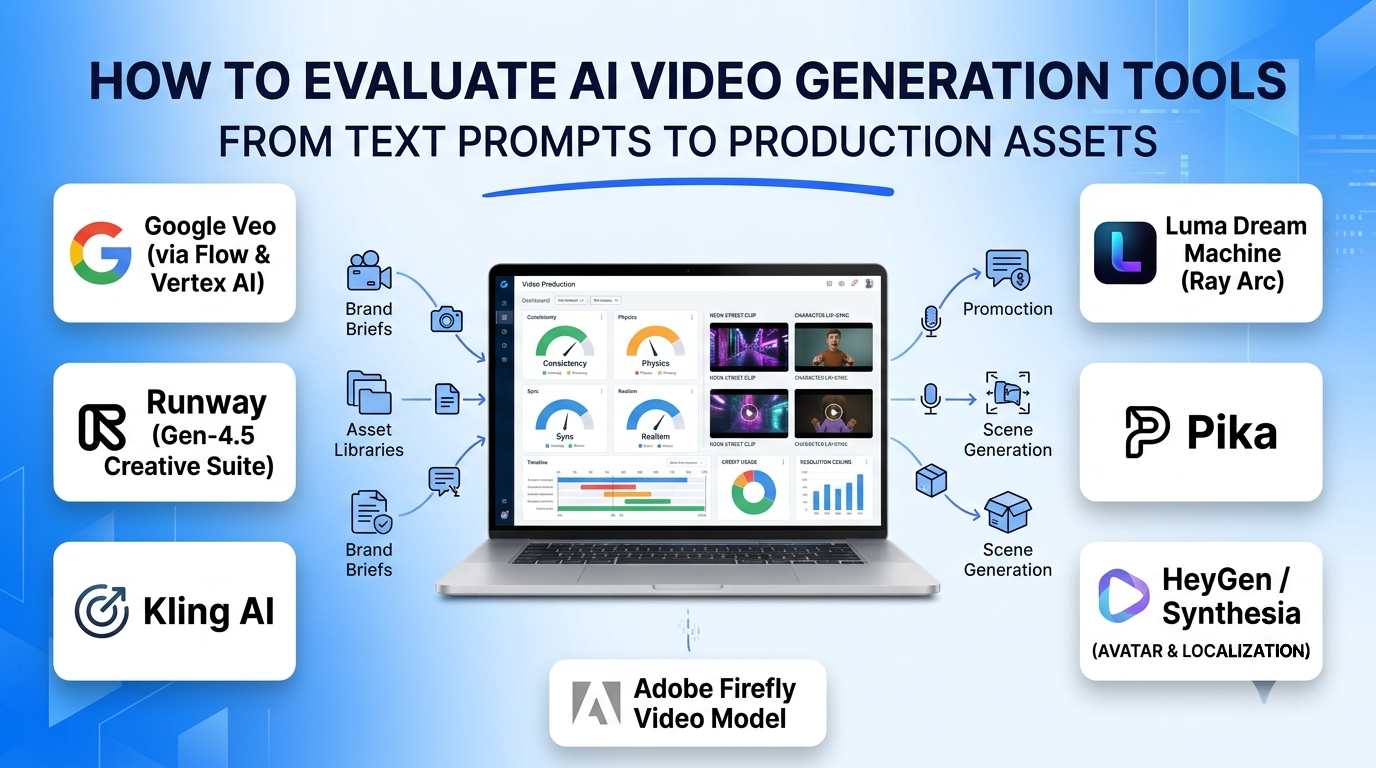
Generating a five-second clip of a neon-lit street is no longer a technical novelty; the real challenge for creative teams, marketers, and developers is producing usable, brand-consistent video without burning through thousands of dollars in failed credit generations. A prompt that produces a striking single shot often falls apart on the second cut when a character’s face shifts, product packaging morphs, or fast camera motion introduces warping artifacts.
Choosing an AI video generation platform requires separating general-purpose diffusion models from avatar presenters, post-production editing suites, and programmatic APIs. Each category solves a different production bottleneck—and comes with distinct trade-offs in temporal consistency, audio synchronization, resolution ceilings, and credit economics.
Core Capabilities That Separate Production Tools From Novelty Generators
Evaluating AI video software goes beyond looking at cherry-picked showcase reels. Five technical capabilities determine whether a platform fits into an actual creative or marketing workflow:
- Temporal and Subject Consistency: The ability to lock a character’s identity, wardrobe, or physical product across multiple camera angles and sequential cuts—often through reference-image anchoring, character elements, or first-and-last-frame interpolation.
- Camera Control and Motion Physics: Directing virtual cinematography (dolly zooms, crane shots, pans, rack focus) while preserving realistic gravity, fluid dynamics, and human biomechanics without limb distortion.
- Native Audio and Lip-Sync Synchronization: Generating matched ambient sound effects, dialogue, and foley audio alongside video frames—or accurately driving facial muscle and lip movements from an external voiceover track.
- Video-to-Video and In-Timeline Editing: Modifying existing footage rather than starting from scratch, including green-screen rotoscoping, style transfer, motion brushes for selective animation, and generative frame extension.
- Licensing Clarity and Commercial Provenance: Understanding whether training datasets carry copyright indemnity (critical for enterprise advertising) and whether generated assets are watermark-free and cleared for commercial distribution on entry tiers.
Leading AI Video Generation Platforms and Architectural Approaches
Google Veo (via Flow and Vertex AI)
Google’s Veo architecture (including Veo 3.1) stands out for unifying high-definition visual synthesis with native audio generation—producing synchronized dialogue, ambient environmental sound, and music within a single pass. Supporting native vertical 9:16 aspect ratios alongside widescreen formats, longer continuous clip durations, and first-frame image anchoring, Veo handles complex real-world physics across human motion, vehicles, and lighting transitions with high photorealism.
Creative teams and enterprises can access Veo through Google Flow for interactive generation or via Vertex AI APIs for automated media pipelines. Its primary trade-off is per-second generation cost on flagship audio-enabled tiers, making it best reserved for hero shots and commercial spots rather than high-volume experimental drafting.
Runway (Gen-4.5 Creative Suite)
Runway operates less like a single prompt box and more like a browser-based post-production studio built around generative models. Alongside text-to-video and image-to-video synthesis via Gen-4.5, Runway provides multi-track timeline editing, video-to-video style transformation (Aleph), selective motion brushes, camera-path controls, and performance transfer (Act Two), which maps a real actor’s facial expressions and body movements onto a synthetic character.
Filmmakers, VFX artists, and video editors who already think in shots and want granular post-generation control gain the deepest creative toolkit on Runway. However, it requires a steeper learning curve than single-prompt generators, lacks built-in corporate presenter avatars, and consumes credits rapidly when iterating on flagship models.
Kling AI
Kling AI (with its Kling 3.0 release) has gained strong traction among independent creators and performance marketers for pairing competitive motion realism with an accessible credit structure. Its standout workflow features include multi-shot storyboard generation in a single pass, first-and-last-frame transition control, and subject locking (“Elements”), which preserves a specific person, outfit, or product across different scenes.
Teams producing narrative shorts, multi-angle product showcases, or high-volume social experiments benefit from Kling’s cost-to-quality efficiency. Its limitations include shorter maximum single-clip lengths compared to Veo, reliance on separate lip-sync passes for spoken dialogue, and strict resolution caps on lower-cost plans.
Luma Dream Machine (Ray Architecture)
Luma AI’s Dream Machine (powered by its Ray 3 and Ray 3.2 models) excels at spatial depth, natural lighting falloff, and image-to-video fidelity. When given a high-resolution still photograph—such as an architectural interior, luxury product render, or landscape—Luma animates camera movement through the space with minimal texture drift, supporting 16-bit HDR workflows for professional color grading.
Designers, architects, and e-commerce teams animating existing photography or 3D renders will find Luma’s image-to-video anchoring remarkably clean. Fast, chaotic action sequences can still introduce edge artifacts, and the absence of a permanent free tier means commercial experimentation starts on paid monthly subscriptions.
Pika
Pika targets rapid social media iteration and stylized short-form effects rather than photorealistic cinema. Features like Pikaffects (one-click physics transformations such as melting, crushing, or inflating objects), Pikaformance (reference-driven facial and body motion), and region modification allow creators to produce eye-catching clips in seconds.
Social media managers and short-form creators chasing fast-moving visual trends benefit from Pika’s low barrier to entry. For long-form storytelling or strict photorealistic brand commercials, its shorter clip limits and stylized bias make it a secondary tool.
HeyGen and Synthesia (AI Avatar and Localization Platforms)
While diffusion video models synthesize scenes from scratch, HeyGen and Synthesia solve a completely different problem: scalable presenter-led video. Users type a script or upload an audio track, select a stock or custom-trained digital twin avatar, and generate studio-lit talking-head videos complete with natural head gestures and lip-synced translation across dozens or hundreds of languages.
HeyGen leads in agile sales outreach, personalized video marketing, and multi-language video dubbing with expressive voice cloning. Synthesia focuses heavily on enterprise Learning and Development (L&D) and internal communications, offering strict brand kits, SCORM exports, SOC 2 compliance, and collaborative workspace governance. Neither platform is designed to generate cinematic b-roll or fictional action scenes.
Adobe Firefly Video Model
Integrated directly into Adobe Premiere Pro (via Generative Extend) and the Firefly web app, Adobe’s video model prioritizes commercial safety and non-destructive editing. Trained exclusively on licensed Adobe Stock and public-domain content, it allows editors to extend a camera shot by a few seconds to cover an audio transition or generate clean b-roll without leaving their Creative Cloud timeline.
Enterprise creative departments and agencies bound by strict client copyright indemnification policies gain peace of mind that open-web-trained models cannot always guarantee. Its creative range and clip lengths are more conservative than pure-play generative platforms.
AI Video Generation Comparison
| Platform | Primary Strength | Core Input Modality | Audio & Lip-Sync | Commercial & Deployment Fit | Key Limitation |
| Google Veo | Photorealistic physics & long clips | Text, image-to-video | Native dialogue, foley & ambient audio | Google Flow web app & Vertex AI API | High per-second cost on flagship audio tier |
| Runway (Gen-4.5) | Post-production editing & VFX control | Text, image, video-to-video, motion capture | Native audio + dedicated lip-sync tools | Browser creative suite & enterprise API | Steeper learning curve; rapid credit burn |
| Kling AI | Multi-shot consistency & cost efficiency | Text, image, multi-shot storyboard, element lock | Add-on lip-sync & sound generation | Web platform & API | Shorter max single-clip duration |
| Luma Dream Machine | Spatial depth, lighting & still-photo animation | Image-to-video, text, keyframe interpolation | Tier-dependent native audio | Web suite with 16-bit HDR export | Fast-motion edge artifacts; no free tier |
| Pika | Viral social effects & stylized motion | Text, image, reference performance | Native audio & Pikaformance sync | Consumer/creator web app | Stylized output; less suited for cinema |
| HeyGen / Synthesia | Talking-head presenters & multilingual dubbing | Text script, voice audio, custom digital twin | Studio TTS & 140–240+ language dubbing | SaaS web studios with enterprise governance | Restricted to presenter/avatar formats |
| Adobe Firefly Video | Commercially safe b-roll & timeline extension | Text, image, Premiere Pro clip extension | Pairs with Premiere Pro audio suite | Creative Cloud enterprise ecosystem | Conservative motion range & short extensions |
Understanding Credit Economics and Hidden Production Costs
Evaluating AI video pricing requires calculating cost per usable second, not cost per generated second. Because generative video remains probabilistic, achieving a single clean five-second shot often requires three to five prompt iterations or seed variations.
- Resolution and Duration Multipliers: Generating at 1080p or upscaling to 4K frequently consumes four to eight times more credits than drafting at 540p or 720p. Always draft motion and camera framing at the lowest resolution tier before committing credits to high-definition renders.
- Credit Expiration and Tier Cliffs: Many platforms enforce monthly credit expiration without rollover, while restricting commercial usage rights or watermark removal to paid tiers.
- Post-Processing Overhead: Most diffusion models output clips between five and sixteen seconds. Building a 60-second commercial still requires external non-linear editing (Premiere Pro, DaVinci Resolve), color matching, and audio mixing—unless you standardize on an all-in-one timeline environment like Runway or an avatar studio like Synthesia.
Selecting the Right AI Video Platform
Start by matching the tool to your dominant asset type rather than chasing leaderboard demos:
- For Branded Commercials and High-Realism Social Clips: Pair Google Veo (for hero shots with native sound) with Kling AI (for budget-conscious multi-shot character and product consistency).
- For Film Editing, VFX, and Video-to-Video Workflows: Choose Runway when you need timeline control, motion brushes, and performance transfer over existing footage.
- For E-Commerce Product Shots and Architectural Visualization: Use Luma Dream Machine to animate high-resolution product stills and interior photography without distorting geometry.
- For Corporate Training, Localization, and Sales Outreach: Deploy Synthesia for governed enterprise training libraries or HeyGen for rapid multilingual dubbing and personalized outreach.
- For Copyright-Indemnified Enterprise Creative: Rely on Adobe Firefly inside Premiere Pro when legal clearance on training data is non-negotiable.
