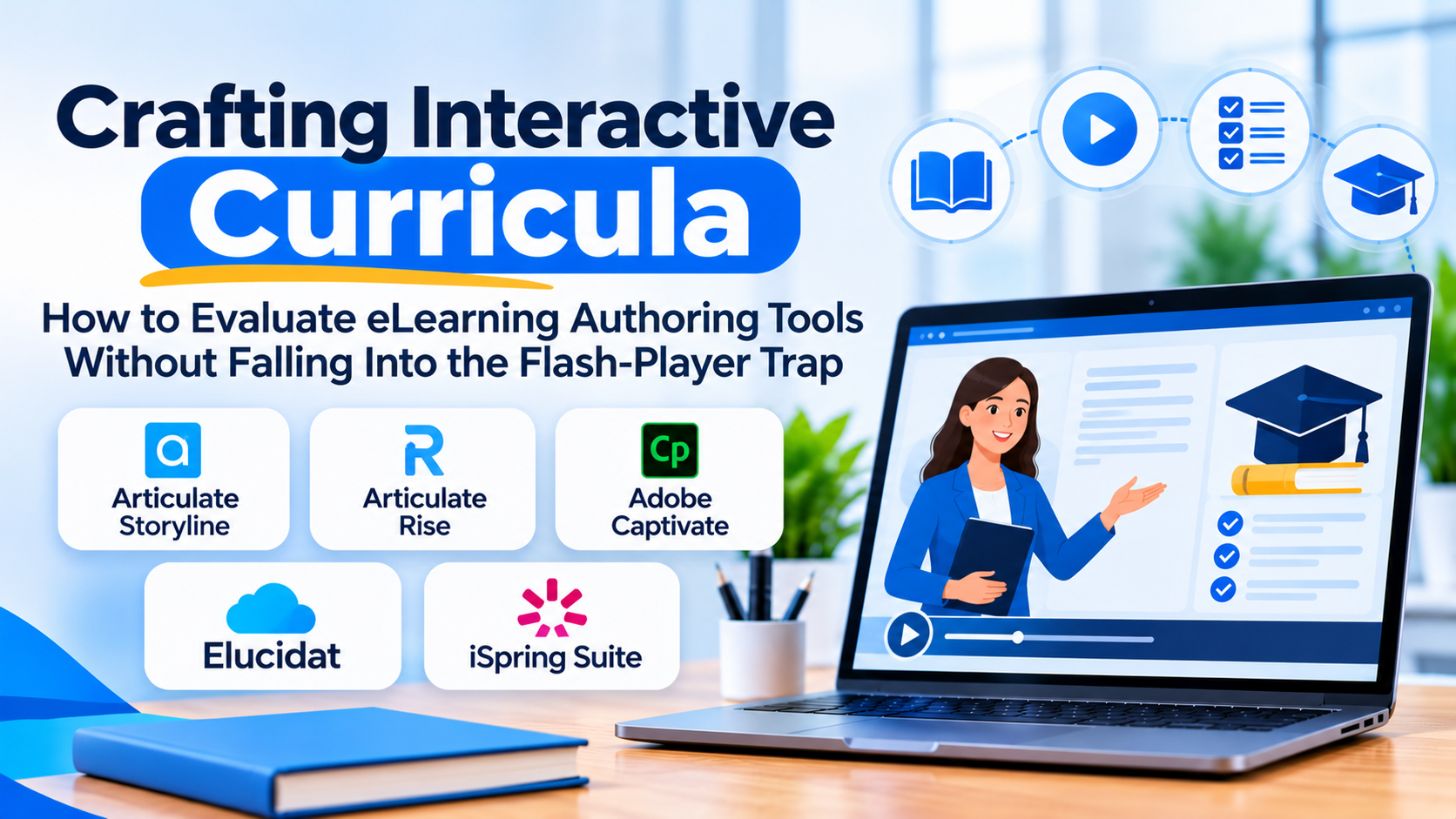
Instructional designers and corporate training managers face a persistent design dilemma: how to build engaging, interactive digital courses that do not require an army of software developers to produce.
Writing course content in a standard word processor is easy, but it results in static PDFs that learners skim without absorbing. Building custom web applications from scratch yields incredible interactivity, but it requires weeks of coding, expensive engineering hours, and a nightmare of maintenance whenever browser standards shift.
This is the exact operational sweet spot filled by eLearning authoring tools. These specialized software applications allow instructional designers to build rich, media-heavy, interactive training modules—complete with quizzes, branching scenarios, and animations—and package them into standardized formats (like SCORM or xAPI) that can be deployed across any Learning Management System (LMS).
Yet, choosing the right authoring tool requires navigating a fractured market defined by wildly different technical philosophies, licensing models, and output capabilities.
The Technical Reality: Desktop Power Versus Cloud Agility
When evaluating authoring tools, technical buyers quickly encounter a major architectural divide that splits the industry into two distinct camps:
1. Desktop-Centric Authoring Suites
These are powerhouse applications installed locally on a Windows or macOS machine. They offer granular, pixel-level control over animations, triggers, variables, and complex conditional branching. If you need to build a simulation of a proprietary software interface with intricate multi-variable logic, desktop suites are the undisputed standard.
- The Trade-Off: Collaboration is clunky. Files must be saved locally, shared via cloud drives or version control, and published individually. Real-time co-authoring is practically non-existent.
- Representative Examples: Articulate Storyline, Adobe Captivate.
2. Cloud-Native Collaborative Platforms
These tools run entirely within a web browser, prioritizing rapid content creation, multi-author collaboration, responsive design across mobile devices, and modular template libraries. They allow an instructional designer in New York and a subject matter expert in London to review and edit the same course simultaneously.
- The Trade-Off: They lack the hyper-granular programming triggers and deep animation timelines found in heavy desktop software. Highly complex, custom logic can be difficult or impossible to build.
- Representative Examples: Articulate Rise, Elucidat, dominKnow | ONE.
5 Leading eLearning Authoring Tools Compared
| Platform | Architectural Approach | Standout Operational Advantage | Core Limitation |
| Articulate Storyline | Desktop-centric heavy authoring suite | Unmatched power for custom interactive simulations, triggers, and complex branching logic | Steep learning curve for non-technical creators; lacks real-time cloud co-authoring |
| Articulate Rise | Cloud-native modular authoring | Incredibly fast course creation with automatic mobile responsiveness and clean UI | Highly standardized layout blocks limit deeply custom graphic design or complex simulations |
| Adobe Captivate | Desktop-centric media and VR suite | Strong capabilities for responsive authoring, software simulations, and immersive VR/360-degree media | Interface can feel cluttered and complex; resource-intensive rendering |
| Elucidat | Cloud-native enterprise authoring | Powerful collaboration workflows, translation management, and scalability for large distributed teams | Premium enterprise pricing structure; overkill for small freelance instructional designers |
| iSpring Suite | PowerPoint-additive desktop plugin | Allows users to convert existing PowerPoint presentations into interactive SCORM courses instantly | Limited creative freedom compared to building entirely custom courses from scratch |
Critical Evaluation Factors Beyond the Template Library
When sitting through vendor demonstrations, buyers are often seduced by flashy pre-built templates and stock asset libraries. Experienced instructional designers look deeper into technical and operational mechanics:
- SCORM, xAPI, and LTI Export Compliance: An authoring tool is only as good as its output. Verify whether the software exports clean, uncorrupted SCORM 1.2, SCORM 2004, xAPI (Tin Can), and cmi5 packages that communicate test scores and completion data flawlessly with your specific LMS.
- Accessibility (WCAG 2.1 Compliance): For corporate and higher-education training, meeting accessibility standards is mandatory. Evaluate how easily the tool handles keyboard navigation, screen reader compatibility, closed captioning, and alt-text generation.
- Localization and Translation Workflows: If your organization trains a global workforce, check how the platform handles exporting text strings for translation and re-importing localized languages without breaking interactive layout blocks.
- Licensing and Deployment Costs: Many desktop tools rely on annual per-user seat licenses, whereas cloud tools often scale pricing based on active learner views or author volume. Calculate your total cost of ownership before committing.
Common Implementation Mistakes to Avoid
Even the most powerful authoring software will fail if instructional design best practices are ignored. Watch out for these common missteps:
- Over-Engineering Interactivity: Just because an authoring tool allows you to build a complex video-game simulation for a basic compliance policy does not mean you should. Excessive, meaningless clicking (“page-turning” disguised as interaction) frustrates learners.
- Ignoring Mobile Responsiveness: Building a course exclusively on a massive 27-inch desktop monitor without testing how it renders on a standard smartphone or tablet guarantees a broken user experience for frontline staff.
- Failing to Establish a Master Template Library: Allowing every instructional designer to use completely different fonts, navigation structures, and branding across courses creates a disjointed training catalog. Standardize master templates early.
Making the Final Decision
Choosing an eLearning authoring tool requires an honest assessment of your team’s technical skills and project requirements.
If your organization requires highly custom software simulations, complex branching logic, and precise graphic control, a desktop powerhouse like Articulate Storyline is essential. If your primary objective is rapidly turning out clean, responsive, text-and-media courses across distributed teams without a steep learning curve, a cloud-native platform like Articulate Rise or Elucidat provides a much faster path to publishing.
Begin by auditing your training output requirements: review the types of courses you built last year, identify where development stalled, and select the authoring environment designed to eliminate those specific production bottlenecks.
