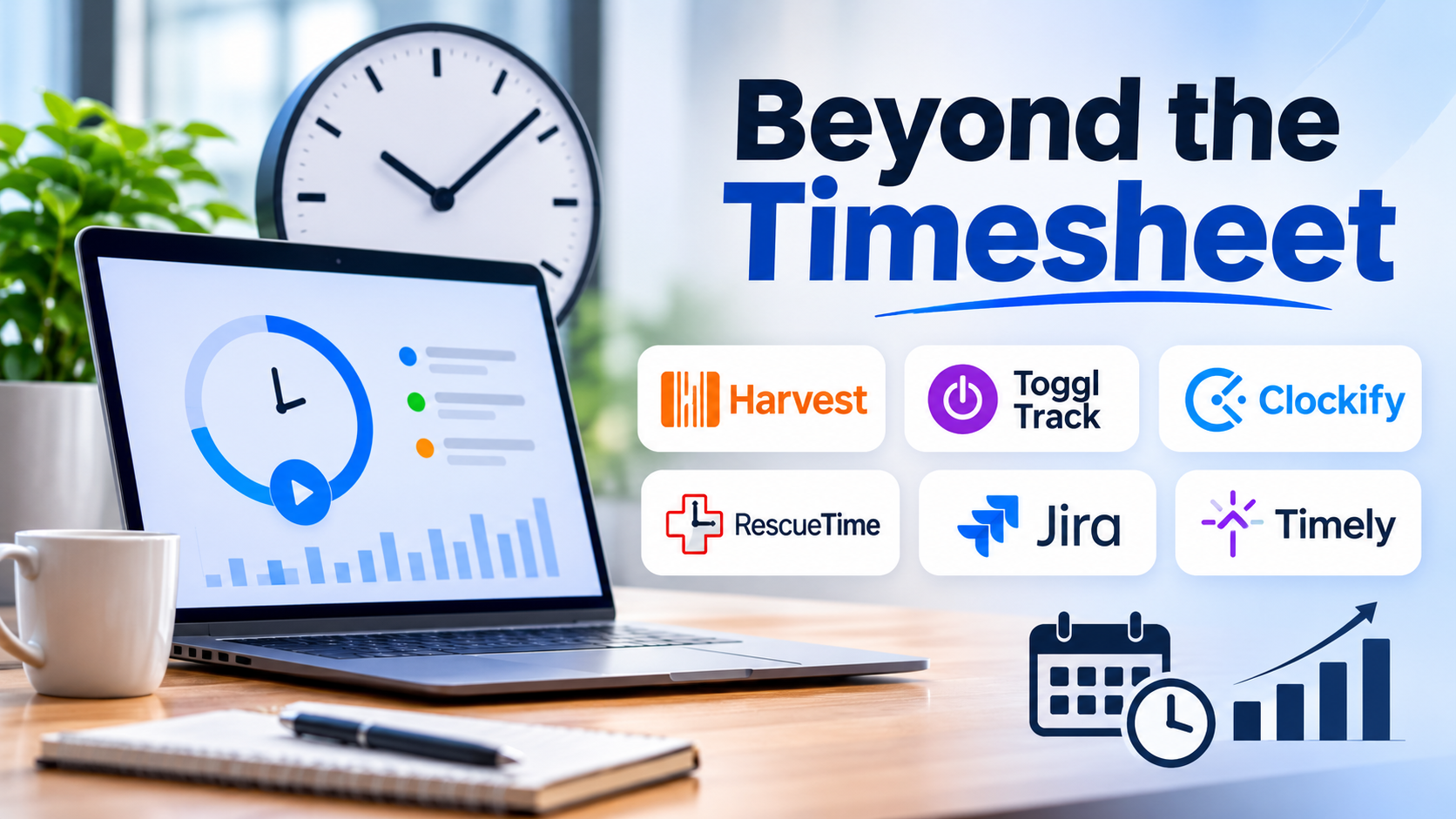
Time tracking is one of those operational necessities that almost every organization adopts eventually, yet few manage to implement without friction. For some teams, it is a straightforward compliance mechanism required for client billing and project accounting. For others, it is an administrative bottleneck that employees view with skepticism, treating it as little more than a surveillance tool or a burdensome chore performed at the end of a long Friday.
The market reflects this tension. Modern time tracking platforms have evolved far beyond simple digital punch clocks. Today’s software intersects with project management, resource allocation, automated invoicing, payroll processing, and even workplace analytics. Because the category spans everything from lightweight browser extensions for freelancers to enterprise-grade resource management suites, choosing the right tool requires looking past marketing claims and evaluating how data collection fits into your daily operations.
The Core Dilemma: Accountability Versus Administrative Friction
The fundamental challenge of implementing time tracking software lies in balancing two competing priorities: the organization’s need for accurate operational data and the individual contributor’s desire for uninterrupted focus time.
When time tracking introduces too much friction—requiring manual categorization, constant switching between contexts, or retroactive guessing—data quality deteriorates rapidly. Employees resort to “batching” their entries at the end of the week, reconstructing their schedules from memory, calendar invites, and sent emails. This data, while technically complete, is rarely accurate enough to support reliable financial forecasting, capacity planning, or profitability analysis.
Conversely, aggressive automated tracking that captures every keystroke, application switch, and active window can alienate teams and create privacy concerns. The most effective implementations find a middle ground: they minimize manual entry through automation while respecting professional boundaries and focusing on outcomes rather than constant activity monitoring.
Evaluating Your Operational Requirements
Before comparing specific software options, organizations must clarify what problem they are trying to solve. Different business models demand entirely different tracking architectures:
- Client Services and Agency Billing: For businesses that bill by the hour, precision, categorization by client and project, and seamless integration with invoicing and accounting software are paramount. The ability to track billable versus non-billable hours accurately directly impacts revenue.
- Product and Engineering Teams: Software development organizations typically track time not for client billing, but for capacity planning, sprint retrofitting, and understanding where engineering hours go relative to product roadmaps. Here, integration with issue trackers like Jira or GitHub is more critical than standalone timers.
- Remote and Distributed Workforces: Distributed teams often look to time tracking to maintain visibility, manage asynchronous handoffs, and ensure fair workload distribution across time zones, balancing accountability with trust.
A Landscape of Distinct Approaches
Rather than a single uniform category, the time tracking software market is defined by several distinct philosophies and product architectures.
1. Project-Centric and Professional Services Platforms
These tools integrate time tracking directly into project management, milestone tracking, and budgeting workflows. They are designed for organizations where every hour logged has a direct financial implication for a specific project budget or client contract.
- Primary Strengths: Real-time budget burn alerts, robust client billing rules, native invoicing capabilities, and detailed profitability reporting.
- Trade-Offs: Can feel overly complex or bureaucratic for internal teams that only need lightweight hour logging.
- Notable Examples: Harvest, Toggl Track, and ClickTime.
2. Automated and Activity-Based Trackers
These platforms rely heavily on background automation—recording which applications, documents, and websites are used throughout the day—and either prompt users to categorize those blocks or do so automatically using rule engines and machine learning.
- Primary Strengths: Eliminates the burden of starting and stopping timers manually; provides highly accurate data on actual software usage and workflow interruptions.
- Trade-Offs: Requires careful configuration to protect employee privacy; automated categorizations often require manual review and cleanup.
- Notable Examples: RescueTime, Clockify (with background tracking options), and Timely.
3. Developer and Issue-Integrated Trackers
Built specifically for technical teams, these tools embed time tracking directly into existing development environments and ticketing systems, allowing engineers to log time without leaving their command line or IDE.
- Primary Strengths: Minimal context switching; direct alignment with sprint cycles and version control activity.
- Trade-Offs: Rarely suitable for non-technical departments like marketing, sales, or HR.
- Notable Examples: Tracking integrations within Jira, Linear, and specialized extensions.
Key Technical and Operational Factors to Verify
When narrowing down options, buyers frequently focus exclusively on user interfaces and pricing tiers while overlooking foundational architectural details that determine long-term success.
- Granularity of Permissions and Approvals: Can you set up multi-tier approval workflows for timesheets? Are role-based permissions flexible enough to separate team leads, finance administrators, and standard contributors?
- Offline Functionality and Mobile Sync: If team members work in the field, travel, or experience intermittent connectivity, does the mobile app or desktop client cache entries locally and sync reliably when reconnected?
- Data Export and API Openness: Avoid platforms that lock your historical time data behind proprietary silos. Robust API access and reliable CSV/XLS exports are essential for custom reporting and integration with BI tools.
- Billing and Currency Handling: For organizations operating internationally, verify how the software handles multi-currency billing, tax calculations, and localized overtime rules.
Comparison Framework
| Platform Focus | Best Suited For | Primary Advantage | Main Limitation |
| Project & Billing Suites | Agencies, consultancies, professional services | Seamless link between logged hours and client invoicing | Steeper learning curve for non-billable teams |
| Lightweight Timer Tools | Freelancers, small teams, fast setup | Extremely fast adoption with minimal friction | Limited advanced resource planning features |
| Automated Trackers | Knowledge workers, analytics-driven managers | High accuracy without manual timer fatigue | Privacy considerations and setup overhead |
| Issue-Integrated Tools | Software engineering, IT operations | Zero context switching from existing workflows | Incompatible with non-technical business units |
Common Implementation Pitfalls to Avoid
Even the best software will fail if deployment is mishandled. Organizations routinely encounter predictable stumbling blocks:
- Treating the Tool as Surveillance: If employees believe time tracking is being used exclusively to micromanage every minute of their day, compliance drops and data quality becomes fiction. Communication must focus on how accurate data improves resource allocation, protects against burnout, and justifies staffing needs.
- Over-Engineering the Task Hierarchy: Creating a taxonomy of clients, projects, tasks, sub-tasks, and activity codes that takes five minutes to navigate guarantees that team members will procrastinate or guess when filling out timesheets. Keep categorization as flat and simple as operational reporting allows.
- Neglecting the Pilot Phase: Rolling out a platform company-wide without testing it on a single cross-functional team for two weeks usually leads to unexpected integration snags and user pushback.
Making the Final Decision
Choosing time tracking software is ultimately an exercise in organizational self-awareness. If your team resists administrative overhead, investing in a background-automated solution or a tool with a frictionless one-click timer is critical. If your primary driver is accurate client billing and margin protection, a project-centric platform with strict budget guardrails will serve you best.
Start by defining the minimum viable data your organization actually needs to make informed decisions. Test two shortlisted platforms with a small pilot group, evaluate the quality of the resulting data after two weeks, and select the tool that matches your team’s natural workflow rather than forcing your workflow to fit the software.
