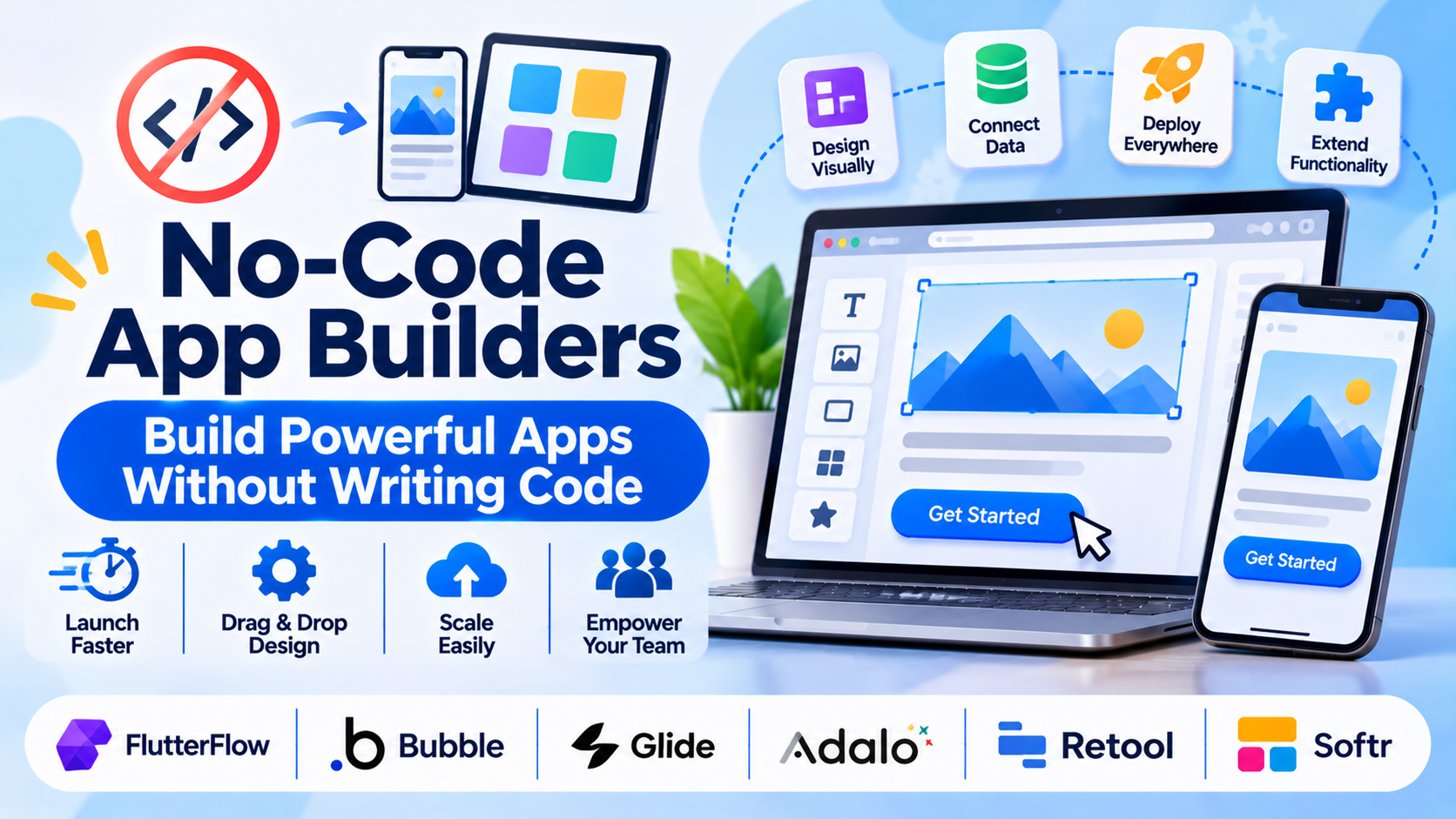
Building native mobile applications or internal business tools traditionally required hiring specialized software engineers proficient in Swift, Kotlin, or complex JavaScript frameworks. Long development cycles, costly maintenance overhead, and delayed time-to-market often stall product initiatives before they launch. No-code application builders eliminate these barriers, allowing creators, product managers, and developers to visually assemble functional applications using drag-and-drop interfaces, visual logic flows, and managed cloud databases.
Choosing a no-code app builder requires evaluating backend extensibility, data scalability, platform export capabilities, and vendor lock-in risks. This guide examines leading no-code app development platforms, analyzing their architectural strengths, data handling models, and enterprise deployment trade-offs.
Core Evaluation Criteria for No-Code Architecture
Selecting a no-code app builder involves balancing visual ease of use against technical scalability and data governance requirements.
- Frontend Design vs. Logic Flexibility: The granularity of the visual editor, ranging from rigid template constraints to flexible component positioning and custom JavaScript logic insertion.
- Backend and Database Connectivity: Whether the platform relies on its own proprietary managed database or connects seamlessly to external relational databases (PostgreSQL, MySQL) and third-party APIs via REST/GraphQL.
- Platform Deployment Model: Native app store publishing support (iOS App Store and Google Play) versus Progressive Web Apps (PWAs) or internal web-only tooling.
- Code Export and Extensibility: The ability to escape platform lock-in by exporting source code or writing custom code plugins when visual builders hit functional limits.
Leading No-Code App Builders Compared
Different application types—ranging from consumer-facing mobile apps to internal enterprise operations dashboards—demand distinct platform architectures. Below is an examination of six prominent no-code app builders.
FlutterFlow
- Primary Focus: High-performance native mobile and web application development built on Google’s Flutter framework.
- Deployment Model: Cloud SaaS with clean code export.
- Technical Strengths: Generates clean, readable Flutter source code that can be exported at any time, eliminating vendor lock-in. Exceptional visual control over complex UI layouts, robust state management, and native API/Firebase integration.
- Considerations: Requires a foundational understanding of mobile app architecture and database relational concepts to build complex applications successfully.
Bubble
- Primary Focus: Full-stack web application development, complex logic workflows, and scalable database management.
- Deployment Model: Cloud SaaS hosting environment.
- Technical Strengths: Unmatched power in building complex relational database structures, intricate backend workflows, user authentication systems, and dynamic web applications without writing code.
- Considerations: Proprietary hosting model means you cannot export the underlying code, tying application scaling and performance directly to Bubble’s server infrastructure tiers.
Glide
- Primary Focus: Rapid mobile and desktop app creation powered directly by spreadsheet and database sources.
- Deployment Model: Cloud SaaS.
- Technical Strengths: Lightning-fast setup by pointing the builder to Google Sheets, Airtable, or PostgreSQL, generating clean, professional mobile interfaces instantly.
- Considerations: Highly optimized for data-driven internal tools and simple portals; less suited for highly custom consumer apps requiring complex, non-standard user interfaces.
Adalo
- Primary Focus: Native mobile app building for iOS and Android with integrated database hosting.
- Deployment Model: Cloud SaaS with app store publishing assistance.
- Technical Strengths: Straightforward drag-and-drop mobile interface builder, pre-built components for user accounts and payments, and direct publishing to Apple and Google app stores.
- Considerations: Complex custom actions and relational database queries can become cumbersome compared to more robust full-stack platforms like Bubble.
Retool
- Primary Focus: Internal tools, administrative dashboards, and database operations software for engineering teams.
- Deployment Model: Cloud SaaS or self-hosted containerized deployment.
- Technical Strengths: Purpose-built for connecting directly to enterprise databases and APIs, dragging pre-built UI components (tables, charts, forms) onto a canvas, and writing custom JavaScript queries where needed.
- Considerations: Geared strictly toward internal business tools and engineering workflows rather than consumer-facing mobile applications.
Softr
- Primary Focus: Client portals, membership sites, and internal directories built on Airtable or Google Sheets.
- Deployment Model: Cloud SaaS.
- Technical Strengths: Rapid deployment of secure, role-based web portals connected directly to external spreadsheet databases with clean, modern block-based styling.
- Considerations: Design customization is restricted to pre-built blocks, limiting freedom for completely bespoke user interface design.
Comparative Technical Overview
| Platform | Primary Use Case | Underlying Technology | Data Source | Best Suited For |
| FlutterFlow | Native mobile & web apps | Flutter / Dart code generation | Firebase, Supabase, APIs | Developers and founders wanting clean code export |
| Bubble | Full-stack web apps | Proprietary visual framework | Built-in relational DB | Complex web applications and SaaS MVPs |
| Glide | Data-driven mobile apps & tools | PWA / Mobile web architecture | Airtable, Google Sheets, SQL | Rapid internal tools and simple client portals |
| Adalo | Native iOS & Android apps | Mobile wrapper architecture | Adalo DB or external APIs | Non-technical creators launching simple mobile apps |
| Retool | Internal dashboards & admin tools | React components + JS queries | Direct SQL, NoSQL, REST APIs | Engineering teams building internal operational tools |
| Softr | Client portals & membership sites | Block-based web builder | Airtable, Google Sheets | Teams launching secure client portals quickly |
Implementation and Scalability Considerations
Deploying a no-code application into production requires evaluating long-term architectural limits and security boundaries.
- Vendor Lock-In and Code Ownership: Platforms like FlutterFlow allow full source code export, ensuring business continuity if you outgrow the visual builder. Closed SaaS builders (Bubble, Adalo) retain proprietary control over generated code, requiring migration if you switch platforms.
- Database Performance and Query Optimization: As record counts grow into the hundreds of thousands, poorly structured relational queries in no-code databases can introduce latency. Connect to robust external databases (PostgreSQL) for high-scale applications.
- Security and Access Control: Ensure user authentication rules, row-level security (RLS), and API keys are properly configured to prevent unauthorized data exposure, particularly in internal business tools built on Retool or Glide.
Summary and Selection Framework
Choosing the right no-code app builder depends heavily on your technical background, app deployment goals, and data architecture.
- Choose FlutterFlow when building native mobile applications and requiring the peace of mind of clean, exportable source code.
- Choose Bubble when developing complex, full-stack web applications and SaaS platforms that require intricate relational database logic.
- Choose Glide or Softr when rapidly spinning up internal team tools, directories, or client portals connected to existing spreadsheet data.
- Choose Retool when internal engineering teams need to assemble secure administrative dashboards and database tools quickly.
Evaluate your data storage strategy, deployment channel (mobile app store versus web), and long-term code ownership requirements before committing to a no-code platform.
