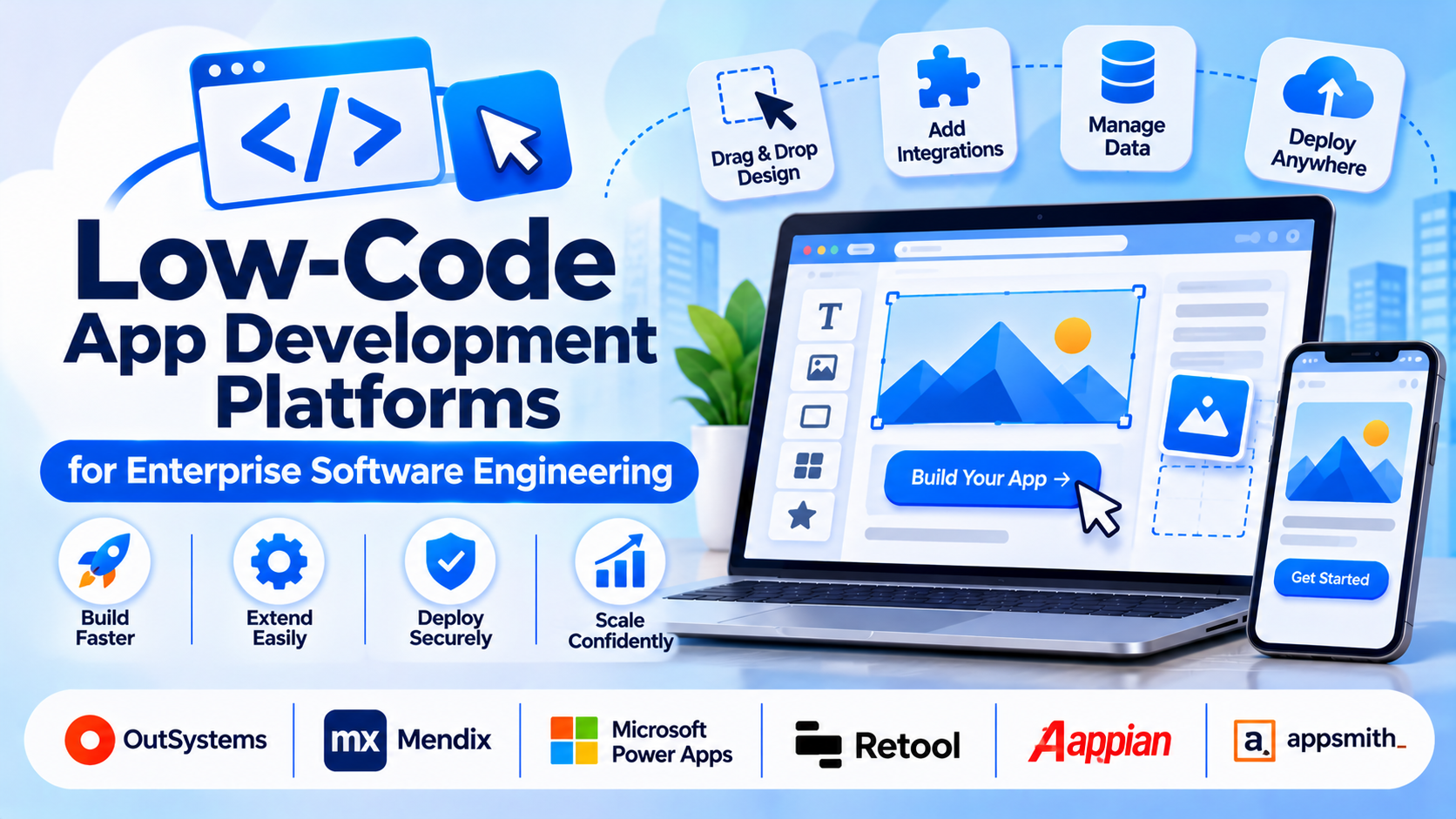
Engineering teams face mounting pressure to deliver complex business applications faster while grappling with developer shortages and technical debt. Traditional hand-coding from scratch for internal portals, customer-facing portals, and workflow automation apps often stretches release timelines unacceptably. Low-code app development platforms bridge this gap by providing visual drag-and-drop design canvases, pre-built component libraries, and managed data connectors, while deliberately allowing developers to inject custom code (JavaScript, Python, C#) when visual limits are reached.
Selecting a low-code platform requires evaluating architectural extensibility, code lock-in risks, database governance, and on-premises versus cloud deployment models. This guide examines leading enterprise low-code development platforms, analyzing their technical foundations, extensibility limits, and enterprise deployment trade-offs.
Core Evaluation Criteria for Low-Code Architecture
Selecting an enterprise low-code platform involves balancing developer productivity against infrastructure control, security governance, and architectural flexibility.
- Extensibility and Custom Code Injection: The ability for developers to write custom code or plug-ins when standard visual components or workflows cannot fulfill specialized business logic.
- Deployment Model and Data Sovereignty: Evaluating whether applications run on proprietary cloud infrastructure or can be self-hosted via Docker and Kubernetes containers on private cloud environments.
- Integration and API Connectivity: Robust support for connecting securely to legacy enterprise databases, SOAP/REST APIs, and enterprise service bus (ESB) architectures.
- Version Control and CI/CD Integration: The presence of proper Git integration, branch merging, and automated testing pipelines to prevent developer conflicts in multi-user environments.
Leading Low-Code App Development Platforms Compared
Different enterprise scales, security mandates, and developer workflows demand distinct platform architectures. Below is an examination of six prominent low-code application development platforms.
OutSystems
- Primary Focus: Enterprise-grade full-stack application development, modernization, and scalable web/mobile solutions.
- Deployment Model: Cloud SaaS or self-hosted (private cloud/on-premises).
- Technical Strengths: Outstanding visual modeling combined with robust automated architecture refactoring, built-in dependency management that prevents broken code, and comprehensive enterprise security compliance.
- Considerations: High software licensing costs and a steep learning curve tailored specifically for professional software engineers rather than citizen developers.
Mendix
- Primary Focus: Enterprise application delivery, business-IT collaboration, and cloud-native microservices.
- Deployment Model: Mendix Cloud (Cloud Foundry) or containerized Kubernetes self-hosting.
- Technical Strengths: Dual-IDE structure (Studio for business users, Studio Pro for professional developers), robust model-driven development, and seamless integration with enterprise CI/CD pipelines.
- Considerations: Resource-heavy architecture requiring careful infrastructure sizing and tuning when running self-hosted container clusters.
Microsoft Power Apps
- Primary Focus: Rapid internal business application building integrated tightly within the Microsoft Microsoft 365 and Azure ecosystem.
- Deployment Model: Microsoft Azure Managed Cloud.
- Technical Strengths: Unmatched integration with Microsoft Entra ID (Azure AD), SharePoint, Dynamics 365, and Dataverse, enabling organizations already using Microsoft infrastructure to deploy internal tools rapidly.
- Considerations: Licensing models can become complex and costly when scaling external users or utilizing premium data connectors across large enterprise teams.
Retool
- Primary Focus: Developer-first internal tools, administrative panels, and workflow applications.
- Deployment Model: Cloud SaaS or self-hosted via Docker containers.
- Technical Strengths: Built specifically for engineers who prefer writing SQL and JavaScript over dragging abstract shapes. Allows rapid assembly of UIs connected directly to existing enterprise databases and REST APIs.
- Considerations: Highly specialized for internal operational tools and dashboards; less suited for building consumer-facing retail mobile applications.
Appian
- Primary Focus: Enterprise process automation, case management, and complex workflow orchestration.
- Deployment Model: Appian Cloud or private cloud hosting.
- Technical Strengths: Powerful data fabric architecture that unifies data across disparate enterprise silos without data replication, combined with advanced AI-driven process mining and robotic process automation (RPA).
- Considerations: Complex implementation timelines and enterprise pricing structures position it strictly for large corporate digital transformation initiatives.
OutSystems / Special Mention Alternative: Appsmith
- Primary Focus: Open-source internal tool builder for engineering teams.
- Deployment Model: Self-hosted open-source or managed cloud.
- Technical Strengths: Transparent open-source core, ability to host entirely on private infrastructure, and straightforward JavaScript binding for custom UI logic.
- Considerations: Primarily focused on internal web applications and dashboards rather than large-scale enterprise consumer mobile apps.
Comparative Technical Overview
| Platform | Primary Use Case | Deployment Approach | Extensibility Method | Best Suited For |
| OutSystems | Enterprise full-stack apps | Cloud SaaS or Self-hosted | C# extensions & custom logic | Enterprise IT modernizing legacy systems |
| Mendix | Collaborative enterprise apps | Mendix Cloud or Kubernetes | Java actions & custom widgets | Large enterprises bridging business and IT |
| Power Apps | Internal Microsoft-stack tools | Microsoft Azure Cloud | Power Fx formulas & Azure Functions | Organizations anchored in the Microsoft ecosystem |
| Retool | Internal dashboards & admin tools | Cloud or Docker self-hosted | JavaScript & SQL queries | Engineering teams building internal tools fast |
| Appian | Process automation & case management | Appian Cloud or Private Cloud | Appian SAIL framework & plugins | Enterprise workflow and process orchestration |
| Appsmith | Open-source internal web apps | Self-hosted Docker / Cloud | JavaScript & REST APIs | Teams wanting open-source control over internal tools |
Implementation and Governance Considerations
Deploying low-code platforms across an enterprise requires establishing strict governance frameworks to prevent “shadow IT” and unmanaged application sprawl.
- Center of Excellence (CoE): Enterprises should establish a low-code CoE to define security standards, review architectural integrity, and manage environment promotion (dev, test, prod) across business units.
- Data Security and Access Control: Ensure low-code apps respect corporate identity management protocols (OAuth, SAML) and enforce strict role-based access control (RBAC) at the database layer.
- Vendor Lock-In Assessment: Evaluate whether the platform generates proprietary code that cannot be extracted, ensuring your organization understands the migration path if a platform switch becomes necessary.
Summary and Selection Framework
Choosing the right low-code application development platform depends on technical complexity, deployment mandates, and existing enterprise software stacks.
- Choose OutSystems or Mendix when enterprise software engineering teams require rigorous scalability, robust governance, and full-stack control over complex applications.
- Choose Microsoft Power Apps when your organization is already deeply embedded in the Microsoft 365 and Azure ecosystem and needs rapid internal business tools.
- Choose Retool or Appsmith when engineering teams want a developer-centric platform to build secure internal dashboards and operational tools quickly using JavaScript and SQL.
- Choose Appian when enterprise architecture demands complex process automation, case management, and data fabric integration.
Evaluate your security posture, hosting requirements, and developer skill sets before committing to a low-code enterprise platform.
