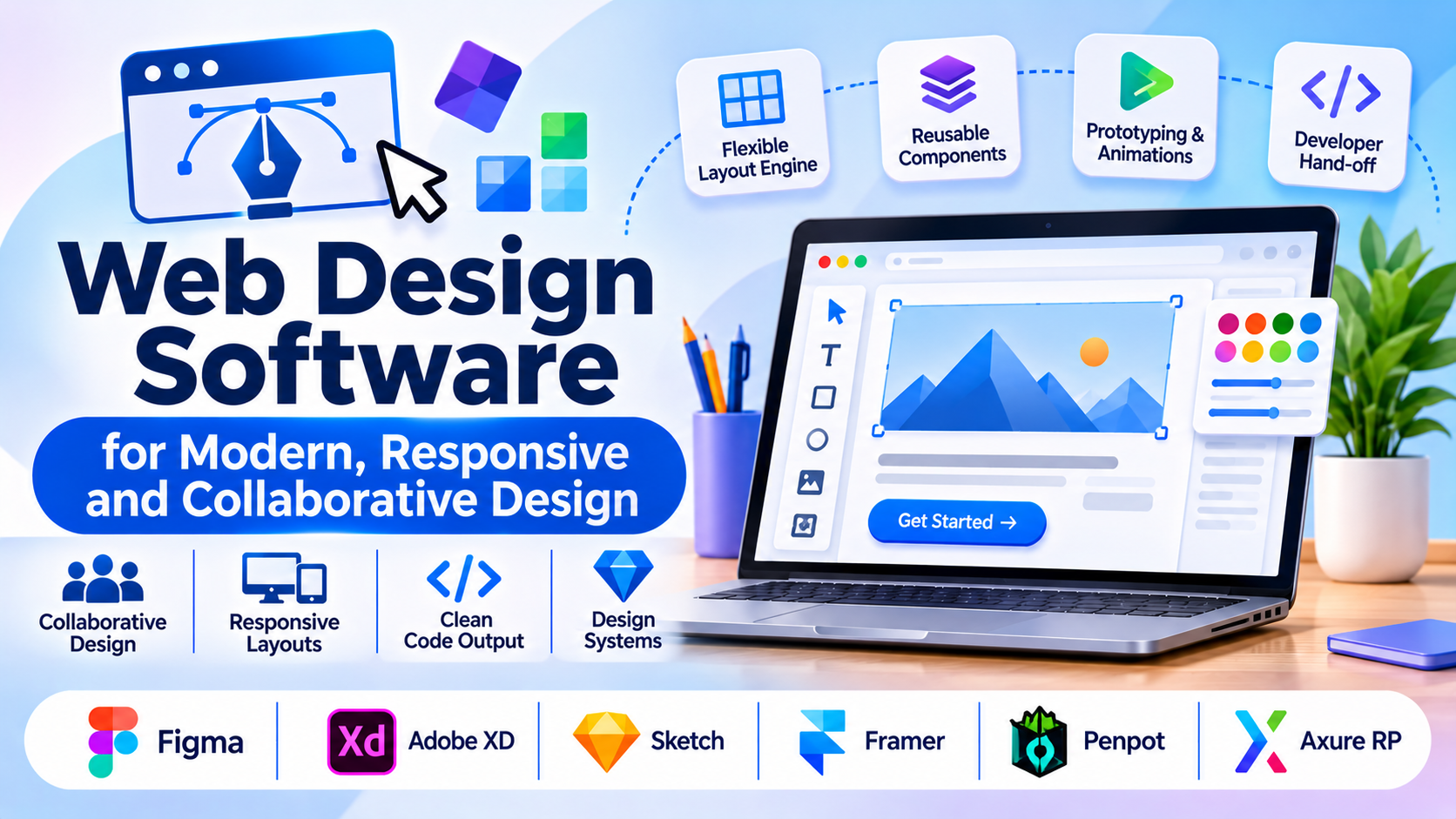
Designing high-performance, responsive websites requires moving past rigid templates and static wireframes into precise interactive prototyping and clean code generation. Modern web design software bridges the gap between visual layout creation and frontend development, handling complex CSS grid layouts, component state management, responsive breakpoints, and developer hand-off workflows.
Choosing the right web design application requires evaluating design token support, component reusability, vector editing precision, and code export capabilities. This guide examines leading web design software platforms, analyzing their architectural strengths, design systems management, and production hand-off workflows.
Core Evaluation Criteria for Web Design Architecture
Selecting a web design platform involves balancing creative design freedom against technical implementation realism and developer hand-off efficiency.
- Layout Engine and Responsiveness: How the software handles modern web layout standards, supporting CSS Flexbox and Grid models rather than absolute positioning pixels.
- Design Systems and Component Reusability: The presence of global variables, design tokens, reusable components, and nested instances to maintain consistency across large-scale projects.
- Prototyping and State Animation: The capacity to build interactive, state-driven prototypes (hover states, micro-interactions, page transitions) that accurately simulate final user experiences.
- Developer Hand-off and Code Generation: The fidelity of CSS, SVG, and layout code generated by the tool, or the clarity of inspection tools provided to frontend engineers.
Leading Web Design Software Platforms Compared
Different design workflows—ranging from UI/UX wireframing and collaborative prototyping to direct visual code production—demand distinct software architectures. Below is an examination of six prominent web design platforms.
Figma
- Primary Focus: Collaborative UI/UX design, interactive prototyping, and cross-functional design systems.
- Deployment Model: Cloud-native SaaS (Web and Desktop client).
- Technical Strengths: Unmatched real-time multiplayer collaboration, powerful Auto Layout engine mimicking CSS flexbox, robust component variants, and an extensive ecosystem of community plugins.
- Considerations: Primarily a design and prototyping tool; converting designs into production code still requires manual frontend development or third-party hand-off plugins.
Adobe XD
- Primary Focus: Vector design, screen prototyping, and voice interaction flows within the Adobe ecosystem.
- Deployment Model: Desktop application with cloud sharing.
- Technical Strengths: Fast performance, smooth artboard navigation, auto-animate transitions, and seamless asset sharing with other Adobe Creative Cloud applications.
- Considerations: Slower update cadence and feature evolution compared to cloud-first competitors like Figma.
Sketch
- Primary Focus: Mac-native vector design and interface prototyping for digital products.
- Deployment Model: macOS desktop app with cloud collaboration workspace.
- Technical Strengths: Native macOS performance, robust symbol libraries, shared styles, and a mature developer hand-off inspector.
- Considerations: Restricted exclusively to macOS users, limiting cross-platform team collaboration with Windows or Linux developers.
Framer
- Primary Focus: Interactive design, production-ready website creation, and high-fidelity prototyping.
- Deployment Model: Cloud SaaS.
- Technical Strengths: Advanced code-level control over animations, responsive design breakpoints, and the ability to publish directly to production hosting without writing separate backend code.
- Considerations: Steeper learning curve for designers accustomed to static layout tools who must now think in terms of responsive web architecture.
Penpot
- Primary Focus: Open-source, web-based collaborative design and prototyping.
- Deployment Model: Self-hosted open-source or Cloud SaaS.
- Technical Strengths: Built entirely on open web standards (SVG, CSS Flexbox/Grid), eliminating proprietary vendor lock-in and allowing complete data sovereignty via self-hosting.
- Considerations: Smaller plugin ecosystem and community compared to mature commercial giants like Figma.
Axure RP
- Primary Focus: Complex enterprise wireframing, conditional user flows, and functional prototyping.
- Deployment Model: Desktop application (Windows and macOS).
- Technical Strengths: Unmatched capability for building highly functional, data-driven prototypes with conditional logic, dynamic panels, and variable states for rigorous user testing.
- Considerations: Steep learning curve and utilitarian interface geared heavily toward UX architecture rather than polished visual branding.
Comparative Technical Overview
| Platform | Primary Use Case | Deployment Model | Layout Engine | Best Suited For |
| Figma | Collaborative UI/UX design | Cloud SaaS | Auto Layout (Flexbox-based) | Product teams and designers collaborating globally |
| Adobe XD | Multi-screen UI design | Desktop + Cloud | Standard artboards | Designers embedded in the Adobe ecosystem |
| Sketch | macOS product design | macOS Desktop app | Group constraints & symbols | Mac-based UI/UX designers |
| Framer | Interactive web design & publishing | Cloud SaaS | Responsive layout & Flexbox | Designers building functional, live websites |
| Penpot | Open-source web design | Self-hosted or Cloud | CSS Flexbox & Grid | Teams requiring open-source data ownership |
| Axure RP | Complex enterprise wireframing | Desktop app | Dynamic panels & variables | Enterprise UX architects testing complex logic |
Implementation and Design-to-Code Considerations
Deploying web design software effectively requires establishing consistent hand-off protocols and design token standards between designers and engineers.
- Auto Layout and CSS Parity: Design tools utilizing Auto Layout (such as Figma and Framer) train designers to think in responsive box models, drastically reducing translation errors when engineers convert designs into CSS flexbox or grid.
- Design Token Governance: Establish standardized naming conventions for colors, typography, spacing, and shadows to synchronize design system libraries directly with developer token files (JSON/CSS).
- Prototyping Fidelity: Avoid over-engineering high-fidelity micro-interactions if simpler prototypes suffice for user testing, saving design hours while maintaining clear intent during hand-off.
Summary and Selection Framework
Choosing the right web design software depends on team collaboration requirements, target output, and technical infrastructure.
- Choose Figma when building digital products and design systems that require real-time collaboration across multidisciplinary product teams.
- Choose Framer when the objective is to design and directly publish interactive, high-performance marketing websites without a separate coding phase.
- Choose Penpot when organizational policy mandates open-source software and self-hosted data control.
- Choose Axure RP when designing complex enterprise applications that demand rigorous conditional logic and functional prototyping.
Evaluate your team operating system, developer hand-off workflow, and final publishing destination before committing to a web design platform.
