Introduction
Businesses increasingly rely on independent contractors, consultants, and freelance professionals to complete specialized work.
While freelance marketplaces help organizations find talent, managing ongoing contractor relationships introduces a different set of challenges.
Companies must organize contracts, verify worker information, assign projects, approve deliverables, manage payments, and maintain accurate records.
These responsibilities become more complicated when freelancers operate across multiple countries, departments, and legal jurisdictions.
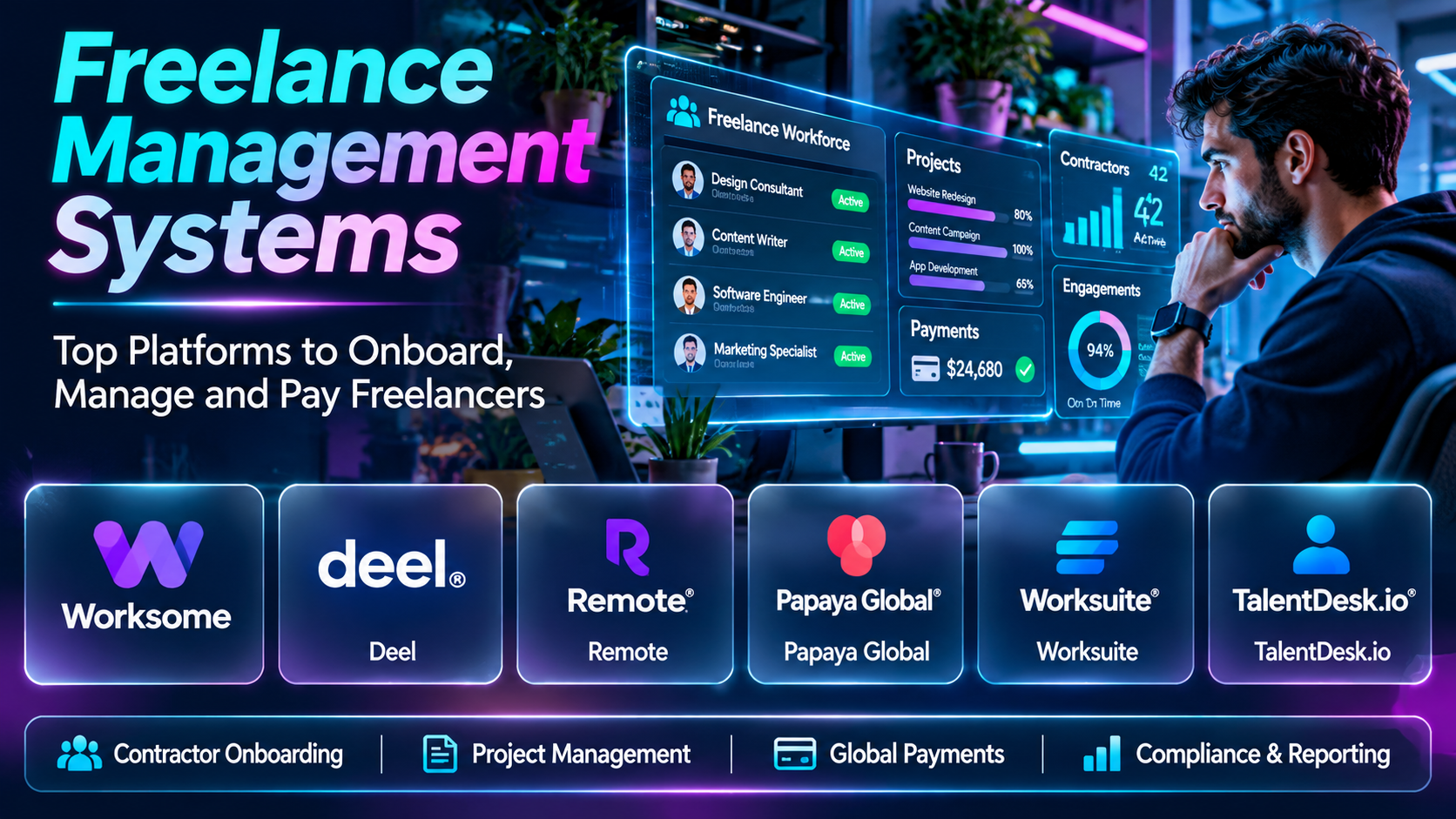
Freelance management systems help organizations coordinate these activities through centralized software.
Some platforms focus on freelancer onboarding and payments. Others provide comprehensive external workforce management, compliance support, sourcing, or procurement integrations.
This guide compares ten freelance management systems and explains how to choose a solution that fits organizational requirements.
What Are Freelance Management Systems?
Freelance management systems, often abbreviated FMS, are software platforms used to manage relationships and workflows involving independent professionals.
They typically help businesses maintain contractor records, organize agreements, coordinate assignments, approve work, and process payments.
Some systems also support contractor classification assessments, tax documentation, international payments, and reporting.
An FMS differs from a freelance marketplace because its primary role is managing engagements rather than simply connecting clients with talent.
However, some vendors combine sourcing and management capabilities.
Top 10 Freelance Management Systems
1. Worksome
Short Description
Worksome is an external workforce management platform designed to help businesses manage independent contractors and freelance professionals.
Its capabilities focus on contractor engagement workflows, including onboarding, contracts, and payments.
A company working with numerous independent consultants may use Worksome to centralize administrative processes.
This reduces reliance on disconnected spreadsheets, email approvals, and manual payment tracking.
Its value is particularly relevant when organizations need visibility into contractor relationships across departments.
However, businesses should verify supported jurisdictions and the exact scope of classification and compliance services.
Key Features
- Contractor Onboarding: Organizes initial engagement information.
- Contract Management: Supports agreements and related documentation.
- Worker Classification Support: Helps manage selected contractor classification workflows.
- Payment Administration: Coordinates contractor payment processes.
- Centralized Records: Maintains contractor information.
- Approval Workflows: Supports internal authorization.
- Engagement Tracking: Provides visibility into active work.
- Reporting: Helps monitor contractor operations.
- External Workforce Management: Supports broader independent talent programs.
Benefits
Worksome helps organizations manage independent contractors through more consistent processes.
Pros
- Contractor-focused workflows.
- Centralized administration.
- Payment coordination.
- Compliance-oriented features.
- Suitable for growing contractor programs.
Cons
- Commercial costs.
- Implementation effort.
- Country coverage varies.
- Legal obligations remain with relevant parties.
Use Cases
Consultant management, independent contractor programs, and international freelance operations.
Best For: Organizations managing substantial external workforces.
2. Worksuite
Short Description
Worksuite provides freelancer and external workforce management capabilities for organizations working with independent talent.
It supports workflows associated with sourcing, onboarding, assignments, and payments.
A media company may use Worksuite to coordinate a large network of writers, editors, and production professionals.
Its centralized structure can help managers locate suitable freelancers and monitor engagement activity.
However, implementation requirements depend on organizational scale and integration needs.
Key Features
- Freelancer database.
- Talent sourcing workflows.
- Onboarding.
- Assignment management.
- Contract documentation.
- Payment coordination.
- External workforce reporting.
- Collaboration.
- Integration capabilities.
Benefits
Worksuite provides centralized coordination for large freelancer networks.
Pros
- Freelancer network management.
- Assignment workflows.
- Centralized records.
- Payment support.
- Enterprise applications.
Cons
- Implementation complexity.
- Pricing considerations.
- Requires process standardization.
- Integration planning.
Use Cases
Media production, marketing agencies, and enterprise freelancer programs.
Best For: Businesses managing recurring freelance talent pools.
3. SAP Fieldglass
Short Description
SAP Fieldglass is an external workforce and services procurement management platform.
It is widely associated with vendor management system workflows for contingent workers and service providers.
A large enterprise may use SAP Fieldglass to manage staffing suppliers, contractor engagements, and related procurement activities.
Its strength lies in complex external workforce governance rather than lightweight freelancer invoicing.
Organizations with significant procurement and compliance requirements may find it relevant.
However, deployment can require substantial configuration, integration, and organizational coordination.
Key Features
- Contingent workforce management.
- Supplier management.
- Services procurement.
- Engagement workflows.
- Approval processes.
- Spend visibility.
- Compliance-related controls.
- Reporting.
- Enterprise integrations.
Benefits
SAP Fieldglass supports governance and visibility across large external workforce programs.
Pros
- Enterprise capabilities.
- Procurement integration.
- Supplier oversight.
- Reporting.
- Structured workflows.
Cons
- Complex implementation.
- Higher operational overhead.
- Less suitable for small teams.
- Requires specialized administration.
Use Cases
Enterprise contingent labor, services procurement, and supplier management.
Best For: Large organizations managing complex external workforce programs.
4. Beeline
Short Description
Beeline provides vendor management and extended workforce technology for organizations managing contingent labor.
It helps businesses coordinate workforce suppliers, assignments, and related operational processes.
A multinational organization may use Beeline to gain visibility into temporary workers and external labor spending.
Its enterprise focus makes it relevant to procurement and workforce operations teams.
However, it is broader than a conventional freelancer management application and may be excessive for small businesses.
Key Features
- Vendor management.
- Contingent workforce workflows.
- Supplier coordination.
- Assignment tracking.
- Approval management.
- Workforce reporting.
- Spend analysis.
- Compliance processes.
- Enterprise integration.
Benefits
Beeline supports structured oversight of external labor programs.
Pros
- Enterprise workforce focus.
- Supplier management.
- Spend visibility.
- Structured processes.
- Operational reporting.
Cons
- Implementation effort.
- Enterprise pricing.
- Administrative complexity.
- Limited suitability for small freelance teams.
Use Cases
Large contingent workforce programs and staffing supplier management.
Best For: Enterprises coordinating external workforce suppliers.
5. Deel
Short Description
Deel provides global workforce management services and software, including independent contractor management.
It supports contractor onboarding, agreements, payments, and selected compliance-related workflows.
A company hiring freelancers across several countries may use Deel to coordinate payment administration and documentation.
Its international orientation makes it relevant to businesses with geographically distributed contractors.
However, businesses must understand the distinction between platform services and their own legal responsibilities.
Key Features
- Contractor onboarding.
- Contract workflows.
- International payments.
- Worker documentation.
- Payment administration.
- Contractor records.
- Global workforce services.
- Integrations.
- Reporting.
Benefits
Deel helps organizations coordinate international contractor engagements.
Pros
- International orientation.
- Contractor payment workflows.
- Centralized records.
- Documentation support.
- Global workforce ecosystem.
Cons
- Fees vary by service.
- Country-specific limitations.
- Legal review remains important.
- Broader features may increase complexity.
Use Cases
Global freelancers, international consultants, and remote contractor programs.
Best For: Businesses managing contractors across borders.
6. Remote
Short Description
Remote is a global employment and contractor management platform.
Its services include tools for managing independent contractors alongside other international workforce arrangements.
A growing software company may use Remote to coordinate contracts and payments for overseas professionals.
Its broader employment infrastructure can be useful when businesses manage both contractors and employees internationally.
However, service availability and pricing depend on countries and selected offerings.
Key Features
- Contractor management.
- International payment support.
- Contract documentation.
- Global workforce administration.
- Worker records.
- Compliance-oriented workflows.
- Onboarding.
- Integrations.
- Workforce reporting.
Benefits
Remote provides a centralized environment for selected international workforce operations.
Pros
- Global focus.
- Contractor administration.
- Payment coordination.
- Broader workforce services.
- Centralized records.
Cons
- Service costs.
- Jurisdictional differences.
- Not dedicated solely to freelancers.
- Requires careful legal assessment.
Use Cases
International contractor management and remote workforce operations.
Best For: Businesses coordinating global contractor relationships.
7. Papaya Global
Short Description
Papaya Global provides workforce payment and management technology with an international focus.
Its offerings include contractor-related payment and workforce administration capabilities.
A multinational company may use Papaya Global to coordinate payment operations across multiple countries.
Its primary strength is international workforce infrastructure rather than freelancer discovery.
However, organizations should verify which contractor management functions are included in their selected service.
Key Features
- Global workforce payments.
- Contractor-related administration.
- Payment visibility.
- Workforce records.
- Reporting.
- International operations.
- Compliance-oriented processes.
- Integrations.
- Centralized dashboards.
Benefits
Papaya Global supports international workforce payment coordination.
Pros
- Global payment focus.
- Enterprise relevance.
- Centralized reporting.
- International operations.
- Workforce infrastructure.
Cons
- Enterprise-oriented costs.
- Complex requirements.
- Product scope varies.
- Not a freelance marketplace.
Use Cases
International contractor payments and multinational workforce administration.
Best For: Enterprises prioritizing global workforce payment operations.
8. Fiverr Enterprise
Short Description
Fiverr Enterprise is associated with business-oriented freelancer management capabilities within Fiverr’s broader services ecosystem.
Its focus includes helping organizations coordinate freelance talent relationships and project workflows.
A marketing department may use a managed freelance program to organize creative professionals across multiple projects.
Enterprise freelance management differs from buying individual services through a consumer marketplace.
However, organizations should verify the current branding, product availability, and specific enterprise capabilities.
Key Features
- Freelance talent management.
- Freelancer records.
- Project workflows.
- Onboarding processes.
- Collaboration.
- Payment coordination.
- Business administration.
- Reporting.
- Talent sourcing connections.
Benefits
Fiverr’s enterprise-oriented offerings can support more organized freelance engagement management.
Pros
- Freelance ecosystem.
- Business-oriented workflows.
- Talent management.
- Project coordination.
- Marketplace connections.
Cons
- Product scope requires verification.
- Enterprise costs.
- Integration considerations.
- Not suitable for every workforce model.
Use Cases
Creative teams, marketing organizations, and enterprise freelance programs.
Best For: Businesses coordinating recurring freelance services.
9. TalentDesk.io
Short Description
TalentDesk.io is a freelancer management platform focused on organizing independent talent, projects, and payments.
It is relevant to businesses that maintain ongoing networks of freelancers.
A publishing company may use TalentDesk.io to manage writers, assign work, and coordinate invoices.
Its purpose-built freelancer orientation can simplify administration compared with general project management software.
However, buyers should evaluate available integrations and payment coverage.
Key Features
- Freelancer database.
- Onboarding.
- Project assignments.
- Task management.
- Contract records.
- Invoice workflows.
- Payment coordination.
- Reporting.
- Team collaboration.
Benefits
TalentDesk.io helps organizations centralize freelance project and payment administration.
Pros
- Freelancer-specific.
- Assignment workflows.
- Centralized talent records.
- Payment coordination.
- Suitable for recurring projects.
Cons
- Subscription costs.
- Integration requirements.
- Payment coverage varies.
- Less suitable for complex contingent labor procurement.
Use Cases
Publishing, content production, and agency freelancer networks.
Best For: Teams managing recurring freelance assignments.
10. Lano
Short Description
Lano is associated with international contractor management and workforce payment services.
Its offerings have focused on helping businesses coordinate global contractors and related payment processes.
A company engaging remote consultants may evaluate Lano alongside other global contractor management providers.
Its relevance lies in cross-border workforce administration rather than freelance marketplace discovery.
However, current product availability, service scope, and commercial arrangements should be verified.
Key Features
- Contractor management.
- International payments.
- Onboarding workflows.
- Worker documentation.
- Contract coordination.
- Workforce records.
- Global administration.
- Reporting.
- Payment management.
Benefits
Lano addresses administrative challenges associated with international contractors.
Pros
- International orientation.
- Contractor workflows.
- Payment administration.
- Centralized records.
- Global workforce relevance.
Cons
- Current commercial scope requires verification.
- Country-specific limitations.
- Service costs.
- Legal obligations remain.
Use Cases
Cross-border freelance engagements and international contractor administration.
Best For: Organizations evaluating global contractor payment solutions.
Freelance Management Systems Comparison Table
| Platform | Primary Strength | Best For | Main Limitation |
|---|---|---|---|
| Worksome | Contractor workflows | External workforce teams | Commercial costs |
| Worksuite | Freelancer networks | Media and enterprises | Implementation |
| SAP Fieldglass | Enterprise workforce procurement | Large organizations | Complexity |
| Beeline | Vendor management | Contingent workforce programs | Enterprise focus |
| Deel | Global contractors | International businesses | Service fees |
| Remote | Global workforce administration | Remote companies | Broad product scope |
| Papaya Global | International workforce payments | Multinationals | Enterprise requirements |
| Fiverr Enterprise | Freelance program coordination | Creative organizations | Product scope verification |
| TalentDesk.io | Freelancer assignments | Content teams | Integration needs |
| Lano | International contractor operations | Global teams | Current availability verification |
How to Choose the Right Freelance Management System
1. Define contractor volume. A small team may need simple onboarding and payments, while an enterprise may require complex governance.
2. Identify geographic requirements. International engagements introduce currency, tax, and legal considerations.
3. Evaluate onboarding. Review identity information, documentation, and approval workflows.
4. Assess contract management. Agreements should be accessible and consistently organized.
5. Review worker classification support. Software cannot eliminate the need for jurisdiction-specific legal assessment.
6. Compare payment capabilities. Consider currencies, fees, payment methods, and reconciliation.
7. Evaluate project coordination. Determine whether assignments, milestones, and approvals are included.
8. Review integrations. Accounting, procurement, HR, and project management systems may need connectivity.
9. Assess security. Contractor personal and financial information requires appropriate safeguards.
10. Compare total ownership costs. Include implementation, platform fees, transactions, and administrative effort.
Best Freelance Management System by User Type
| User Type | Recommended Platform | Reason |
|---|---|---|
| Contractor operations team | Worksome | Engagement management |
| Media company | Worksuite | Freelancer networks |
| Large procurement organization | SAP Fieldglass | Enterprise governance |
| Contingent labor program | Beeline | Supplier coordination |
| International startup | Deel | Global contractor workflows |
| Remote-first business | Remote | International workforce services |
| Multinational finance team | Papaya Global | Workforce payments |
| Enterprise creative team | Fiverr Enterprise | Freelance program management |
| Publishing team | TalentDesk.io | Assignment coordination |
| Global contractor operations | Lano | Cross-border administration |
Practical Example: Managing an International Freelance Design Team
Step 1: Identify the required freelance roles.
Step 2: Review contractor classification requirements in relevant jurisdictions.
Step 3: Select an FMS supporting the required countries.
Step 4: Create contractor profiles.
Step 5: Collect necessary documentation securely.
Step 6: Establish contracts and deliverables.
Step 7: Assign projects and deadlines.
Step 8: Configure approval workflows.
Step 9: Review completed work.
Step 10: Approve invoices and payments.
Step 11: Reconcile financial records.
Step 12: Evaluate contractor performance and engagement costs.
Frequently Asked Questions
1. What is an FMS?
A freelance management system for administering independent contractor relationships.
2. How is an FMS different from a marketplace?
An FMS manages engagements, while a marketplace primarily helps source talent.
3. Can an FMS manage contracts?
Many support contract workflows.
4. Can an FMS process payments?
Many offer payment coordination or processing.
5. What is contractor onboarding?
Collecting information and completing required steps before an engagement.
6. What is worker classification?
Determining the legal status of a worker under applicable rules.
7. Can software guarantee correct classification?
No.
8. Do FMS platforms support international freelancers?
Some specialize in global contractor operations.
9. What is a contingent worker?
A worker engaged outside a conventional permanent employment arrangement.
10. What is a vendor management system?
Software for coordinating external workforce suppliers and related procurement.
11. Is SAP Fieldglass a conventional FMS?
It is a broader external workforce and procurement platform.
12. Can small businesses use an FMS?
Yes, although enterprise solutions may be unnecessarily complex.
13. What is contractor payment reconciliation?
Matching approved payment records with financial transactions.
14. Can FMS platforms track projects?
Some include assignment and milestone tools.
15. Do freelancers need platform accounts?
Requirements vary.
16. Can an FMS integrate with accounting software?
Many offer integrations or export options.
17. What is contractor compliance?
Meeting applicable legal, tax, contractual, and operational requirements.
18. Can an FMS manage tax documents?
Some support document collection and related workflows.
19. What is a freelance talent pool?
A group of independent professionals available for engagements.
20. Can an FMS improve visibility?
Yes, by centralizing records and activity.
21. What is a payment approval workflow?
A process for authorizing payments before execution.
22. Can an FMS replace legal advice?
No.
23. What are the main FMS costs?
Platform fees, implementation, and transaction-related charges.
24. Can freelancers submit invoices?
Many platforms support invoice workflows.
25. What is contractor lifecycle management?
Managing onboarding, active engagements, and offboarding.
26. Are FMS platforms secure?
Security depends on provider controls and organizational configuration.
27. What reports are useful?
Contractor counts, engagement costs, payments, and active assignments.
28. Can FMS platforms support recurring projects?
Yes.
29. What is the main benefit of an FMS?
Centralized coordination of independent contractor operations.
30. Which FMS is best?
The right choice depends on contractor volume, geography, compliance requirements, and workflows.
Final Thoughts
Freelance management systems help organizations coordinate contractor relationships beyond the initial hiring process.
Worksome, Worksuite, and TalentDesk.io emphasize freelancer administration. SAP Fieldglass and Beeline support broader enterprise external workforce governance.
Deel, Remote, Papaya Global, and Lano address international workforce and payment requirements.
Organizations should prioritize reliable onboarding, contract clarity, payment accuracy, appropriate legal review, and integration with existing business processes.
