Introduction
Successful digital products begin with understanding the people who use them. Product teams need to discover customer problems, evaluate assumptions, and understand how people complete real tasks.
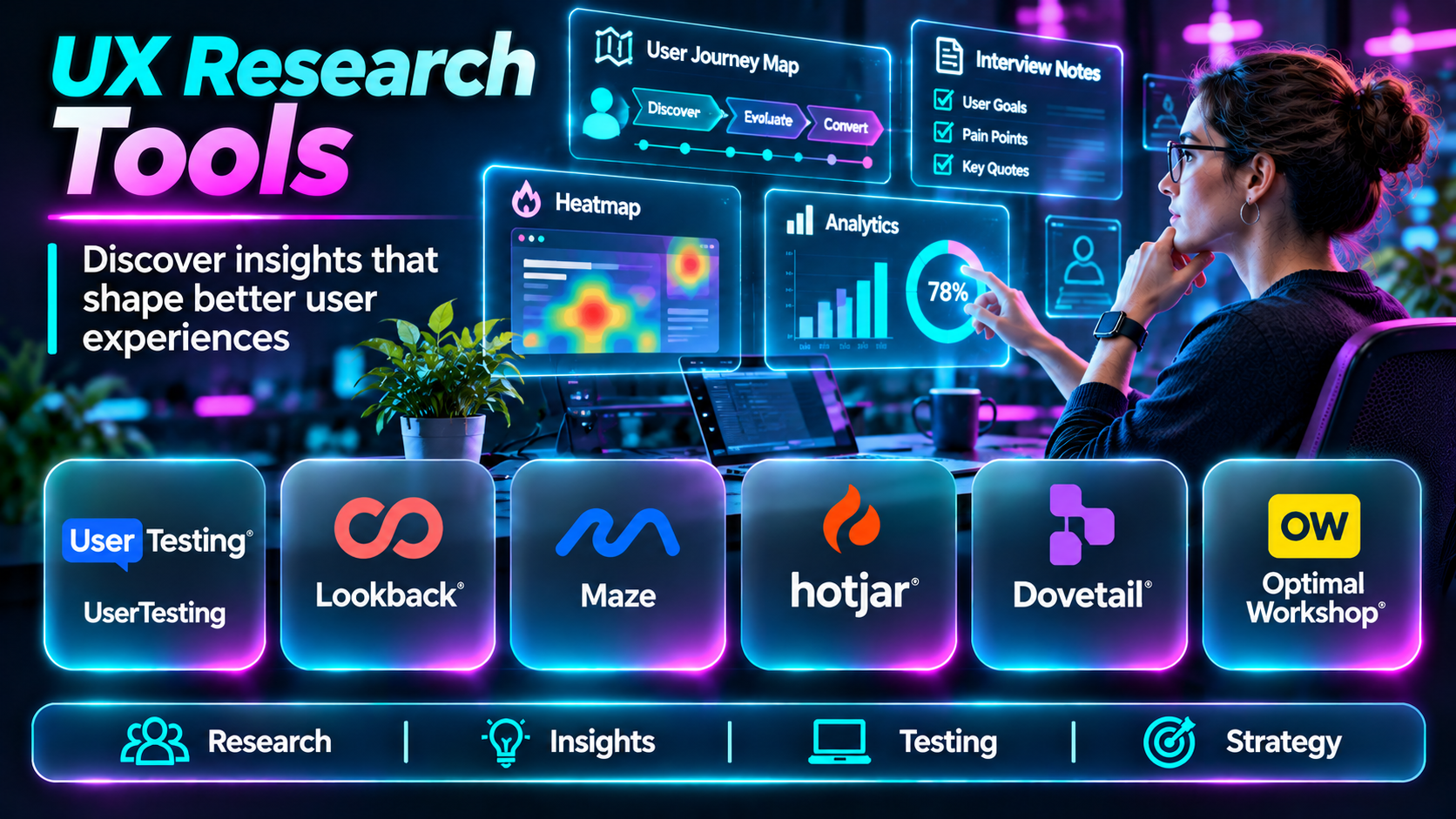
UX research tools support this work by helping researchers recruit participants, conduct interviews, collect surveys, analyze behavior, organize findings, and communicate insights.
However, no single platform supports every research method equally well. Some specialize in interviews, while others focus on surveys, behavioral analytics, or research repositories.
This guide compares ten UX research tools and explains how teams can select software that fits their research goals.
What Are UX Research Tools?
UX research tools help teams investigate user needs, expectations, behaviors, and experiences.
They support qualitative methods, such as interviews and observation, and quantitative methods, such as surveys and behavioral analysis.
Common capabilities include participant recruitment, interview recording, transcription, survey design, session analysis, research tagging, repository management, and stakeholder reporting.
Top 10 UX Research Tools
1. User Interviews
Short Description
User Interviews is a research recruitment and participant management platform. It helps organizations find participants for interviews, usability studies, and other research activities.
The platform is useful when researchers need access to participants beyond their existing customer base. It also supports managing research participants and recruitment workflows.
Key Features
- Participant recruitment across supported audience segments.
- Screening questions to identify suitable participants.
- Scheduling workflows for research sessions.
- Incentive management for eligible studies.
- Participant communication and coordination.
- Research panel management through supported offerings.
- Recruitment tracking and participant records.
- Integration with research operations workflows.
Benefits
Reduces manual recruitment effort and helps researchers organize participant sourcing.
Pros
- Research recruitment specialization.
- Useful screening capabilities.
- Supports participant coordination.
- Suitable for repeated research programs.
Cons
- Recruitment costs vary by audience.
- Specialized participants may be harder to find.
- Not a complete qualitative analysis platform.
Use Cases
Recruiting interview participants, validating product concepts, and conducting customer discovery.
Best For: Research teams needing participant recruitment.
2. Dovetail
Short Description
Dovetail is a customer insights and research repository platform that helps teams organize and analyze qualitative research.
It provides a central environment for storing research materials, reviewing conversations, identifying patterns, and sharing findings.
Dovetail is particularly valuable when organizations conduct frequent research and want to prevent insights from becoming scattered across documents and meeting recordings.
Key Features
- Centralized research repository.
- Interview and research data organization.
- Transcription and analysis workflows.
- Research tagging.
- Insight synthesis.
- Searchable research materials.
- Stakeholder collaboration.
- Research reporting and sharing.
Benefits
Makes research findings easier to reuse across projects and departments.
Pros
- Strong research organization.
- Useful qualitative analysis.
- Collaborative insights workflows.
- Supports research knowledge management.
Cons
- Requires consistent repository practices.
- Advanced features may involve commercial costs.
- Analysis quality depends on research methods.
Use Cases
Interview analysis, research repositories, and cross-project insight discovery.
Best For: Mature UX research teams.
3. Maze
Short Description
Maze is a product discovery and research platform supporting research activities such as prototype testing, surveys, and usability studies.
Its workflows help product teams collect feedback before and after building interfaces.
Maze is useful when designers want rapid research cycles closely connected to design and product development.
Key Features
- Prototype testing.
- Usability research workflows.
- Survey collection.
- Participant task evaluation.
- Research templates.
- Quantitative research metrics.
- Study reporting.
- Design workflow integrations.
Benefits
Helps teams test product ideas and interface decisions earlier.
Pros
- Design-oriented research workflows.
- Useful for rapid validation.
- Combines several research methods.
- Accessible reporting.
Cons
- Complex research may require complementary tools.
- Participant quality still needs attention.
- Some capabilities depend on subscription level.
Use Cases
Prototype validation, navigation research, and early product concept testing.
Best For: Product design teams.
4. Optimal Workshop
Short Description
Optimal Workshop specializes in research methods that evaluate information architecture and navigation.
It helps teams understand how people categorize information, locate content, and interpret website structures.
The platform is especially relevant to websites, knowledge bases, and complex digital products with substantial navigation requirements.
Key Features
- Card sorting.
- Tree testing.
- Information architecture research.
- Participant task analysis.
- Research study setup.
- Navigation evaluation.
- Results visualization.
- Research reporting.
Benefits
Supports evidence-based navigation and content organization decisions.
Pros
- Strong information architecture specialization.
- Established research methods.
- Useful quantitative findings.
- Supports navigation optimization.
Cons
- Less suitable for general interview management.
- Limited compared with broad research repositories.
- Study design requires methodological care.
Use Cases
Redesigning website navigation and validating information structures.
Best For: Information architects and UX researchers.
5. Lookback
Short Description
Lookback supports user research sessions, including moderated and unmoderated research workflows.
Researchers can observe participants, record sessions, and review interactions to understand how people experience products.
Its primary value is capturing rich behavioral and conversational evidence.
Key Features
- Moderated research sessions.
- Unmoderated research workflows.
- Session recordings.
- Participant observation.
- Research notes.
- Session review.
- Team collaboration.
- Remote research support.
Benefits
Helps researchers observe users and capture contextual feedback.
Pros
- Strong session observation.
- Useful qualitative evidence.
- Supports remote research.
- Appropriate for interview-based workflows.
Cons
- Recruitment may require another service.
- Large research libraries need organization.
- Technical setup can affect participant experience.
Use Cases
Remote interviews, prototype walkthroughs, and usability observation.
Best For: Qualitative UX research teams.
6. Hotjar
Short Description
Hotjar provides behavioral insights and feedback capabilities for websites.
It helps teams understand how visitors interact with pages through heatmaps, recordings, and feedback collection.
Hotjar is most useful for identifying behavioral patterns that can guide deeper research.
Key Features
- Heatmaps.
- Session recordings.
- Website behavior analysis.
- Feedback collection.
- Survey capabilities.
- User journey observations.
- Behavioral segmentation.
- Team reporting.
Benefits
Reveals potential friction points in real website interactions.
Pros
- Visual behavioral insights.
- Useful for conversion research.
- Relatively accessible interface.
- Combines feedback and behavior data.
Cons
- Does not explain every user’s motivation.
- Session recording requires privacy controls.
- Not a substitute for interviews.
Use Cases
Identifying confusing pages and investigating conversion problems.
Best For: Website product and optimization teams.
7. Lyssna
Short Description
Lyssna is a user research platform supporting rapid feedback on designs and digital experiences.
It helps teams evaluate preferences, comprehension, navigation, and usability through structured research studies.
The platform is attractive to teams seeking lightweight research without establishing a complex research operations environment.
Key Features
- First-click testing.
- Preference testing.
- Five-second testing.
- Surveys.
- Prototype testing.
- Participant recruitment options.
- Study reporting.
- Research collaboration.
Benefits
Supports fast feedback on design alternatives and early concepts.
Pros
- Quick study creation.
- Multiple lightweight methods.
- Useful for design validation.
- Approachable workflows.
Cons
- Limited depth for complex ethnographic research.
- Study quality depends on participant selection.
- Advanced workflows may need additional platforms.
Use Cases
Testing first impressions, navigation choices, and design preferences.
Best For: Small and medium design teams.
8. Qualtrics
Short Description
Qualtrics is an experience management platform with sophisticated survey and research capabilities.
Organizations use it to collect structured feedback, analyze responses, and manage research programs.
Its strength lies in supporting large-scale quantitative research and complex survey requirements.
Key Features
- Advanced survey creation.
- Conditional survey logic.
- Audience segmentation.
- Response analytics.
- Research dashboards.
- Distribution workflows.
- Reporting.
- Enterprise governance.
Benefits
Supports structured, large-scale customer and user research.
Pros
- Powerful survey capabilities.
- Enterprise reporting.
- Sophisticated research logic.
- Suitable for complex programs.
Cons
- Learning curve.
- Commercial cost.
- Not specialized for prototype testing.
Use Cases
Customer experience studies, product surveys, and longitudinal research.
Best For: Enterprise research organizations.
9. UserTesting
Short Description
UserTesting provides a platform for gathering feedback from people interacting with products, prototypes, and experiences.
Its workflows help teams observe user behavior and understand reactions to digital interfaces.
The platform is particularly useful when stakeholders need video-based evidence of how users experience a product.
Key Features
- Participant-based research.
- Moderated studies.
- Unmoderated studies.
- Session recordings.
- Task-based research.
- Participant targeting.
- Research analysis.
- Insight sharing.
Benefits
Makes user behavior and feedback visible to product stakeholders.
Pros
- Strong user feedback workflows.
- Useful session evidence.
- Supports several study formats.
- Enterprise research applications.
Cons
- Research costs can be significant.
- Participant targeting requires care.
- Interpretation requires research expertise.
Use Cases
Product validation, journey research, and usability studies.
Best For: Organizations conducting frequent user studies.
10. Condens
Short Description
Condens is a research repository and qualitative analysis platform.
It helps researchers organize interview materials, analyze findings, and build a reusable knowledge base of user insights.
Condens is particularly relevant when teams need structured research documentation without relying on disconnected spreadsheets and presentation files.
Key Features
- Research repository.
- Interview data organization.
- Qualitative coding.
- Research tagging.
- Insight synthesis.
- Searchable findings.
- Team collaboration.
- Research sharing.
Benefits
Improves the organization and long-term reuse of qualitative research.
Pros
- Research-focused repository.
- Useful qualitative workflows.
- Supports collaboration.
- Encourages structured documentation.
Cons
- Requires research governance.
- Not a participant recruitment platform.
- Commercial features require evaluation.
Use Cases
Organizing interviews, synthesizing research themes, and preserving research findings.
Best For: Research operations teams.
UX Research Tools Comparison Table
| Tool | Primary Strength | Best For |
|---|---|---|
| User Interviews | Recruitment | Participant sourcing |
| Dovetail | Research repository | Qualitative analysis |
| Maze | Product discovery | Prototype validation |
| Optimal Workshop | Information architecture | Navigation research |
| Lookback | Research sessions | Interviews |
| Hotjar | Behavioral analytics | Website research |
| Lyssna | Rapid design feedback | Design teams |
| Qualtrics | Advanced surveys | Enterprise research |
| UserTesting | Participant feedback | Product validation |
| Condens | Research organization | Research operations |
How to Choose UX Research Software
First, define the research question. A team investigating customer motivations may need interviews, while a team evaluating navigation may benefit from tree testing.
Next, evaluate participant recruitment, supported research methods, analysis capabilities, data privacy, and stakeholder collaboration.
Consider whether the platform supports your entire research workflow or one specialized stage. A combination of complementary tools may be more effective than a single all-purpose system.
Finally, compare subscription costs with the frequency of studies and expected research volume.
Best UX Research Tools by User Type
| User Type | Recommended Tool |
|---|---|
| Participant recruitment team | User Interviews |
| Qualitative researcher | Dovetail |
| Product designer | Maze |
| Information architect | Optimal Workshop |
| Interview researcher | Lookback |
| Website optimization team | Hotjar |
| Survey research organization | Qualtrics |
| Enterprise UX team | UserTesting |
Practical Example: Researching a Banking App Redesign
Step 1: Define the problem: users struggle to find recent transactions.
Step 2: Recruit participants representing important customer groups.
Step 3: Interview participants about their current banking habits.
Step 4: Use card sorting or tree testing to evaluate navigation alternatives.
Step 5: Create a prototype and test it with representative participants.
Step 6: Collect task completion rates and qualitative feedback.
Step 7: Organize findings into recurring themes.
Step 8: Prioritize improvements according to user impact.
Step 9: Retest the updated design before release.
Frequently Asked Questions
1. What are UX research tools?
Software that supports understanding user needs, behaviors, and experiences.
2. What is qualitative UX research?
Research that explores experiences and motivations through interviews and observation.
3. What is quantitative UX research?
Research that measures patterns using numerical data.
4. Can UX research tools recruit participants?
Some platforms provide recruitment capabilities.
5. What is a research repository?
A centralized location for storing and organizing research evidence.
6. What is card sorting?
A method for understanding how users group information.
7. What is tree testing?
A method for evaluating how easily users find information within a navigation structure.
8. Can heatmaps replace interviews?
No. Heatmaps show behavior but do not reliably explain motivation.
9. Are surveys sufficient for UX research?
Not always. Surveys are often more effective when combined with other methods.
10. What is moderated research?
Research conducted with a facilitator guiding or observing the session.
11. What is unmoderated research?
Research completed independently by participants.
12. How should research participants be selected?
Choose participants who represent the intended users and research objectives.
13. Can UX research be conducted remotely?
Yes, many tools support remote research.
14. How should research data be protected?
Use consent, access controls, retention policies, and appropriate privacy safeguards.
15. Which UX research tool is best?
The right choice depends on research methods, participants, analysis requirements, and budget.
Final Thoughts
UX research tools help product teams replace assumptions with evidence. User Interviews supports recruitment, Maze and Optimal Workshop help validate designs, and Dovetail and Condens organize research knowledge.
The strongest research process uses complementary methods and turns findings into measurable product improvements.
