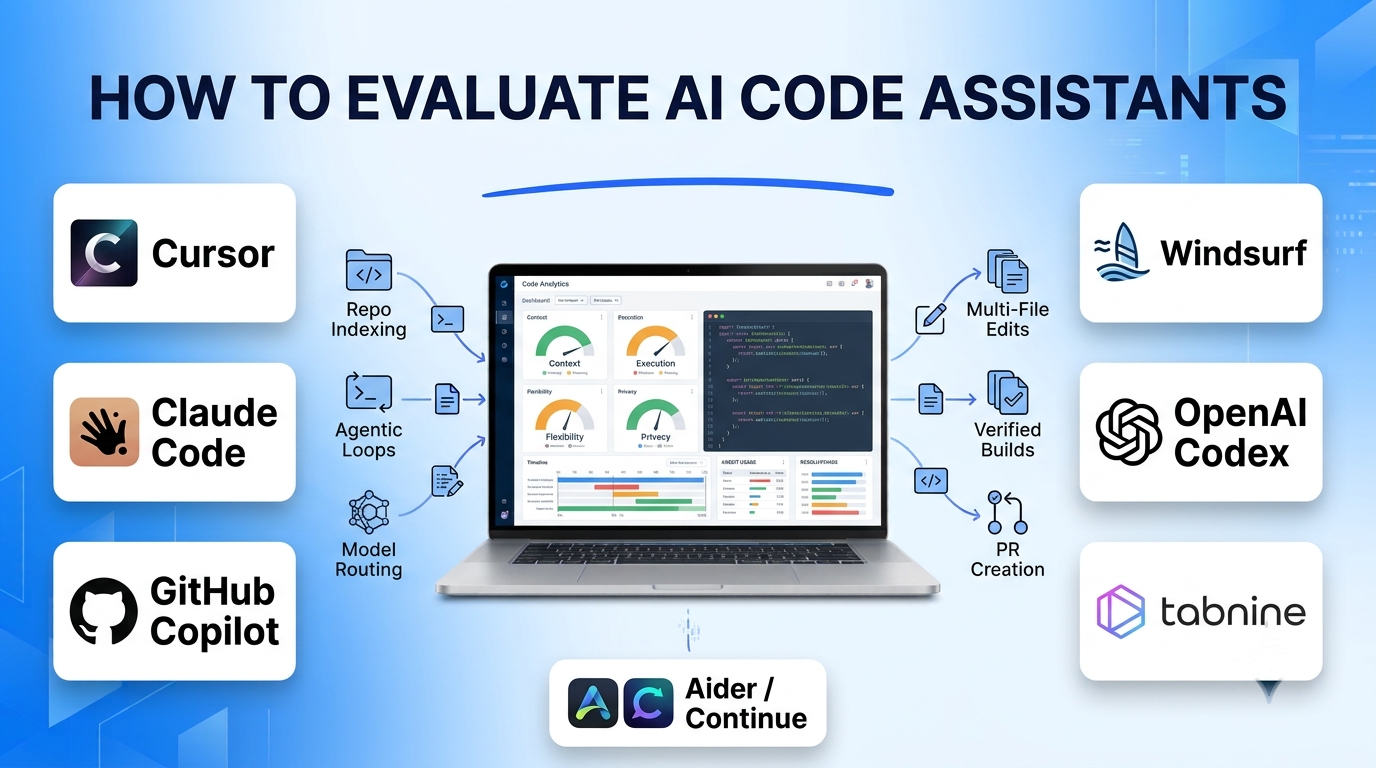
Inline ghost-text completion was only the first wave of AI-assisted software development. Modern engineering teams now evaluate AI coding tools on whether they can navigate a multi-hundred-thousand-line monorepo, plan a cross-file refactor, execute terminal test suites, verify build errors, and open clean pull requests—without silently breaking architectural invariants or leaking proprietary source code.
Selecting an AI code assistant requires choosing between three distinct form factors: AI-native IDEs that rebuild the editor around deep context indexing, IDE extensions that plug into existing VS Code or JetBrains setups, and terminal-native CLI agents built for autonomous multi-file engineering.
Architectural Dimensions That Separate Coding Tools
When comparing AI coding platforms for individual developers or enterprise engineering organizations, four technical factors govern real-world productivity:
- Repository-Wide Context Indexing: Whether the tool reads only open editor tabs or builds a semantic dependency graph and vector index across the entire codebase, including project rule files (such as
.cursorrulesorCLAUDE.md). - Agentic Execution Loops: The ability to move beyond passive chat suggestions—editing multiple files simultaneously, running shell commands (
pytest,npm test,cargo check), reading stack traces, and iterating until tests pass. - Model Flexibility and Routing: Whether the platform locks you into a single proprietary model family or lets you route fast autocomplete to low-latency models while escalating complex architectural debugging to frontier reasoning models.
- Enterprise Privacy, Zero Data Retention, and Deployment: Guarantees that source code is never used to train foundation models, support for zero-data-retention (ZDR) API agreements, IP indemnification, and availability of air-gapped or VPC-hosted deployments for regulated industries.
Leading AI Code Assistants and Development Workflows
Cursor
Cursor is an AI-native fork of Visual Studio Code that embeds codebase indexing, multi-line predictive edits (Cursor Tab), and an autonomous multi-file Composer/Agent directly into the core editor experience. Because it maintains full compatibility with VS Code extensions, themes, and keybindings, developers can migrate without abandoning their muscle memory.
Cursor excels at high-velocity daily feature shipping—allowing developers to reference @files, @folders, documentation URLs, and Git diffs while switching seamlessly between frontier models from Anthropic, OpenAI, and others. Its trade-offs include maintaining a separate editor fork from upstream VS Code and navigating usage-based request pools when running heavy frontier reasoning models on large repositories.
Claude Code
Claude Code takes a terminal-native, CLI-first approach to software engineering. Operating directly inside your shell (with companion extensions for VS Code and JetBrains), it maps large repositories using an expansive context window, searches codebases with standard Unix tools, edits files across modules, executes test runners, and manages Git commits—asking for explicit developer approval before running destructive commands.
Senior engineers rely heavily on Claude Code for complex architectural refactors, root-cause debugging across unfamiliar services, and scripted CI/CD automation. Because it prioritizes deep reasoning over sub-second inline ghost-text autocomplete, many developers pair Claude Code in the terminal alongside a lightweight editor assistant.
GitHub Copilot
GitHub Copilot remains the most widely deployed enterprise coding assistant, operating as an extension across VS Code, JetBrains IDEs, Visual Studio, Xcode, and Neovim, while extending directly into GitHub.com pull requests and issue workflows. Beyond inline completions and Copilot Chat, its multi-file edit mode and asynchronous Copilot Coding Agent can pick up a GitHub Issue, create a branch, implement changes, run CI checks, and open a draft pull request.
Organizations standardized on GitHub Enterprise benefit from unified seat billing, repository-level policy controls, public-code duplication filters, and IP indemnification. For massive, ambiguous monorepo refactors, dedicated agentic environments like Claude Code or Cursor often demonstrate stronger multi-step reasoning depth.
Windsurf (and Devin Desktop)
Windsurf pioneered the “agentic IDE” workflow with its Cascade engine, which combines real-time awareness of developer actions (edits, terminal outputs, clipboard context) with deep repository indexing and automated command execution. Developers get fluid inline completions alongside an agent that anticipates follow-up edits across dependent files.
Product-focused engineering teams looking for a cohesive editor experience with strong out-of-the-box multi-file flow find Windsurf intuitive. Like Cursor, adopting it requires committing to a dedicated VS Code-based editor rather than staying inside native JetBrains or upstream VS Code.
OpenAI Codex (CLI and Cloud Agent)
OpenAI’s Codex ecosystem combines a local open-source terminal agent (Codex CLI) with sandboxed cloud execution environments integrated into ChatGPT and GitHub. Purpose-trained on software engineering tasks, Codex can execute parallel background tasks—such as writing unit tests, fixing bug backlogs, or scaffolding features in isolated cloud containers—before presenting verifiable diffs for human review.
Teams standardized on OpenAI subscriptions and APIs gain seamless authentication and strong deterministic follow-through on well-scoped engineering tasks.
Tabnine
Tabnine differentiates itself on strict enterprise governance, privacy, and deployment flexibility. Supporting VS Code, JetBrains, Eclipse, and Visual Studio, Tabnine offers SaaS with zero data retention, single-tenant VPC hosting, and fully air-gapped on-premises deployment. It also provides fine-tuned models trained exclusively on permissively licensed open-source code with full attribution and IP protection.
Defense contractors, financial institutions, and healthcare organizations that cannot send source code to external commercial model APIs frequently standardize on Tabnine. Its raw autonomous reasoning capability on complex multi-file tasks is narrower than frontier cloud-only agents.
Aider and Continue (Open-Source Alternatives)
For developers who want full transparency, zero vendor lock-in, and bring-your-own-key (BYOK) model control, Aider and Continue lead the open-source ecosystem.
- Aider is a terminal-based pair programmer that builds a tree-sitter repository map, applies clean diffs across multiple files, runs linters/tests, and automatically creates descriptive Git commits for every change—making rollbacks trivial.
- Continue is an open-source extension for VS Code and JetBrains that lets teams wire local models (via Ollama or LM Studio) for private autocomplete alongside cloud APIs for complex chat and agentic edits.
AI Code Assistants Comparison
| Tool | Primary Form Factor | Autonomous Multi-File Execution | Model Strategy | Enterprise Governance & Hosting | Best Fit |
| Cursor | AI-native VS Code fork | High (Composer / Agent + terminal) | Multi-model (Anthropic, OpenAI, custom) | SOC 2 Type II, ZDR, centralized team billing | Product teams wanting the fastest editor-native AI workflow |
| Claude Code | Terminal CLI + IDE companions | Very High (deep repo mapping & shell loops) | Anthropic Claude models (+ local/Bedrock/Vertex) | AWS Bedrock, Google Vertex AI, ZDR enterprise plans | Senior engineers tackling complex refactors & debugging |
| GitHub Copilot | Multi-IDE extension + GitHub native | Moderate-High (Edits + GitHub Issue Agent) | Multi-model selector (OpenAI, Anthropic, Gemini) | GitHub Enterprise policies, IP indemnity, audit logs | Enterprises standardized on GitHub & JetBrains/VS Code |
| Windsurf | AI-native VS Code fork | High (Cascade context-aware agent) | Multi-model with proprietary fast autocomplete | SOC 2, ZDR, hybrid/enterprise deployment options | Teams seeking cohesive editor flow and multi-file edits |
| OpenAI Codex | Terminal CLI + Cloud sandbox agent | High (parallel cloud & local task execution) | OpenAI reasoning & coding models | Enterprise ChatGPT / API data isolation | OpenAI-first teams delegating background engineering tasks |
| Tabnine | Multi-IDE extension | Moderate (guided edits & test generation) | Proprietary permissive models + enterprise LLMs | SaaS ZDR, single-tenant VPC, air-gapped on-prem | Regulated enterprises requiring on-prem or strict IP safety |
| Aider / Continue | Open-source CLI (Aider) / IDE ext (Continue) | High (Aider Git-integrated loops) | 100% BYOK (cloud APIs or local Ollama/vLLM) | Self-hosted; data stays between user & chosen API | Privacy-conscious devs & teams avoiding per-seat SaaS lock-in |
Cost Drivers and Evaluation Traps to Avoid
Evaluating AI coding assistants on a simple 20-line algorithm benchmark misses the real failure modes in production engineering:
- Context Window vs. Context Precision: A one-million-token context window does not guarantee accurate edits if irrelevant files dilute attention. Tools that combine AST/tree-sitter symbol mapping with targeted grep/semantic search outperform brute-force file dumping.
- Unpredictable Token and Request Overages: Flat per-seat pricing often includes soft caps on frontier reasoning models. Heavy agentic loops that repeatedly run failing test suites can exhaust monthly premium allowances within days.
- Review Bottlenecks and Technical Debt: Generating 1,500 lines of plausible code in two minutes shifts the bottleneck to human code review. Teams must enforce strict automated CI gates—static analysis, unit test coverage, and security linters—so AI velocity does not degrade codebase maintainability.
Selecting the Right AI Code Assistant
Match your tooling to your editor ecosystem, task complexity, and security perimeter:
- For Everyday Full-Stack Feature Velocity: Adopt Cursor or Windsurf if your team is comfortable running a VS Code-based editor.
- For Deep Architectural Refactoring and Terminal Workflows: Pair Claude Code (or Aider for BYOK flexibility) with your existing editor to handle complex multi-service debugging and migrations.
- For Standardized Enterprise Governance: Deploy GitHub Copilot when you need multi-IDE support (including JetBrains and Xcode) tied directly to GitHub pull requests, or Tabnine when air-gapped on-premises hosting and strict copyright provenance are mandatory.
