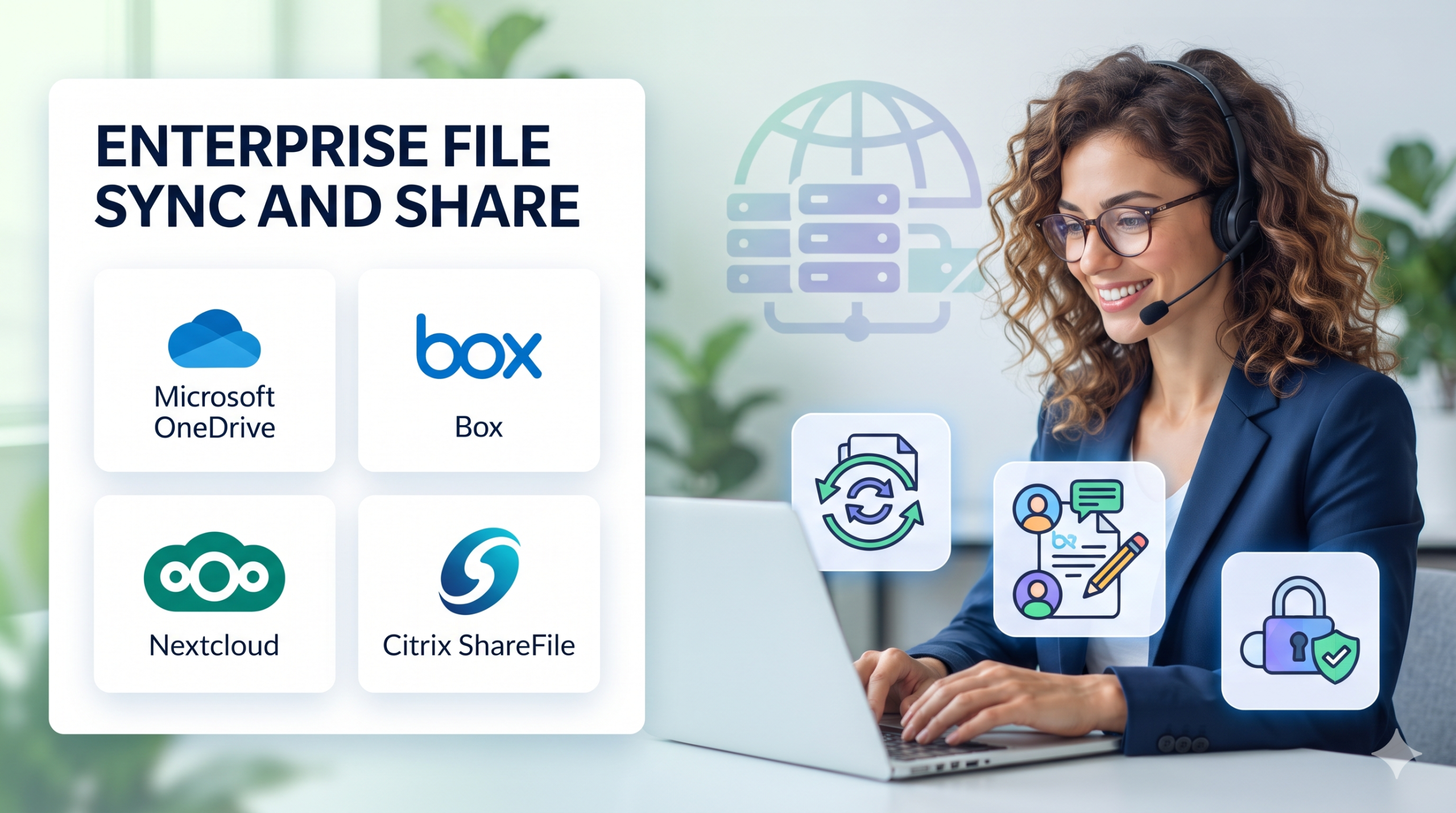
When an executive needs to review a confidential financial model on a mobile tablet during a flight, or an engineering team scattered across three continents needs to co-edit a massive blueprint simultaneously, traditional local file shares and clumsy VPN tunnels break down. In today’s decentralized work environment, File Sync and Share (FSS) platforms serve as the digital nervous system for organizational productivity.
Yet, providing frictionless file access introduces profound governance risks. When employees rely on consumer-grade sharing apps or unvetted cloud folders, sensitive corporate data leaks beyond organizational perimeters. Selecting the right Enterprise File Sync and Share (EFSS) solution requires balancing intuitive user collaboration with rigorous data loss prevention, audit logging, and access control.
The Evolution of Corporate File Collaboration
Early file synchronization tools were built primarily for individual consumer convenience—mirroring a single desktop folder to a cloud bucket. While these utilities worked well for personal use, enterprise collaboration demands far more sophisticated architecture.
Modern EFSS platforms must address three core operational realities:
- Granular Access Control and Data Governance: Administrators must enforce role-based permissions, expiring public links, and watermarking to ensure that confidential documents cannot be mishandled or broadly shared outside authorized circles.
- Hybrid and On-Premises Flexibility: Not every organization can store all intellectual property in a public cloud. Enterprises in heavily regulated sectors often require hybrid architectures that keep master file repositories on-premises while providing secure cloud-synced access to mobile workers.
- Real-Time Co-Authoring and Versioning: Modern workflows require multiple users to edit documents concurrently without creating conflicting file copies, paired with robust version histories to roll back accidental deletions or edits.
Core Evaluation Pillars for File Sync and Share Solutions
When evaluating EFSS platforms, IT and security leaders should assess software across four foundational capabilities:
- End-to-End and Zero-Knowledge Encryption: Data must be encrypted both in transit (TLS) and at rest (AES-256). In high-security environments, zero-knowledge encryption ensures that even the service provider cannot read customer files.
- Data Loss Prevention (DLP) Integrations: The platform should integrate with broader security ecosystems, automatically scanning shared files for personally identifiable information (PII), credit card numbers, or proprietary source code.
- Active Directory and Identity Federation: Seamless integration with enterprise identity providers (such as Microsoft Entra ID or Okta) ensures that when an employee leaves the company, their access to all shared files is revoked instantly.
- Bandwidth and Storage Optimization: Synchronizing large media files or engineering packages across remote endpoints can exhaust local disk space. Smart client synchronization features allow users to view file hierarchies without downloading physical binaries until opened.
Leading File Sync and Share Platforms Compared
The market spans consumer-friendly cloud storage giants with robust enterprise tiers to highly secure, self-hosted open-source collaboration suites.
| Product | Primary Focus | Deployment Model | Supported Platforms | Standout Advantage | Notable Limitation |
| Microsoft OneDrive / SharePoint | Enterprise Collaboration & M365 Integration | Cloud-Native SaaS | Windows, macOS, iOS, Android, Linux | Unmatched native integration with Microsoft 365 apps and enterprise identity. | Less customizable for organizations operating outside the Microsoft ecosystem. |
| Box | Content Cloud & Secure Enterprise Collaboration | Cloud-Native SaaS | Windows, macOS, iOS, Android | Exceptional third-party app integrations, governance controls, and workflow automation. | Premium enterprise pricing tiers can be costly for smaller organizations. |
| Nextcloud | Self-Hosted Open-Source File Sync & Collaboration | Self-Hosted / Private Cloud | Windows, macOS, Linux, Mobile | Complete data sovereignty, full control over storage infrastructure, and zero licensing fees. | Requires internal IT expertise to deploy, secure, and maintain infrastructure. |
| Citrix ShareFile | Secure Client File Exchange & Workflow Automation | Cloud / Hybrid | Windows, macOS, iOS, Android | Purpose-built secure client portals, electronic signatures, and encrypted email attachments. | Interface can feel corporate and rigid compared to consumer-focused apps. |
Deep-Dive Platform Analysis
Microsoft OneDrive and SharePoint: The M365 Anchor
For organizations standardized on Microsoft 365, OneDrive and SharePoint represent the default choice for file sync and share. OneDrive handles individual user folder synchronization, while SharePoint powers team sites and document libraries. Together, they provide seamless co-authoring in Word, Excel, and PowerPoint alongside robust enterprise compliance controls governed through Microsoft Purview.
- Best Suited For: Organizations deeply invested in the Microsoft 365 ecosystem seeking unified identity and productivity integration.
- Operational Trade-Off: Complex permission inheritance structures across SharePoint sites require careful administrative management to prevent accidental over-sharing.
Box: Content Security and Workflow Automation
Box positions itself not merely as a storage locker, but as a comprehensive Content Cloud. Beyond standard file syncing, Box offers native workflow automation (Box Relay), electronic signatures (Box Sign), and advanced machine learning security tools that automatically detect anomalous file downloads or data exfiltration attempts.
- Best Suited For: Large enterprises managing sensitive legal, financial, or creative assets requiring advanced third-party app integrations.
- Operational Trade-Off: Advanced security features and governance controls are typically locked behind expensive enterprise-tier subscription plans.
Nextcloud: Complete Data Sovereignty
For government agencies, healthcare providers, and enterprises bound by strict data residency laws, sending intellectual property to a public cloud provider is unacceptable. Nextcloud provides a fully open-source, self-hosted file sync and share platform that runs on private servers or local infrastructure, giving IT teams absolute control over data storage, encryption keys, and network routing.
- Best Suited For: Organizations prioritizing strict data sovereignty, privacy compliance, and self-hosted infrastructure control.
- Operational Trade-Off: Unlike managed SaaS platforms, internal IT teams are entirely responsible for server scaling, backups, and security patching.
Implementation Pitfalls and Operational Best Practices
Deploying a file sync and share solution across an enterprise requires proactive governance to avoid data sprawl and security gaps:
- Restrict Unvetted Shadow IT: Employees often resort to consumer apps like personal Dropbox accounts if corporate tools are too restrictive. Ensure your chosen EFSS solution provides a frictionless user experience so staff have no operational reason to bypass security.
- Enforce External Sharing Guardrails: Automatically disable anonymous public links for sensitive document libraries. Require password protection, expiration dates, and domain restrictions on all external shares.
- Establish Clear Data Retention Policies: Unmonitored shared folders accumulate stale, redundant data over time. Implement automated lifecycle policies to archive or delete project files once initiatives conclude.
Strategic Decision Framework
Selecting the right file sync and share tool depends heavily on your software ecosystem, compliance mandates, and data residency requirements:
- If your enterprise is standardized on Microsoft 365, leveraging OneDrive and SharePoint provides seamless productivity and identity integration.
- If your organization requires advanced third-party security integrations, workflow automation, and external client collaboration, Box delivers enterprise-grade content management.
- If your regulatory environment demands absolute data sovereignty and self-hosted infrastructure control, Nextcloud offers unmatched open-source flexibility.
Audit your collaboration workflows, evaluate your security compliance obligations, and pilot your chosen platform with a representative departmental group before rolling it out across the entire organization.
