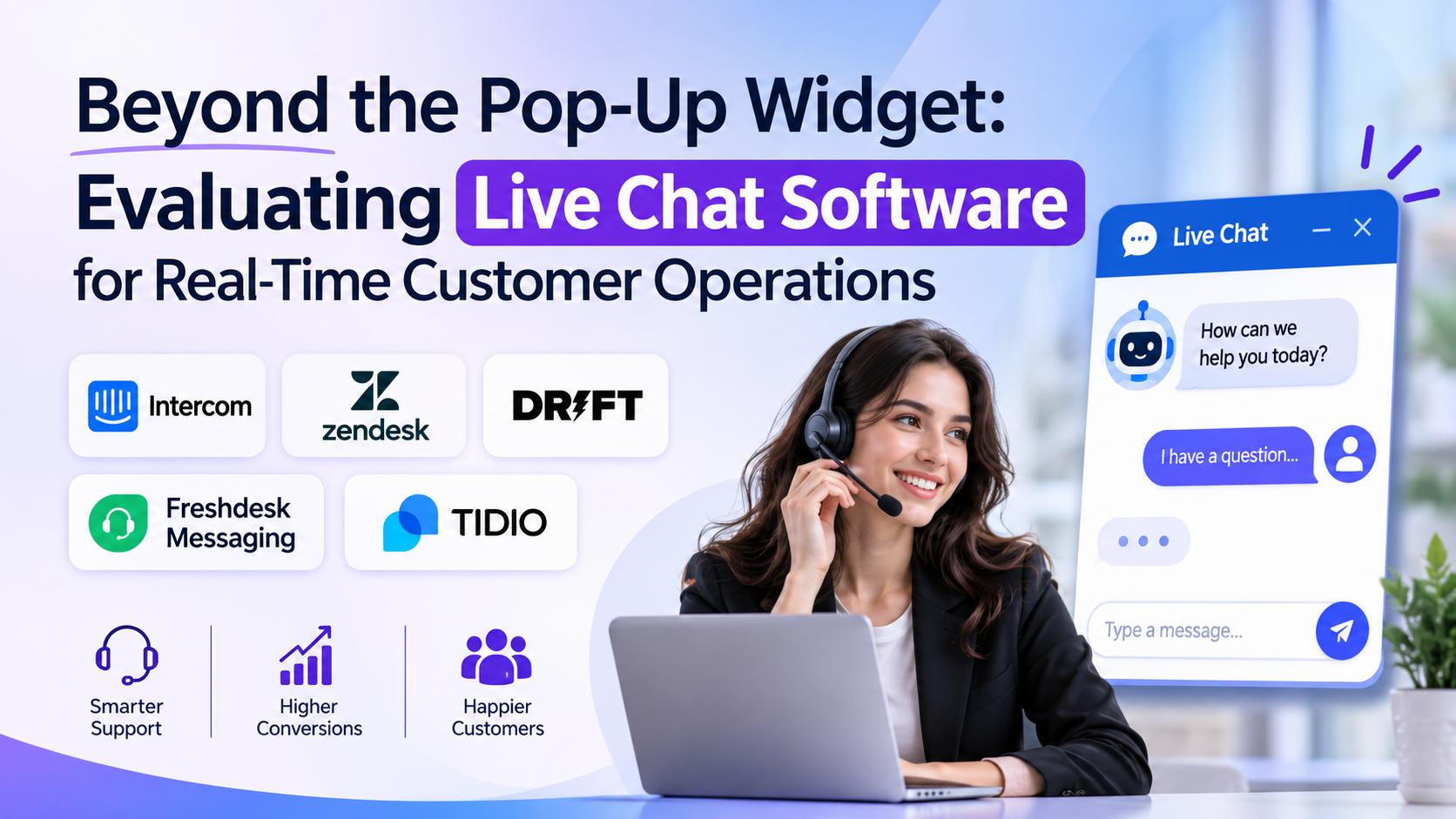
Almost every modern website features a small, pulsing chat bubble in the bottom right corner. To the casual visitor, it is an invitation to ask a quick question. To the operations team behind the screen, however, that widget is the frontline of a high-pressure real-time communications channel.
When implemented poorly, live chat becomes an administrative trap. If a visitor asks a complex question and the widget is backed by an incompetent bot or an understaffed support queue, frustration spikes instantly. Customers expect immediate answers; when a live chat widget promises instant connection but delivers delayed silence, it damages brand trust faster than a static contact form ever could.
Choosing the right live chat software requires looking past widget aesthetics and evaluating how routing engines, conversational AI handoffs, and omnichannel message aggregation impact your team’s operational efficiency.
The Operational Reality: Balancing Automation and Human Touch
The live chat software market has transformed dramatically over recent years. What started as simple, human-operated messaging boxes embedded in web pages has evolved into sophisticated communication hubs governed by automated workflows and natural language processing.
When evaluating platforms, organizations typically navigate a central operational tension:
- The Automation Mandate: For high-traffic e-commerce sites or SaaS products with millions of users, human support agents cannot answer every routine query (such as “Where is my order?” or “How do I reset my password?”). Automated chatbots and deflection flows are mandatory to keep operational costs manageable.
- The High-Value Escalation: For complex B2B sales or technical support, forcing a high-intent prospect to talk to an unhelpful bot is a guaranteed way to lose a deal. Seamless escalation paths from automated bots to expert human agents are critical.
Finding the right tool means understanding whether your primary goal is deflecting low-tier support tickets through automation or accelerating sales conversions through instant human engagement.
The Architectural Divide in Live Chat Technology
Live chat platforms generally split into three distinct operational categories:
1. Sales and Conversion-Focused Chat Platforms
These tools are engineered primarily for marketing and sales teams on high-intent websites. They focus on proactive messaging, visitor tracking, lead qualification bots, and direct integration with CRM pipelines to convert web traffic into booked meetings.
- The Trade-Off: Exceptional for lead generation and outbound sales engagement, but often lack heavy ticketing queue management or complex IT support routing workflows.
- Representative Examples: Intercom, Drift, HubSpot Live Chat.
2. Customer Support and Ticketing Powerhouses
Built for high-volume customer service operations. These platforms unify live chat with email, phone, social messaging, and internal ticketing queues into a single agent workspace.
- The Trade-Off: Robust multi-channel support and SLA (Service Level Agreement) tracking, but can feel heavy and overly administrative for small marketing teams looking for a simple sales widget.
- Representative Examples: Zendesk Chat, Freshdesk Messaging, LiveChat.
3. Lightweight and Omnichannel Messengers
Focused on meeting customers where they already are—aggregating website chat, WhatsApp, Facebook Messenger, and SMS into one unified inbox.
- The Trade-Off: Incredible flexibility for multi-channel communication, but often require third-party integrations to handle advanced analytics or complex enterprise routing rules.
- Representative Examples: Gorgias (for e-commerce), Tidio, Crisp.
5 Leading Live Chat Platforms Compared
| Platform | Primary Specialization | Standout Operational Advantage | Core Limitation |
| Intercom | Conversational relationship design & sales acceleration | Powerful targeted messaging, customizable bots, and robust product tours embedded directly in-app | Premium pricing structure that scales rapidly as active user contacts increase |
| Zendesk Chat | Enterprise customer support & omnichannel ticketing | Seamlessly unifies live messaging with a massive global ticketing, knowledge base, and voice ecosystem | Interface can feel sprawling and complex for smaller teams needing fast deployment |
| Drift | Conversational marketing & enterprise pipeline acceleration | Exceptional visitor intelligence and instant calendar booking that connects buyers directly with sales reps | Primarily optimized for B2B sales development rather than high-volume customer support |
| Freshdesk Messaging | Affordable multi-channel support & bot automation | Excellent balance of automated bot flows, multichannel social inbox integration, and accessible pricing | Advanced customization and custom reporting require higher subscription tiers |
| Tidio | Small business e-commerce support & AI automation | User-friendly visual chatbot builder, Shopify integrations, and rapid setup for growing online stores | Less suited for complex global enterprise multi-brand hierarchies |
Critical Evaluation Factors Beyond the Widget Designer
When sitting through vendor demonstrations, buyers are often charmed by customizable chat bubble colors and friendly bot avatars. Experienced customer operations leaders look deeper into technical and operational mechanics:
- Routing Rules and Departmental Skill Sets: Can the platform route incoming chats intelligently based on visitor behavior, geographic location, or specific product inquiries (e.g., routing billing questions straight to finance)?
- Mobile SDKs and App Performance: If your live chat widget is embedded inside a mobile application rather than a web browser, verify how lightweight the SDK is to prevent mobile app lag or battery drain.
- Chat History and Context Preservation: When a visitor moves from a mobile browser to a desktop computer or switches from a bot to a human agent, does the chat history follow them seamlessly? Losing context frustrates users instantly.
- Reporting and Real-Time Agent Dashboards: Supervisors need real-time visibility into queue lengths, average first-response times, and agent utilization rates to manage staffing shifts effectively.
Common Implementation Mistakes to Avoid
Rolling out live chat software without operational guardrails turns a customer service channel into a frustrating bottleneck. Watch out for these common missteps:
- Turning on Chat Without Staffing It: Offering a “Live Chat” widget and then keeping it unmonitored or setting response expectations to “within 24 hours” defeats the entire psychological purpose of real-time messaging.
- Over-Automating With Frustrating Bots: Building an aggressive chatbot loop that makes it impossible for a frustrated customer to reach a human agent will severely damage your brand reputation. Always provide an easy escape hatch to a human.
- Ignoring Mobile Responsiveness: Testing your chat widget exclusively on a large desktop monitor while ignoring how it blocks critical checkout buttons on mobile screens is a common design failure.
Making the Final Decision
Choosing live chat software requires an honest assessment of whether your primary objective is driving sales conversions or resolving support inquiries.
If your organization is a B2B SaaS company looking to qualify inbound website traffic, book meetings, and nurture high-value prospects through conversational workflows, a sales-focused platform like Intercom or Drift is ideal. If your business operates an e-commerce store or a customer support team that needs to manage high volumes of multi-channel inquiries across email, chat, and social messaging, a support powerhouse like Zendesk or Freshdesk Messaging provides the necessary infrastructure.
Begin by auditing your current customer communication bottlenecks—whether that is slow response times, unqualified inbound leads, or fragmented support channels—and select the platform built to streamline that specific operational flow.
