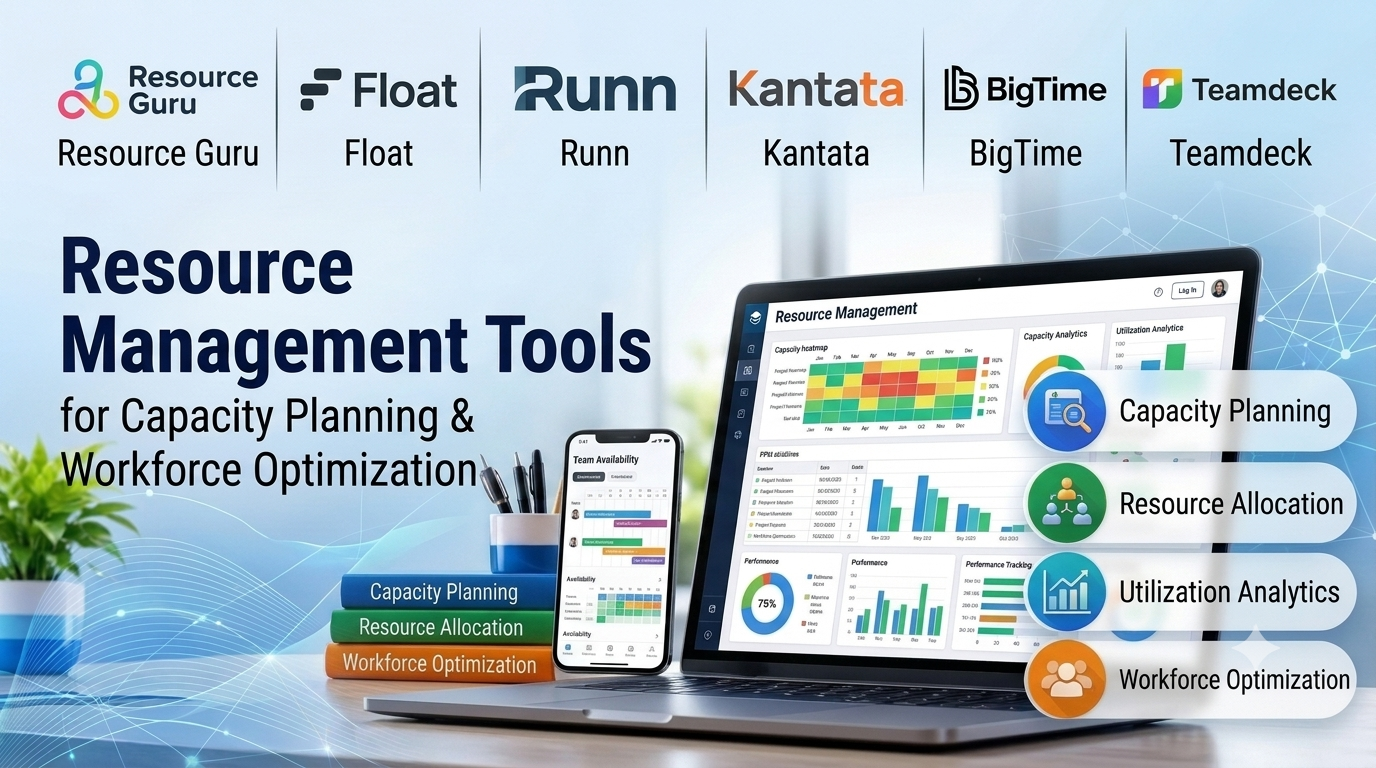
In project-driven organizations, professional services firms, and engineering agencies, human capital represents both the primary driver of revenue and the most constrained operational asset. When projects are launched without granular visibility into team workloads, skills inventories, and availability, organizations encounter chronic employee burnout, missed project milestones, and widespread resource contention. Resource management tools solve this friction by tracking team bandwidth, matching specific skill sets to project requirements, and forecasting future capacity bottlenecks.
Choosing a resource management platform requires looking past simple team calendars and evaluating skills-matching engines, time-tracking precision, capacity forecasting algorithms, and multi-project allocation matrices. This guide examines leading resource management platforms, analyzing their capacity planning models, utilization metrics, and enterprise deployment trade-offs.
Core Evaluation Criteria for Resource Architecture
Selecting a robust resource management tool involves balancing intuitive scheduling interfaces for managers against deep capacity analytics for operational leaders.
- Capacity Planning and Utilization Heatmaps: Visual dashboards that aggregate individual and team workloads across multiple projects, instantly highlighting over-allocation risks (utilization exceeding 100%) and idle capacity.
- Skills-Based Matching and Inventory: Databases that catalog employee certifications, technical proficiencies, and past experience, allowing project managers to assign the exact right resource to specialized tasks.
- Time Tracking and Actual vs. Budget Variance: Mechanisms to log billable and non-billable hours against scheduled allocations, comparing estimated project costs with actual labor expenditures.
- Scenario Planning and Forecasting: The ability to model “what-if” scenarios for incoming project pipelines without disrupting current operational schedules or active team assignments.
Leading Resource Management Tools Compared
Different organization sizes, billing models, and operational complexities demand distinct platform architectures. Below is an examination of six prominent resource management tools.
Resource Guru
- Primary Focus: Fast, intuitive resource scheduling, equipment booking, and team leave management.
- Deployment Model: Cloud SaaS.
- Technical Strengths: Exceptionally clean drag-and-drop scheduling interface, lightning-fast resource allocation, transparent conflict warnings, and straightforward team availability forecasting.
- Considerations: Focused primarily on resource scheduling and time-off tracking; lacks advanced portfolio financial modeling and deep project accounting capabilities.
SavvyTime (formerly SavvyCal / SavvyTeam) / Runn
- Primary Focus: Real-time capacity planning, project financial forecasting, and timesheet tracking for growing agencies.
- Deployment Model: Cloud SaaS.
- Technical Strengths: Modern visual interface, powerful revenue and cost forecasting algorithms, accurate tracking of billable utilization rates, and clear reporting dashboards.
- Considerations: Less optimized for massive enterprise organizations managing tens of thousands of global employees across complex hierarchies.
Float
- Primary Focus: Fast visual resource scheduling, team capacity planning, and project budgeting.
- Deployment Model: Cloud SaaS.
- Technical Strengths: Beautiful, highly responsive timeline interface, flexible placeholder allocations for future hiring needs, accurate time tracking, and seamless integration with major project management suites.
- Considerations: Advanced multi-entity financial reporting and complex cross-departmental chargebacks require careful workspace configuration.
Kantata (formerly Mavenlink & Kimble)
- Primary Focus: Professional services automation (PSA), resource optimization, and end-to-end project financial management.
- Deployment Model: Cloud SaaS.
- Technical Strengths: Enterprise-grade integration of resource scheduling, skills matching, billing, invoicing, and revenue recognition tailored specifically for professional services organizations.
- Considerations: Steep learning curve and comprehensive enterprise feature set can be overly complex for smaller teams needing simple scheduling.
BigTime
- Primary Focus: Time tracking, resource allocation, and project billing for professional services firms (consulting, accounting, engineering).
- Deployment Model: Cloud SaaS.
- Technical Strengths: Robust billing and invoicing integration, detailed resource utilization analytics, time-tracking compliance tools, and strong financial reporting.
- Considerations: Interface design leans toward traditional accounting and billing workflows rather than agile creative scheduling.
Teamdeck
- Primary Focus: Resource allocation, time tracking, and team utilization analytics for software houses and digital agencies.
- Deployment Model: Cloud SaaS.
- Technical Strengths: Flexible reporting customizability, reliable resource scheduling grids, built-in time tracking, and accessible pricing for growing technology teams.
- Considerations: Smaller ecosystem integration catalog compared to dominant market leaders like Float or Resource Guru.
Comparative Technical Overview
| Platform | Primary Target Audience | Core Focus | Deployment Approach | Best Suited For |
| Resource Guru | Creative, tech, & agency teams | Fast scheduling & equipment booking | Cloud SaaS | Teams needing straightforward drag-and-drop resource scheduling |
| Runn | Growing professional services | Financial forecasting & capacity | Cloud SaaS | Agencies tracking billable utilization and revenue projections |
| Float | Design, dev, & marketing agencies | Visual timeline scheduling & budgeting | Cloud SaaS | Fast-paced teams managing team workloads and project budgets |
| Kantata | Enterprise professional services | End-to-end PSA & resource optimization | Cloud SaaS | Consulting firms needing unified resource scheduling and billing |
| BigTime | Accounting, legal, & engineering | Time tracking, billing, & allocation | Cloud SaaS | Firms requiring rigorous billable hour tracking and invoicing |
| Teamdeck | Software houses & agencies | Resource utilization & custom reporting | Cloud SaaS | Tech teams wanting flexible resource data analytics |
Implementation and Optimization Considerations
Deploying resource management tools successfully requires cultivating organizational habits around time tracking and capacity transparency.
- Combating Timesheet Resistance: Employees frequently view timesheets and resource tracking as administrative micromanagement. Emphasize that accurate time tracking protects teams from burnout and justifies hiring support.
- Accounting for Non-Project Time: A common planning mistake is scheduling employees for forty billable hours per week without accounting for internal meetings, administrative duties, email correspondence, and paid time off. Realistically budget for 70 to 80 percent maximum utilization.
- Skills Inventory Maintenance: A resource tool is only as effective as its skills database. Establish regular cadence checks to update employee skill certifications, software proficiencies, and career growth objectives.
Summary and Selection Framework
Choosing the right resource management tool depends heavily on your billing model, team size, and financial tracking requirements.
- Choose Resource Guru or Float when your primary goal is fast, visual drag-and-drop scheduling, equipment booking, and avoiding team burnout.
- Choose Runn when you need advanced financial forecasting, revenue projections, and billable utilization tracking alongside team scheduling.
- Choose Kantata or BigTime when operating a professional services firm that requires enterprise-grade project accounting, billing, and resource management integration.
- Choose Teamdeck when technical teams require customizable resource analytics and flexible time tracking.
Evaluate your scheduling complexity, time-tracking requirements, and financial reporting needs before committing to a resource management platform.
