Executing multi-departmental initiatives, aligning resource capacity across global teams, and maintaining budget transparency require moving far beyond basic task checklists. While lightweight task boards suffice for daily operational tracking, enterprise project management software must handle complex project governance, critical path method (CPM) scheduling, earned value management (EVM), and cross-project dependency mapping. Without centralized portfolio oversight, organizations face delayed deliverables, over-allocated personnel, and siloed project reporting that obscures financial risk.
Selecting a project management platform requires evaluating resource capacity modeling, portfolio financial tracking, enterprise security compliance, and reporting flexibility. This guide examines leading enterprise project management software solutions, analyzing their scheduling engines, resource allocation capabilities, and enterprise deployment trade-offs.
Core Evaluation Criteria for Project Management Architecture
Selecting a robust project management platform involves balancing intuitive planning tools for project managers against deep financial and resource governance controls for executive leadership.
- Scheduling Methodologies and Critical Pathing: Support for traditional waterfall scheduling via Gantt charts and Work Breakdown Structures (WBS), alongside agile methodologies (Scrum/Kanban) and critical path analysis to identify bottleneck tasks.
- Resource Capacity Planning and Allocation: Advanced visibility into team workloads across multiple projects, preventing burnout and highlighting underutilized capacity before bottlenecks impact deadlines.
- Portfolio Financials and Budgeting: Tracking labor costs, capital expenses, hourly billing rates, and actual versus forecasted expenditures across entire project portfolios.
- Enterprise Security and Access Control: Role-based access controls (RBAC), single sign-on (SSO) compliance, audit logging, and data residency guarantees required by enterprise IT governance.
Leading Project Management Platforms Compared
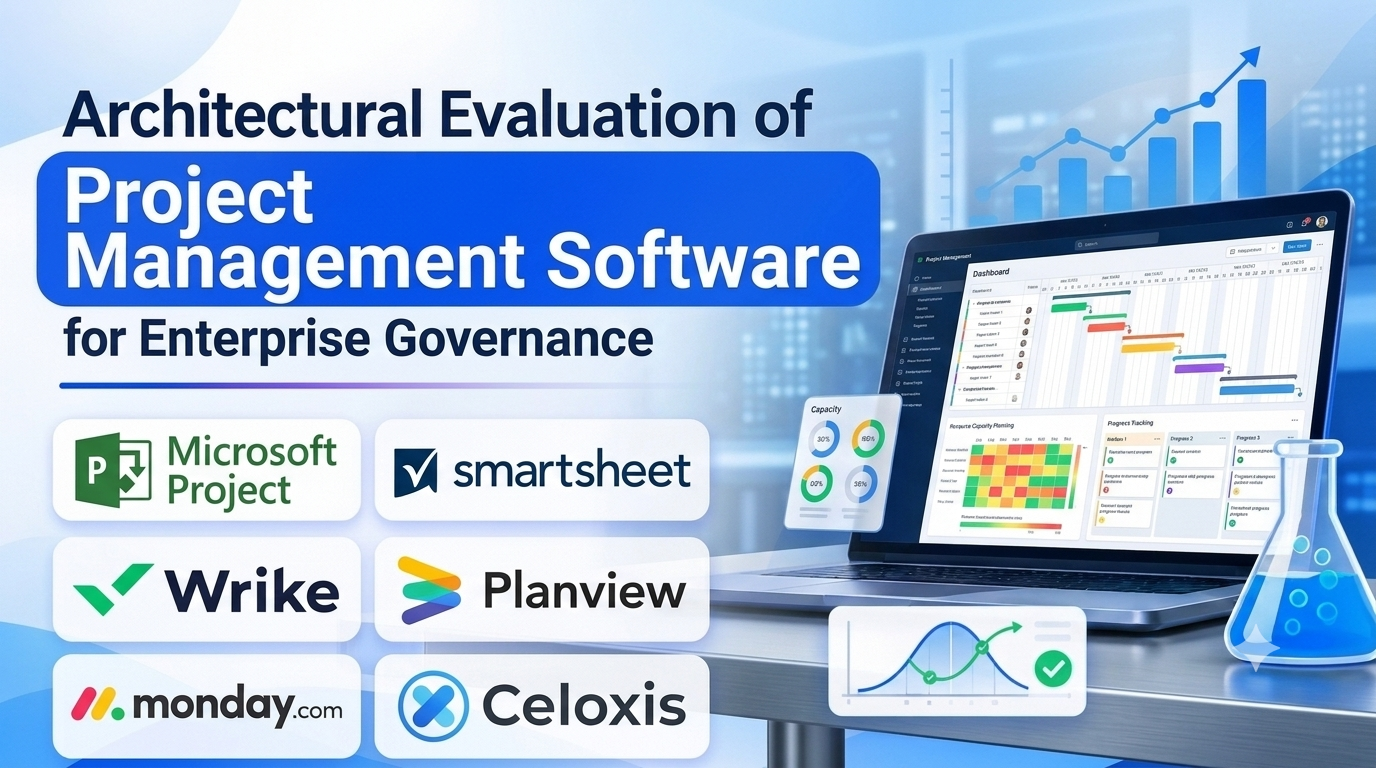
Different organizational structures, methodology preferences (agile versus waterfall), and enterprise scales demand distinct platform architectures. Below is an examination of six prominent project management solutions.
Microsoft Project / Project for the Web
- Primary Focus: Traditional waterfall scheduling, critical path analysis, and enterprise resource management within the Microsoft ecosystem.
- Deployment Model: Cloud SaaS (Microsoft 365) or on-premises Project Server.
- Technical Strengths: Unmatched precision in complex Gantt chart scheduling, dependency modeling, and resource leveling, backed by deep integration with Microsoft Entra ID (Azure AD), Power BI, and Teams.
- Considerations: Traditional interface and steep learning curve can feel cumbersome for creative or agile teams that prefer flexible kanban boards over rigorous WBS scheduling.
Smartsheet
- Primary Focus: Spreadsheet-powered project management, portfolio reporting, and enterprise work execution.
- Deployment Model: Cloud SaaS.
- Technical Strengths: Familiar spreadsheet grid interface combined with powerful behind-the-scenes capabilities, including Gantt views, card views, automated workflows, and robust data aggregation across multiple project sheets.
- Considerations: Advanced enterprise capabilities (such as Data Shuttle and cross-sheet formulas) require higher-tier licensing investments.
Wrike
- Primary Focus: Cross-functional enterprise project management, marketing operations, and resource allocation.
- Deployment Model: Cloud SaaS.
- Technical Strengths: Advanced request intake forms, custom item types, real-time collaborative editing, robust workload management views, and secure enterprise folder governance.
- Considerations: Interface can appear visually dense when configuring complex multi-tier project hierarchies and custom workflows.
Planview (Projectplace / Portfolios)
- Primary Focus: Enterprise portfolio and resource management (EPPM) and strategic transformation tracking.
- Deployment Model: Cloud SaaS.
- Technical Strengths: Exceptional strategic alignment capabilities, capacity planning for large engineering enterprises, financial forecasting, and comprehensive portfolio scenario modeling.
- Considerations: Geared strictly toward enterprise PMOs; significantly over-engineered and cost-prohibitive for smaller teams or agile software startups.
Monday.com (Enterprise Tier)
- Primary Focus: Work OS platform offering customizable project tracking, CRM, and workflow automation.
- Deployment Model: Cloud SaaS.
- Technical Strengths: Highly visual, engaging user interface, versatile board building blocks, excellent automation builder, and diverse dashboard widgets that make reporting accessible to non-technical stakeholders.
- Considerations: High-volume data management across massive project portfolios requires careful board architecture to prevent performance latency.
Celoxis
- Primary Focus: Comprehensive project portfolio management (PPM) with built-in time tracking, financial management, and expense reporting.
- Deployment Model: Cloud SaaS or On-Premises.
- Technical Strengths: Powerful out-of-the-box financial tracking, profit/loss analysis per project, robust resource scheduling, and strong value for money compared to legacy PPM suites.
- Considerations: User interface lacks the polished, modern aesthetic of newer SaaS competitors.
Comparative Technical Overview
| Platform | Primary Target Audience | Core Methodology | Scheduling Engine | Best Suited For |
| Microsoft Project | Enterprise PMOs & Engineers | Waterfall / Hybrid | Advanced Critical Path (CPM) | Complex engineering and construction projects |
| Smartsheet | Operations & PM teams | Hybrid (Grid + Gantt) | Flexible WBS & Dependencies | Organizations transitioning from spreadsheets to robust PM |
| Wrike | Marketing & cross-functional teams | Collaborative PM | Interactive Gantt & Kanbans | Creative and marketing agencies managing multiple client campaigns |
| Planview | Enterprise executives & PMOs | Strategic EPPM | Portfolio & Financial Modeling | Large enterprises managing multi-million-dollar strategic portfolios |
| Monday.com | Diverse business teams | Customizable Work OS | Visual boards & timelines | Teams wanting high visual adaptability and fast onboarding |
| Celoxis | Project-driven service companies | PPM & Financial Tracking | Comprehensive Gantt & Finance | Professional services tracking project profitability |
Implementation and Governance Considerations
Deploying an enterprise project management platform successfully requires establishing rigorous governance frameworks to prevent administrative chaos.
- Template Standardization: Without standardized project templates, individual managers create mismatched project structures, making portfolio-wide reporting impossible. Enforce uniform naming conventions, phase gates, and custom fields across the organization.
- Resource Allocation Discipline: Resource management fails if team members do not log their time or update task progress accurately. Cultivate an organizational culture of timely status updates so capacity heatmaps reflect reality.
- Change Management and Adoption: Introducing a complex PM tool to resistant teams often results in low adoption. Conduct thorough role-based training and appoint internal champions to guide department-specific rollouts.
Summary and Selection Framework
Choosing the right project management software depends heavily on your industry methodology, financial tracking needs, and organizational scale.
- Choose Microsoft Project when managing complex engineering or construction projects that demand rigorous critical path scheduling and WBS compliance.
- Choose Smartsheet or Monday.com when your teams require flexible, highly adaptable workspaces that blend spreadsheet familiarity with modern visual tracking.
- Choose Wrike when coordinating multi-departmental creative and marketing operations requiring robust intake forms and workload balancing.
- Choose Planview or Celoxis when executive leadership requires enterprise-grade portfolio financial management, scenario modeling, and profitability analysis.
Evaluate your scheduling complexity, resource visibility requirements, and IT security mandates before committing to a project management platform.
