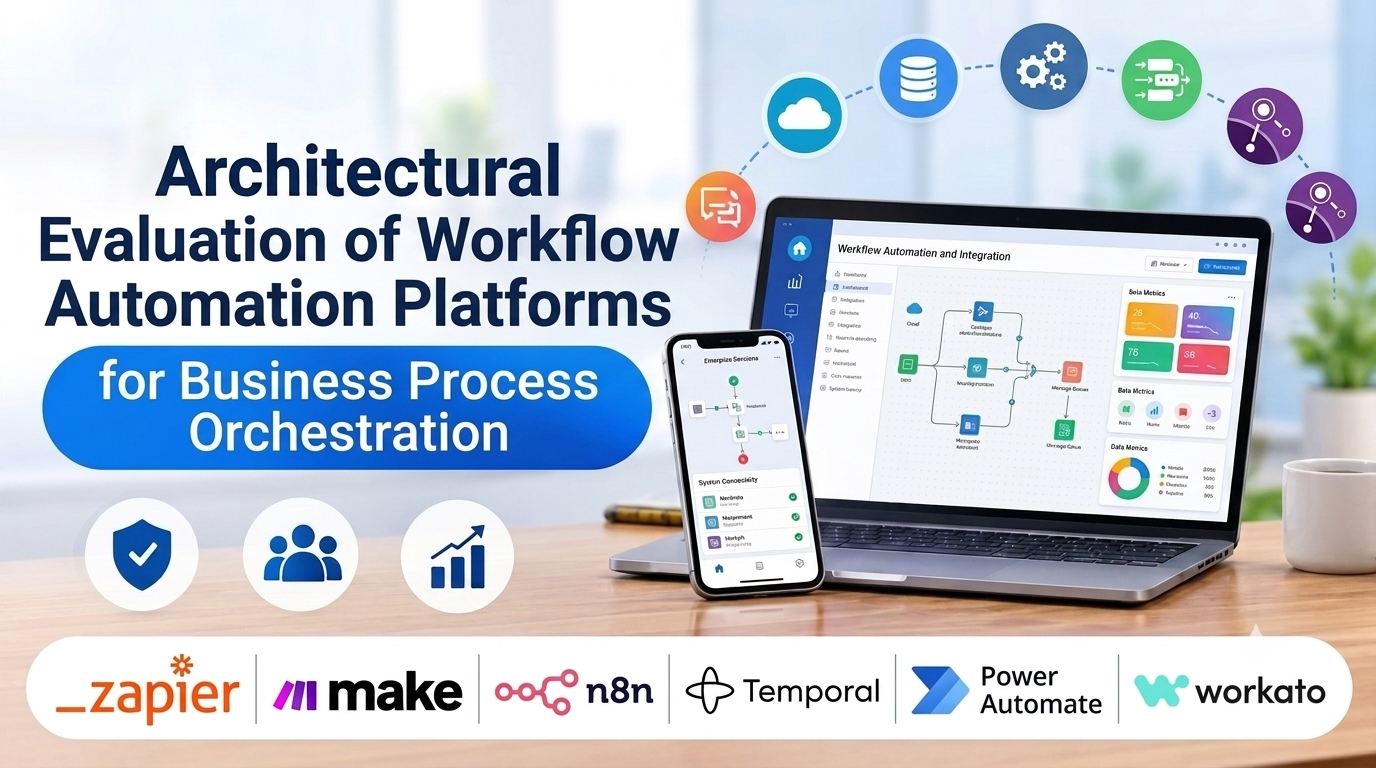
Organizations run on repetitive operational hand-offs: approving expense reports, onboarding new employees, syncing customer data between CRMs and billing software, and triggering automated customer support tickets. When these processes rely on manual emails and static spreadsheets, bottlenecks form, data errors multiply, and operational velocity slows to a crawl. Workflow automation platforms solve this fragmentation by connecting disparate applications, orchestrating human-in-the-loop approvals, and executing complex conditional logic without writing custom infrastructure code.
Choosing a workflow automation platform requires looking past simple triggers and actions, evaluating state machine reliability, error handling granularity, self-hosting flexibility, and enterprise security compliance. This guide examines leading workflow automation software platforms, analyzing their execution models, orchestration capabilities, and enterprise deployment trade-offs.
Core Evaluation Criteria for Workflow Architecture
Selecting a workflow automation platform involves balancing visual ease of use against execution resilience, data security, and complex branching logic.
- Trigger Mechanisms and Event Streaming: The variety and speed of event triggers—ranging from webhook ingestion and scheduled cron jobs to real-time database change data capture (CDC).
- State Management and Error Handling: The platform’s ability to recover gracefully from downstream API failures via automatic retries, exponential backoff, error-catching branches, and dead-letter queues.
- Human-in-the-Loop Approvals: Built-in capabilities to pause automated execution while waiting for human sign-off via email, Slack, or secure web forms before resuming workflow steps.
- Deployment Model and Data Governance: Evaluating whether workflows run on multi-tenant cloud infrastructure or can be self-hosted via Docker containers on private infrastructure to satisfy strict data privacy mandates.
Leading Workflow Automation Platforms Compared
Different team structures, technical sophistication levels, and infrastructure requirements demand distinct workflow orchestration architectures. Below is an examination of six prominent workflow automation platforms.
Zapier
- Primary Focus: Fast SaaS-to-SaaS integration and lightweight linear automation for business teams.
- Deployment Model: Cloud SaaS.
- Technical Strengths: Unmatched catalog of thousands of pre-built application connectors, exceptionally fast setup, intuitive linear sequence builder, and reliable cloud execution.
- Considerations: Multi-step branching logic, error handling, and complex data looping can become cumbersome and costly when scaling high-volume enterprise workflows.
Make (formerly Integromat)
- Primary Focus: Advanced visual workflow automation, complex data manipulation, and multi-branch routing.
- Deployment Model: Cloud SaaS.
- Technical Strengths: Powerful visual node-based canvas supporting complex filters, routers, aggregators, iterators, and granular transformation of JSON data payloads.
- Considerations: Visual scenario maps can become intricate and difficult to audit when managing hundreds of nested operational steps.
n8n
- Primary Focus: Fair-code, workflow automation platform with powerful self-hosting capabilities and custom JavaScript execution.
- Deployment Model: Self-hosted (Docker/Kubernetes) or Cloud-managed SaaS.
- Technical Strengths: Exceptional data privacy control via self-hosting, transparent fair-code license, native ability to write custom JavaScript/Python code nodes for complex data manipulation, and visual node-based execution.
- Considerations: Self-hosted instances require internal engineering resources to manage database persistence (PostgreSQL), server scaling, and container maintenance.
Temporal
- Primary Focus: Code-first durable execution, resilient microservices orchestration, and complex state management.
- Deployment Model: Self-hosted cluster or Temporal Cloud.
- Technical Strengths: Eliminates the fragility of traditional workflow engines by treating workflows as code (Go, TypeScript, Python, Java), guaranteeing that long-running multi-step processes execute reliably even across server crashes and network partitions.
- Considerations: Requires professional software engineering expertise to write and maintain workflow code; not designed for non-technical business users.
Microsoft Power Automate
- Primary Focus: Enterprise workflow automation integrated tightly across the Microsoft 365, SharePoint, and Azure ecosystem.
- Deployment Model: Microsoft Managed Cloud.
- Technical Strengths: Seamless integration with enterprise Microsoft tools, robust robotic process automation (RPA) capabilities for legacy desktop software, and enterprise-grade governance controls.
- Considerations: Licensing costs and permission structures can become complex when scaling across large enterprise departments.
Workato
- Primary Focus: Enterprise-grade IT automation, data integration, and business process management (BPM).
- Deployment Model: Cloud SaaS with local execution agents.
- Technical Strengths: Enterprise security compliance, robust workspace governance, workspace segregation, and powerful pre-built connectors for heavy enterprise software suites (Workday, Salesforce, NetSuite).
- Considerations: High licensing fees position it strictly as an enterprise-grade solution rather than a tool for small-scale teams.
Comparative Technical Overview
| Platform | Primary Target Audience | Deployment Approach | Extensibility | Best Suited For |
| Zapier | Business users & SMBs | Cloud SaaS | Pre-built app connectors | Simple SaaS-to-SaaS linear automations |
| Make | Operations teams & analysts | Cloud SaaS | Visual routers & data mapping | Complex multi-branch workflows without code |
| n8n | Technical ops & developers | Self-hosted Docker or Cloud | Custom JS/Python nodes | Privacy-conscious teams wanting self-hosted control |
| Temporal | Software engineering teams | Self-hosted or Temporal Cloud | Native code (Go, TS, Python) | Resilient, long-running microservices orchestration |
| Power Automate | Enterprise Microsoft users | Microsoft Azure Cloud | Custom connectors & Azure Functions | Organizations anchored in the Microsoft ecosystem |
| Workato | Enterprise IT & operations | Cloud SaaS + On-prem agents | Low-code recipes & custom SDK | Large-scale enterprise process automation |
Implementation and Operational Considerations
Deploying workflow automation platforms into production requires careful planning around rate limits, security boundaries, and failure recovery.
- API Rate Limits and Throttling: Automated workflows frequently trigger third-party API rate limits. Design workflows with built-in batching, throttling, and delay nodes to prevent applications from blocking your IP or returning 429 Too Many Requests errors.
- State Persistence and Idempotency: Ensure automated workflows are idempotent. If a workflow fails halfway through execution and triggers an automatic retry, it should not duplicate financial transactions or create redundant database entries.
- Data Privacy and PII: If workflows process sensitive customer data or financial records, avoid using multi-tenant cloud tools that lack explicit compliance certifications. Opt for self-hosted solutions like n8n or Temporal to maintain data sovereignty.
Summary and Selection Framework
Choosing the right workflow automation platform depends heavily on your team’s technical expertise, data privacy mandates, and workflow complexity.
- Choose Zapier or Make when business operations and marketing teams need rapid, visual SaaS integrations without engineering support.
- Choose n8n when you require visual node-based workflow automation but need the security and data privacy of self-hosting on private infrastructure.
- Choose Temporal when software engineering teams need code-first durable execution to orchestrate mission-critical microservices and long-running distributed transactions.
- Choose Power Automate or Workato when operating within a large enterprise that requires robust governance, legacy RPA support, and heavy Microsoft or enterprise software integration.
Evaluate your technical capacity, data security requirements, and workflow complexity before committing to an automation platform.
