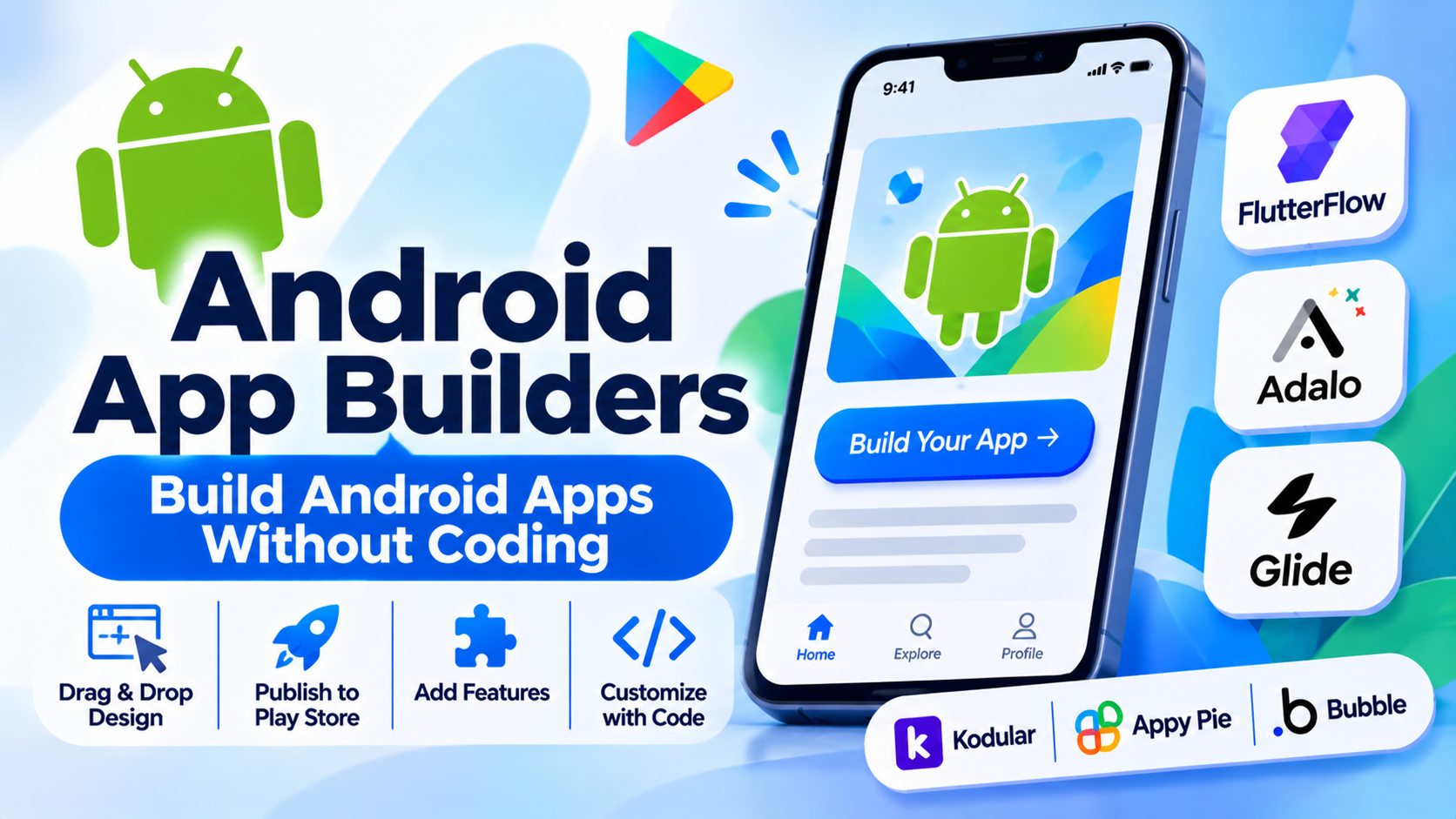
Building native mobile applications for the world’s largest mobile operating system traditionally required mastering Kotlin or Java inside Android Studio, configuring Gradle build scripts, and managing complex UI layouts via XML or Jetpack Compose. For small businesses, non-technical entrepreneurs, and rapid product teams, writing custom native code for a minimum viable product (MVP) often introduces prohibitive time and financial barriers.
Android app builders bridge this gap by offering visual drag-and-drop interfaces, pre-built component libraries, and automated APK or AAB (Android App Bundle) compilation. However, selecting a platform requires balancing visual ease of use against strict Google Play Store compliance, performance overhead, and long-term data scalability. This guide examines leading Android app development tools, analyzing their technical architectures, compilation methods, and publishing trade-offs.
Core Evaluation Criteria for Android App Builder Architecture
Selecting an app building platform involves assessing how the underlying engine compiles visual layouts into native Android binaries and handles device hardware integration.
- Compilation and Output Format: Whether the platform generates native Android packages (
.apkor.aab) compliant with current Google Play Console publishing guidelines, or merely wraps a responsive web view in a mobile shell. - Hardware and Sensor Integration: The availability of native plugins and SDKs to access device hardware, including camera sensors, GPS location services, push notifications (Firebase Cloud Messaging), and Bluetooth.
- Database and State Management: The flexibility of the underlying data layer, supporting either built-in cloud databases or seamless connectivity to external relational databases and REST APIs.
- Custom Code Extensibility: The ability to escape visual template constraints by injecting custom JavaScript, Kotlin, or CSS logic when complex business requirements arise.
Leading Android App Builders and Platforms Compared
Different project requirements—ranging from simple content apps and local business directories to fully custom transactional marketplaces—demand distinct platform architectures. Below is an examination of six prominent Android app development tools.
FlutterFlow
- Primary Focus: High-performance native Android and cross-platform mobile app development powered by Google’s Flutter framework.
- Deployment Model: Cloud SaaS with complete source code export.
- Technical Strengths: Generates clean, production-ready Dart and Flutter source code, completely eliminating vendor lock-in. Unmatched visual control over complex UI layouts, state management, and direct Firebase integration.
- Considerations: Requires a basic understanding of relational database structures and mobile app navigation patterns to configure advanced applications.
Adalo
- Primary Focus: Visual native mobile app building with integrated cloud databases and direct app store publishing.
- Deployment Model: Cloud SaaS.
- Technical Strengths: Highly intuitive drag-and-drop mobile interface builder, pre-configured user authentication workflows, Stripe payment integrations, and automated publishing support for Google Play.
- Considerations: Complex custom actions, multi-tier relational filters, and heavy data queries can slow down performance compared to code-export platforms.
Glide
- Primary Focus: Rapid mobile app creation powered directly by spreadsheet and relational database sources.
- Deployment Model: Cloud SaaS (Progressive Web App and native wrappers).
- Technical Strengths: Instantaneous setup by connecting Google Sheets, Airtable, or PostgreSQL, transforming tabular data into polished, functional mobile interfaces within minutes.
- Considerations: Highly optimized for internal business tools and data directories; less suited for immersive consumer apps requiring bespoke animations or offline-first local databases.
Kodular
- Primary Focus: Block-based visual programming for Android app creation without writing traditional text code.
- Deployment Model: Web-based visual builder.
- Technical Strengths: Free-to-use tier, intuitive visual drag-and-drop logic blocks (derived from MIT App Inventor), extensive component library for device sensors, and direct APK/AAB export.
- Considerations: Interface and generated app architectures can feel dated compared to modern component-driven frameworks like FlutterFlow.
Appy Pie
- Primary Focus: No-code mobile app creation for small businesses, restaurants, and event organizers.
- Deployment Model: Cloud SaaS.
- Technical Strengths: Rapid template-based deployment, pre-built integrations for food ordering, booking systems, and simple content feeds, requiring zero technical background.
- Considerations: Highly rigid template structures severely limit custom user interface design and complex custom backend logic.
Bubble
- Primary Focus: Full-stack web application development with responsive mobile web and wrapper deployment.
- Deployment Model: Cloud SaaS.
- Technical Strengths: Unmatched power for building complex database structures, multi-user portals, and intricate backend workflows without writing code.
- Considerations: Primarily optimized for web applications rather than native Android hardware features, requiring wrapper solutions for native Play Store deployment.
Comparative Technical Overview
| Platform | Primary Use Case | Underlying Technology | Output Format | Best Suited For |
| FlutterFlow | Native mobile & web apps | Flutter / Dart code generation | Native APK / AAB + Source Code | Developers & founders wanting full code ownership |
| Adalo | Native consumer mobile apps | Component wrapper architecture | Native APK / AAB | Non-technical creators launching dedicated mobile apps |
| Glide | Data-driven mobile tools & portals | PWA / Responsive web shell | Web app / Mobile wrapper | Rapid internal tools and data-heavy portals |
| Kodular | Educational & simple utility apps | Block-based visual logic | Native APK / AAB | Students, hobbyists, and basic utility creators |
| Appy Pie | Small business & e-commerce apps | Template-based SaaS builder | Native APK / AAB | Local businesses needing basic mobile presence |
| Bubble | Full-stack web platforms & portals | Proprietary web framework | Responsive Web App | Complex SaaS applications and web portals |
Implementation and Google Play Store Compliance Considerations
Deploying an application built with a visual app builder to the Google Play Store requires careful adherence to Android security guidelines and policy mandates.
- Google Play Policy Compliance: Google enforces strict requirements regarding target API levels, prominent disclosure of data collection (permissions for location, camera, storage), and app functionality. Ensure your chosen builder updates its underlying SDKs to meet current Google Play requirements.
- App Performance and Binary Size: Visual builders often bundle generic runtime libraries that increase app file sizes. Monitor your
.aabbundle size to prevent excessive cellular download abandonment. - Push Notifications and SSL Certificates: Verify that server-side integrations for push notifications (such as Firebase Cloud Messaging) and API endpoints maintain active SSL security certificates to prevent runtime communication errors.
Summary and Selection Framework
Choosing the right Android app builder depends on your technical proficiency, customization requirements, and deployment goals.
- Choose FlutterFlow when building sophisticated mobile applications and requiring the architectural safety of clean, exportable source code.
- Choose Adalo when you are a non-technical creator needing a straightforward drag-and-drop environment to publish a native app directly to the Google Play Store.
- Choose Glide when rapidly assembling internal business tools, directories, or client portals connected to existing spreadsheet data.
- Choose Appy Pie when a local business needs a quick, template-driven mobile presence without custom design requirements.
Evaluate your long-term scalability needs, data storage architecture, and desired level of code ownership before committing to an app building platform.
