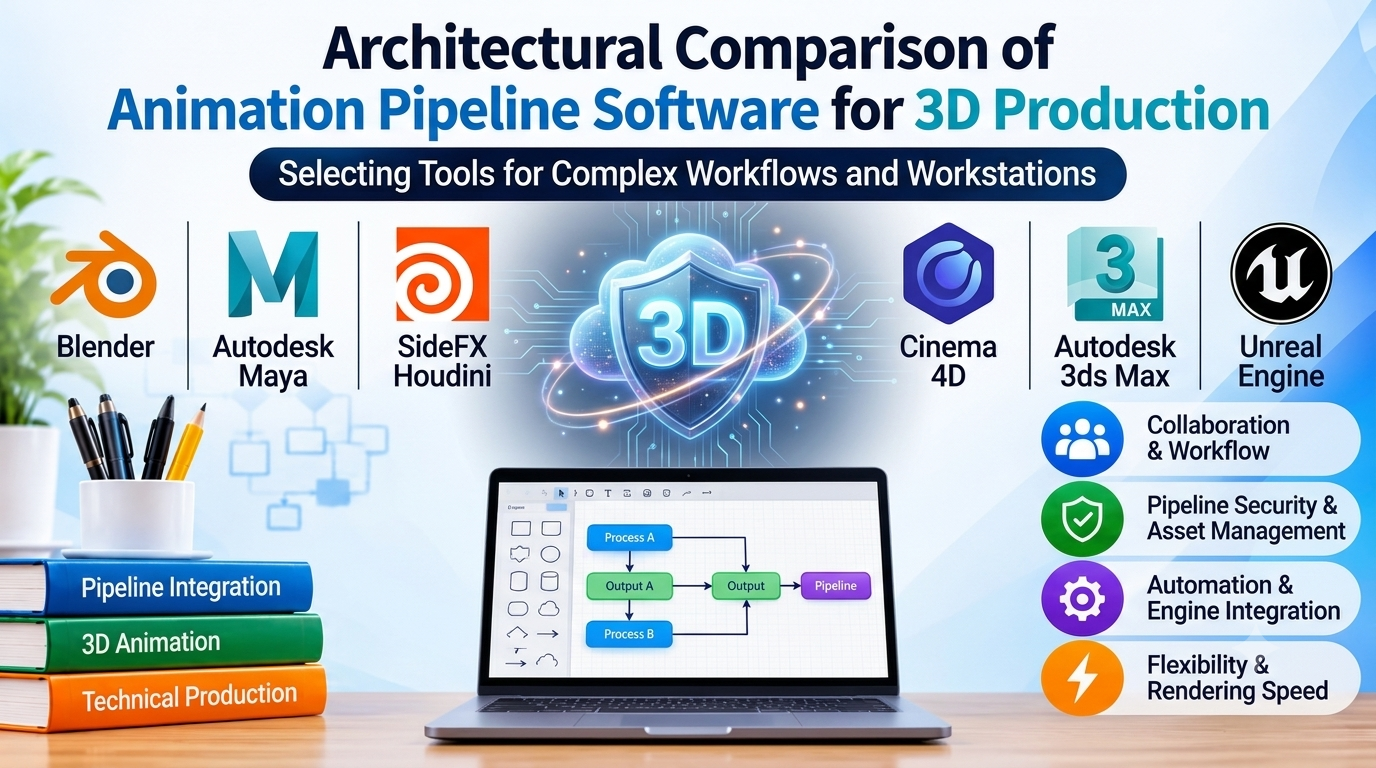
Choosing the right 3D animation software requires looking past generic feature lists and examining how a package fits into an established studio pipeline, handles complex rigging, and supports rendering requirements.
Production teams rarely select software based on a single tool’s capabilities alone. Instead, evaluation centers on data interchange formats, scalability under heavy polygon counts, simulation solvers, and long-term licensing costs. This guide examines six leading 3D animation platforms, analyzing their architectural strengths, workflow trade-offs, and ecosystem fit for professional production pipelines.
Evaluating 3D Animation Software for Production Pipelines
Selecting a 3D animation platform involves balancing artist usability against technical infrastructure requirements. Modern pipelines demand applications that integrate smoothly with version control systems, asset managers, and custom rendering farms.
Core Evaluation Criteria
- Pipeline Interoperability: Support for industry-standard interchange formats such as USD (Universal Scene Description), Alembic, and FBX, enabling seamless asset transfer between modeling, rigging, and lighting departments.
- Rigging and Deformation Architecture: The flexibility of the character setup toolset, including support for non-linear deformers, corrective blend shapes, custom skinning weights, and real-time viewport feedback.
- Simulation Solvers: Built-in or tightly integrated solvers for hair, cloth, soft bodies, and fluids, minimizing the need for external caching and cache re-import loops.
- Licensing and Total Cost of Ownership: Evaluating perpetual versus subscription models alongside render node licensing restrictions and third-party plugin dependencies.
Leading 3D Animation Platforms Compared
Different production scales demand distinct architectural approaches. Below is an expanded breakdown of six major platforms widely adopted across film, television, game development, and visualization.
Blender
- Primary Focus: Open-source, end-to-end 3D content creation suite covering modeling, rigging, animation, simulation, rendering, and compositing.
- Deployment Model: Free, open-source (GNU GPL).
- Technical Strengths: Rapid release cycle, active developer community, grease pencil for 2D/3D hybrid animation, and tight integration with the Cycles and Eevee rendering engines. USD support has matured significantly, allowing integration into larger proprietary pipelines.
- Considerations: While adoption in major studios is growing, legacy pipelines often require custom bridge scripts to align Blender’s data blocks with proprietary asset management systems.
Autodesk Maya
- Primary Focus: High-end character animation, complex rigging, and visual effects pipeline standard.
- Deployment Model: Commercial subscription.
- Technical Strengths: Industry standard for character animation and rigging due to its highly extensible node-based architecture (Dependency Graph). Extensive MEL and Python API support allows studios to build custom tools and automation scripts. Robust native support for USD workflows.
- Considerations: High licensing costs and a steep learning curve for solo artists or smaller teams who may not require its massive pipeline customization depth.
SideFX Houdini
- Primary Focus: Procedural generation, complex visual effects, simulation, and procedural animation.
- Deployment Model: Commercial subscription (tiered editions including Houdini Apprentice and Indie).
- Technical Strengths: Node-based procedural workflow allows non-destructive iteration across modeling, rigging, and animation. Unmatched power in procedural rigging, crowd simulation, and physical effects (pyrotechnics, fluids, destruction).
- Considerations: Procedural thinking requires a shift in workflow methodology compared to direct manipulation tools, making it less intuitive for traditional keyframe character animators.
Maxon Cinema 4D
- Primary Focus: Motion graphics, broadcast design, and streamlined visualization workflows.
- Deployment Model: Commercial subscription.
- Technical Strengths: Renowned for intuitive UI, reliable stability, and fast learning curve. Exceptional motion graphics toolset (MoGraph), robust integration with Adobe After Effects, and powerful parametric modeling features.
- Considerations: While character animation capabilities have improved, it is historically less favored for feature-film-grade quadrapedal and facial rigging compared to specialized animation suites.
Autodesk 3ds Max
- Primary Focus: Architectural visualization, game environment modeling, and hard-surface asset creation.
- Deployment Model: Commercial subscription.
- Technical Strengths: Highly versatile modifier stack architecture, extensive third-party plugin ecosystem, and powerful modeling tools well-suited for architectural rendering and technical asset production. Strong integration with industry renderers like V-Ray and Arnold.
- Considerations: Historically relied on modifier stacks that can become complex to manage in large collaborative character pipelines compared to node-based applications like Maya.
Unreal Engine
- Primary Focus: Real-time 3D creation, virtual production, interactive experiences, and real-time rendering.
- Deployment Model: Free to use for development; royalty-based commercial model for enterprise/games above revenue thresholds.
- Technical Strengths: Advanced real-time rendering capabilities via Lumen and Nanite, integrated Sequencer toolset for virtual cinematography, live-action motion capture streaming, and real-time physics simulation.
- Considerations: Transitioning a traditional offline rendering pipeline into a real-time game engine environment requires significant changes to asset optimization and lighting workflows.
Comparative Technical Overview
| Software | Primary Architecture | Key Interchange Formats | Best Suited For | Licensing Model |
| Blender | Monolithic, modular open-source | USD, Alembic, FBX, OBJ | Generalists, indie studios, technical artists | Free / Open Source |
| Autodesk Maya | Node-based DAG architecture | USD, Alembic, FBX, USDz | Feature film animation, AAA games, large pipelines | Subscription |
| SideFX Houdini | Procedural dependency network | USD, Alembic, FBX, VDB | FX simulation, procedural asset generation, crowds | Subscription / Tiered |
| Maxon Cinema 4D | Parametric and modular manager | USD, Alembic, FBX, Cineware | Motion graphics, broadcast, product visualization | Subscription |
| Autodesk 3ds Max | Modifier-stack architecture | USD, Alembic, FBX, 3DS | ArchViz, game environments, hard-surface modeling | Subscription |
| Unreal Engine | Real-time node/component system | USD, FBX, Datasmith, OBJ | Virtual production, real-time rendering, interactive media | Free / Royalty |
Integration and Pipeline Considerations
Deploying a 3D animation tool within an existing infrastructure requires careful analysis of data flow.
- Asset Transport: Ensure the target software reliably exports and imports geometry, skin weights, and animation curves via USD or Alembic without data loss or scale discrepancies.
- Render Farm Compatibility: Verify whether the software integrates cleanly with render management tools like Deadline, Tractor, or cloud rendering solutions without requiring excessive per-node licensing fees.
- Custom Tooling: Assess the availability and documentation of Python APIs to automate repetitive tasks, naming conventions, and file validation checks.
Summary and Selection Framework
No single 3D animation platform serves every pipeline equally well.
- Choose Autodesk Maya when building a traditional feature-film or game development pipeline centered on complex character performance, advanced rigging, and established studio interoperability.
- Choose SideFX Houdini when projects demand heavy procedural generation, large-scale simulations, or data-driven animation systems.
- Choose Blender for flexible, cost-effective pipelines that benefit from an all-in-one feature set and active open-source development.
- Choose Maxon Cinema 4D for fast-paced motion graphics, branding work, and projects requiring tight integration with design and compositing suites.
- Choose Autodesk 3ds Max for architectural walkthroughs, product visualization, and hard-surface environment creation.
- Choose Unreal Engine for real-time virtual production, interactive visualization, and cutting-edge raytraced workflows.
Evaluate your team’s existing skill sets, pipeline bottlenecks, and long-term project scale before committing to a software ecosystem.
Suggested WordPress Metadata
Suggested Tags: 3D Animation, Pipeline Integration, VFX Software, Blender, Maya, Houdini, Cinema 4D, 3ds Max, Unreal Engine, 3D Modeling, Rigging
Suggested Categories: Software Evaluation, Animation Technology, Production Pipelines
Suggested Focus Keyword: 3D animation software comparison
